Advanced Sheet Metal Design Using NX Cad Challenge_1_Casing Design
SHEET METAL
CASING DESIGN
USING
NX CAD
OBJECTIVE:
To design a sheet metal casing using NX sheet metal application and to know about all the tools and their usage .
INTRODUCTION:
Siemens NX is a high end CAD/CAM/CAE software. Siemens NX software is a flexible and powerful integrated solution that helps you deliver better products faster and more efficiently. NX delivers the next generation of design, simulation, and manufacturing solutions that enable companies to realize the value of the digital twin.
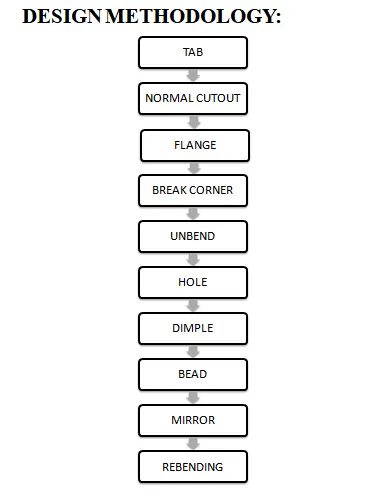
DESCRIPTION:
TAB :
Tab is a base feature by extruding a sketch by adding thickness value ,for this we need to first create a 2d sketch .
NORMAL CUTOUT:
This feature is used to cut a section using a reference 2d sketch.
FLANGE:
This feature is used to create a flange by selecting the user defined edge.
BREAK CORNER:
This feature is used to create a smooth edge by selecting a fillet or chamfer option and by defining certain values.
UNBEND:
This is a feature which is used to flatten the bended edges in a sheet metal part.
HOLE:
This feature is used to create holes to any part with preferred type and specification of holes.
DIMPLE:
This feature is used to drop or lift the material by using the 2d reference sketch as a stamping feature.
BEAD:
This feature is also used to drop or lift the material along the counter of sketch that simulates the stamping of sketch.
MIRROR :
This feature is used to make a symmetry by selecting a feature in respect of use defined plane or sketch.
REBEND:
This feature is used to restore a flatten sheet metal part.
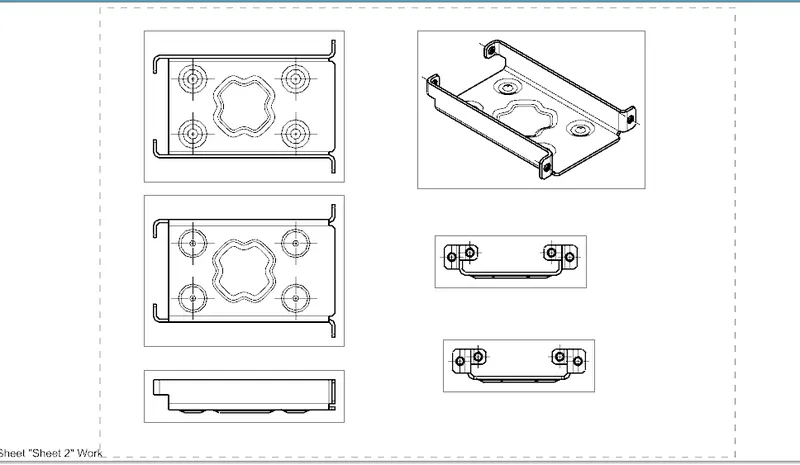
ISOMETRIC VIEW
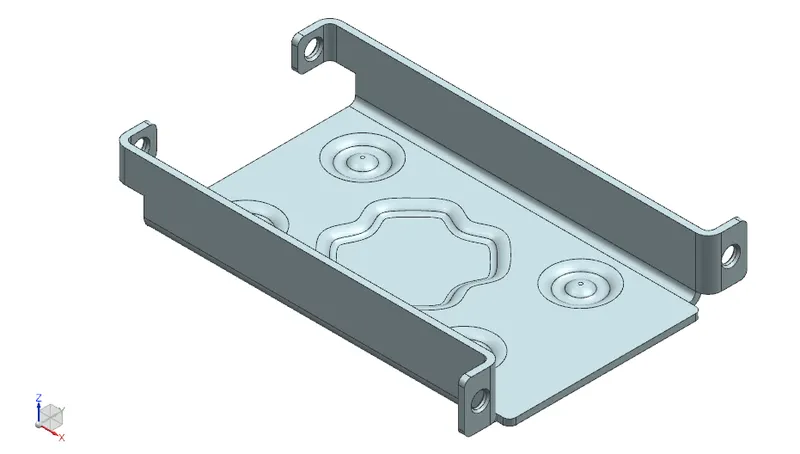
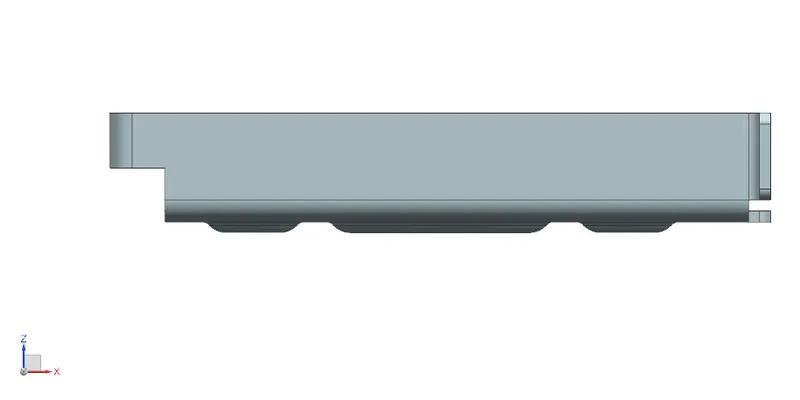
FRONT VIEW
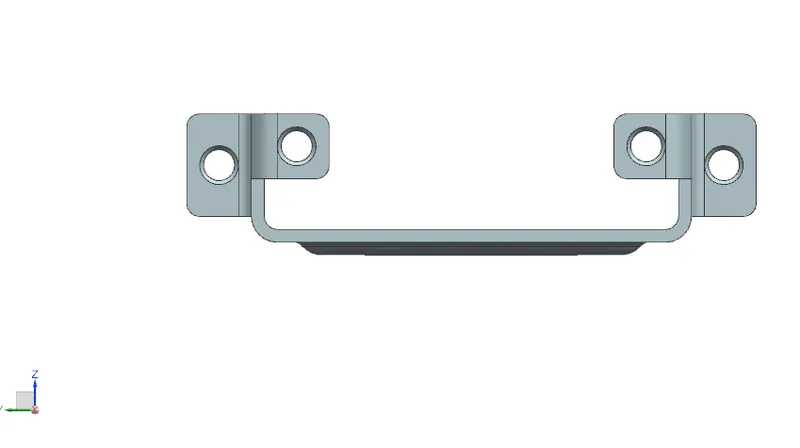
LEFT VIEW
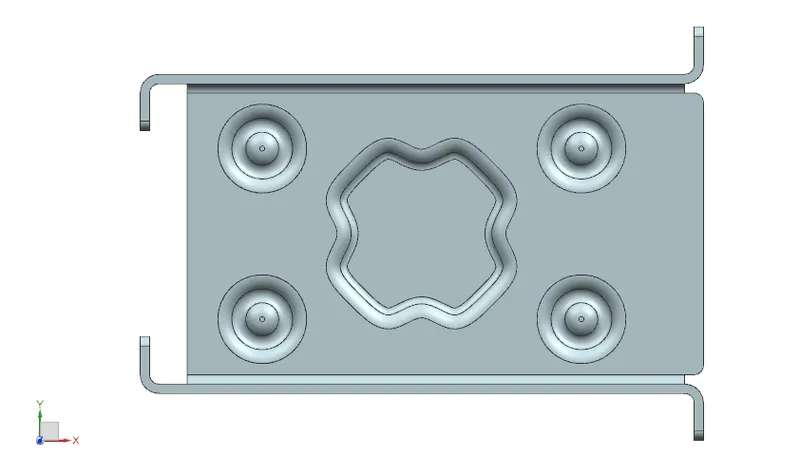
TOP VIEW
Drafting:
CONCLUSION:
The final sheet metal design has been done and learned about all the tools in the application.
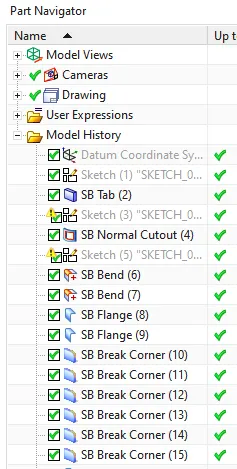
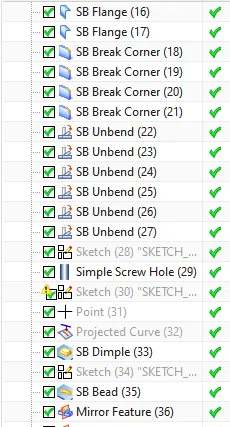
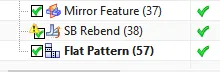
Feature manager tree of casing are: