Advanced Sheet Metal Design Using NX Cad Challenge_5_Odd Shaped Enclosure
DESIGN OF AN ODD SHAPED ENCLOSURE USING NX CAD:
OBJECTIVE:
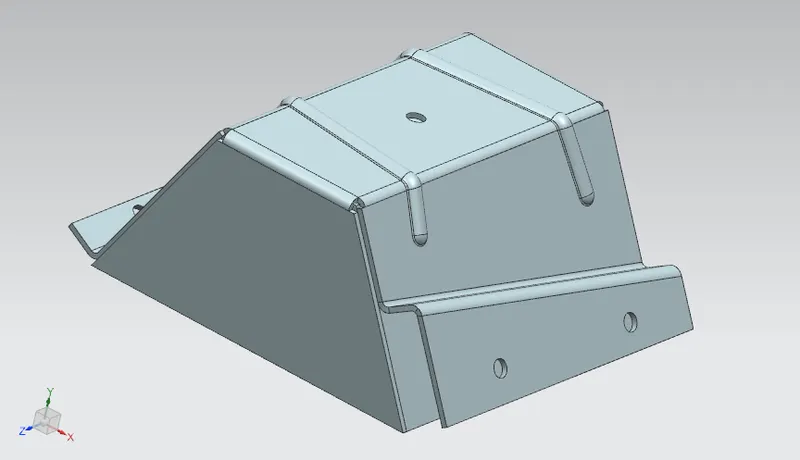
The aim of this project is to design a odd shaped enclosure using NX CAD sheet metal application.
INTRODUCTION:
Siemens NX is a high end CAD/CAM/CAE software. Siemens NX software is a flexible and powerful integrated solution that helps you deliver better products faster and more efficiently. NX delivers the next generation of design, simulation, and manufacturing solutions that enable companies to realize the value of the digital twin.
Sheet metal is a metal formed by an industrial process into thin , flat pieces. Sheet metal is one of the fundamental forms used in metal working and it can be cut and bent in to variety of shapes . countless everyday objects are fabricated from sheet metal.
DESCRIPTION:
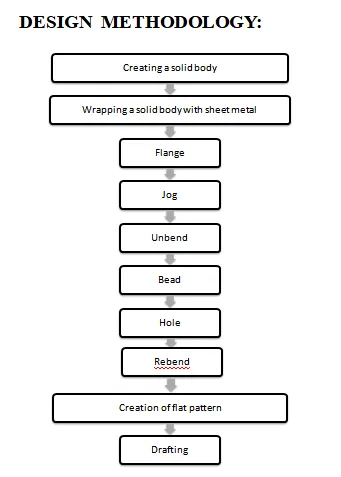
First we have to open the NX CAD sheet metal application and set the sheet metal preferences for commands.
SKETCH:
It is a basic and initial operation for creating any kind of sheet metal components.
EXTRUDE:
Extrude is a feature that forms by extruding the sketch along a vector by providing thickness or adds material to a plane face.
SHEET METAL FROM SOLID:
It builds a sheet metal model that takes its shapes from a collection of planar faces. This command is used to convert the solid body into a sheet metal body. After selecting the command and the solid body, we can also remove the edge sharpness by removing the material at these places.
FLANGE:
Flange command creates a bend between two walls and we can adjust angle for bend. And this can be done by selecting the edge and edge should be straight.
JOG:
Lifts one side of the sheet metal part through a defined line. Ads flange between the stationary side and the lifted side.
UNBEND:
Unbend is a command used to flattens a bend and the material adjacent to the bend.
BEAD:
Bead lifts material along the contour of a sketch that simulates a stamping tool.
HOLE:
This feature is used to create holes to any part with preferred type and specification of holes.
REBEND:
This feature is used to restore a flatten sheet metal part.
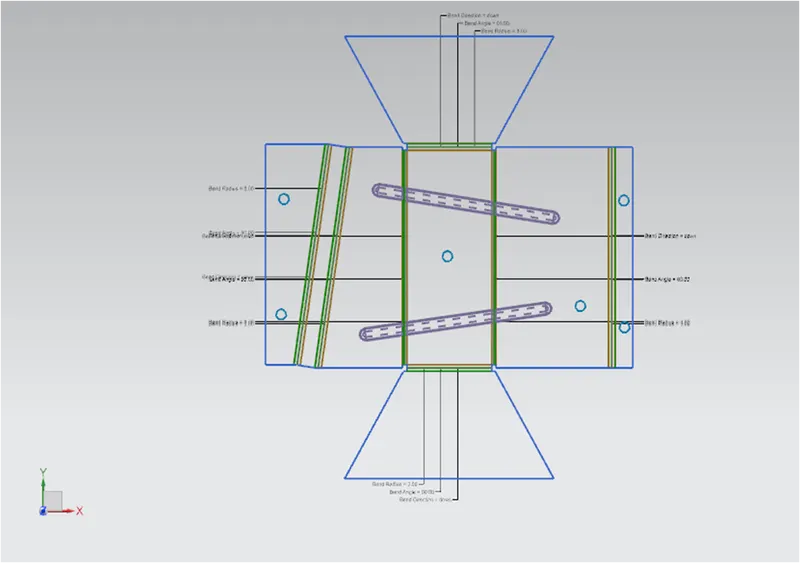
FLAT PATTERN:
It creates a flat pattern feature from the formed sheet metal part.
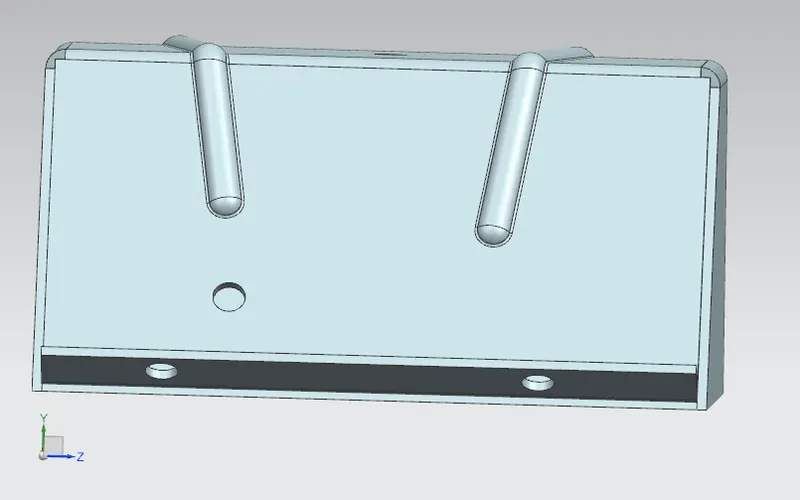
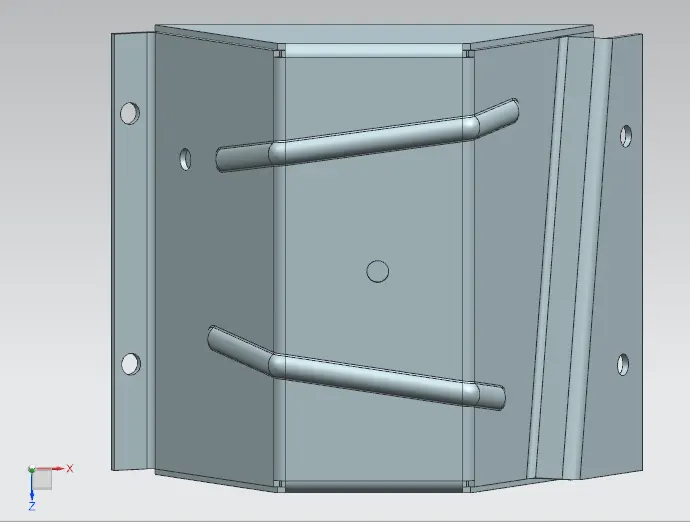
VIEWS:
DRAFTING:
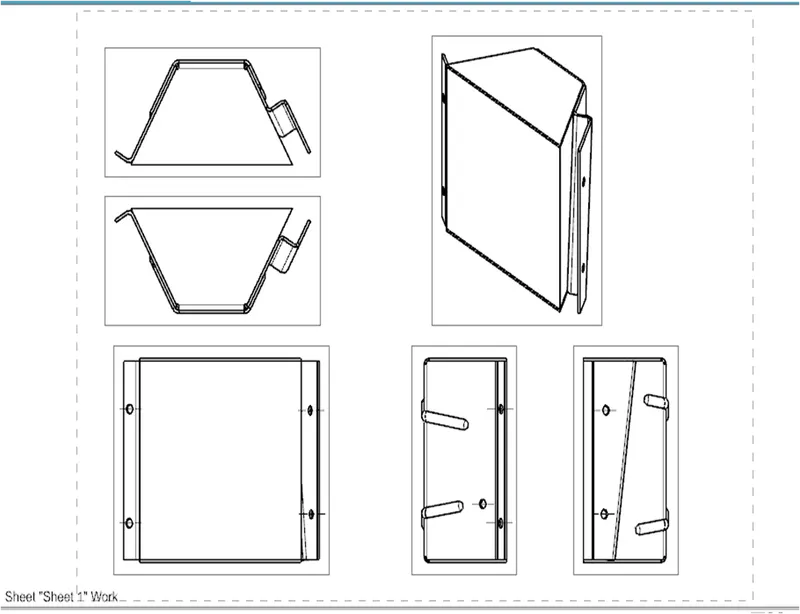
Starts the drafting application which provides tools to create and maintain drawings of design model.
1.NEW SHEET: Creates a new drawing sheet.
2.BASE VIEW : Creates a model based view on the drawing sheet.
CONCLUSION:
Thus the design and drafting of an odd shaped enclosure using NX cad(sheet metal application) has done.
Feature manager tree:
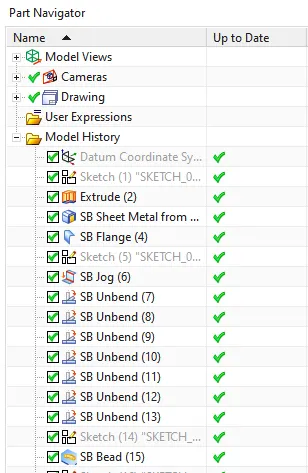
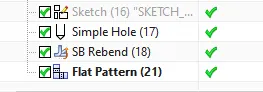
the feature manager tree of design of odd shaped enclosure are