Advanced Sheet Metal Design Using NX Cad - Metal bracket-II
TITLE OF THE PROJECT:- METAL BRACKET-II
OBJECTIVE:-To Create Metal bracket using sheet-metal in NX CAD
DESIGN METHODOLOGY:-
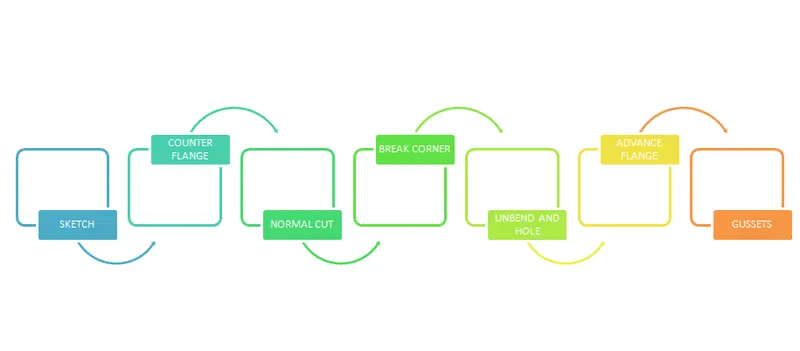
DESCRIPTION:-
- For this metal bracket sketch is very important and critical part. Sketch will give the desire shape of Bracket as for this componet we are not much depended upon the feature of sheet-metal.
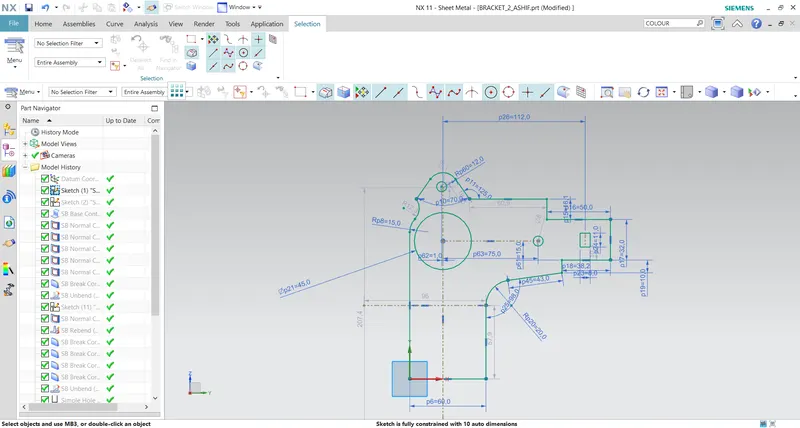
- Firstly we create counterflange using simple sketch for getting the base shape of the metal bracket.
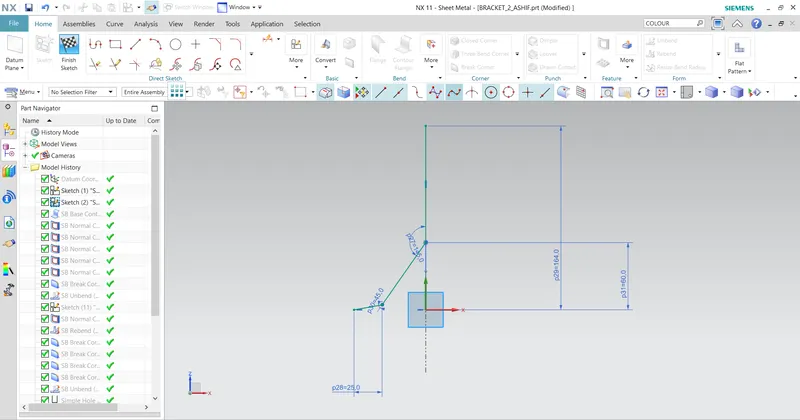
- Now it's time to give normal cut to the counterflange we created with the complex sketch we create initially. Normal cut given to form the bracket is not given at a time. We give normal cut in small phase. First we give normal cut to the top side of the flange and then we come to bottom side to give the normal cut.
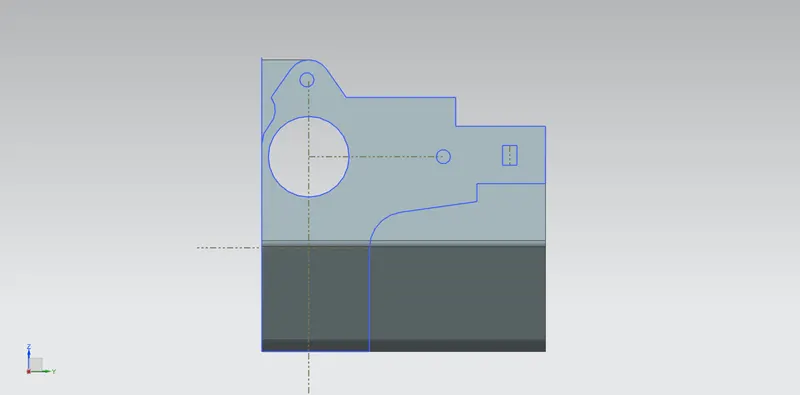
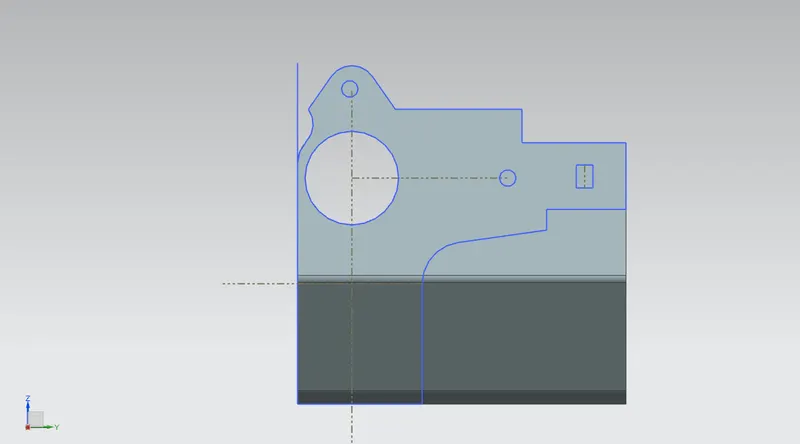
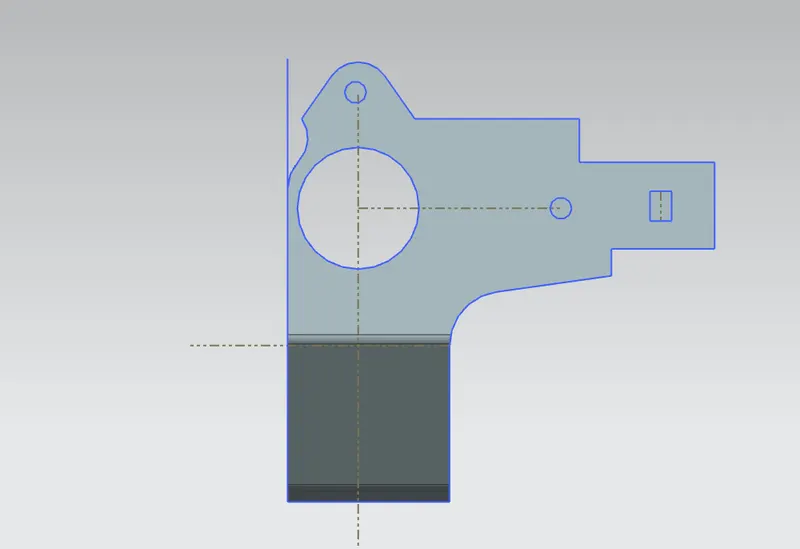
- Give normal cut to the counter flange with the inner sketch we created to create holes. And add some break corner of radius 1mm to the sharpe edges of rectangle just created using normal cut.
- Unbend the bracket to give break corner to sharpe edges of the bracket of reqiured radius.
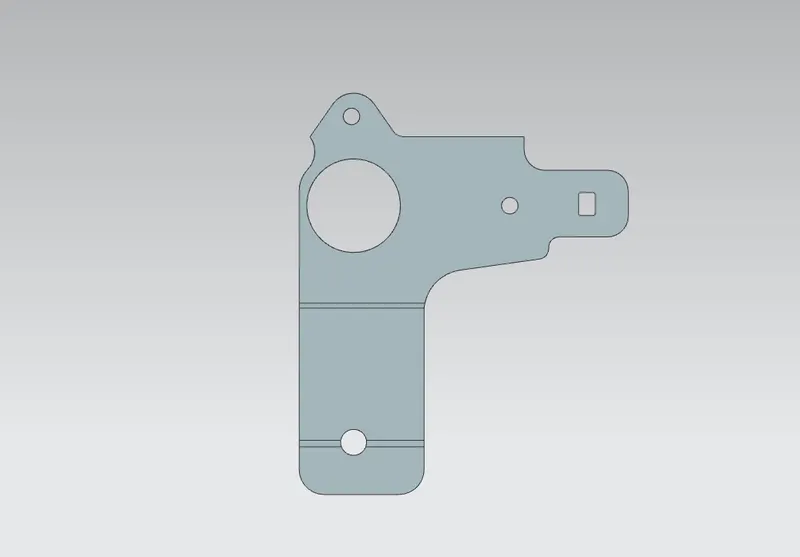
- Now we add some holes to the bracket of diameter 6mm.
- Now draw an ellipse and give normal cut to it and rebend the bracket.
- Add advance flange to the upper portion of the bracket and one advance flange to the ellipse we just created.
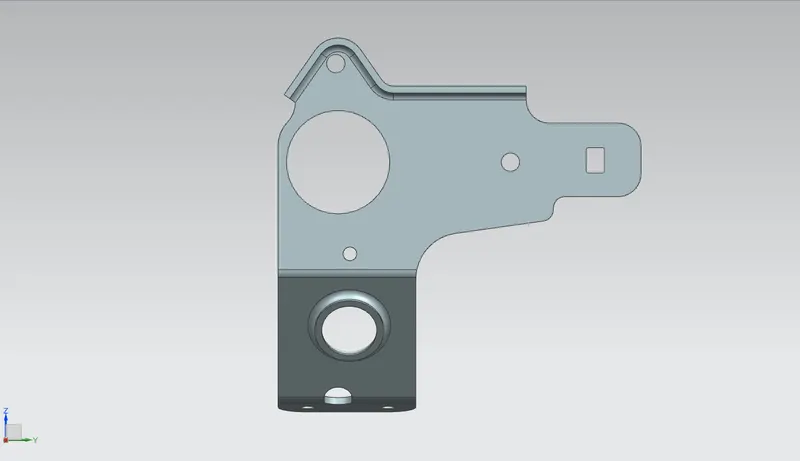
- Final step is to provide some gussets to give strength to our bracket of width 7mm of square type.
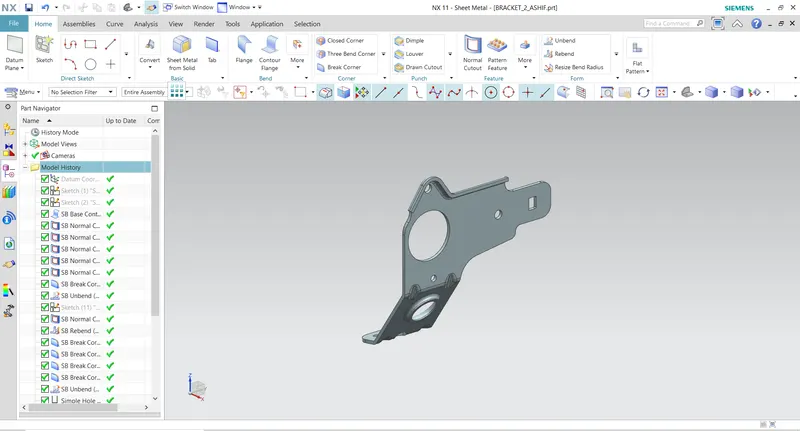
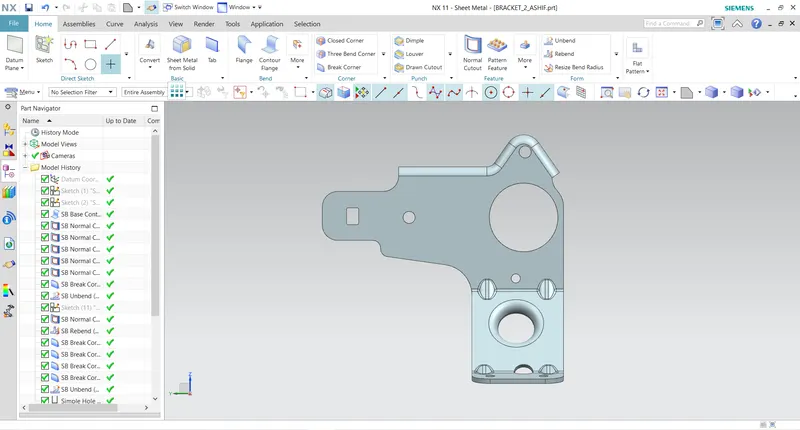
- Like this we get our final componet Metal Bracket.
ERROR FACED:-
- Faced issue in creating advance flange which was later resolved by shifting the sketch.
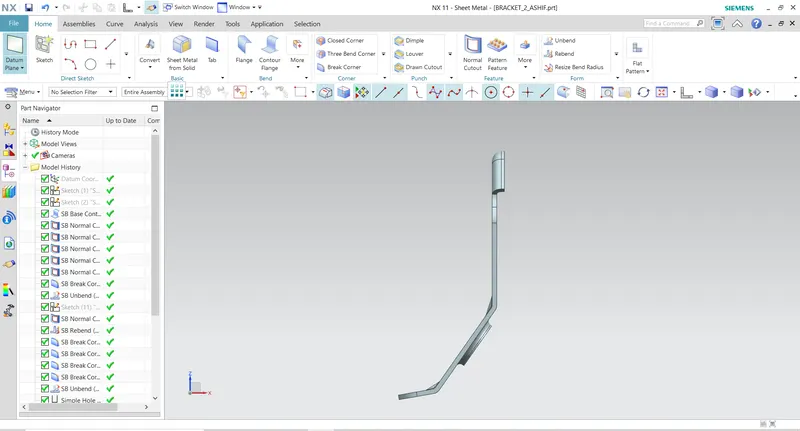
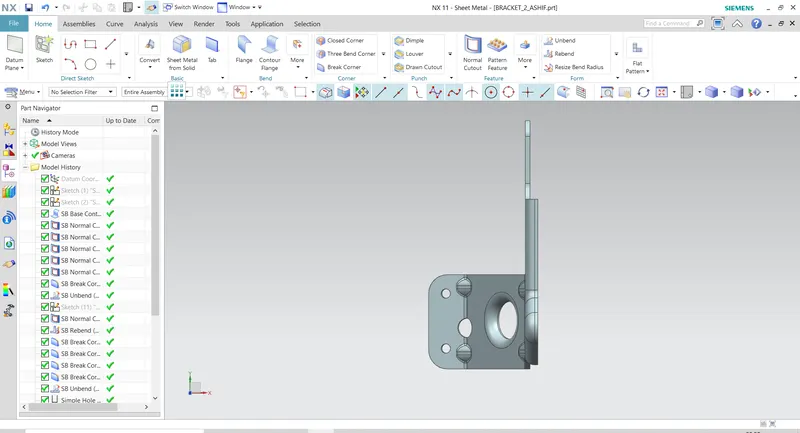
DIFFERENT ORIENTATION:-
CONCLUSION:-
In this project we learn how to operate complex sketch in sheet-metal to form desire componet.We also learn how to give advance flange and gussets to any componet.
THANKYOU