Advanced Sheet Metal Design Using NX Cad Challenge_7_ Metal bracket-II
Metal bracket-II using Advanced Sheet Metal Design in NX Cad
Objective: To develop a sheet metal bracket in NX sheet metal.
Introduction: NX Sheet Metal provides a set of tools within the NX design environment that allows for simple and fast design of sheet metal parts, dependent on their material and manufacturing process, the most common of which is straight brake sheet metal forming. In NX Modeling, complex uniform thickness parts (often sheet metal) are created either by using surfacing techniques and then thickening the result, or by starting with a solid shape, blending, and then shelling the part to get uniform thickness. For complex parts, which have variable radius blends and important curvature conditions, these techniques are necessary to produce the correct part. However, for some less complex parts that still have non-linear bends and don’t need to be modeled in NX this way, NX Advanced Sheet Metal can be used instead.
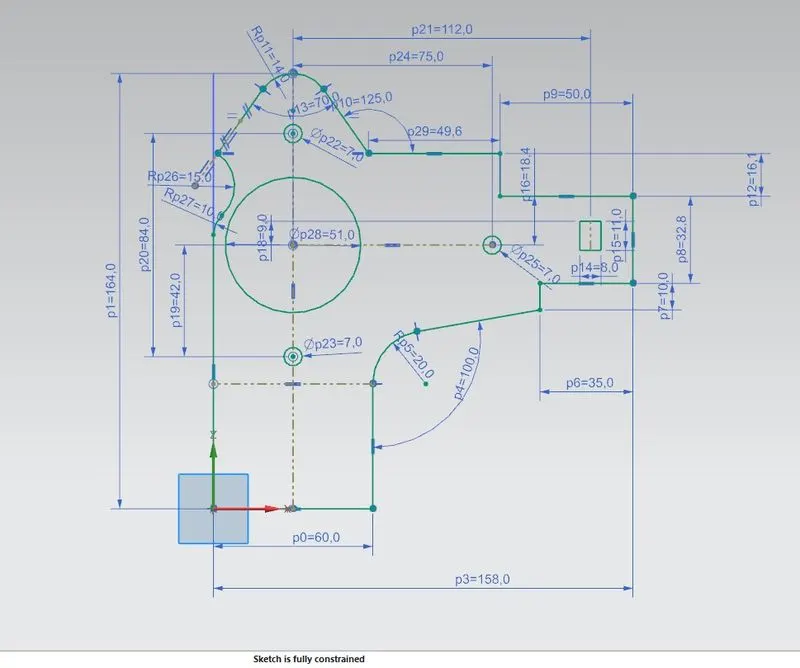
Design methodology: To create a couple of normal cuts first we drew some given sketches on the YZ plane.
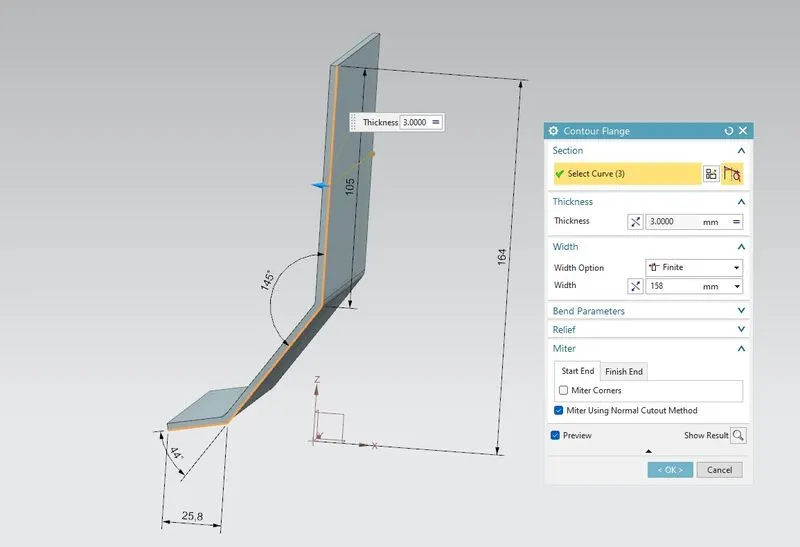
Then we create another sketch for our bracket on the XZ plane with proper dimensions. and use contour flange with 3mm thickness and width of 158mm infinite width option.
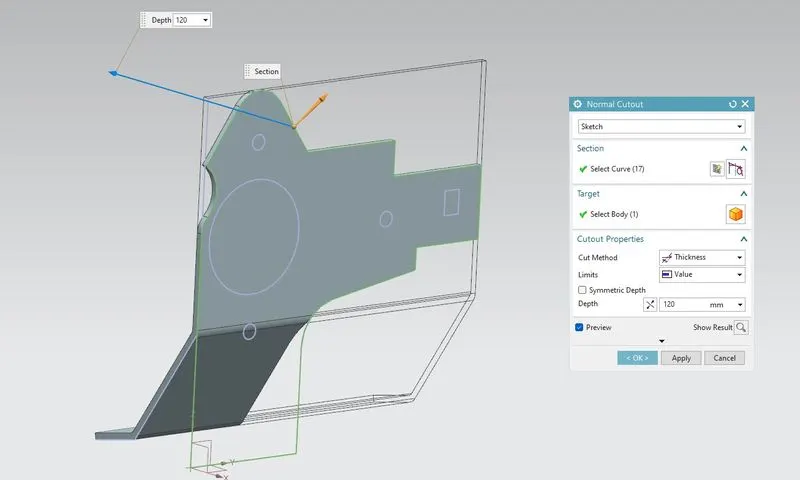
Then we have to do some normal cutouts with the help of our sketch which we have created on a YZ plane with the normal cut out of 120mm.
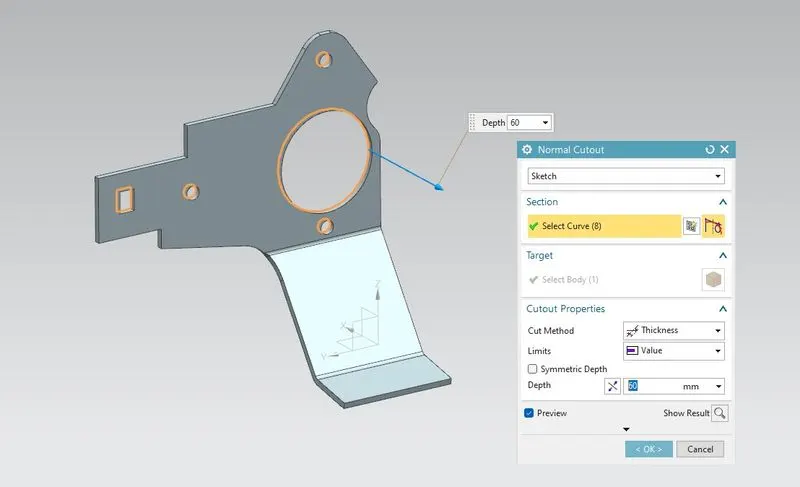
Again we have to do another normal cutout for our sketch pattern-like holes which we have created on our bracket YZ plane with a normal cut out of 60mm in depth.
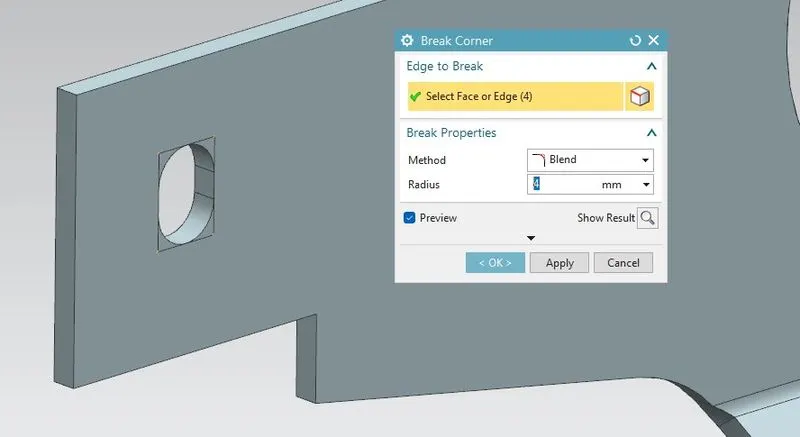
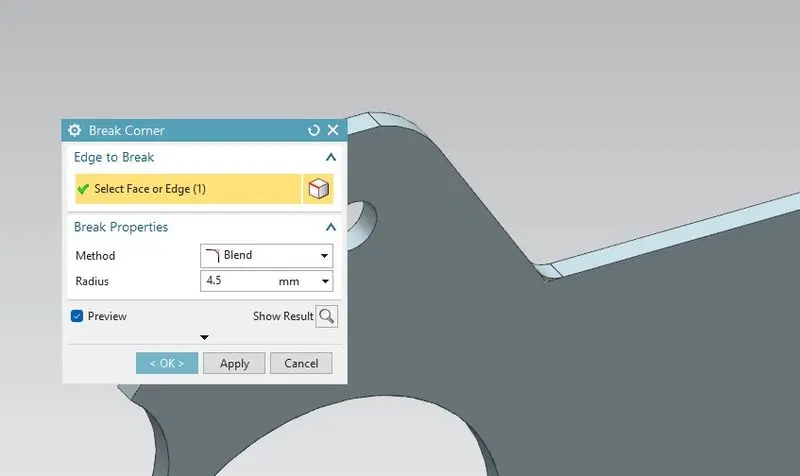
After that, we have to eliminate the sharp edges on our bracket design with a 4mm radius value.
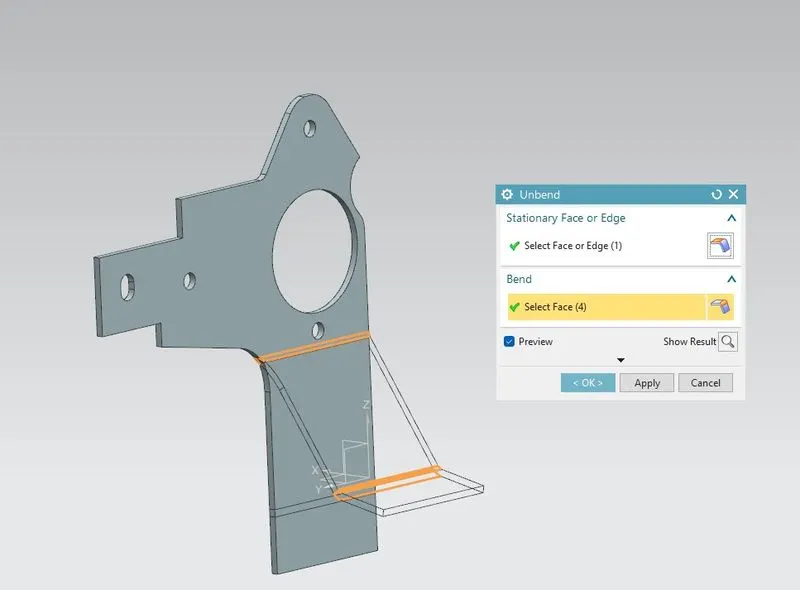
For getting flat configuration of our sheet metal and for a further procedure we unbend our bracket profile.
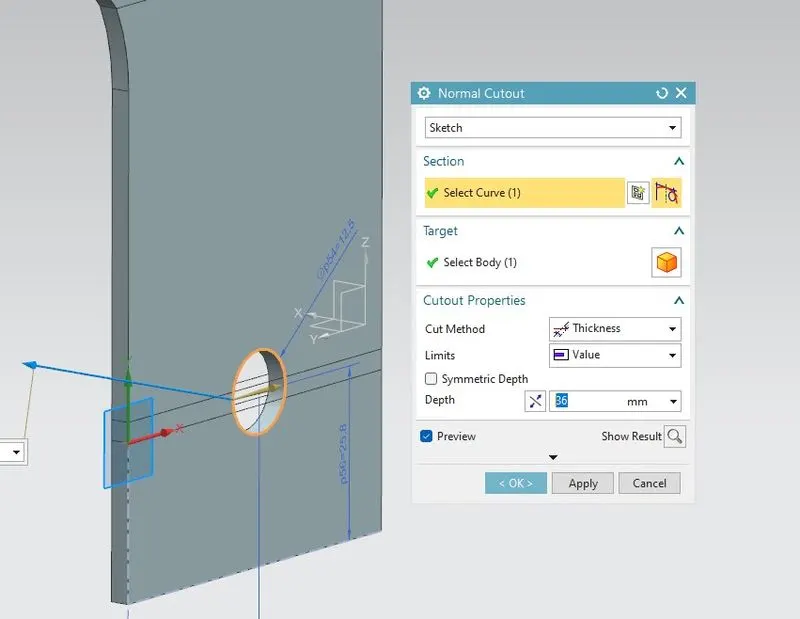
Again we have to cut a small hole of 12.5mm on unbend face of the bracket with a normal cut out of 36mm in depth value.
Again we use the Break corner feature to eliminate sharp edges.
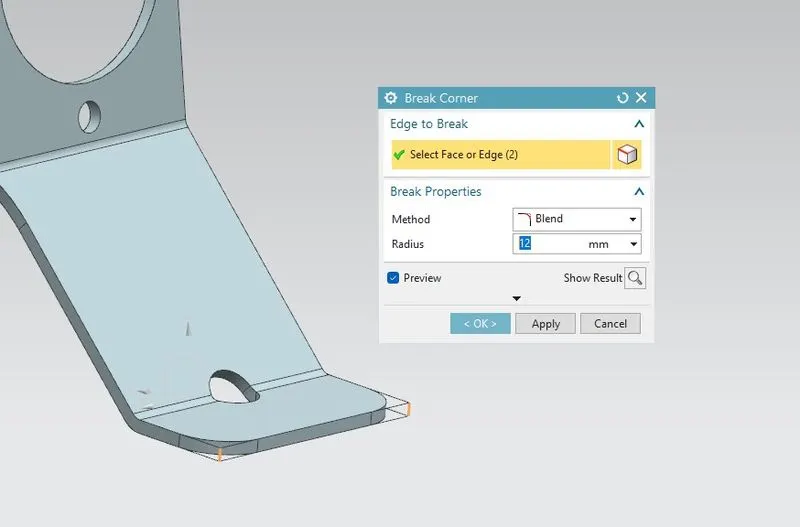
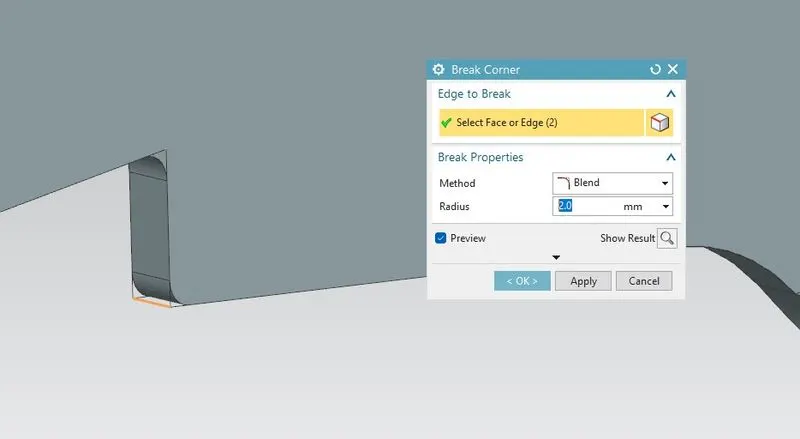
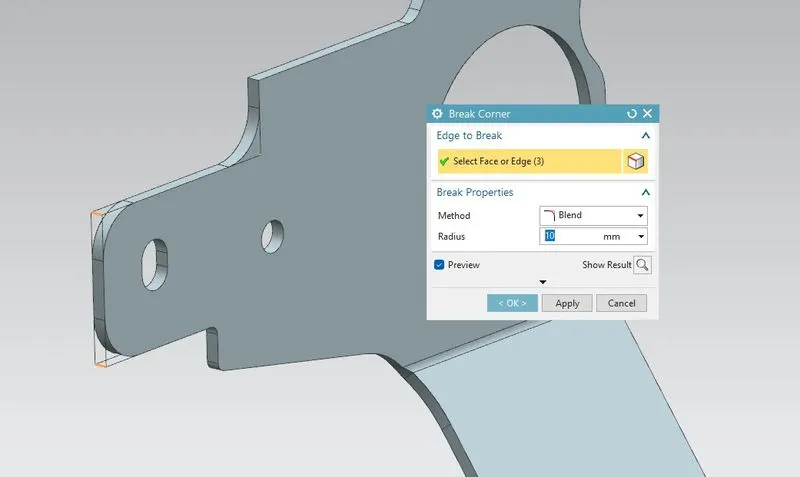
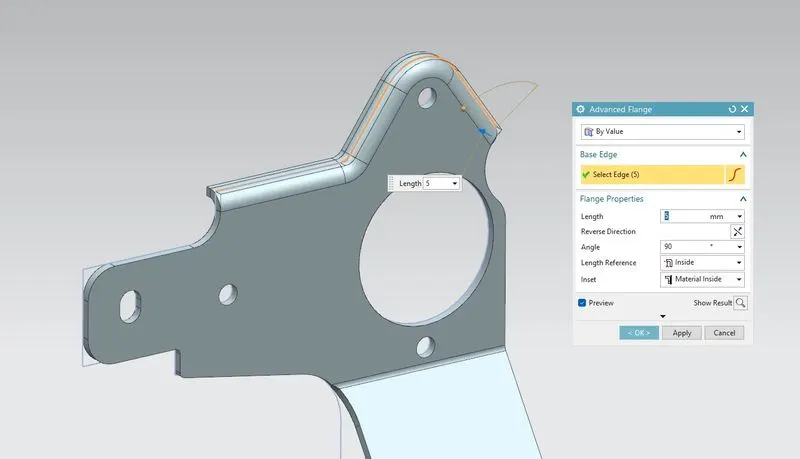
Just like Flange, we select advanced flange on the top edge of our bracket by selecting some edges and use an advanced flange of 5mm in length.
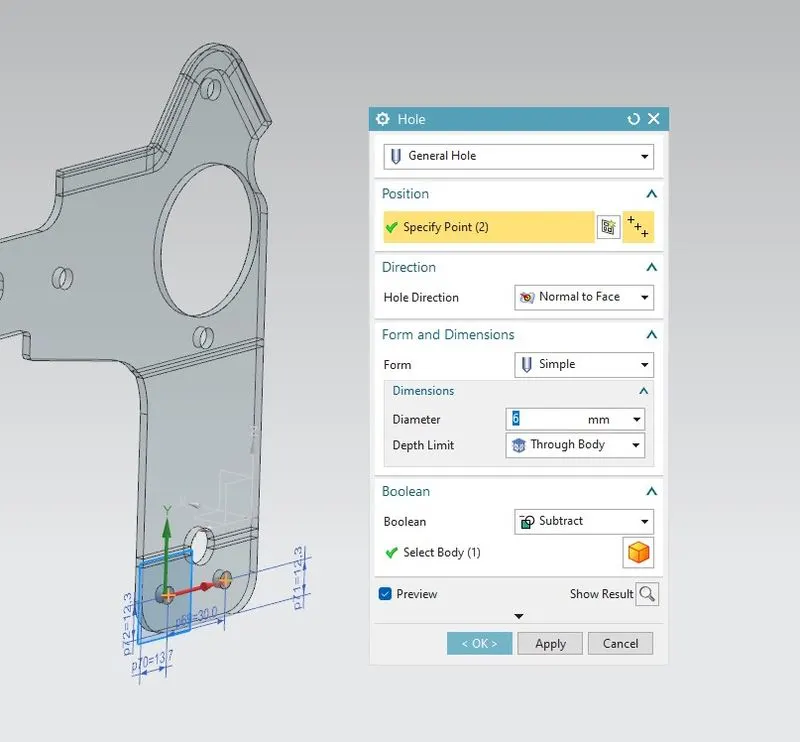
Then we make a hole in the Bracket on our sheet metal of 6mm simple hole with proper symmetric dimensions.
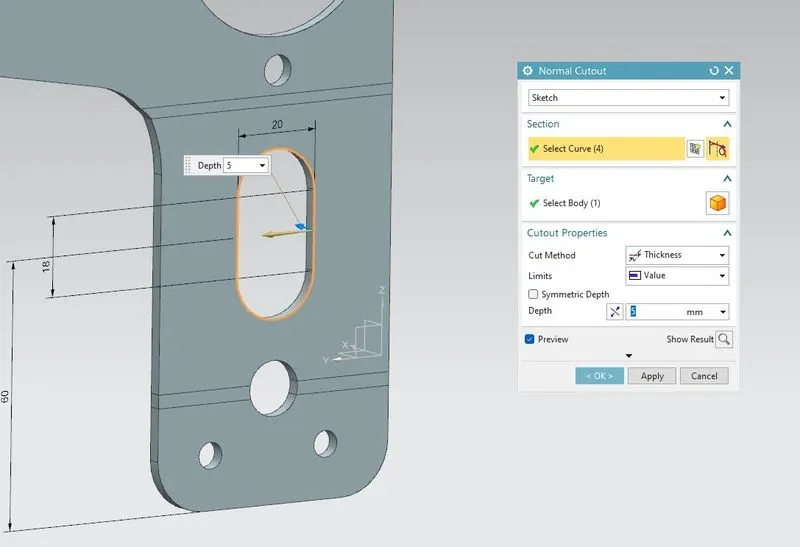
Normal Cutout of the sketch on Unbend sheet metal of 5mm.
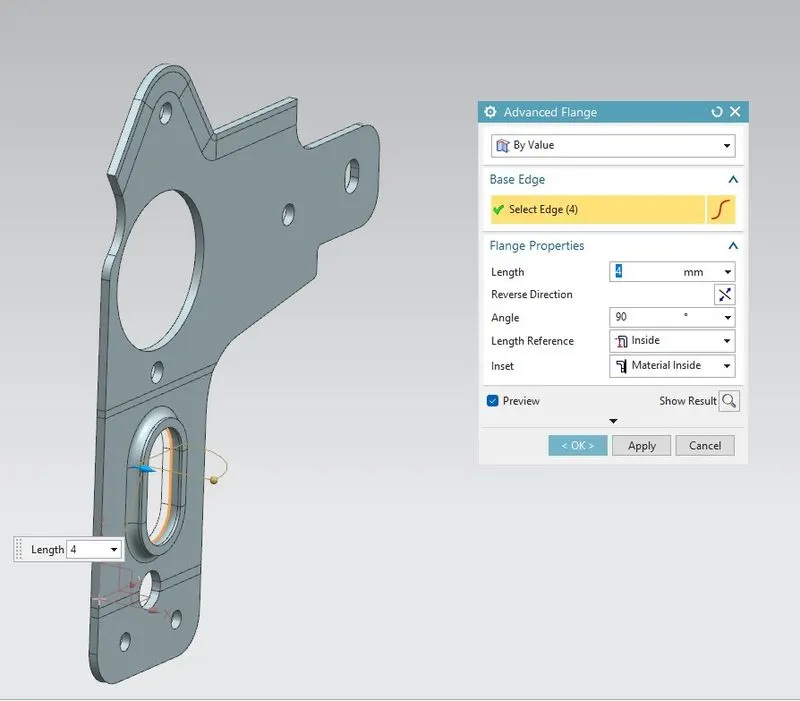
Advance Flange of 4mm on normal cutout section which we recently created.
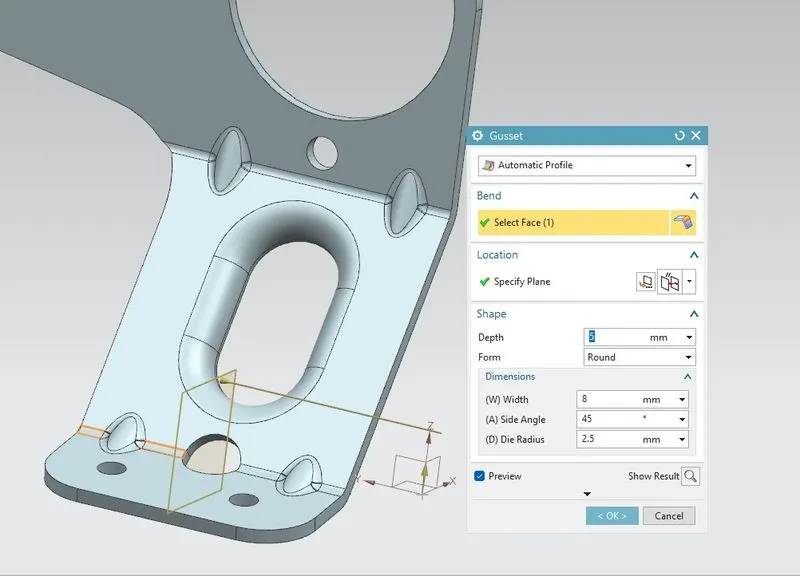
A gusset plate is a plate for connecting beams and girders to columns. A gusset plate can be fastened to a permanent member either by bolts, rivets, or welding, or a combination of the three. They are used in bridges and buildings, as well as other structures like our Bracket which gives strength to our Bracket.
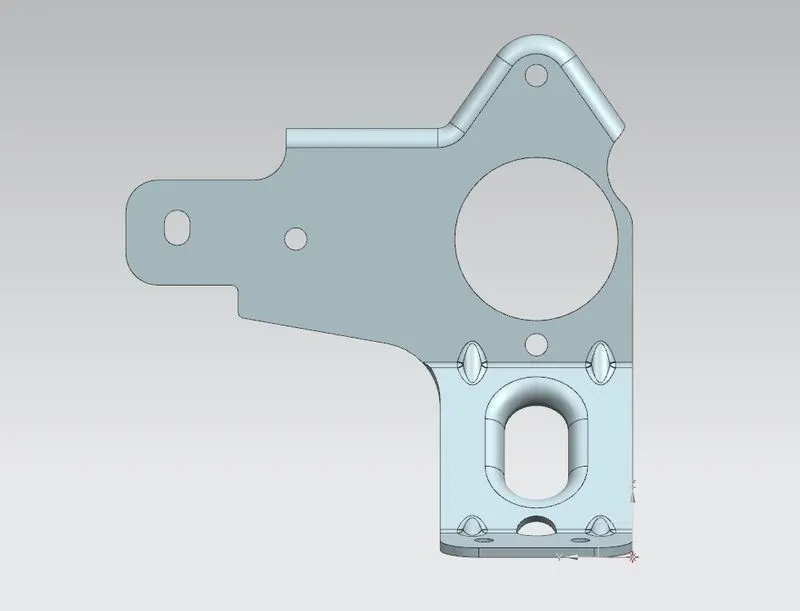
Top View
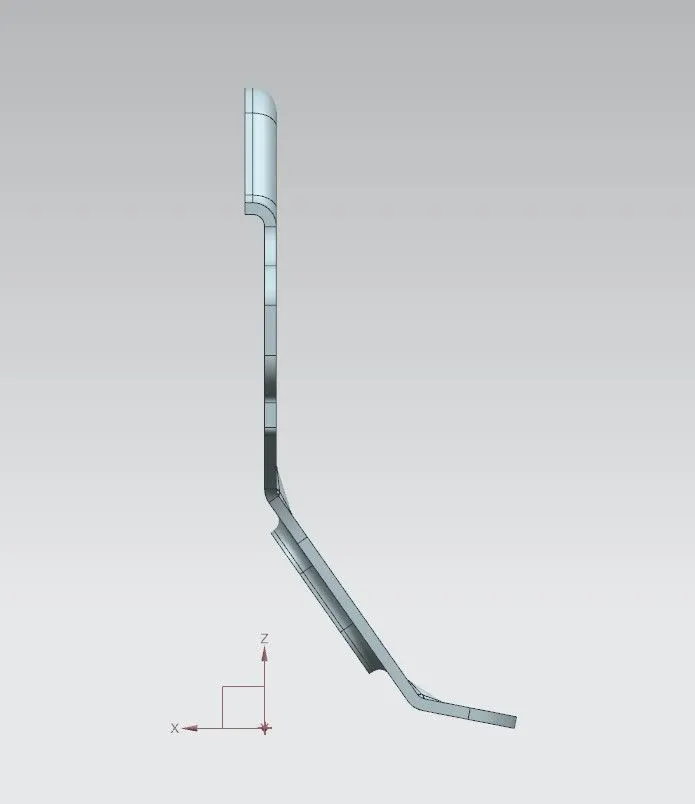
Front View
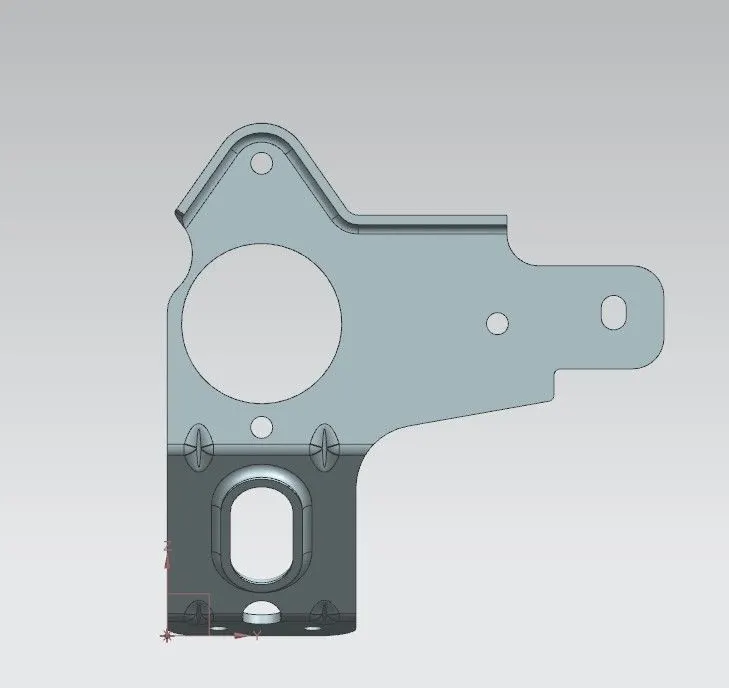
Bottom View
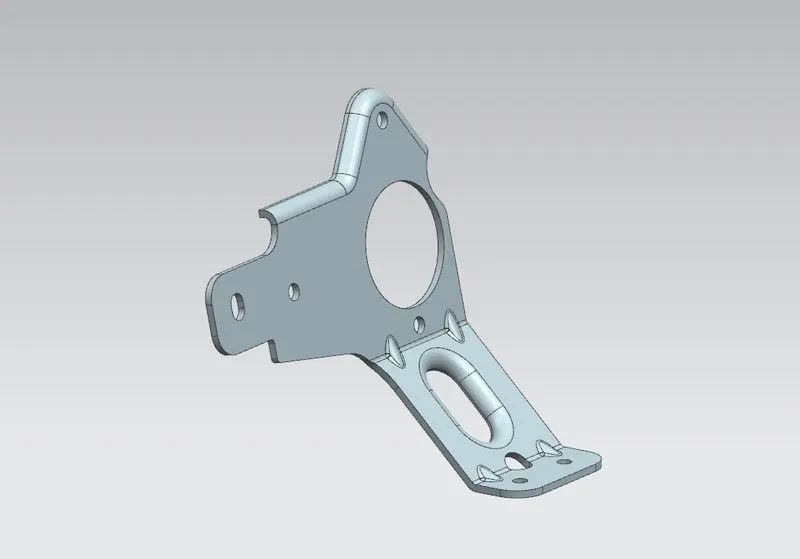
Isometric View of Final Bracket
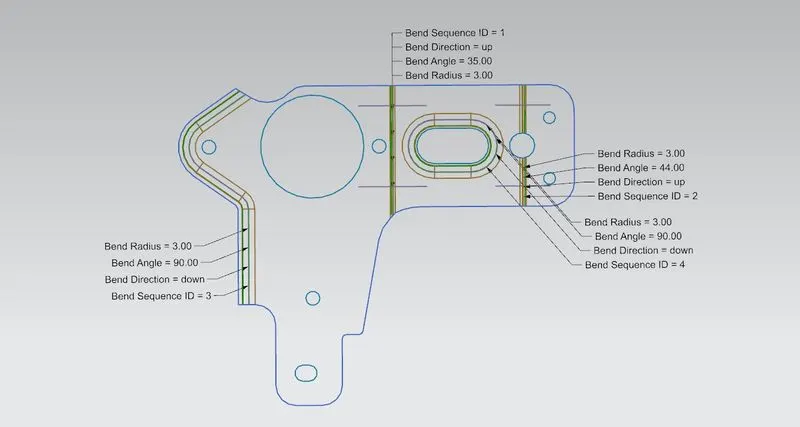
Flat Pattern of our Bracket II
Conclusion: In this Design of sheet metal we succesfully created Bracket II in NX cad using sheet metal parameters and Workbench.