Advanced Sheet Metal Design Using NX Cad Challenge_7_ Metal bracket-II
DESIGNING A METAL BRACKET IN NX
The Objective of this project is to create a metal bracket in Siemens NX sheet metal and learn about the features and tools used in NX.
INTRODUCTION : This report will take you to the entire procedure of designing a metal bracket in Siemens NX-12 from a 2D sketch. We will learn all the features and tools used during the making of this product. The brief explaination of the same features is also stated.
Design Approach of this model can be easily shown as a flow chart :
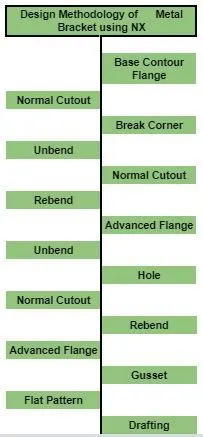
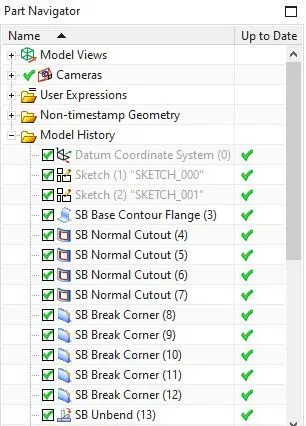
DESCRIPTION : The step by step procedure follows as :
- Base Contour Flange : This feature creates a base by extruding a sketch along a vector.
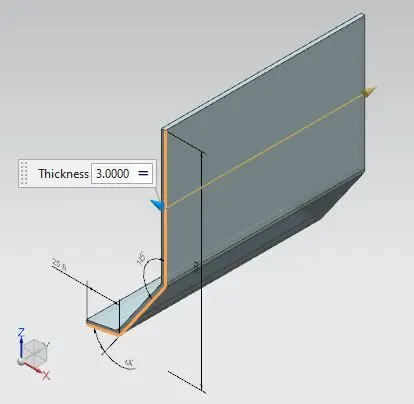
- Normal Cutout : It is used to eliminate material by projecting a sketch onto the model and then perpendicularly cutting faces intersected by the projection.
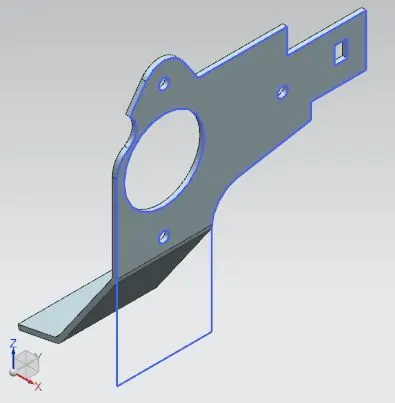
- Break Corner : This is used to add a round face (fillet) or chamfer to any edge of a solid model.
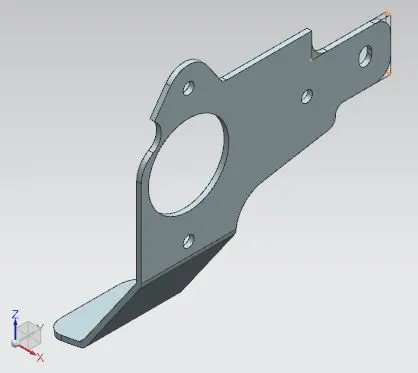
- Unbend : This features flattens bends along with adjacent faces.
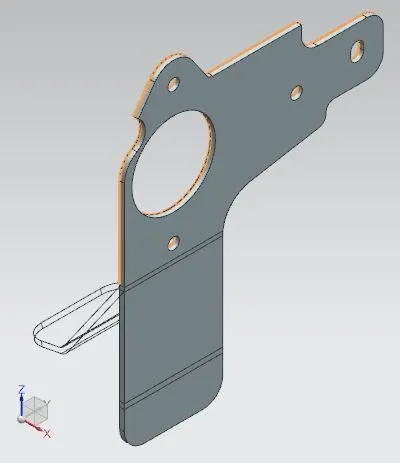
- Normal Cutout : It is used to eliminate material by projecting a sketch onto the model and then perpendicularly cutting faces intersected by the projection.
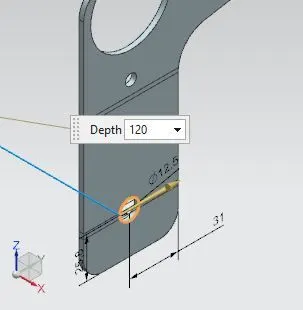
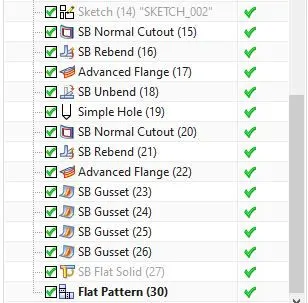
- Rebend : This recovers a flattened bend with the faces adjecent to it, to its earlier position, along the features added to the faces after unbending.
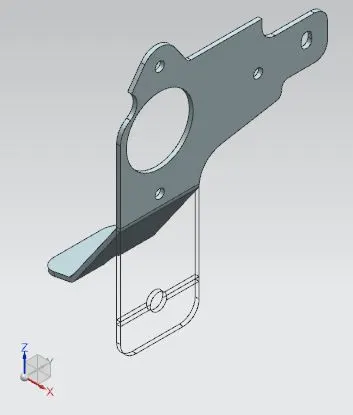
- Advanced Flange : It adds a flange to an edge or reference face, where this edge and face can be curved.
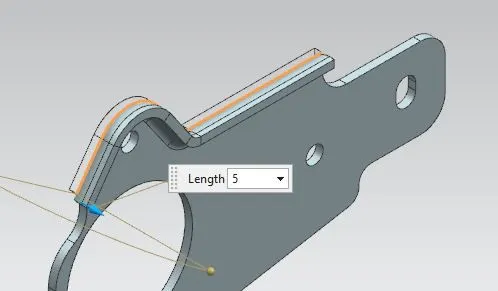
- Unbend : This features flattens bends along with adjacent faces.
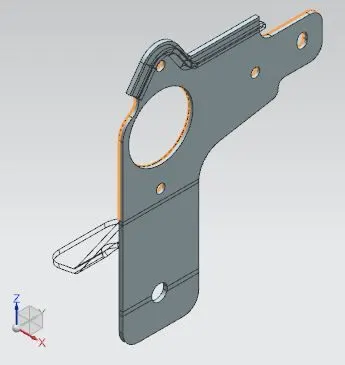
- Hole : This adds a hole of specific diameter in a solid model.
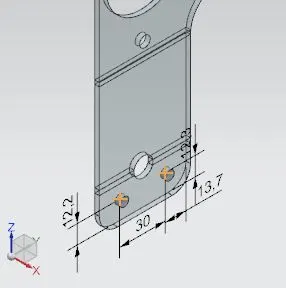
- Normal Cutout : It is used to eliminate material by projecting a sketch onto the model and then perpendicularly cutting faces intersected by the projection.
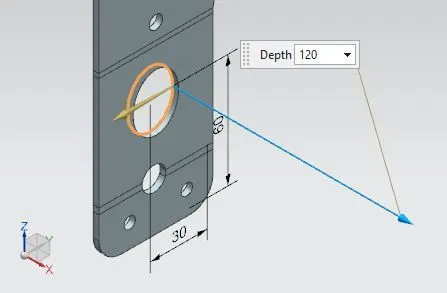
- Rebend : This recovers a flattened bend with the faces adjecent to it, to its earlier position, along the features added to the faces after unbending.
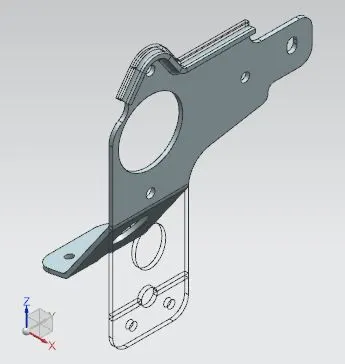
- Advanced Flange : It adds a flange to an edge or reference face, where this edge and face can be curved.
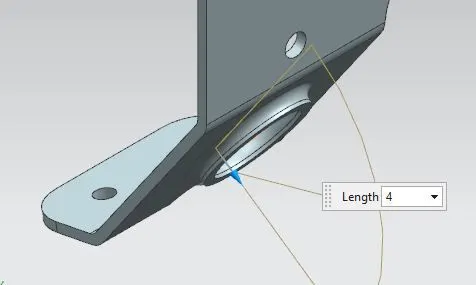
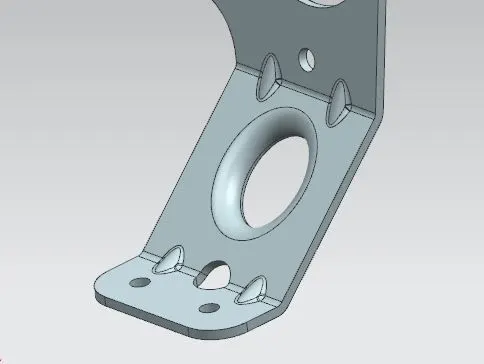
- Gusset : It is used to create a stiffening gusset onto the part.
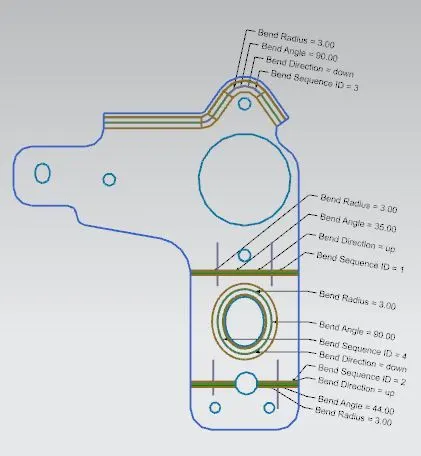
- Flat Pattern : This is used to create a flat pattern of the final model which shows useful parameters of the design.
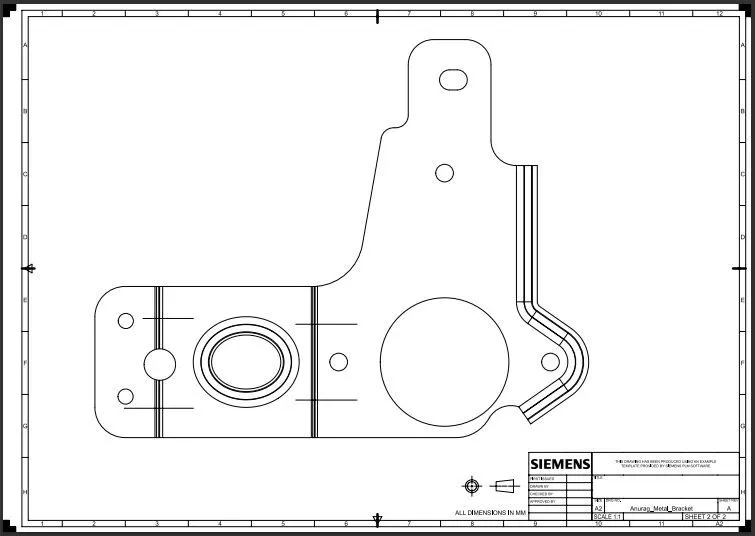
- Drafting : This feature creates a 2D drawing of the final model with necessary design parameters on a drawing sheet.
Flat Solid
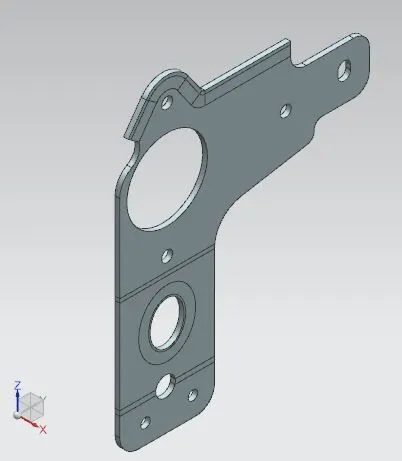
Front View
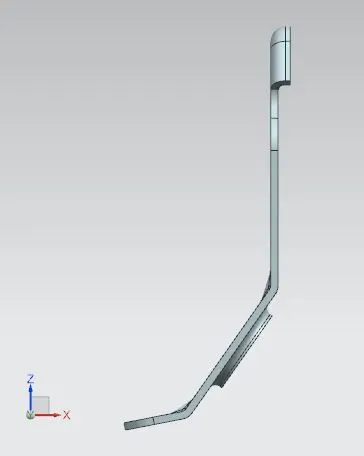
Side View
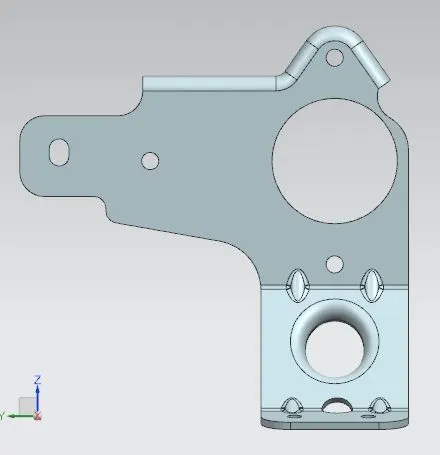
Top view
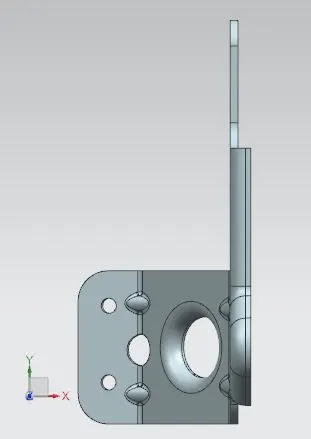
Isometric View
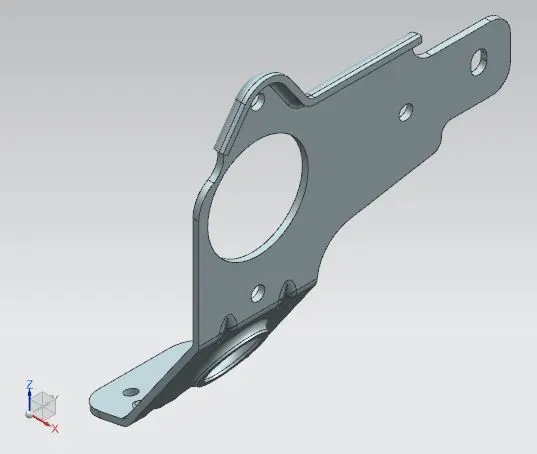
Feature Tree
Conclusion : In this project, we learned about different features and tools used in Siemens NX-12 and created a complex metal bracket from a 2D sketch with accuracy.