Advanced Sheet Metal Design Using NX Cad Challenge_5_Odd Shaped Enclosure
ODD ENCLOSURE IN NX
The Objective of this project is to learn tools and features used in designing a sheet metal model in Siemens NX-12 and convert it to a drafting sheet that can be used further for manufacturing purpose.
INTRODUCTION : This project will take you to a walkthrough of designing an Odd shaped enclosure in Siemens NX-12. Also, all the tools and features used during procedure in making this sheet metal model are briefly explained.
The Approach to the design can be shown with a flowchart :
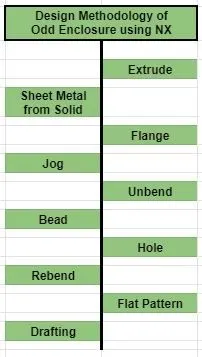
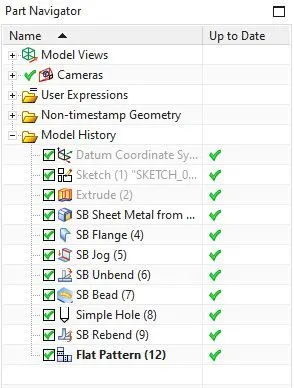
DESCRIPTION : Following are the features used step by step in the precedure :
- Extrude : It is used to add thickness by adding material to a sketch in a certain direction.
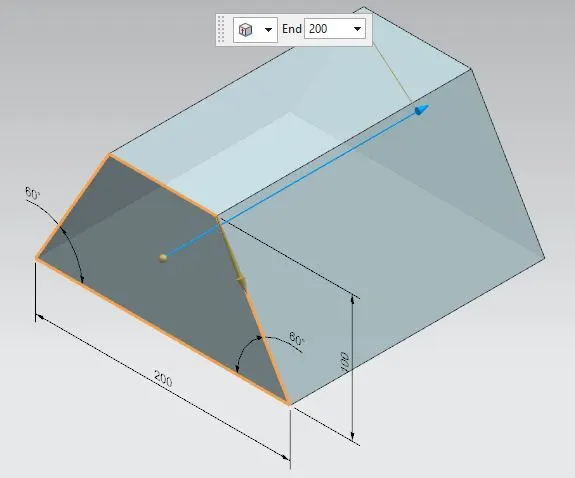
- Sheet Metal from Solid : This is used to add metal sheets around an enclosed solid body or from a collection of planar faces.
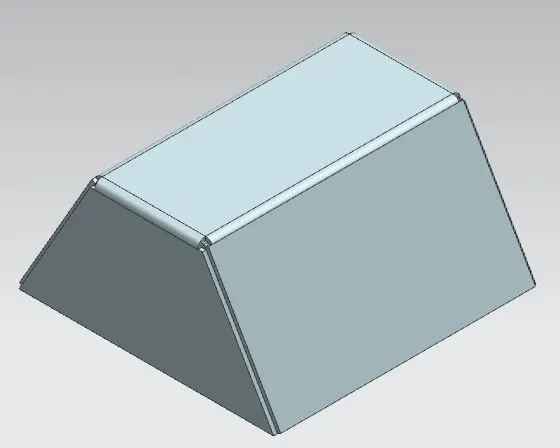
- Flange : This creates a flat flange at an angle to a planar face and adds a bend between two.
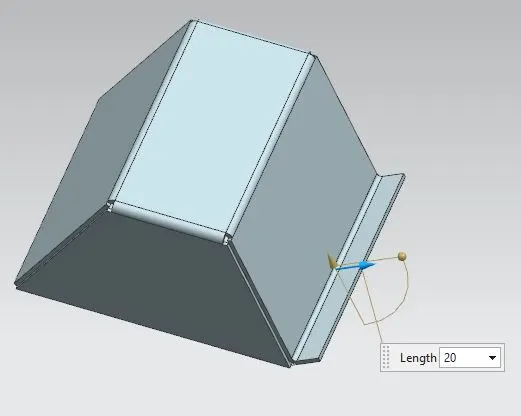
- Jog : It lifts material of a plane surface at one side of the sketch and adds flange between two surfaces.
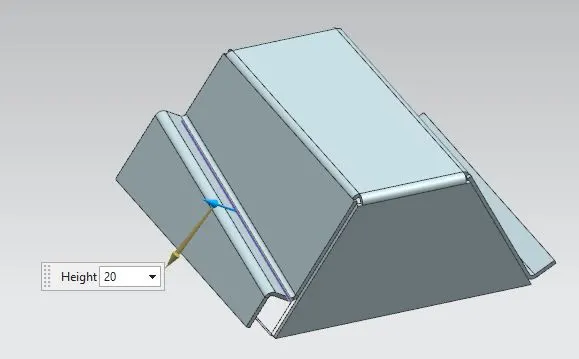
- Unbend : It is used to flatten bends along with adjacent faces to it.
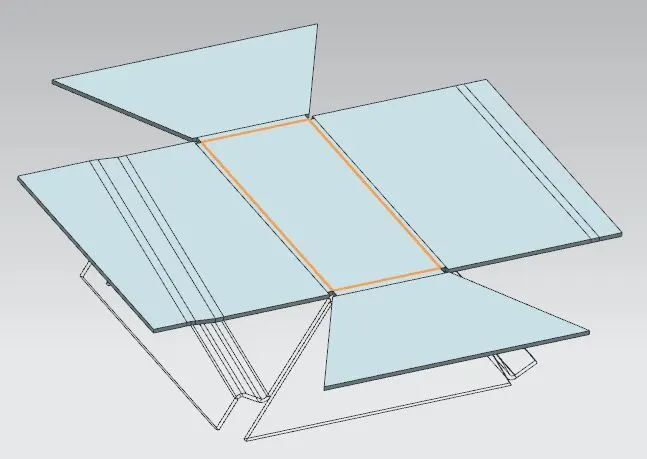
- Bead : This raises material along with the contour of sketch that simulates a stamping tool.
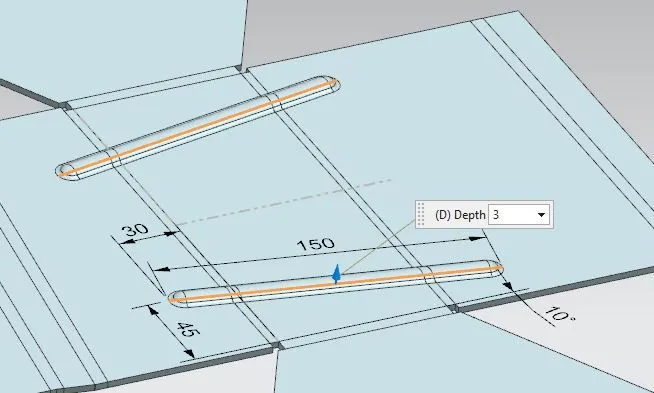
- Hole : It is used to create hole in a metal sheet.
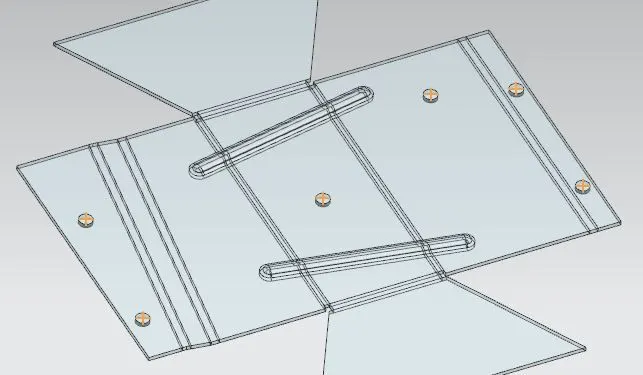
- Rebend : It recovers the flattened bends and the adjacent faces to the earlier position, along with the features added after bending.
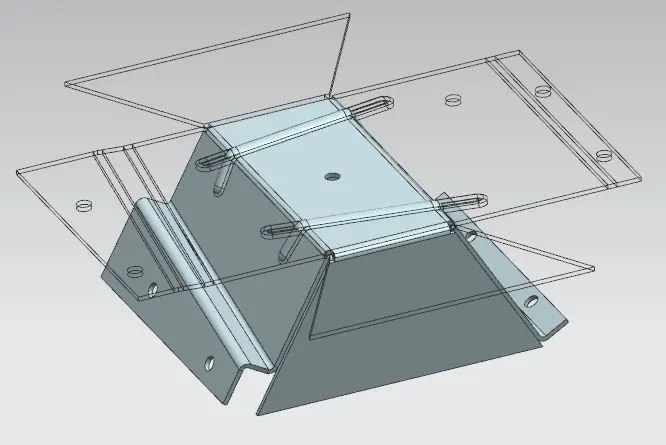
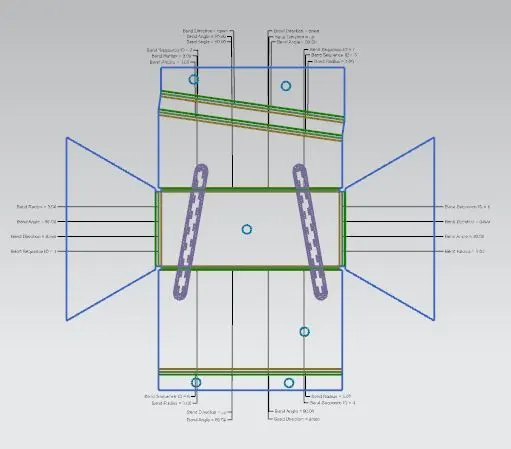
- Flat Pattern : This is used to create a flat pattern of a sheet metal model for brief understanding.
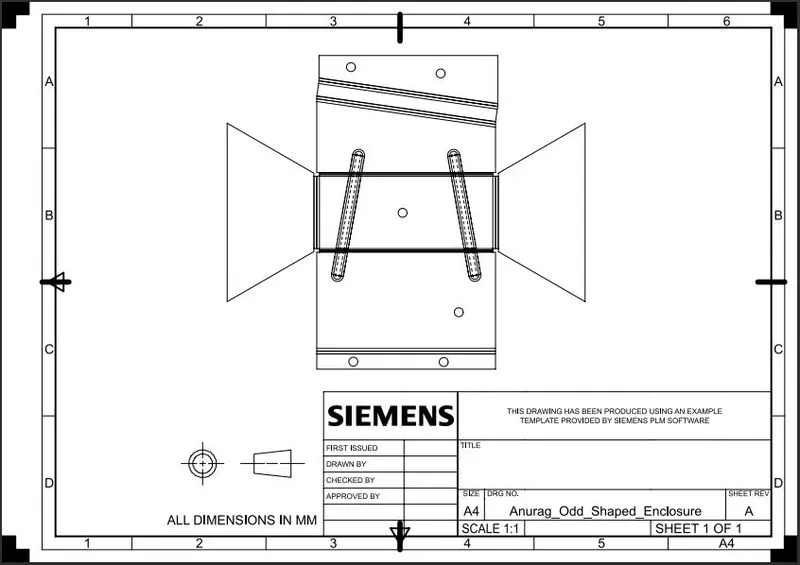
- Drafting : It drafts a final sheet metal product into 2D drawing with proper orientation and information.
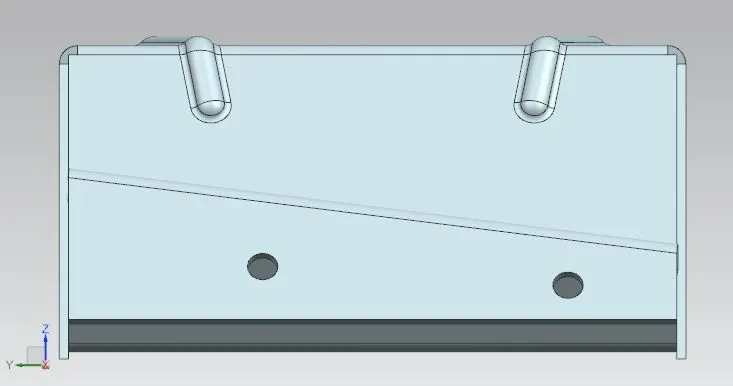
Front View
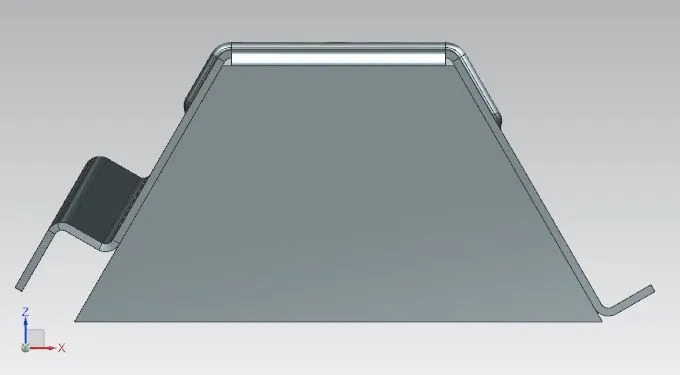
Side View
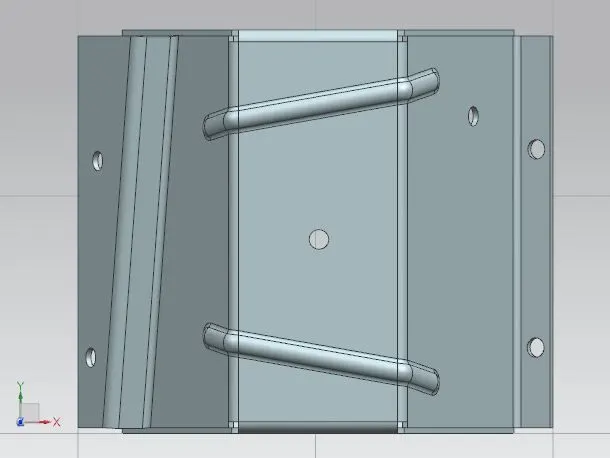
Top View
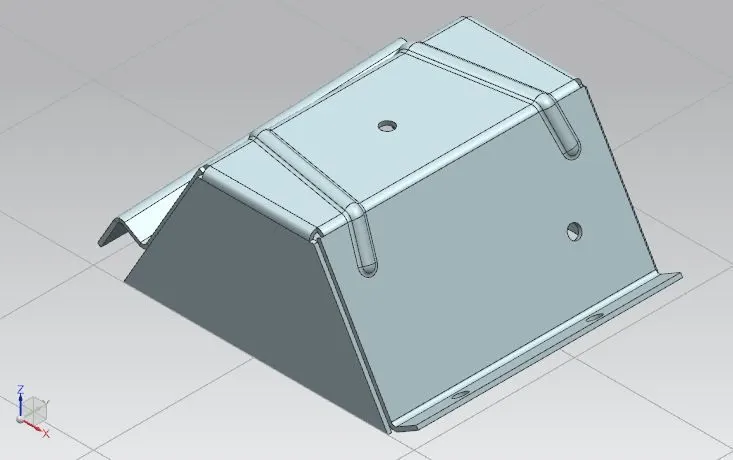
Isometric View
Feature Tree
CONCLUSION : By following the procedure we were able to create an Odd Enclosed Sheet Metal Model in Siemens NX and get to learn about the features used in it.