Advanced Sheet Metal Design Using NX Cad Challenge_7_ Metal bracket-II
DESIGNING A BRACKET USING NX CAD
INTRODUCTION:
Sheet metal is metal formed by an industrial process into thin, flat pieces. sheet metal is one of the fundamental forms used in metalworking and it can be cut and bent into various shapes
FEATURES USED :
- CONTOUR FLANGE: creates a base feature by extruding a sketch along a vector or adds material by sweeping along a sketch
- NORMAL CUTOUT: cuts material by projecting a sketch onto the model and then cutting perpendicular to the faces intersected by the projection
- BEND: modifies the model by bending material on one side of the sketch line, adding a bend between the two sides.
- ADVANCE FLANGE: adds a flat flange at an angle to a planer face and adds a bend between the two
- HOLE: adds a hole to one or multiple positions on a solid body
- REBEND: restores an unbend feature to its previous state
- GUSSET: It is used to make a support structure between two faces where support is needed
- FLAT PATTERN: creates a flat pattern from the formed sheet metal part
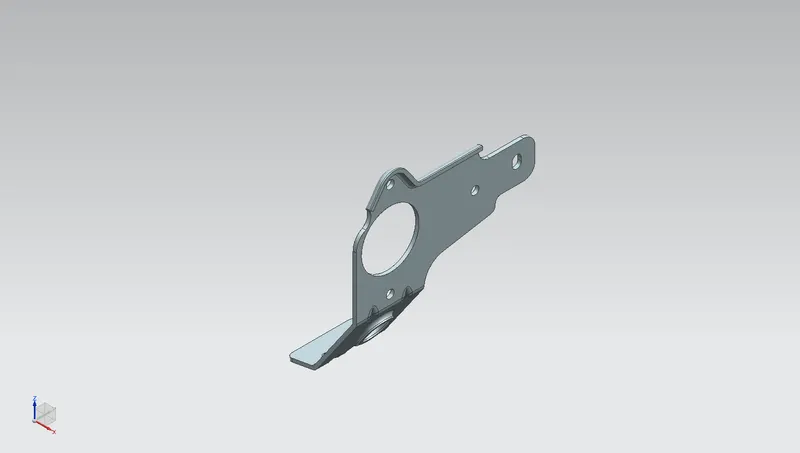
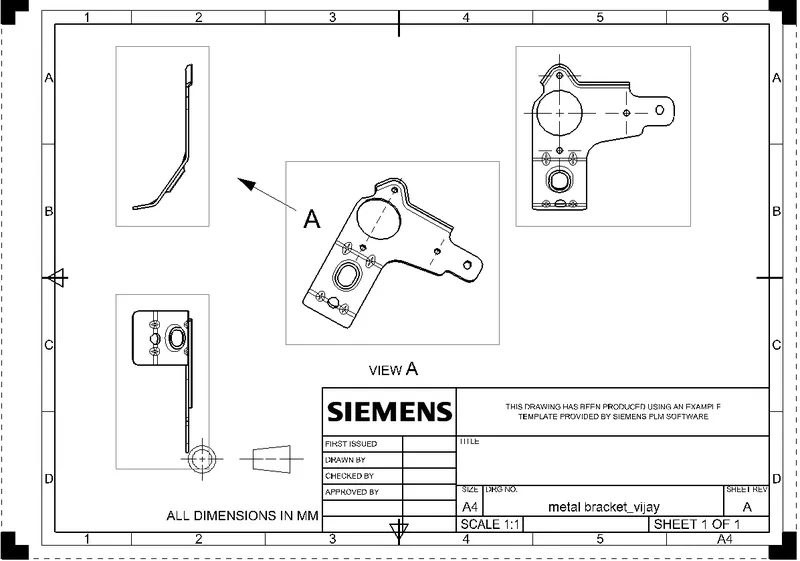
STANDARD VIEWS OF BRACKET
FRONT VIEW
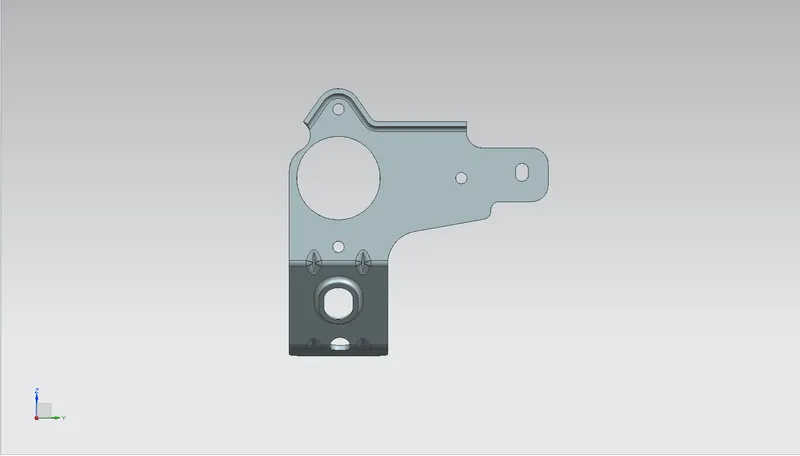
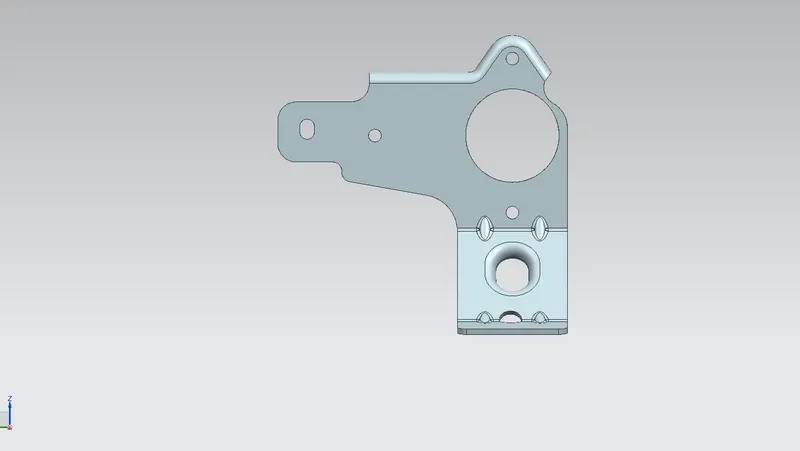
TOP VIEW
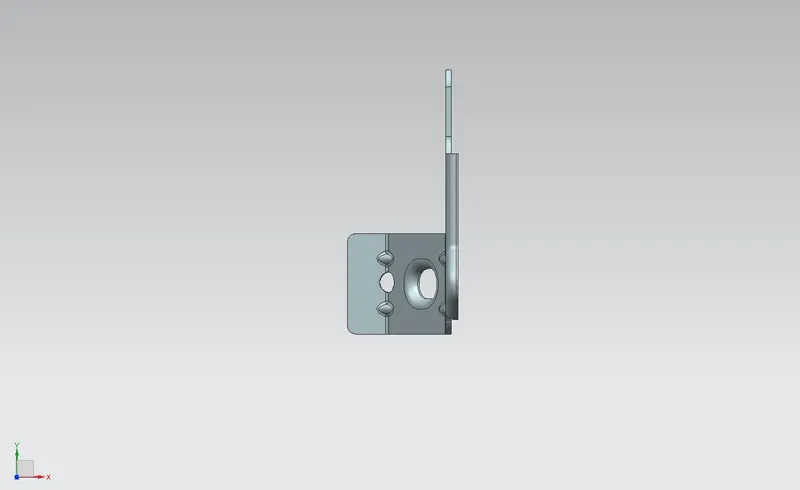
SIDE VIEW
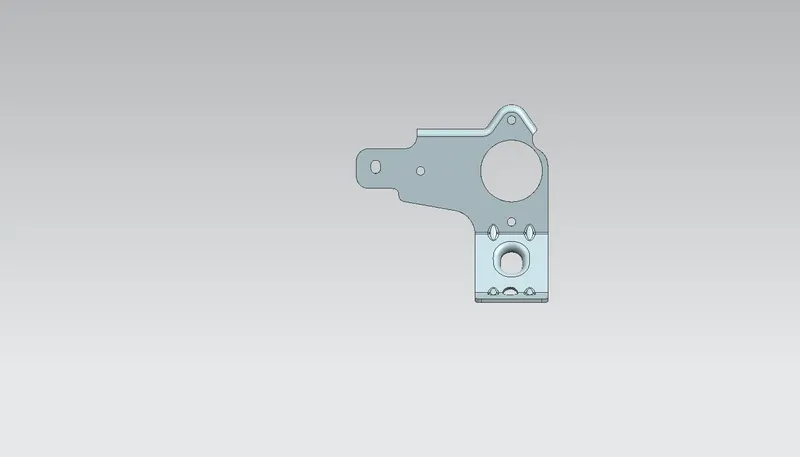
ISOMETRIC VIEW
DRAWING SHEET
CONCLUSION :
The project has been completed by making a metal bracket using sheet metal application is nx cad