Advanced Sheet Metal Design Using NX Cad Challenge_6_Bracket
DESIGNING OF BRACKET USING NX
Objective:
To obtain the bracket from the given drawing using different types of tools in NX.
Below tools has been used for obtaining the result:
- Normal cut-out
- Bend and unbend
- Contour Flange
- Breaking corners
- Beads
- Hole
Description:
- Initially a contour is drawn as per the drawing and converted it into flange by using the contour flange option
- Cut-out has been created on the flange using normal cut-out option for obtaining the required shape
- Edges has been made round by using the bend corner tool.
- Unbending the flange for providing bead to stiffen the sheet metal
- Finally re-bending the object to original state and providing holes by using hole tool as per the given drawing
Views:
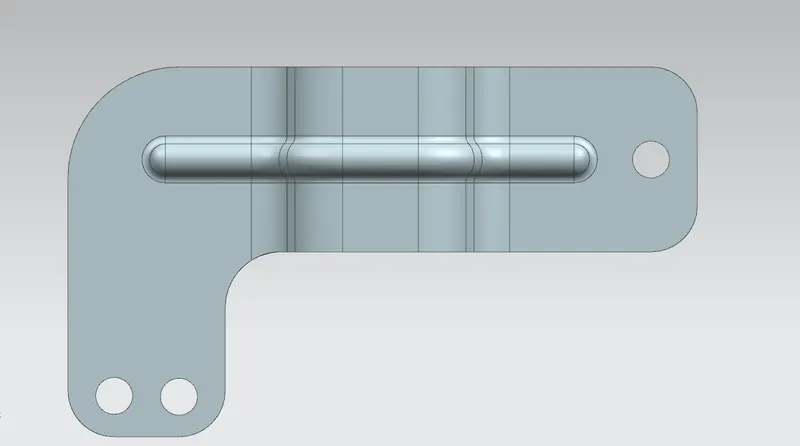
Top view:
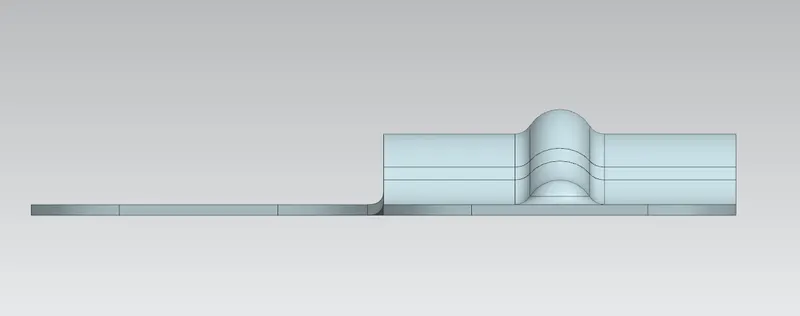
Side view:
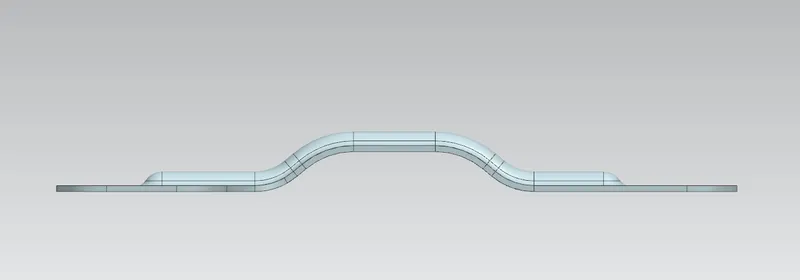
Front view:
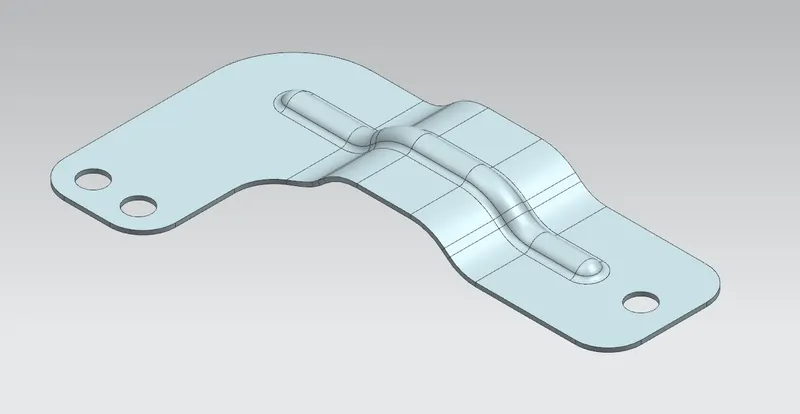
ISO view:
Drafting:
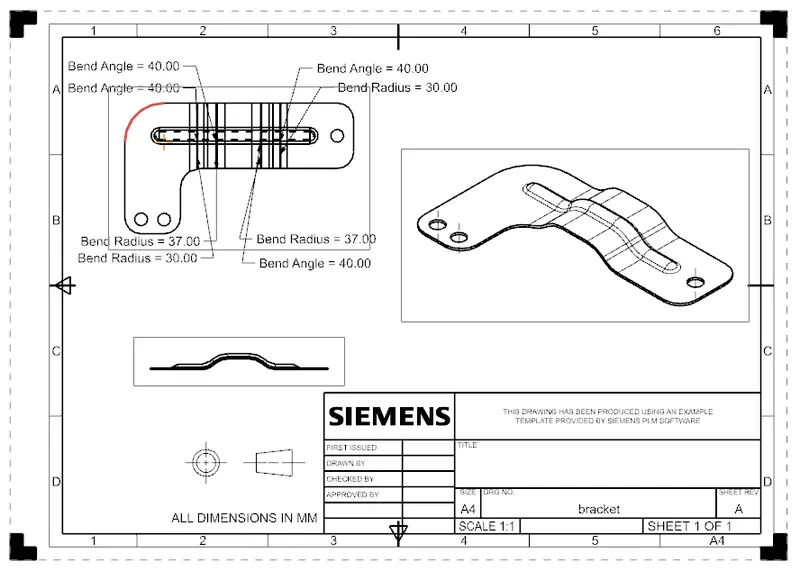
Conclusion:
Hence converting the given drawing into final object has been done by using the different tools in NX