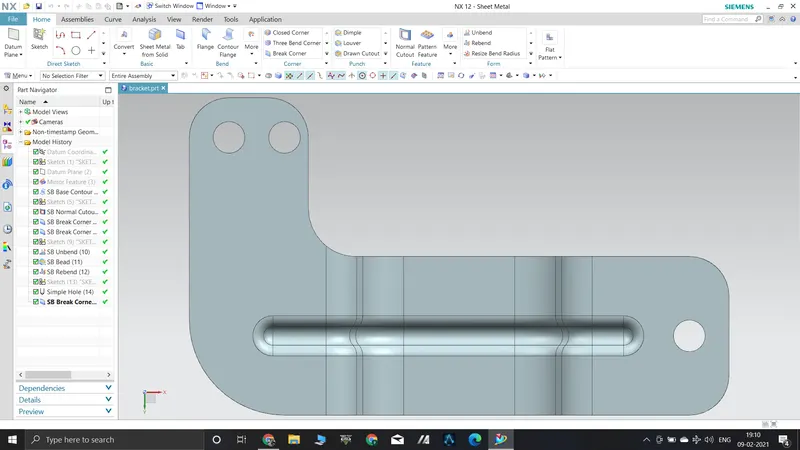
Advanced Sheet Metal Design Using NX Cad Challenge_6_Bracket
BRACKET FROM THE 2D DRAWING
Objective
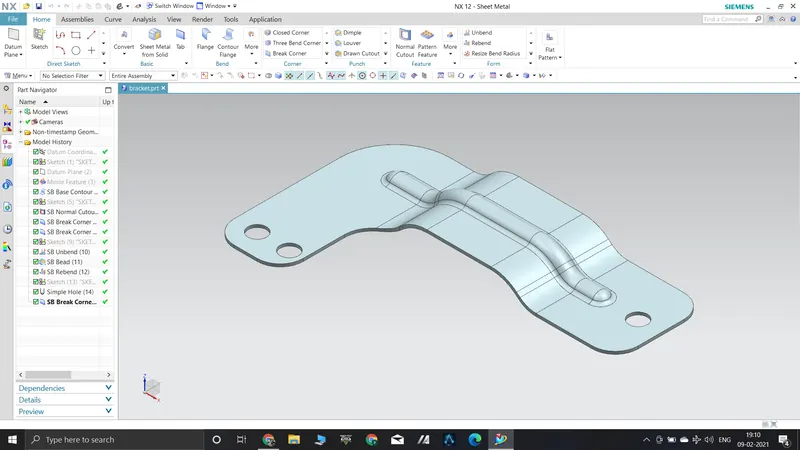
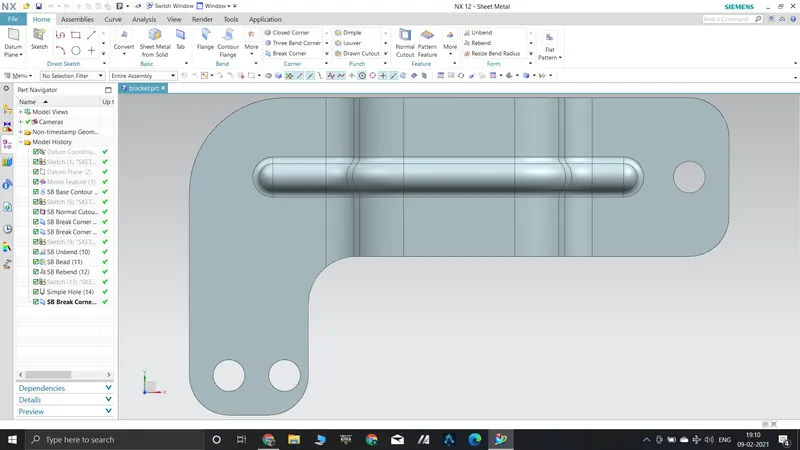
To create a bracket from the given 2d drawing.
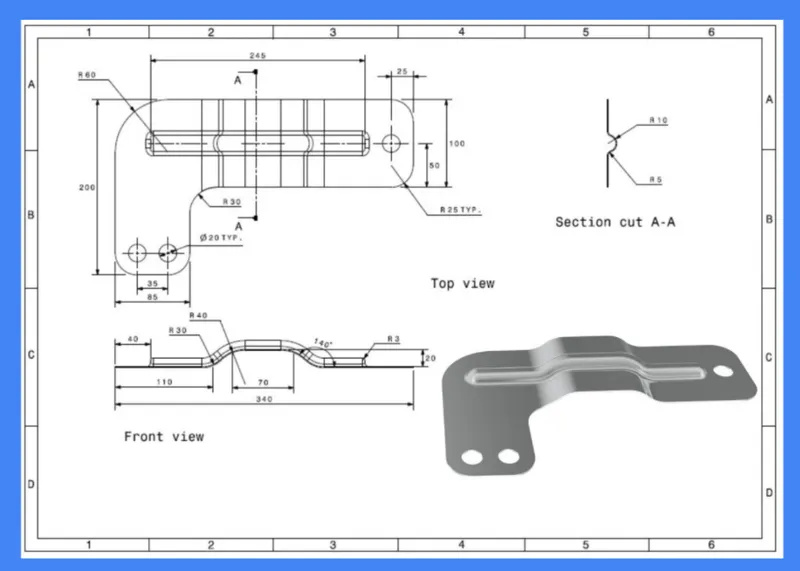
Introduction
For creating the metal bracket from the 2d drawing , NX Cad is used.
Design methodology
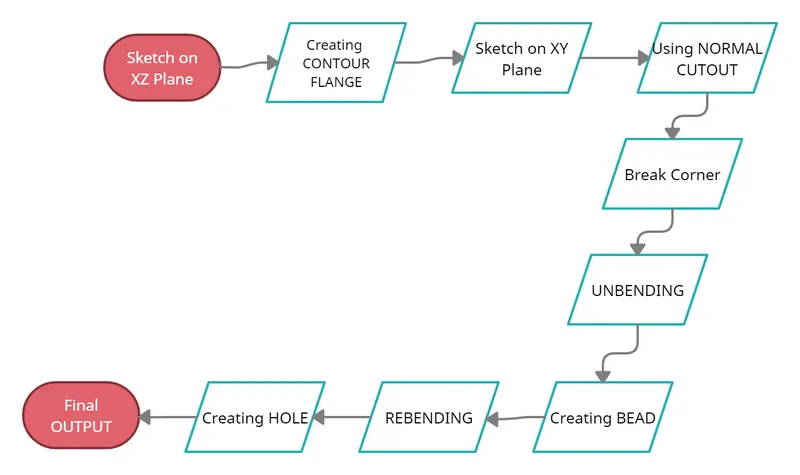
FEATURES USED
- Contour Flange - This command is use to create a base feature by extruding a sketch along a vector, or adds material by sweeping a sketch along an edge or chain of edge.
- Normal Cutout - This command is use to remove the not needed part from the sheet metal by creating the sketch.
- Break Corner - This command rounds or chamfers the sharp corners of sheet metal part.
- Unbending - This command flattens the whole sheet metal part.
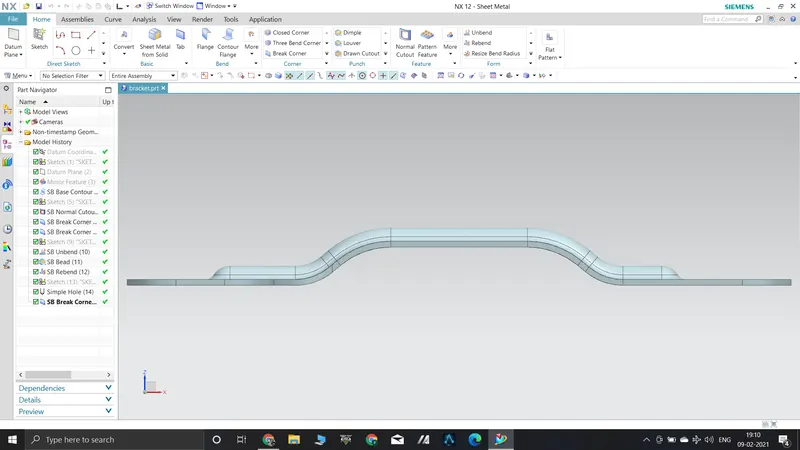
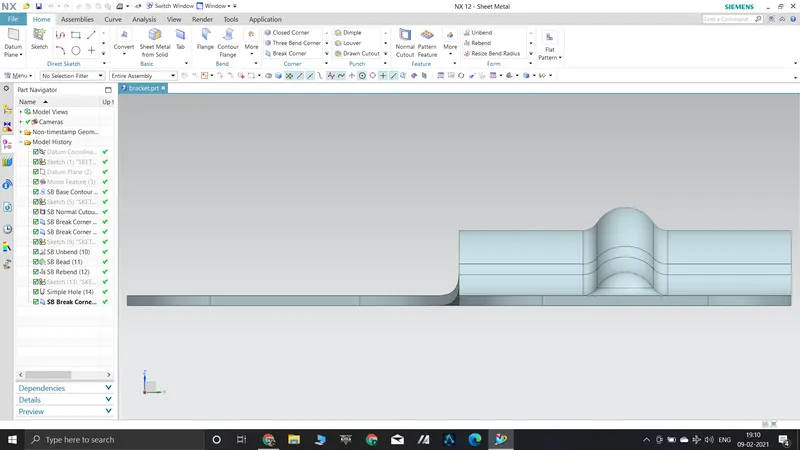
- Bead - The Bead is like a raised rib in the sheet metal panel. It requires that you have at least one sheet metal panel in the active part as well as an open or closed loop sketch.
- Rebending -This command rebends the flattened sheet metal part.
- Hole - This command creates hole in the sheet metal of desired radius and at desired location.