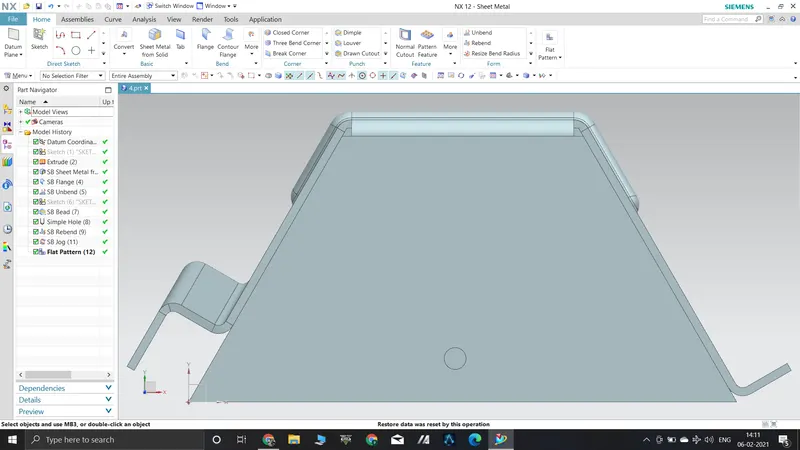
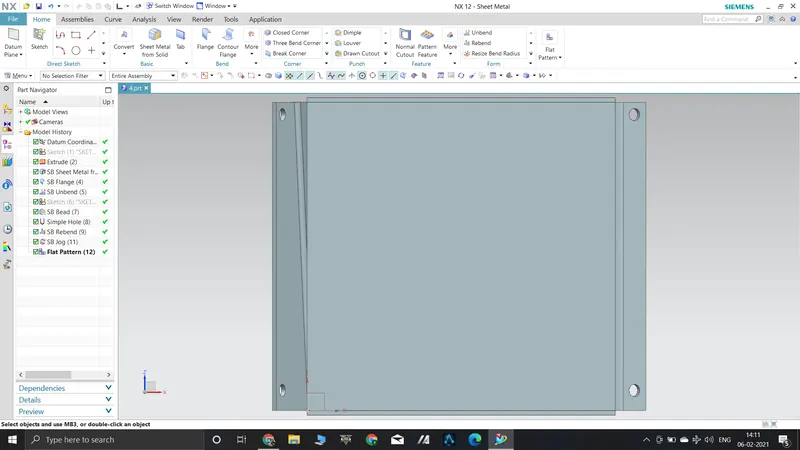
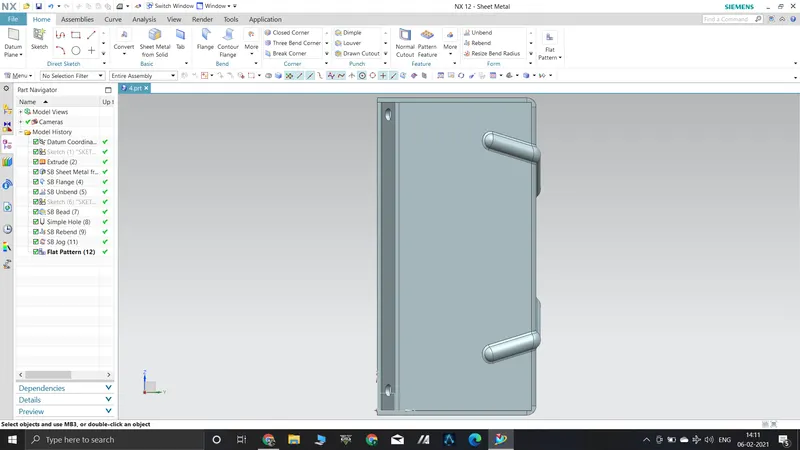
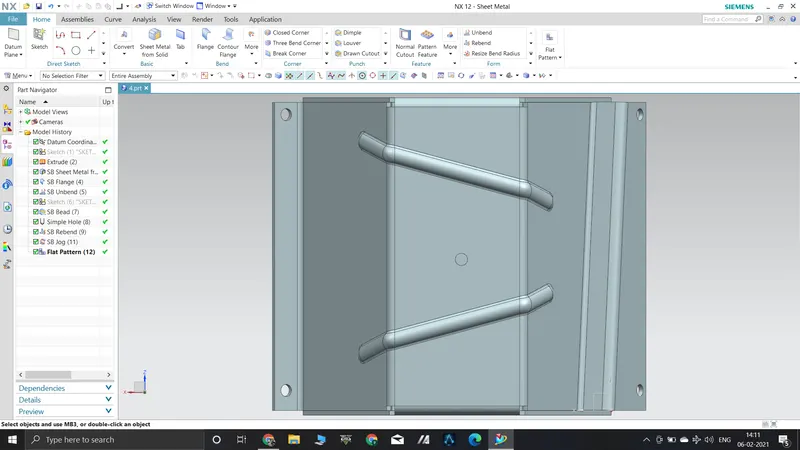
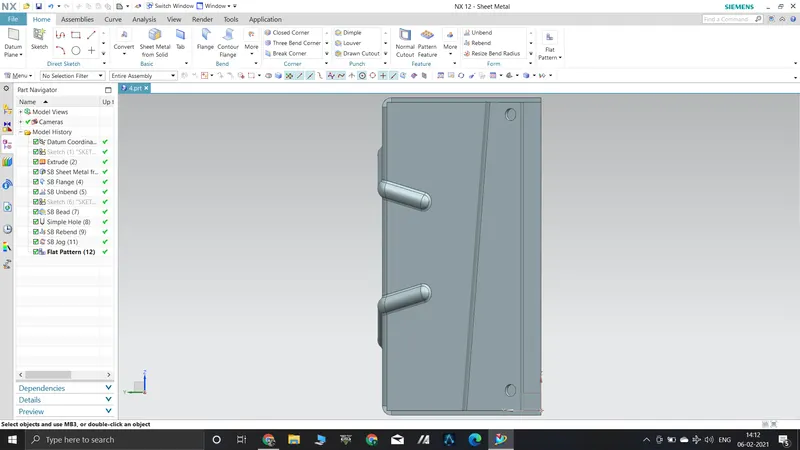
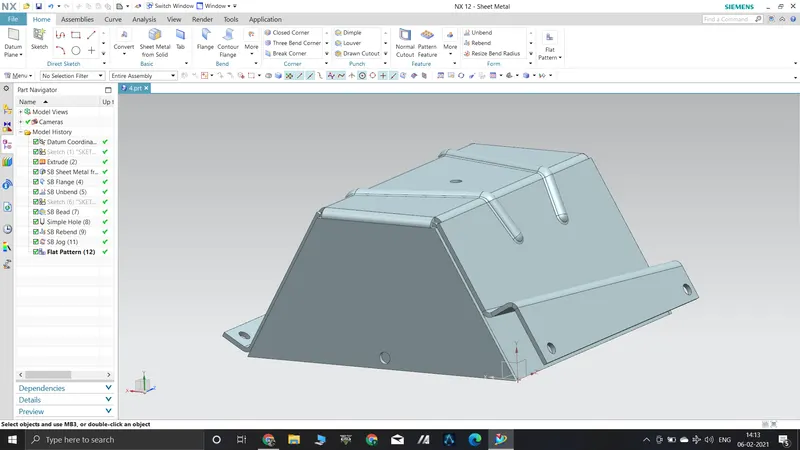
Advanced Sheet Metal Design Using NX Cad Challenge_5_Odd Shaped Enclosure
Odd Shaped Enclosure using NX Cad
Objective:- To design Odd enclosures using NX Cad.
Introduction:-
For creating odd shaped enclosures, features like sheet metal from solid, unbend, flange, jog, bead, hole, rebend ,flat pattern have been used here using NX CAD.
Design methodology:-
Description:-
Tab:- Creates a base feature by extruding a sketch along a vector by a thickness value
Extrude:- Extrude is a method of defining 3D geometry by translating a 2D sketch normal to the sketch plane.
Sheet metal from solid:- This tool is used to convert solid profile into sheet metal.
Flange:- Flange feature is used to create an extended portion or bend to the selected edge.
Jog:- The jog is used to create a flange by lifting the material on one side of the sketch profile.
Unbend:- This feature is used to flatten the sheet metal part for further design operations.
Bead:- The bead is like a raised rib in the sheet metal panel. It requires that you have at least one sheet metal panel in the active part as well as an open or closed-loop sketch.
Hole:- A Hole feature is used to create holes on the model.
Rebend:- Rebend feature is used to get the original bend shape after performing forming operations like a dimple, bead.
Flat pattern:- Flat pattern is used to create flat pattern view which is used for drafting purposes.