Advanced Sheet Metal Design Using NX Cad Challenge_6_Bracket
1. Title: Advanced Sheet Metal Design Using NX Cad Challenge_6_Bracket
2. Objective: to design a sheet metal beacket using Siemens NX sheet metal application.
3. Introduction: ther are many comamnds in the sheet metal design in NX. With the help of those commands a Bracket is designed. details are in the following sections.
4. approach: we first open the sheet metal design in NX and start designing according to the specfication provided in the PDF.
5. Description:
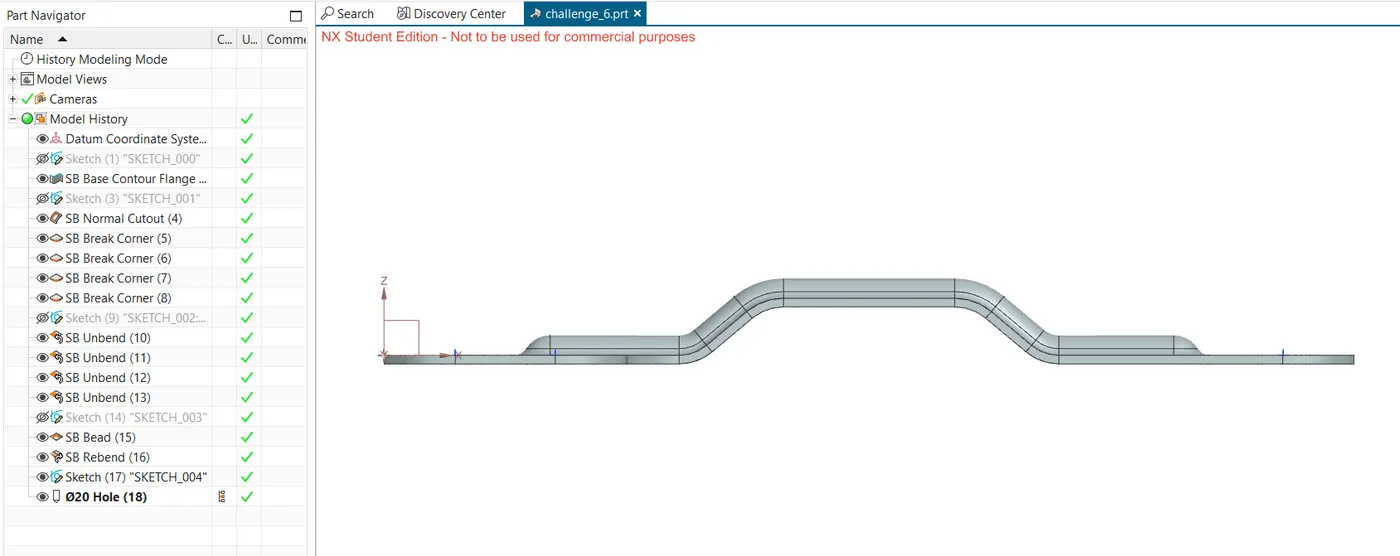
1. in the XZ plane first, the design is drawn ehich by using the contour flange base command is then extruded in the Y direction for 200 mm. Here the thickness is kept as 3 mm.
2. sketching the top view in the XY plane, we draw a rectangular boundary which is then used to cut the previously drawn base flange using command Normal Cutout.
3. break corner is then used, to smooth out the selected edges adding fillets of various radius.
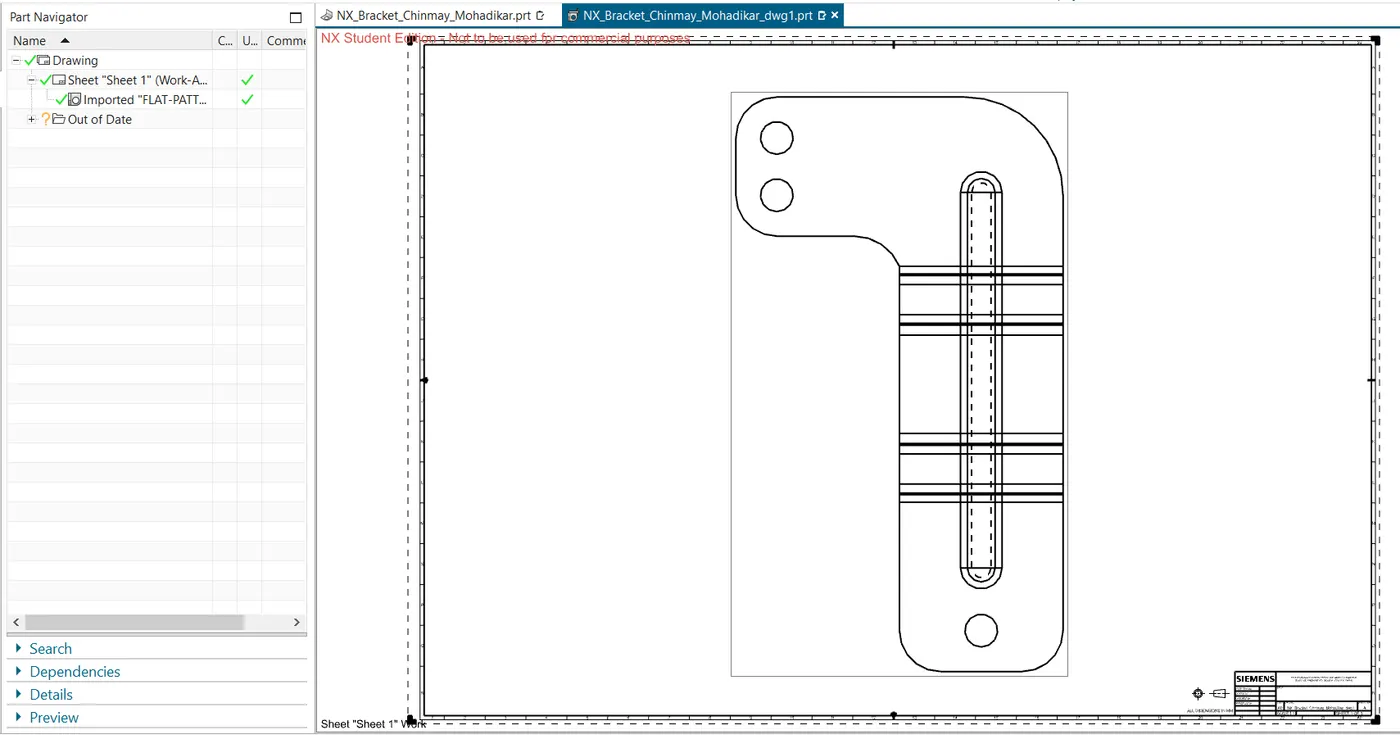
4. the sheet is unbent now.
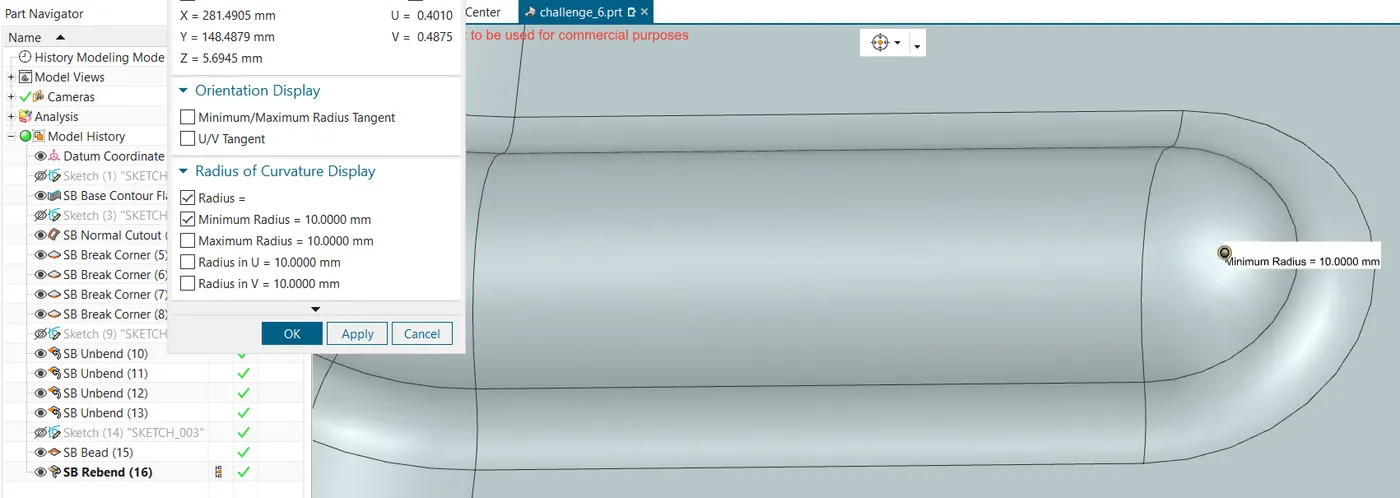
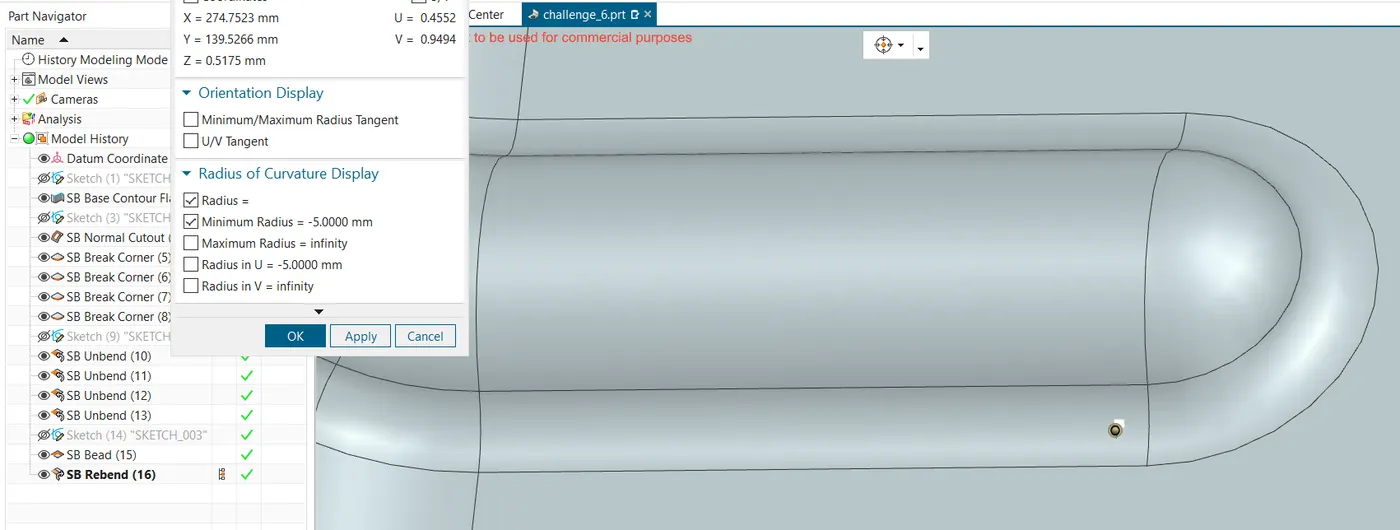
5. a straight line is added as bead command asks for deoth and radius and draws a bead corresponding to this line.
6. the sheet is then rebend.
Conclusion: the bracket is designed.
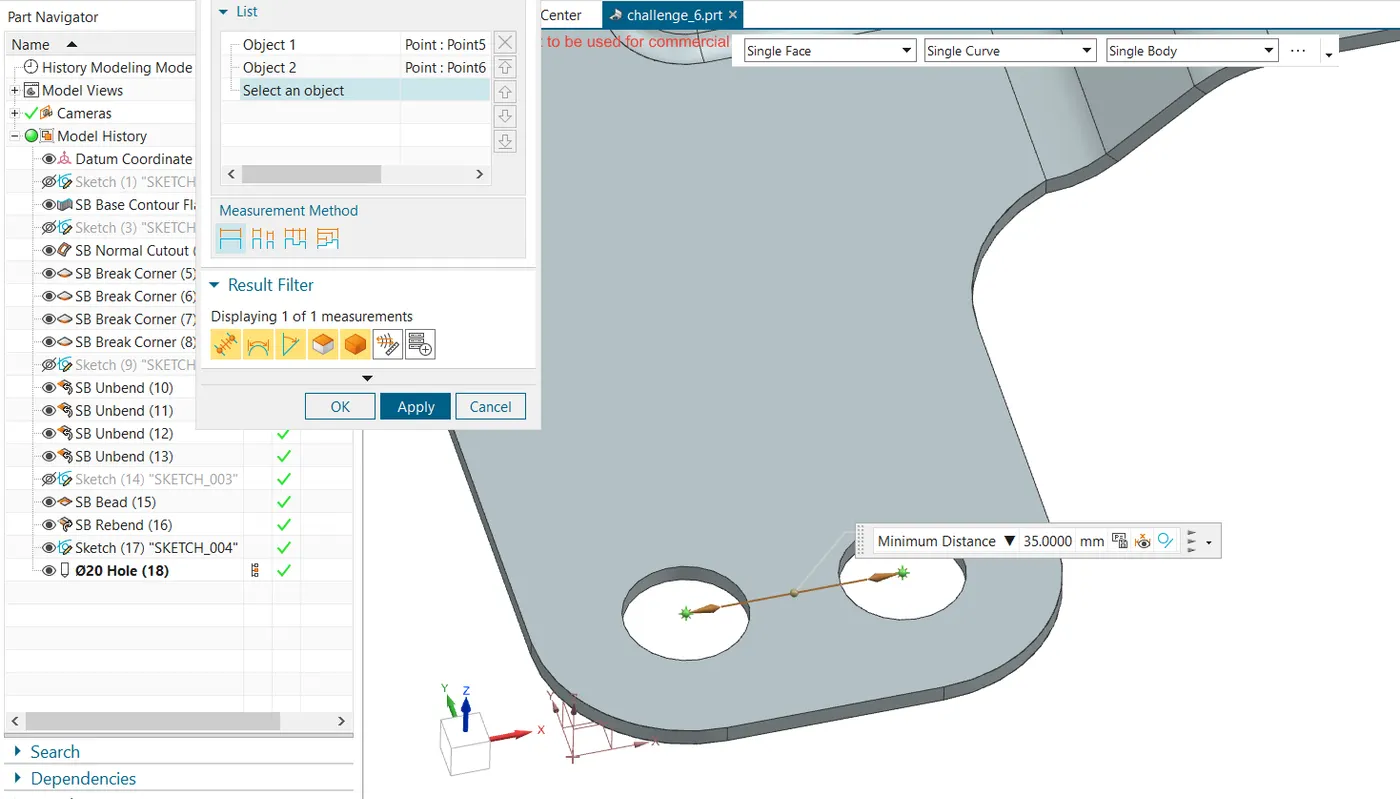
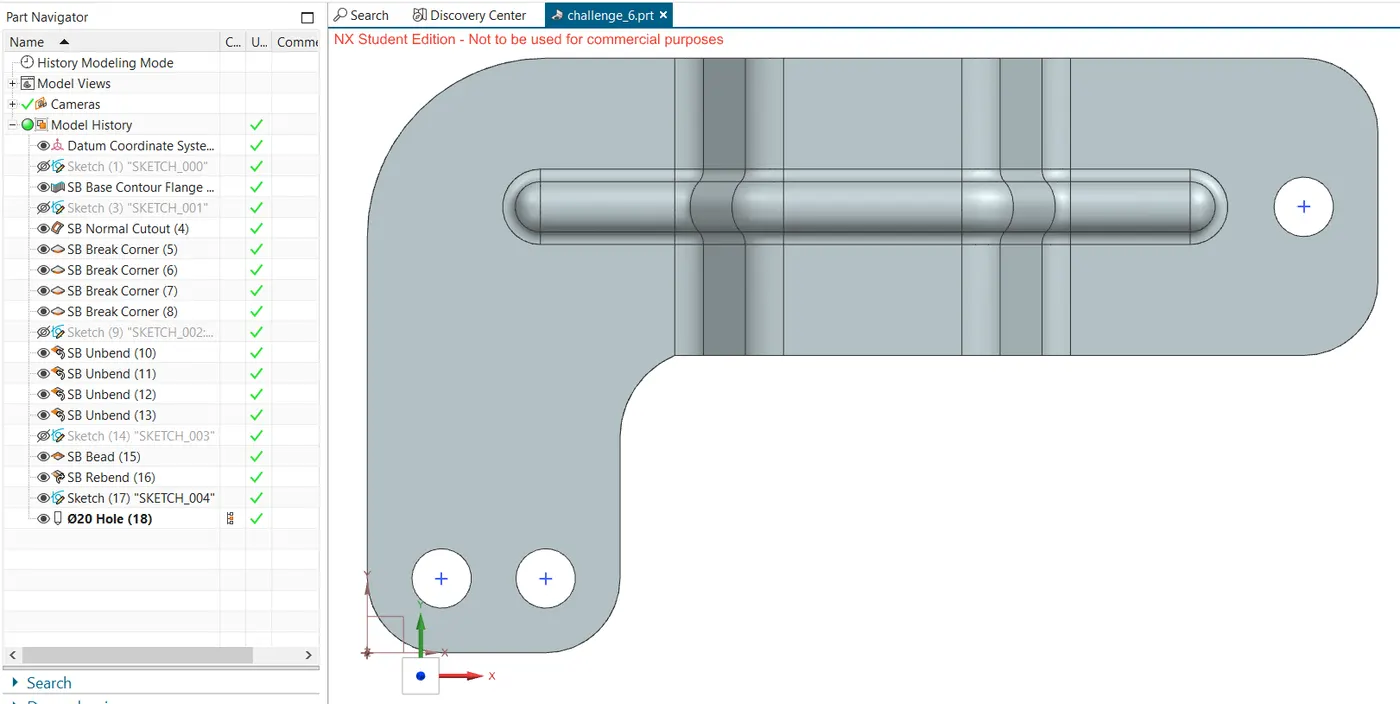
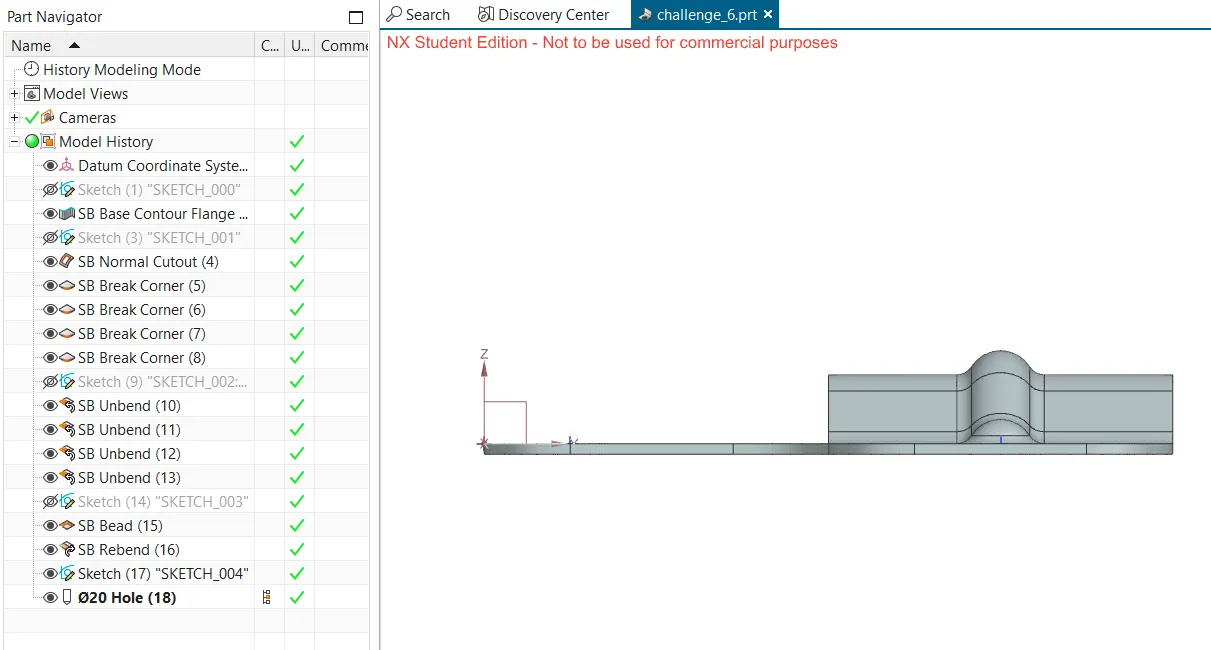
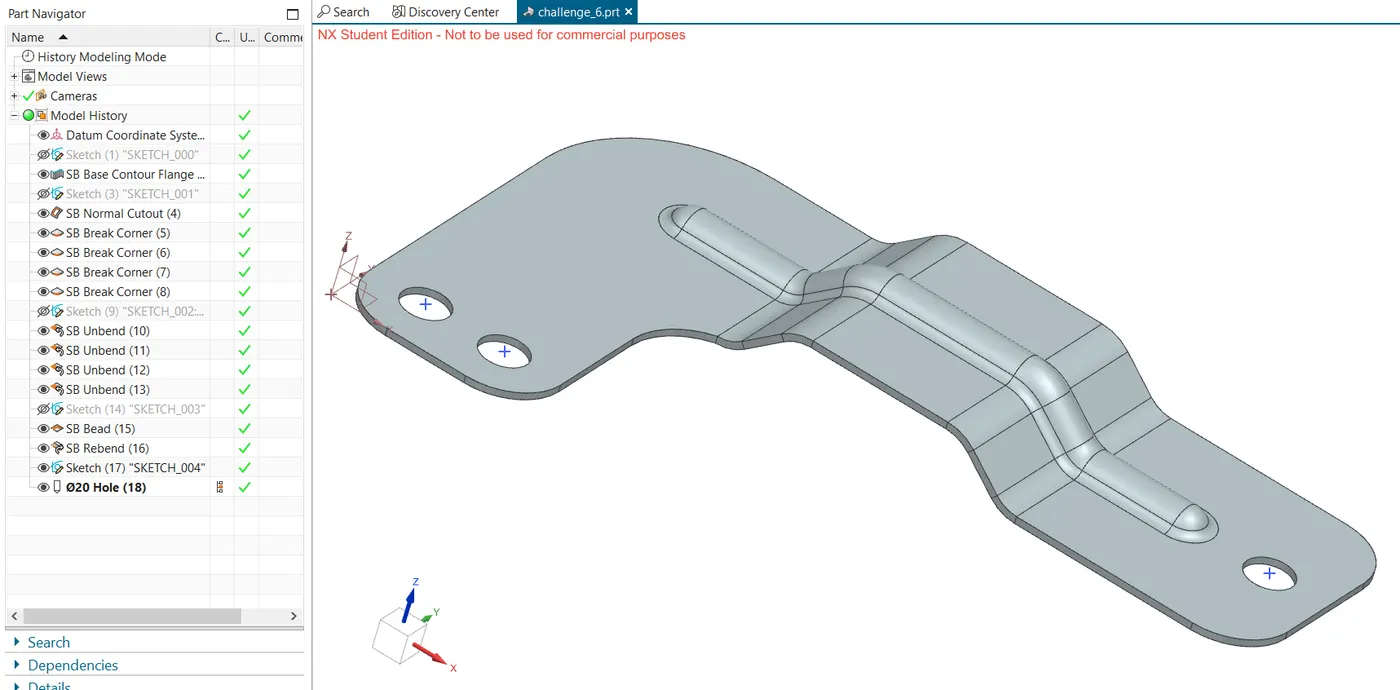
7. three simple holes are then addedto the desired locations of diameter 20 mm.