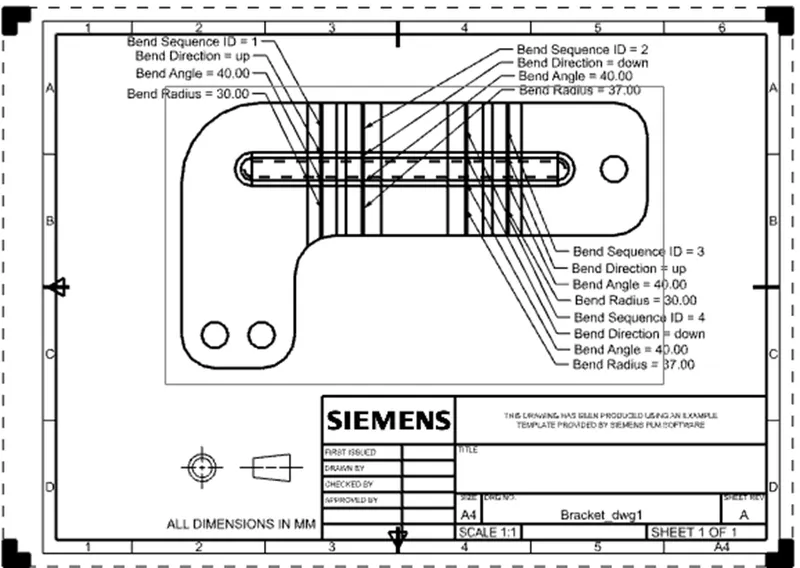
Advanced Sheet Metal Design Using NX Cad Challenge_6_Bracket
Title:-
Sheet metal design for Bracket
Objective:-
To design a Bracket using NX CAD Sheet metal Application
Introduction:-
Sheet Metal – It is formed by an industrial process into thin, flat pieces which is mostly used in Machinery, Automotive, Aerospace, Agriculture, Mining, Shipping industry, etc. The thickness of Sheet Metal is in between 0.25 mm to 6 mm. There are many types of sheet metals available, e.g – Alloy Steel, Stainless Steel, Carbon steel, etc.
NX cad – It is normally known as “UNIGRAPHICS”. It is an advanced CAD software which is owned by Siemens. This software is used for Design, Analysis, manufacturing.
Design Methodology:-
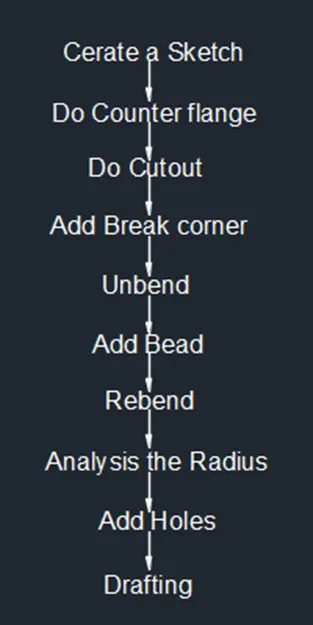
Description:-
Commands are used to complete the Model:-
Sketch - By using this command we can draw a 2D model.
Counter flange - – By this command we can create a base feature by extruding a sketch along the vector or adds material by swiping a sketch along an edge or chain of edge.
Normal cut out - By this command we can cut the model perpendicular to the sketch
Break Corner - By this command we can round the sharp corners to avoid the manufacturing tool to stop jerk.
Unbend - By this command we can flatten the 3D model by selecting one face as a stationary face.
Bead - By this command we can give strength to a sheet metal at a particular shape at a certain point.
Rebend - By this command we can flatten the sheet metal.
Local radius analysis - By using local radius analysis tool we can check the radius directly.
Hole - By this command we can create a hole on the surface of sheet metal.
Description:-
Draw the Sketch on ZX plane as per the dimensions, then do contour flange width of 200mm.
Then Draw the sketch on XY plane and do normal cot out with depth of 35mm.
Then do the break corner radius of 25mm, 30mm and 60mm.
Then do the unbend, draw the sketch for adding circular type bead depth and radius of7mm and rebend the sheet metal.
Then do the local radius analysis.
Then do the 3 holes diameter of 20mm.
Front View:-
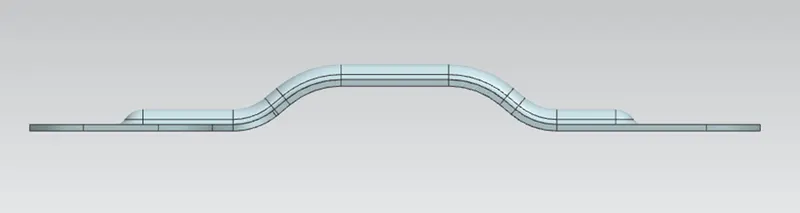
Side View
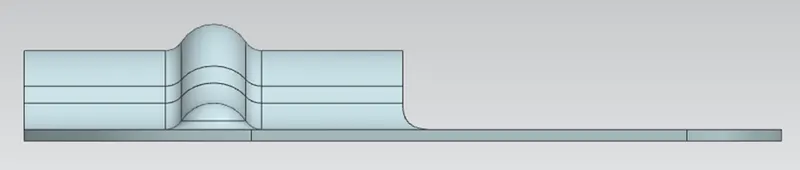
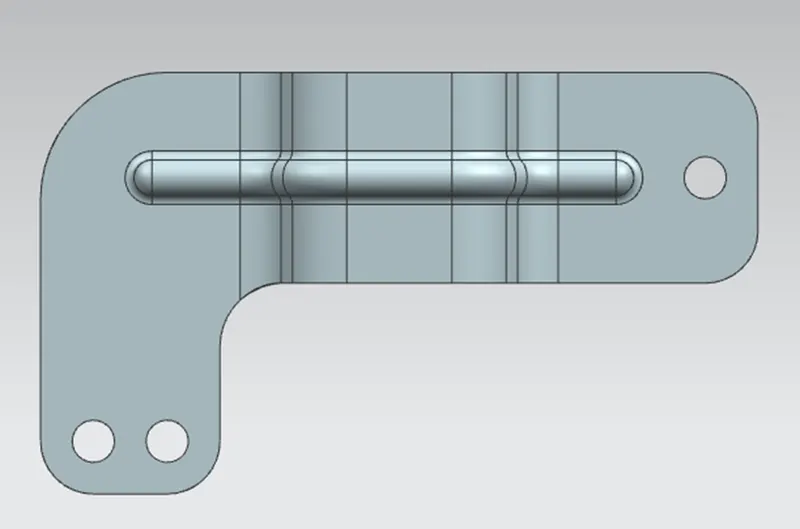
Top View
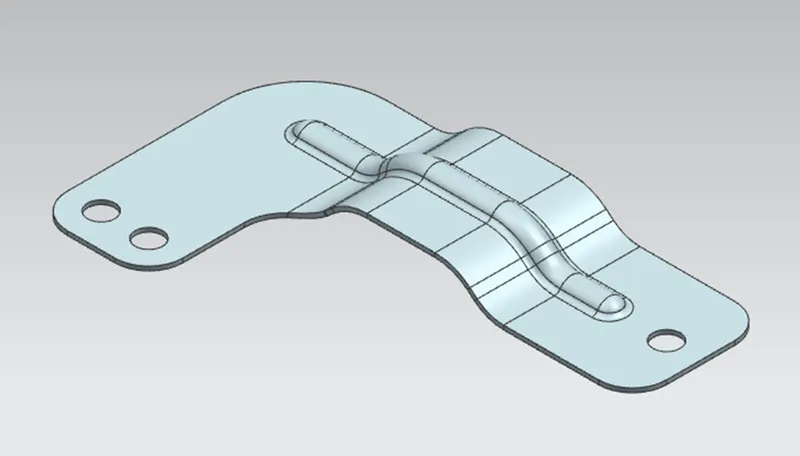
Isometric View:-
Drafting:-