Advanced Sheet Metal Design Using NX Cad Challenge_6_Bracket
Designing A Bracket:-
Objective:-
- To design a bracket using sheetmetal workbench of NX cad software.
Introduction:-
- NX cad is simple and powerful tool which has wide varity of application in various industries such as automobile, aircraft, pharma etc.
Design Methodology:-

Description:-
Contour Flange: We need to sketch as they mention curve their, aftar that it extrude with applying thickness which we want.
Mirror Body: This feature is use to create a copy of same sketch to opposite direction.
Normal Cutout: This command is use to create hole or cutout using sketch on a sheet metal.
Bend: It is modify the model by bending material on one side of a sketch line.
Flange: By using this command we add flange. it consist bend and web region.
Break Corner: It provides chamfer or blend to the sharp corners.
Unbend: It will flatten the bend region.
Rebend: After unbend, the rebend command will be use to bend region to its original form.
Bead: It is also punch operation but it is use to stiffen the surface.
Hole: To create hole on the surface, several holes option are their.
Local Radius Analysis: We check out the radius of that particular area.
Model Views:-
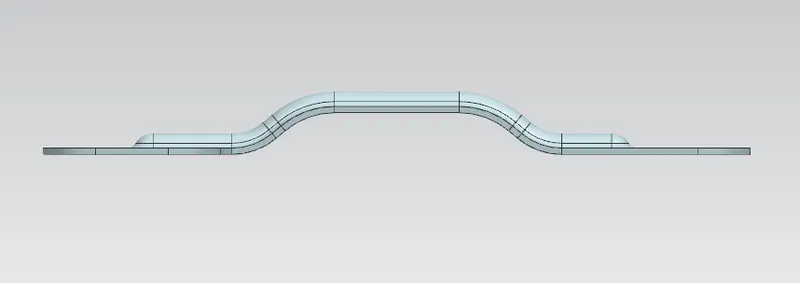
Front View:
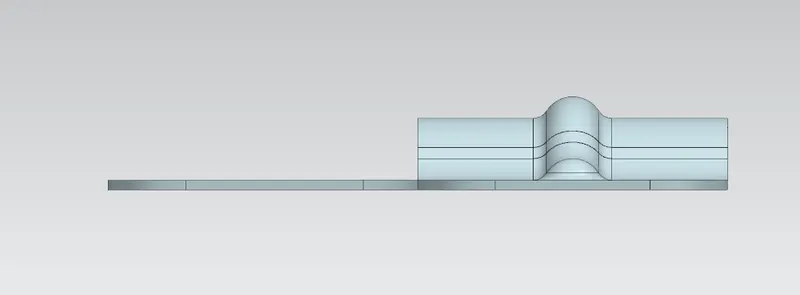
Side View:
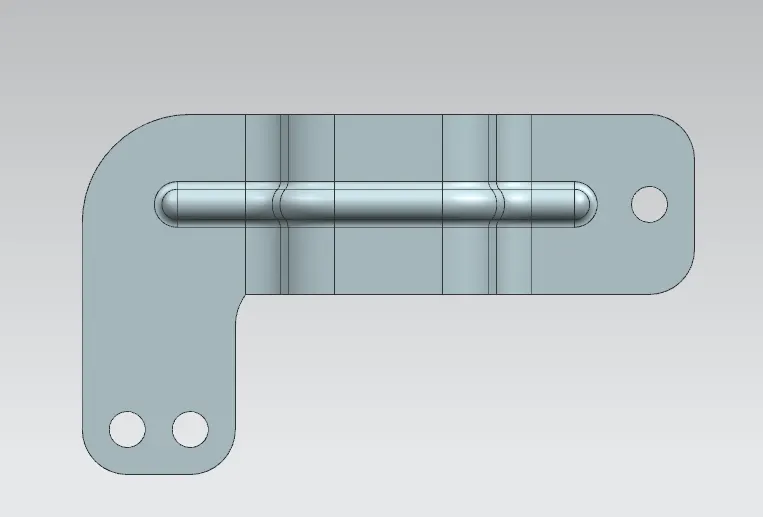
Top View:
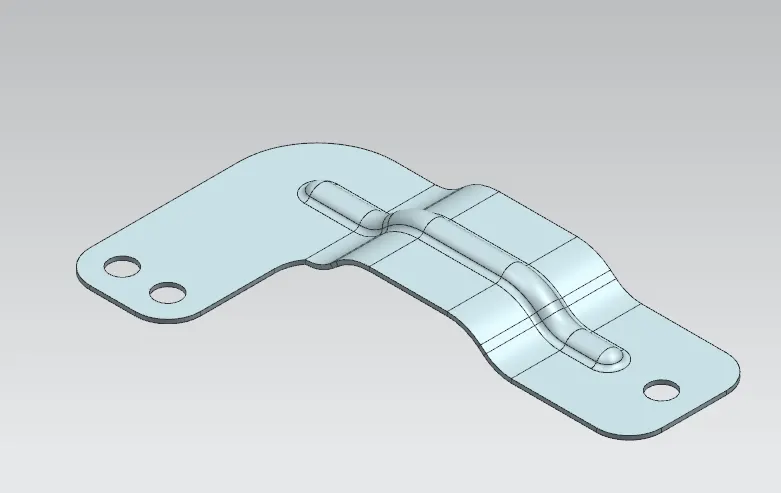
Isometric View:
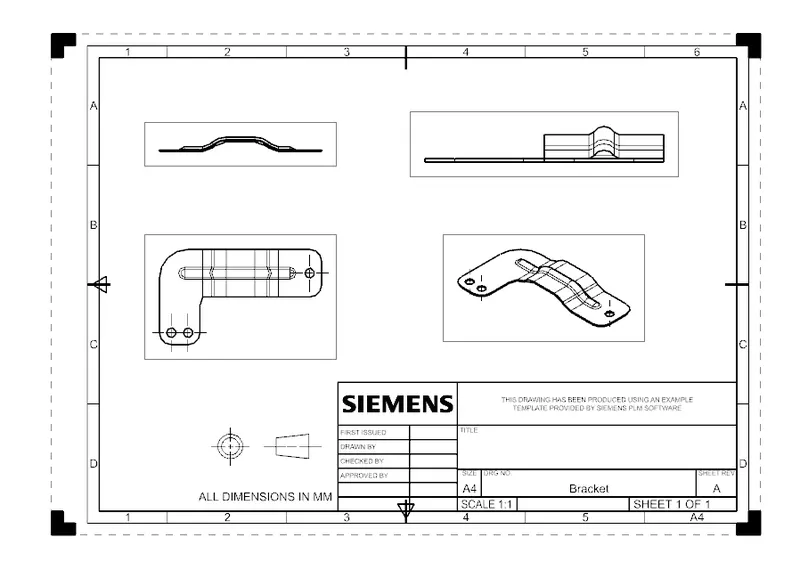
Drafting View:
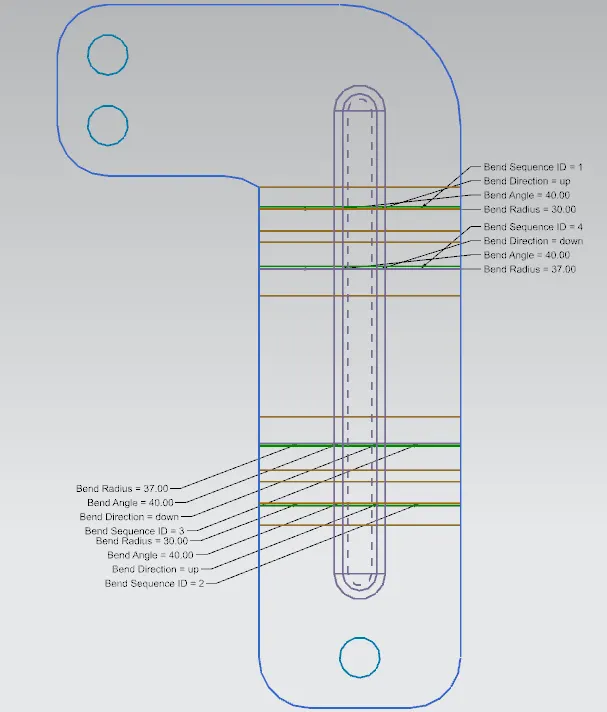
Flat Pattern:
Conclusion:-
- We design a bracket by using different tool in NX cad software.