Advanced Sheet Metal Design Using NX Cad Challenge_6_Bracket
DESIGNING BRACKET:
OBJECTIVE:
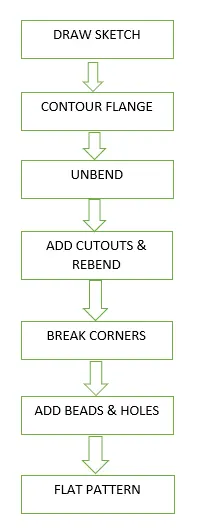
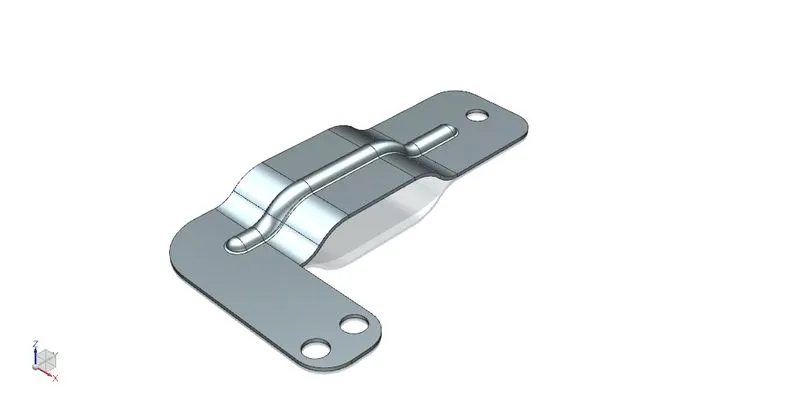
The objective is to design a bracket using contour flange, here is the work flow for the following design.
FLOW CHART:
INTRODUCTION:
Here we will design a bracket using a 2D sketch.
DESCRIPTION:
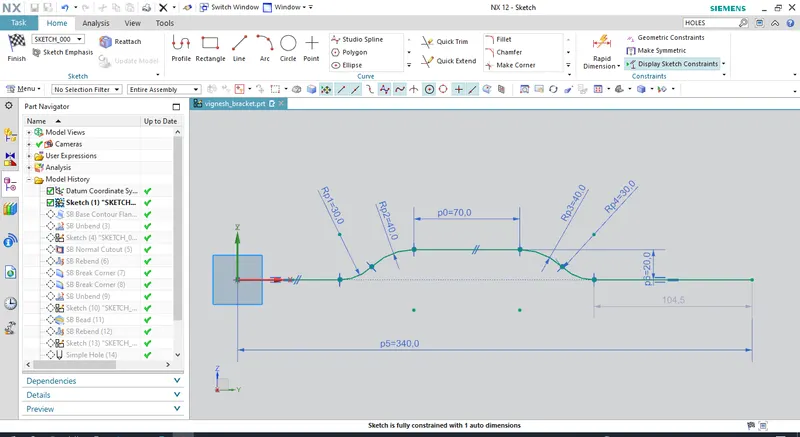
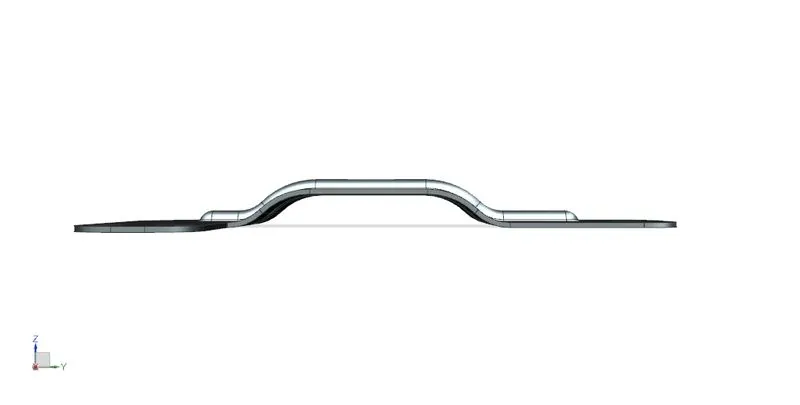
Draw a sketch in XY plane, then use contour flange. Keeo width to 200mm and thickness to 1mm. This will create a tab with bends as per the parent sketch.
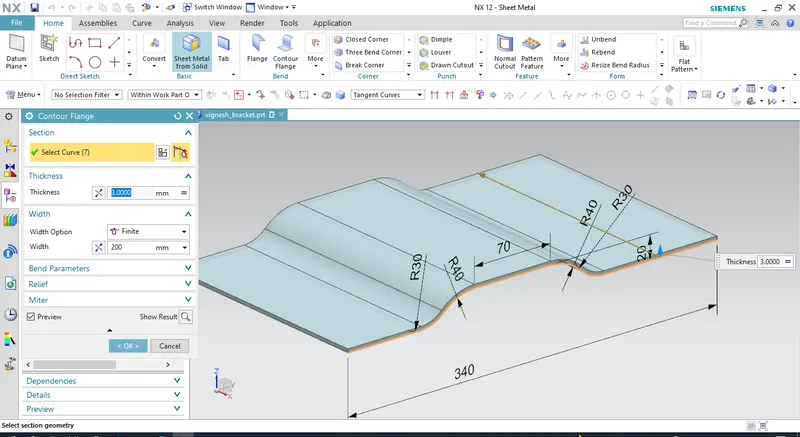
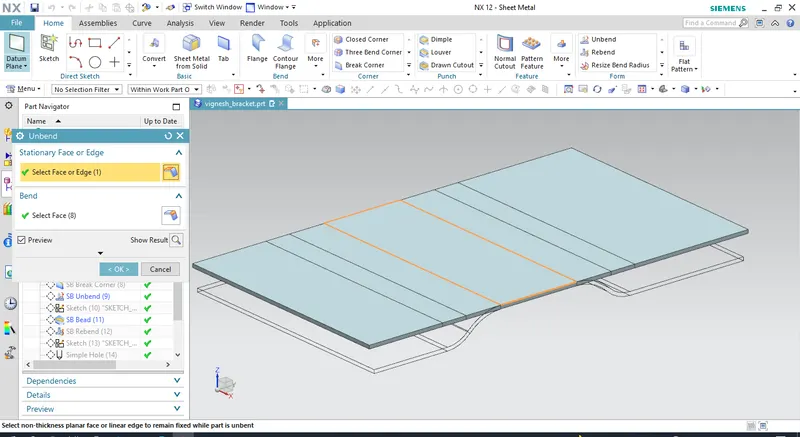
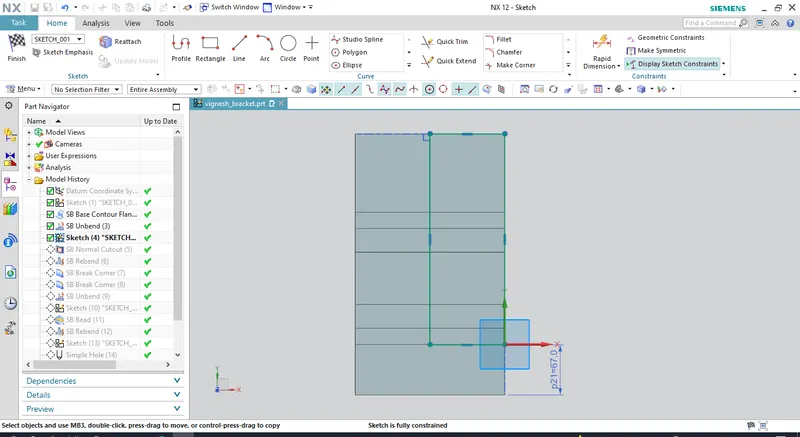
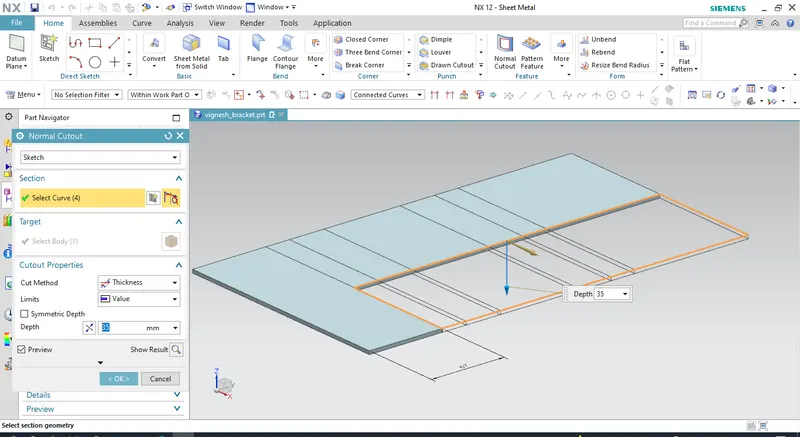
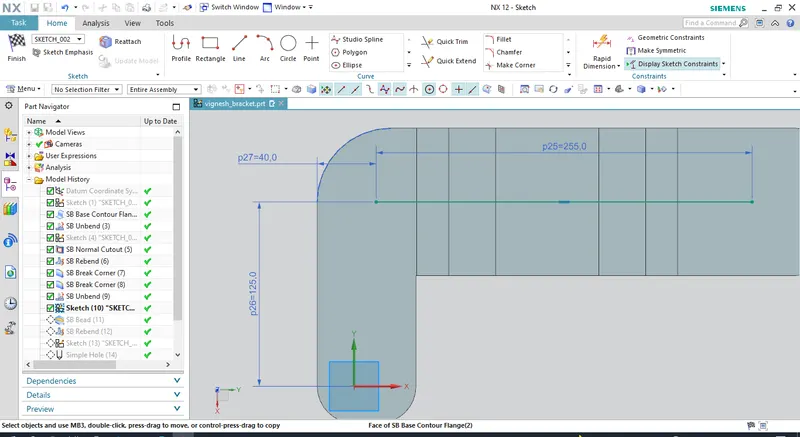
Unbend the sheet metal design using unbend from the command tab, now draw a sketch on the surface of the tab, then proceed with normal cutout. Then use rebend to bend the sheet metal.
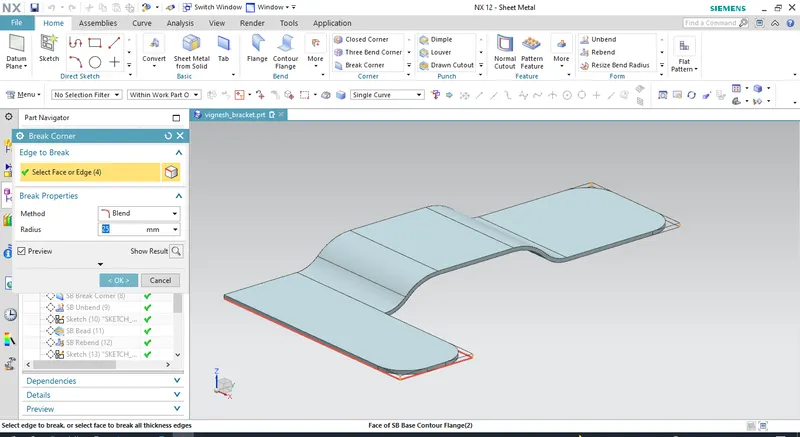
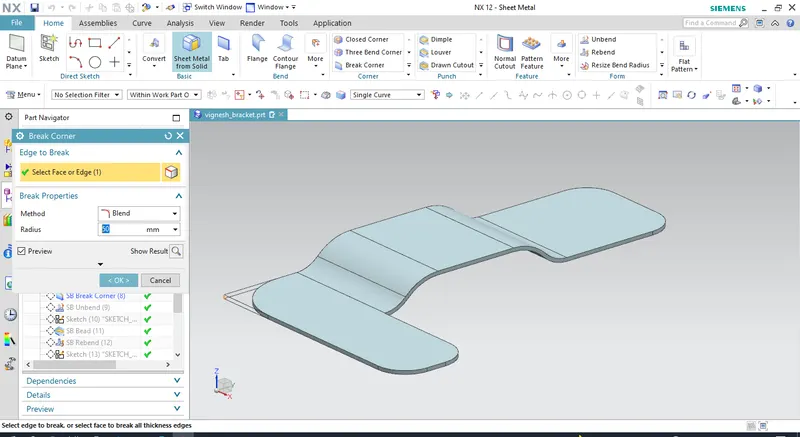
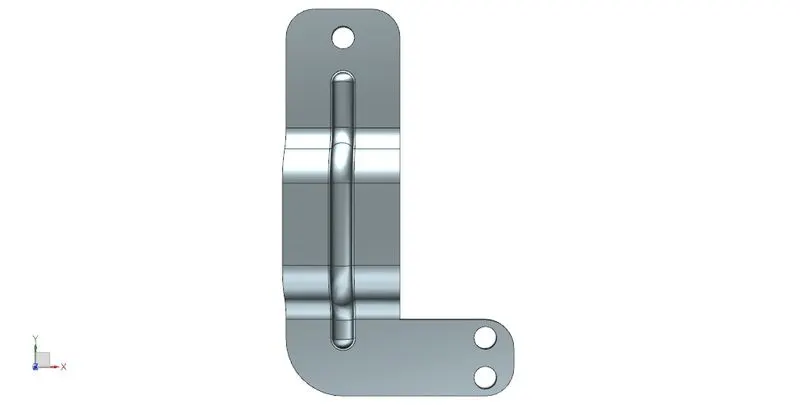
Use break corner to round the edges, give radius of 25mm to the edges in the x direction, and to the other corner keep the radius to 50mm.
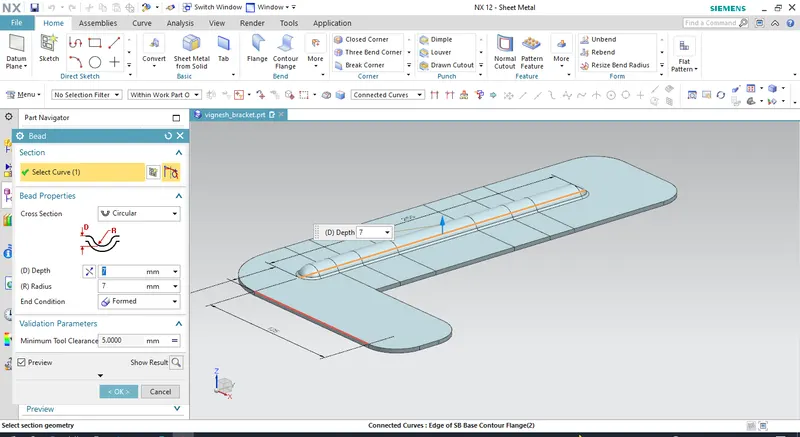
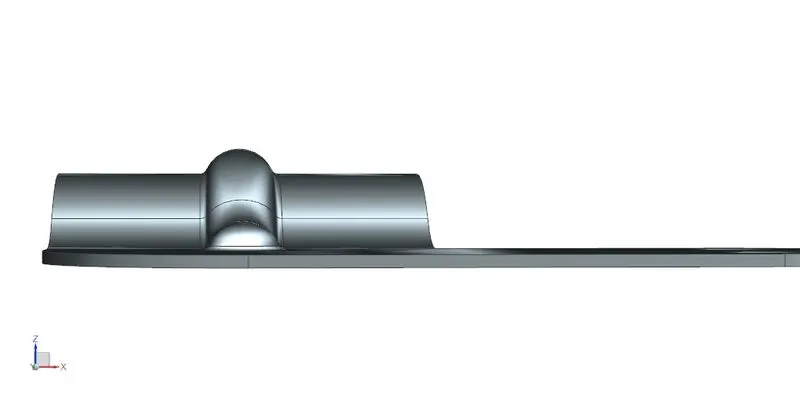
unbend the sketch and add beads to the sheet metal and then rebend.
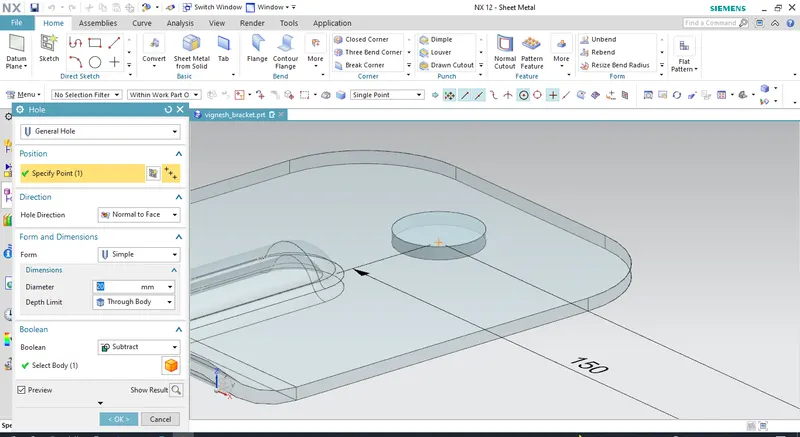
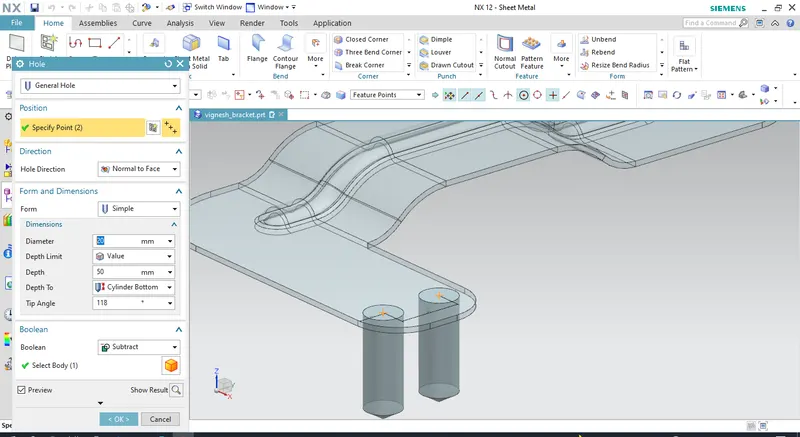
Add holes to the sheet metals with required parameters.
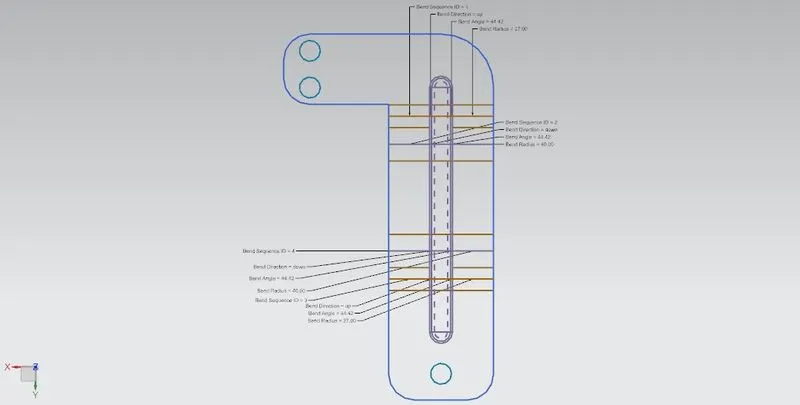
FLAT PATTERN:
THE END