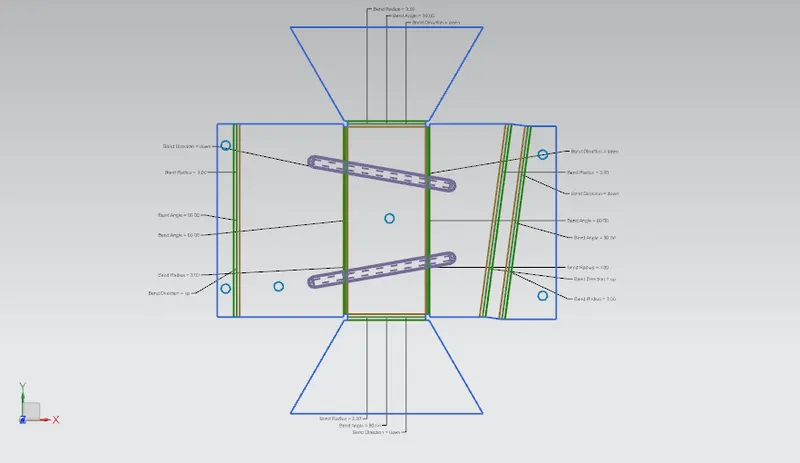
Advanced Sheet Metal Design Using NX Cad Challenge_5_Odd Shaped Enclosure
CREATING A SHEET METAL FROM SOILD BODY:
WORKFLOW:
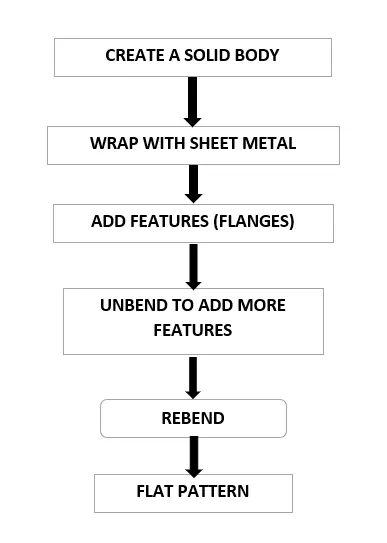
- Create a solid body in the begining, using sketch and extrude.
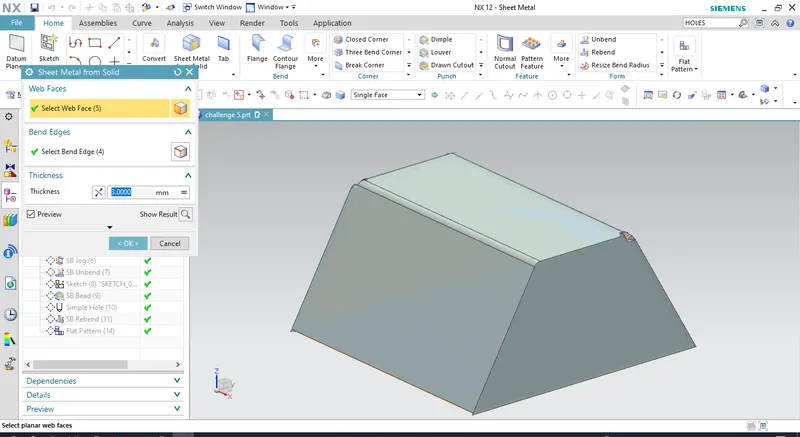
- Use SHEET METAL FROM SOLID command to wrap the solid body with sheet.
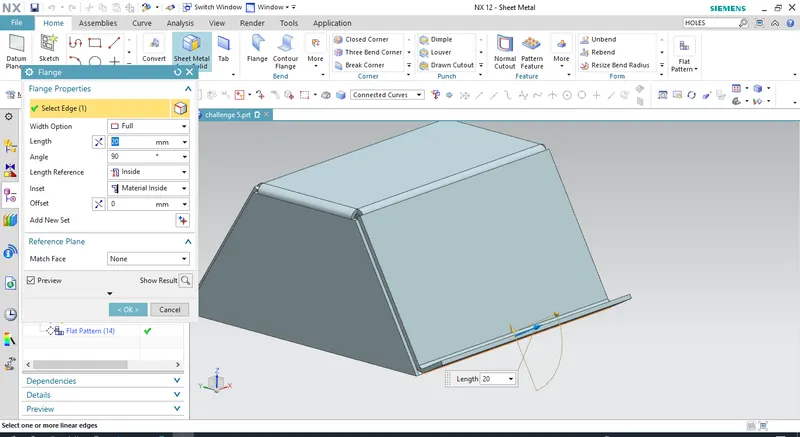
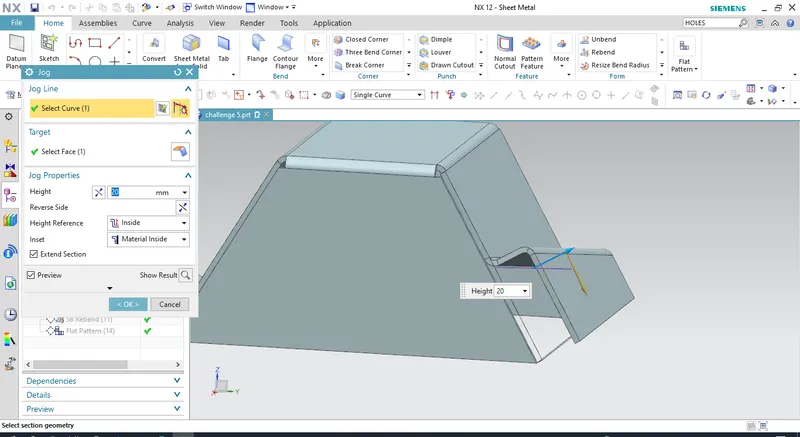
- Add features such as flanges, bends, jog etc.,
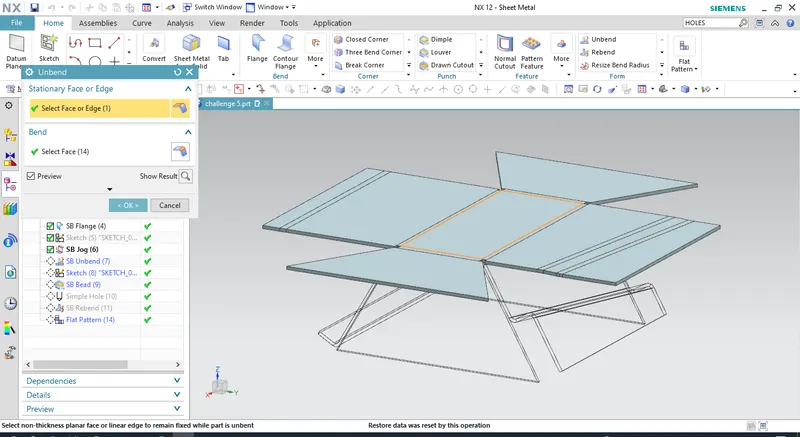
- Unbend the model and add more features like beads, cutouts, holes etc.,
- Rebend the model
- Create a flat pattern.
OBJECTIVE:
The objective is to design a sheet metal model using the above workflow.
DESCRIPTION:
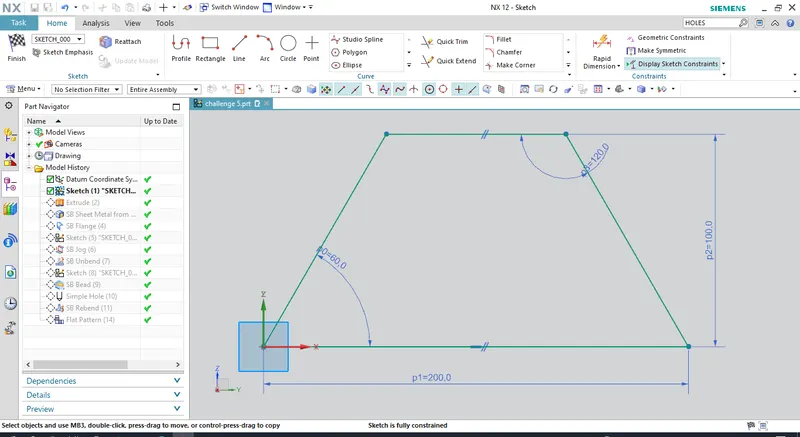
Open NX cad and draw a sketch, then extrude it.
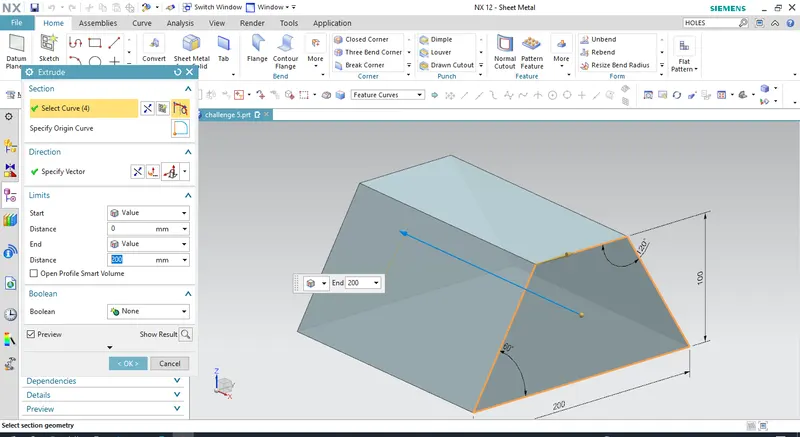
Use sheet metal from solid command.
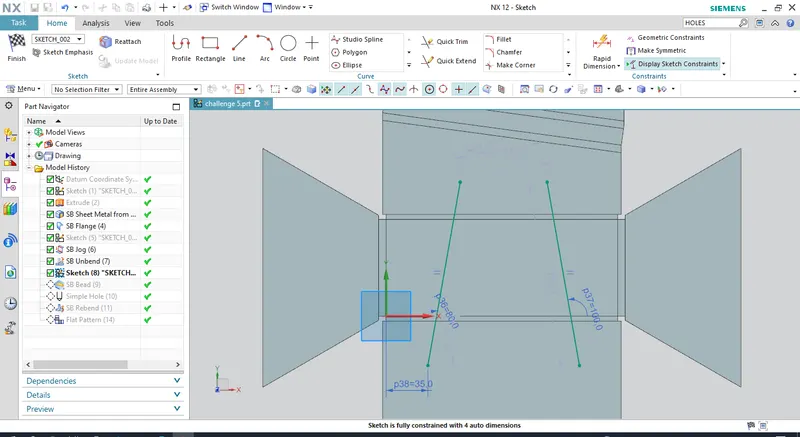
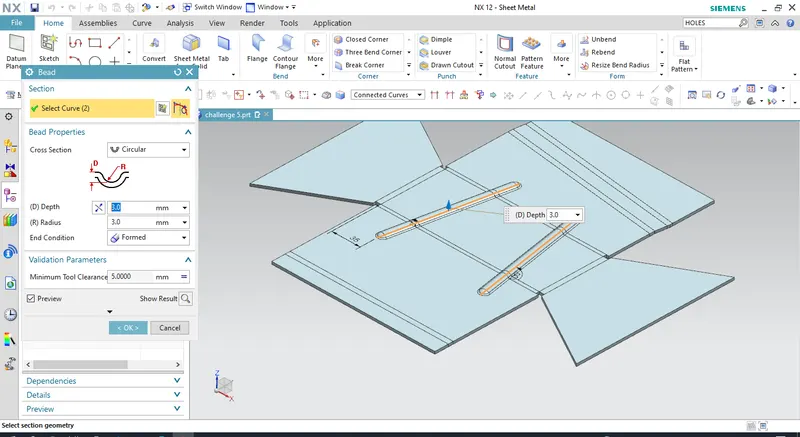
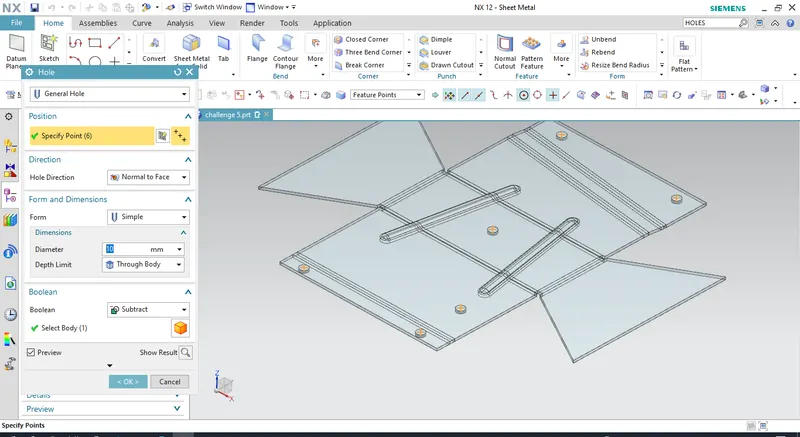
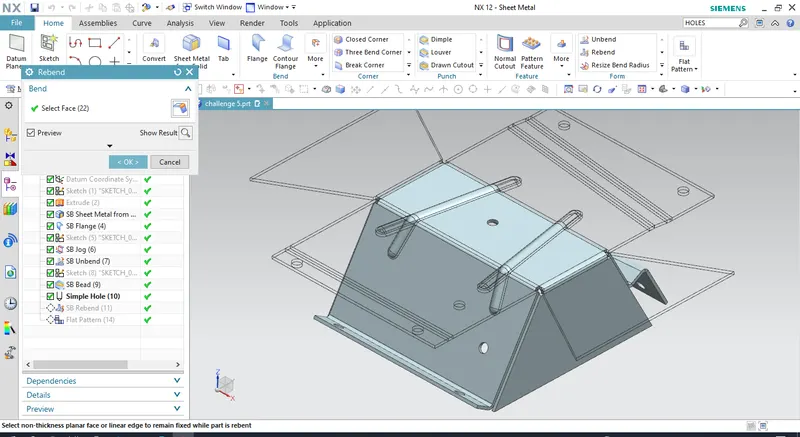
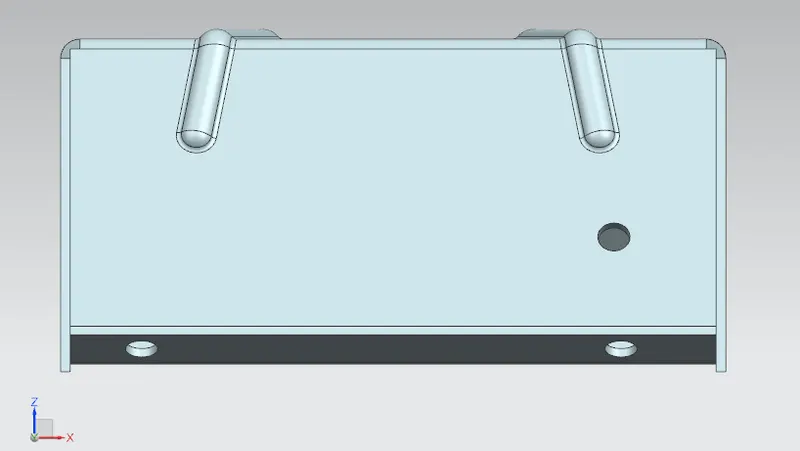
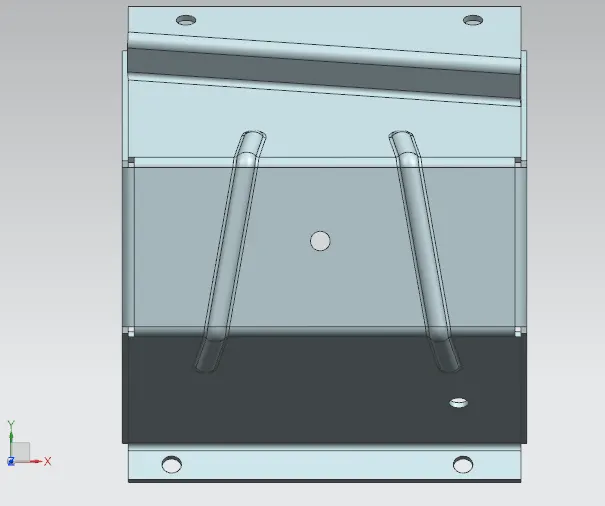
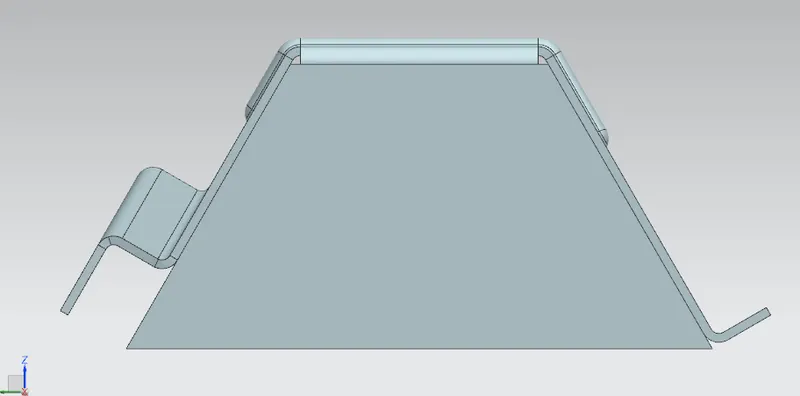
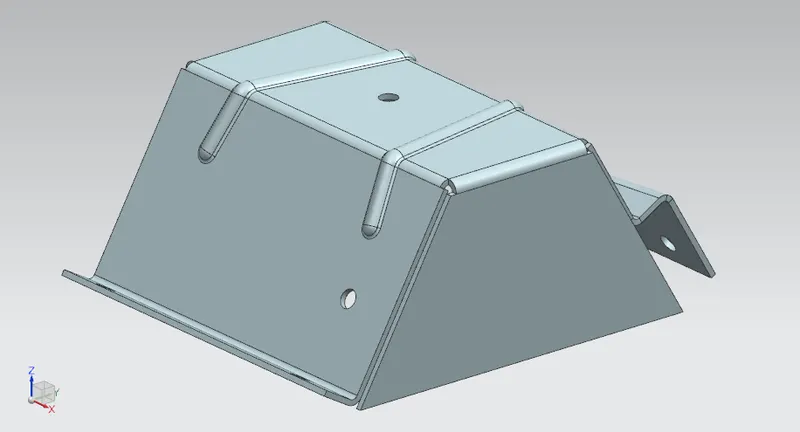
FLAT PATTERN: