Advanced Sheet Metal Design Using NX Cad Challenge_2_Box Assembly
BOX ASSEMBLY
OBJECTIVE:
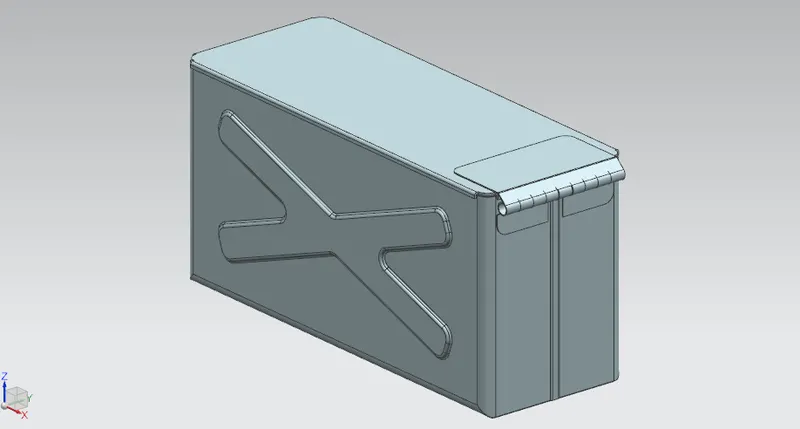
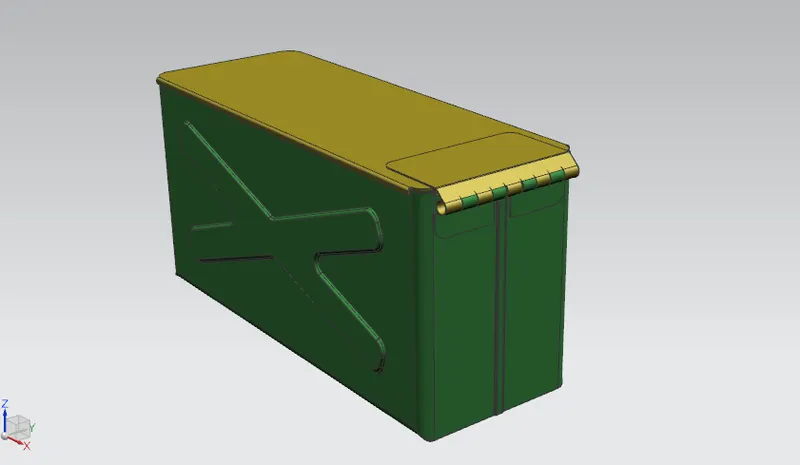
The objective is to design a box, using NX Sheet metal.
DESIGN METHOD:
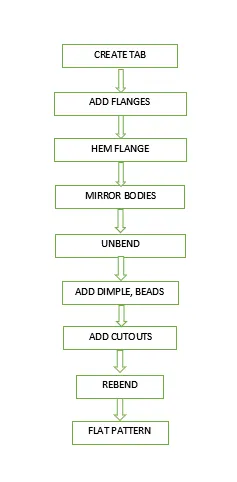
DESCRIPTION:
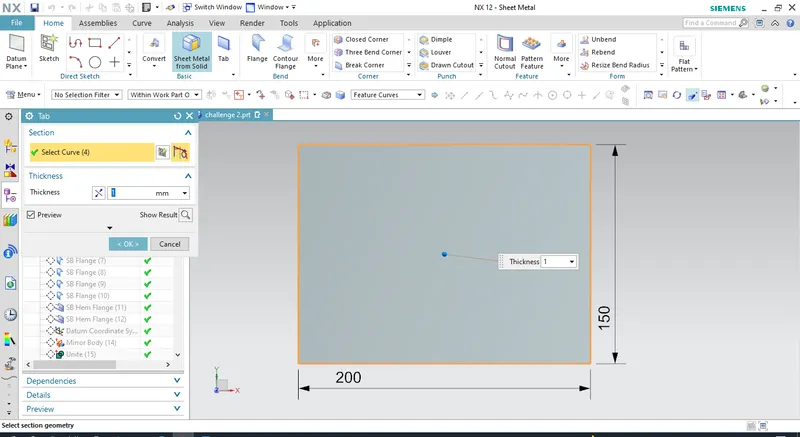
Create a tab selecting XY plane, thickness of the tab is 1mm. Then add flanges to it, keep the length of the flanges to 200mm. Then click on the closed corners command and then close the gap at the bottom.
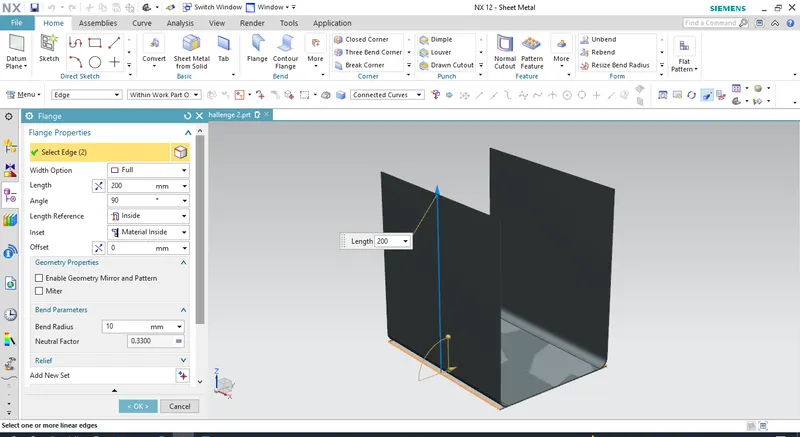
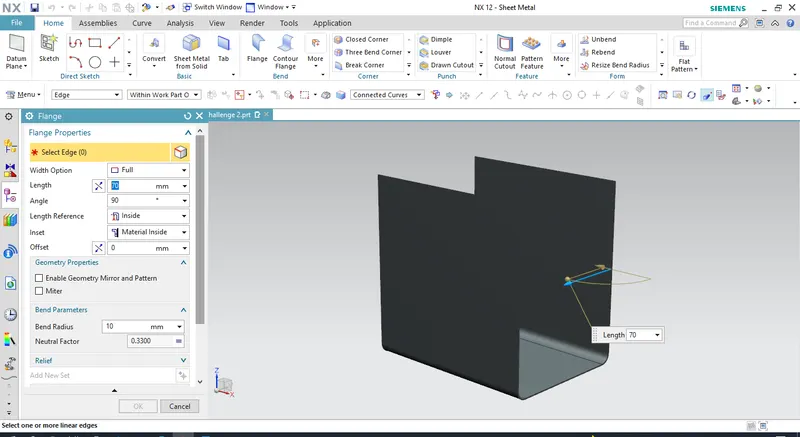
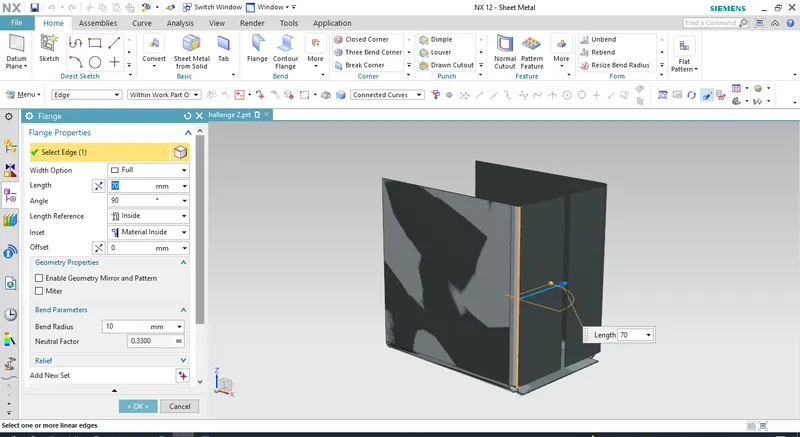
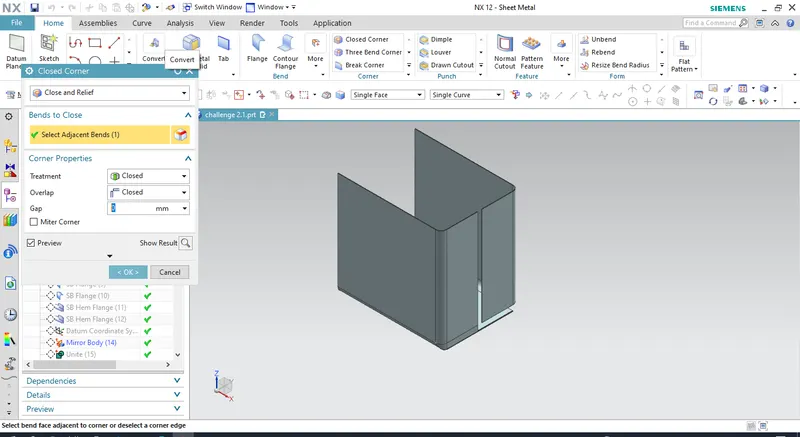
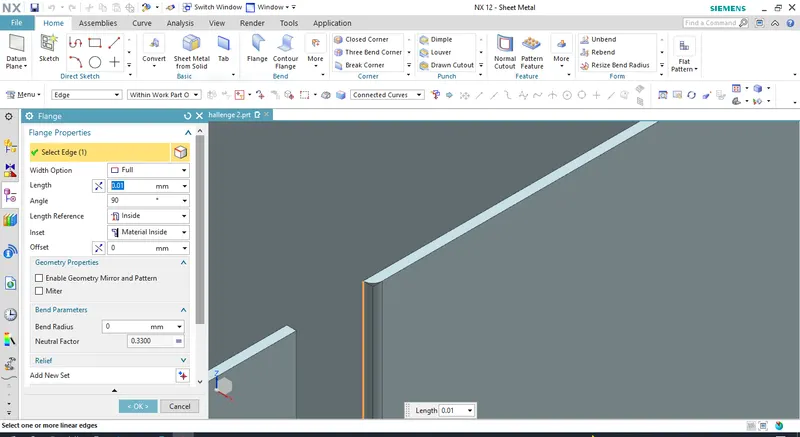
Add flange to the edge of the surface near the opening, to close the gap.
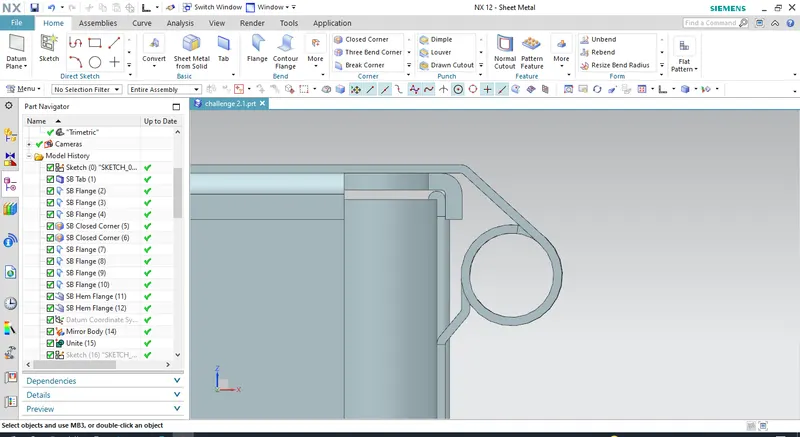
Using the HEM FLANGE to join the surfaces of the sheet metal.
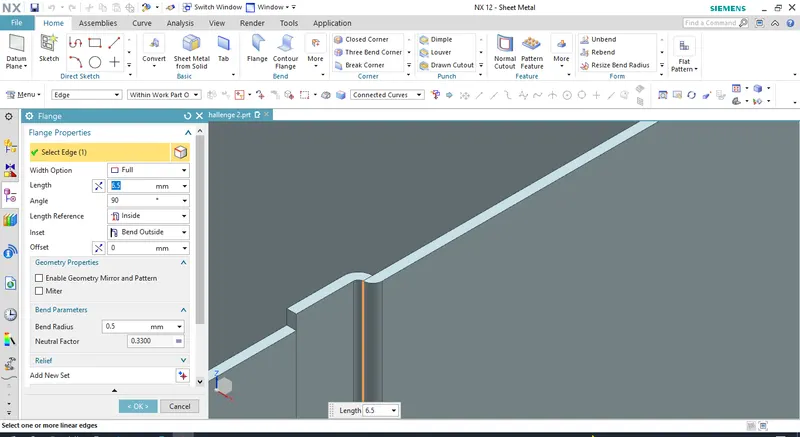
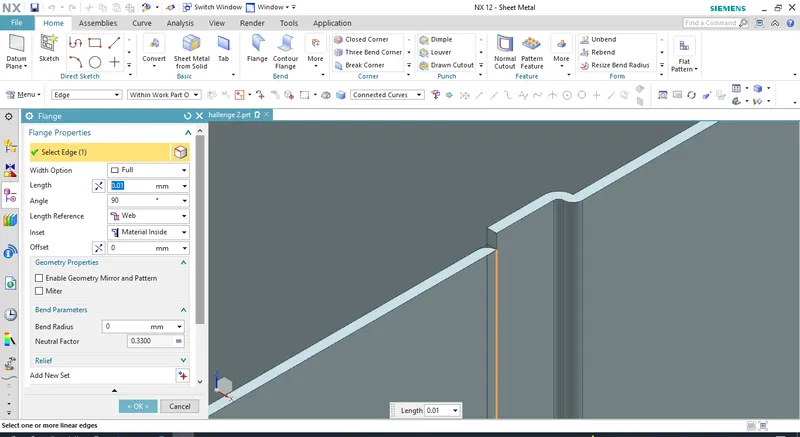
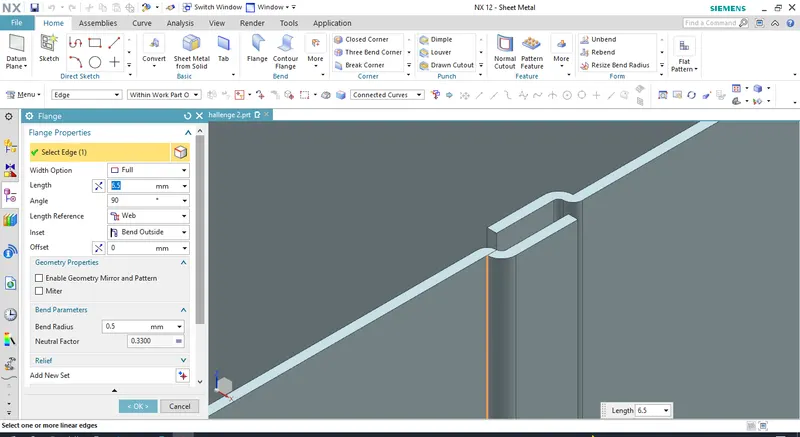
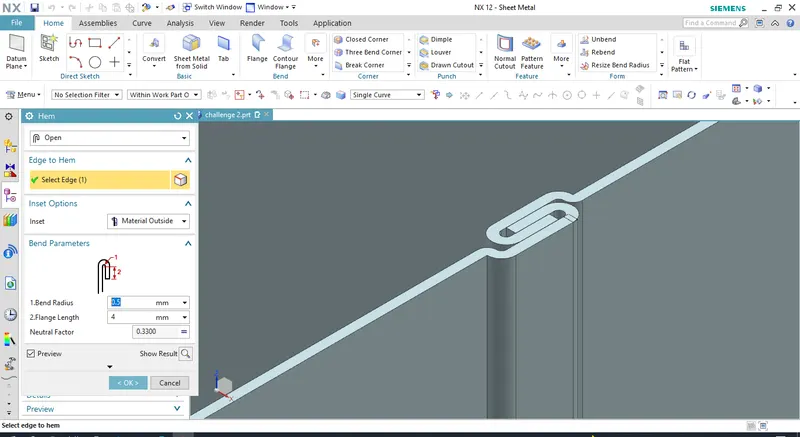
Use MIRROR BODY to mirror the half portion of the design. Select appropriate plane. Then unite the two bodies as single body.
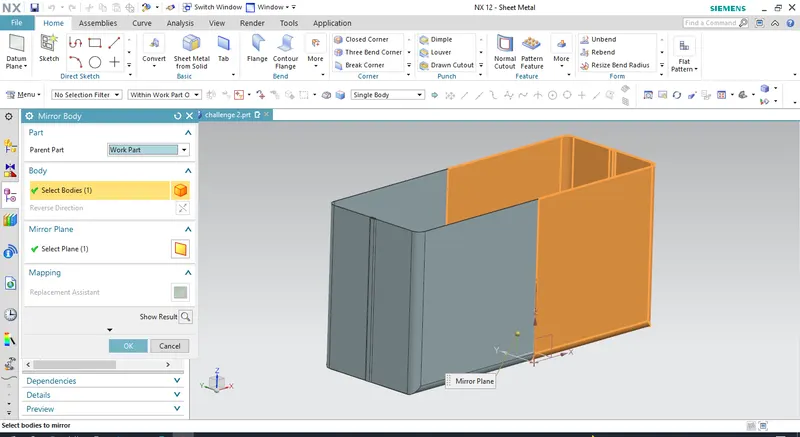
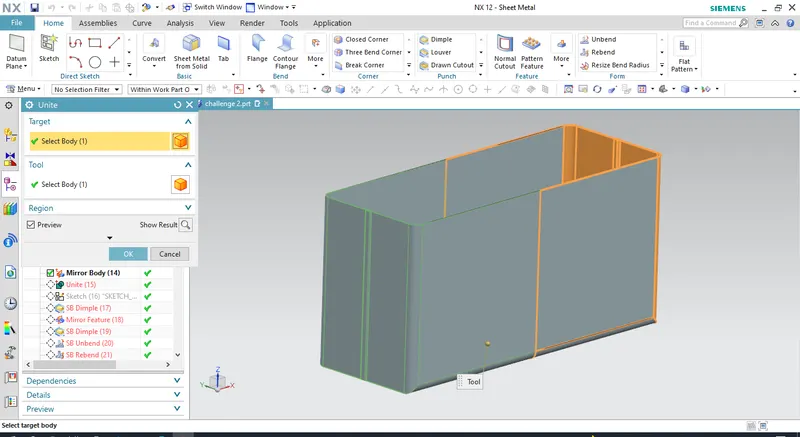
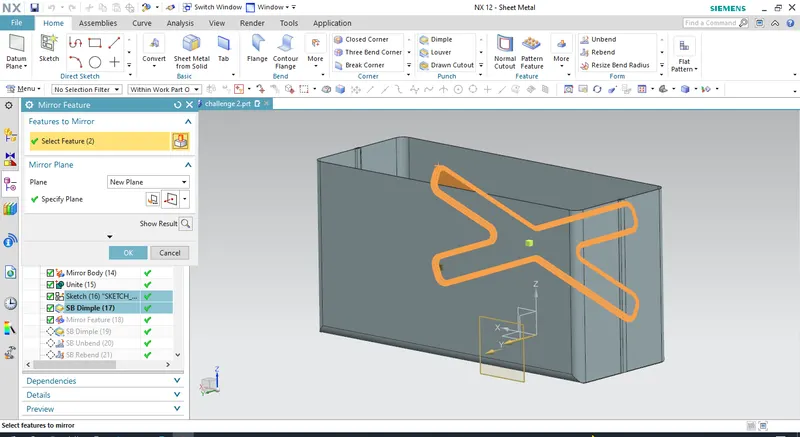
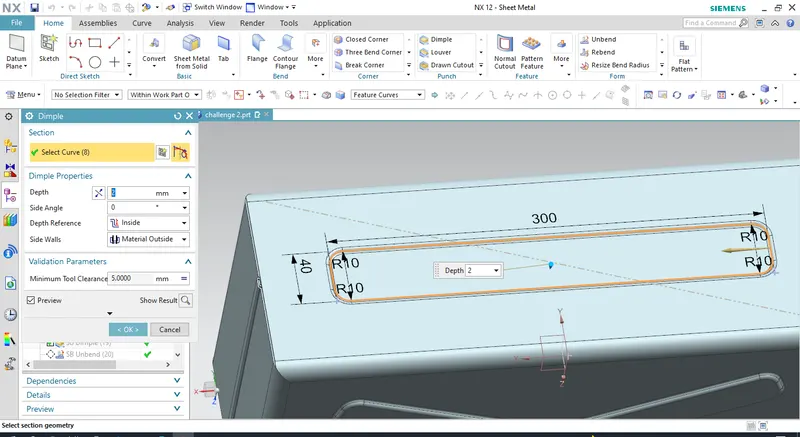
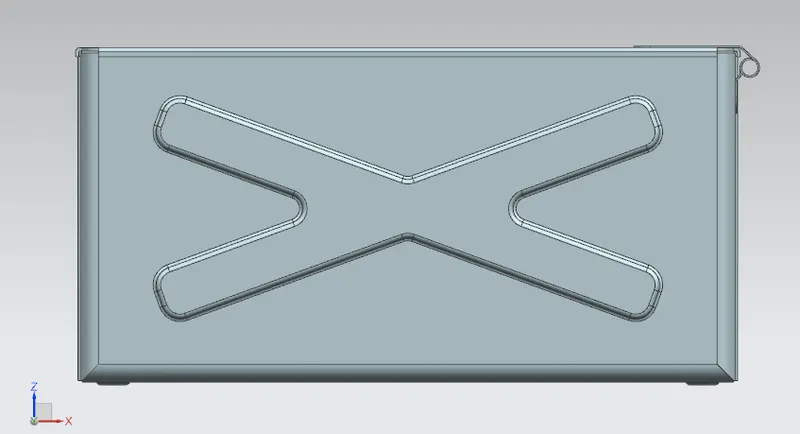
Create DIMPLE by sketching on the plane selecting the side of the model, then mirror the dimple formed on one side of the model to the other using mirror feature.
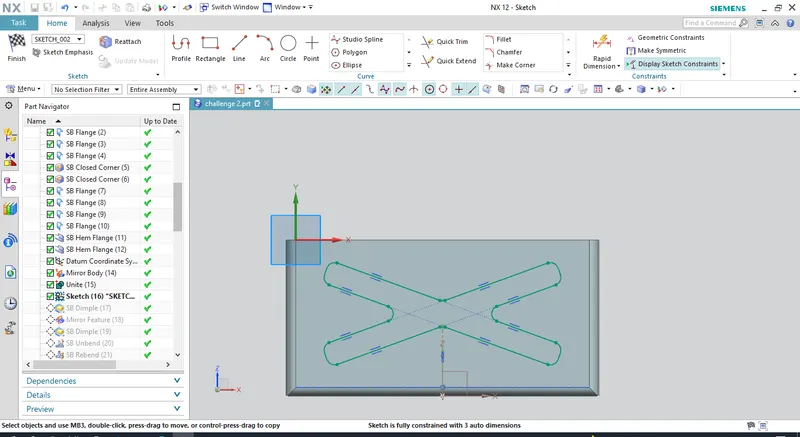
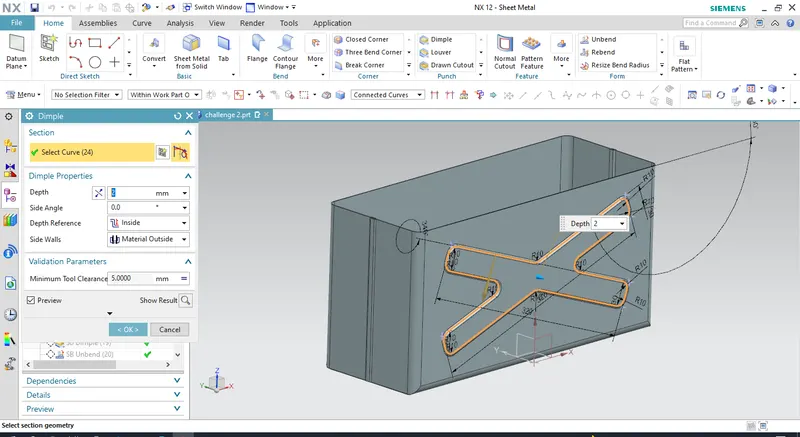
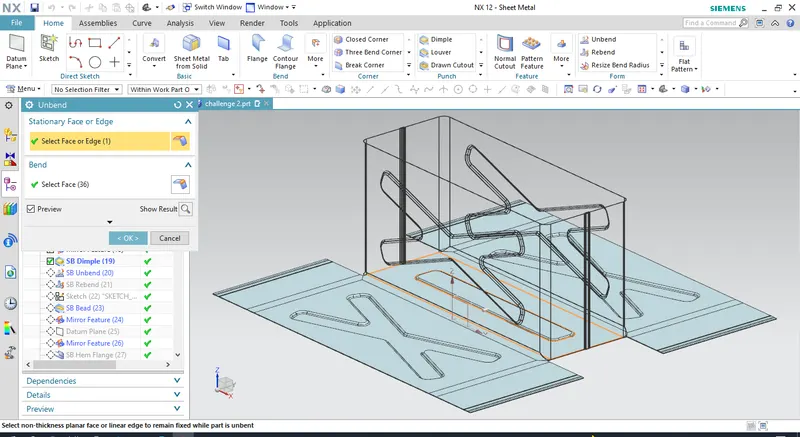
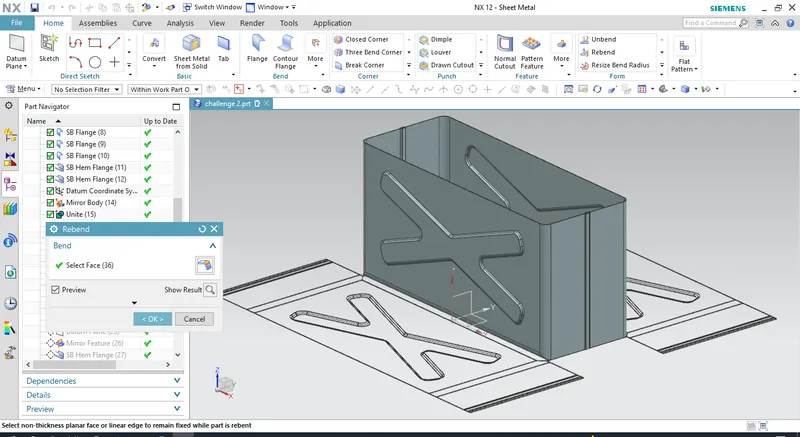
UNBEND AND REBEND:
Unbend and rebent the sheetmetal body. Then create some beads on the bottom. Create beads on one side and use mirror feature to add it on the another side.
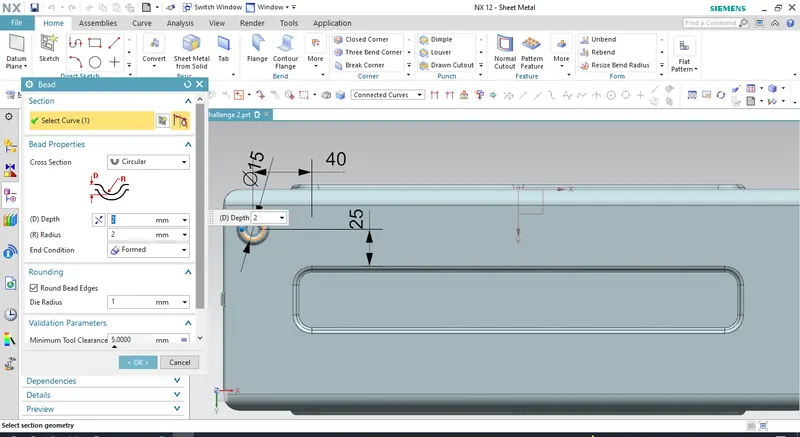
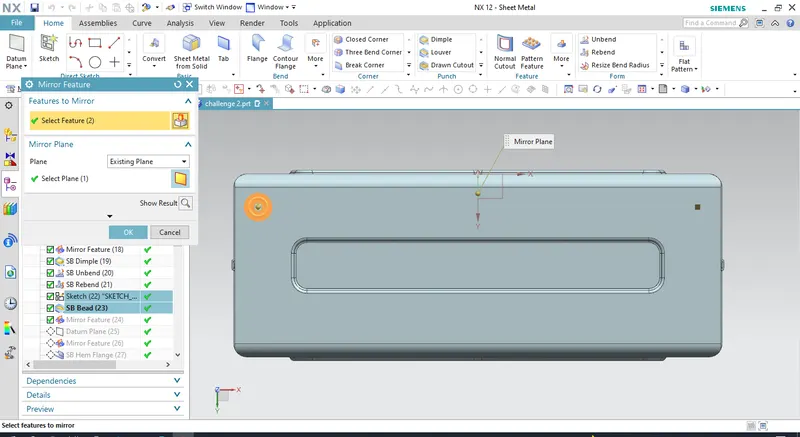
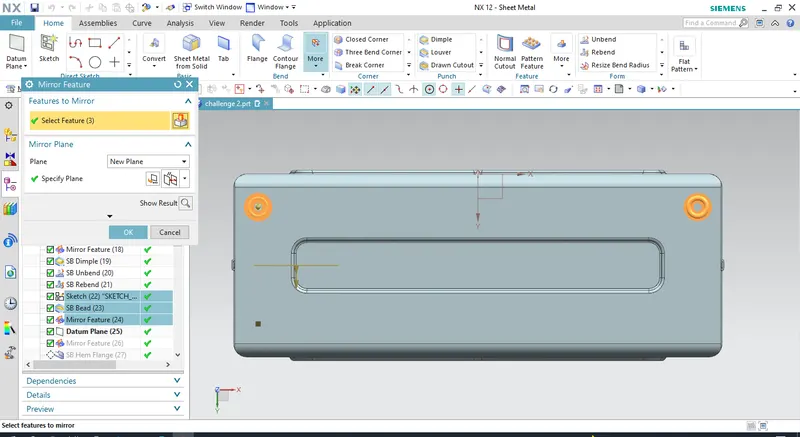
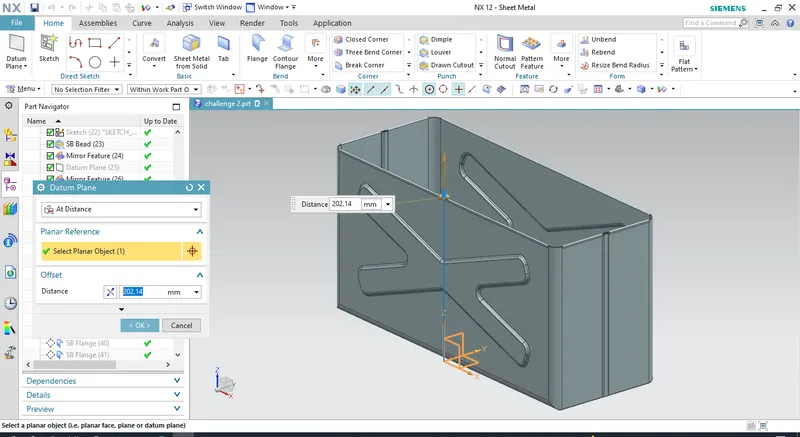
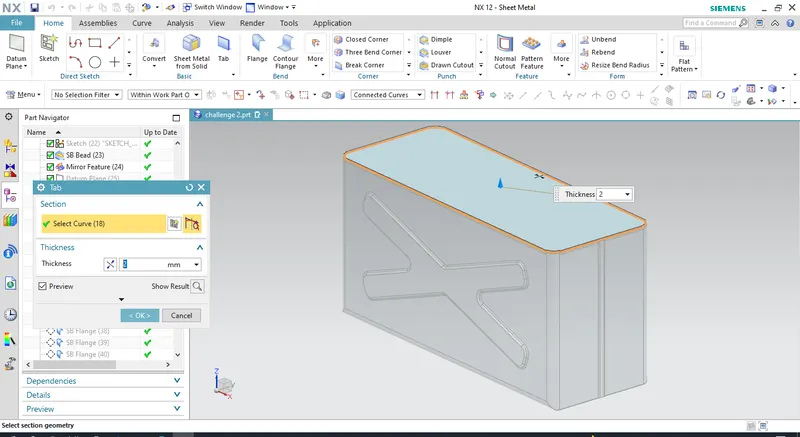
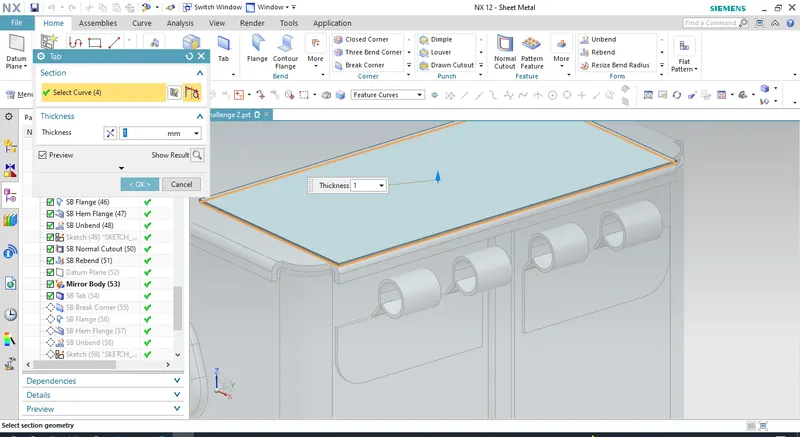
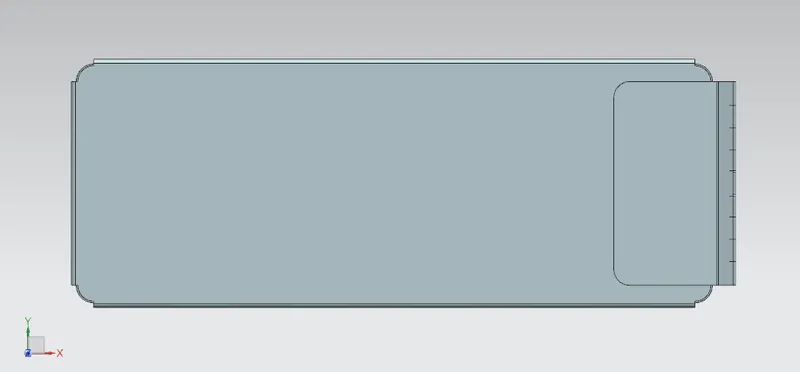
Add hem flanges on the top open edges of the design, Then create a datum plane at distance 203mm from the origin plane, create new tab on the new datum plane to close the box design. keep tab thickness to 1mm. add flages on the edges of the new tab. with required bend radius. Mirror the feature.
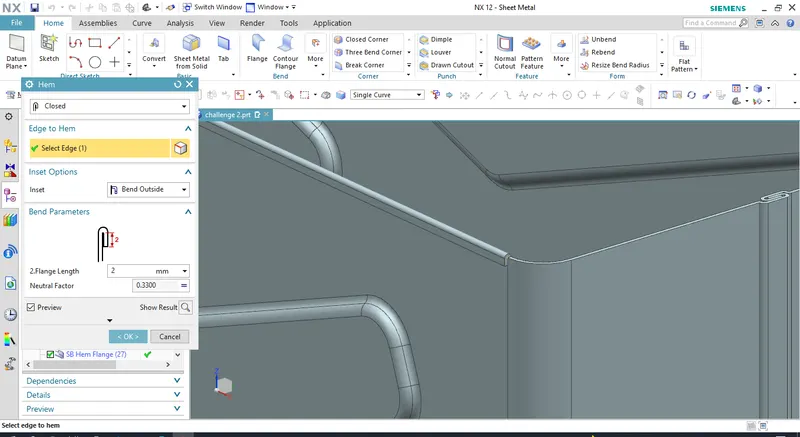
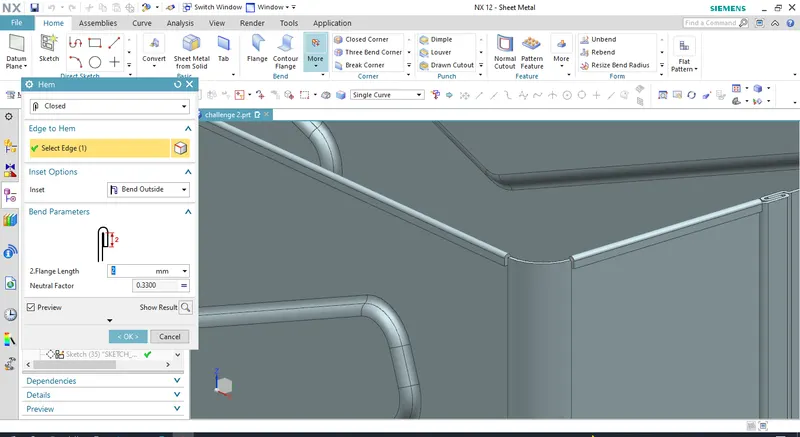
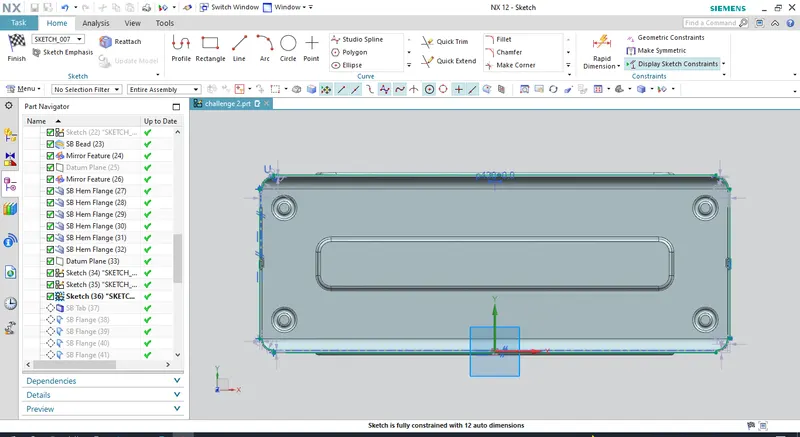
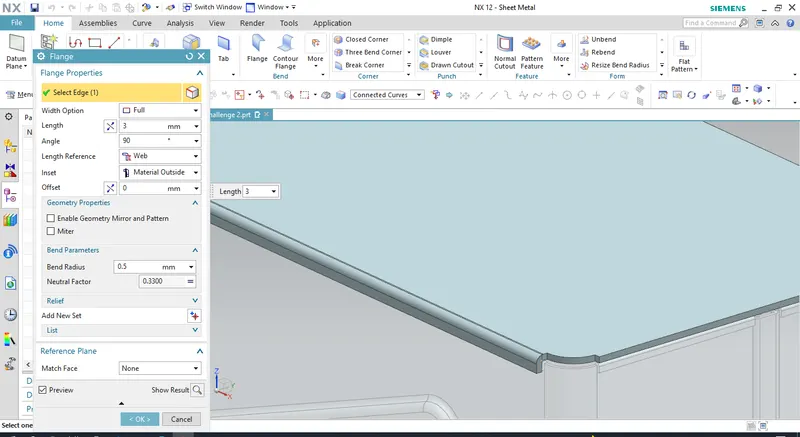
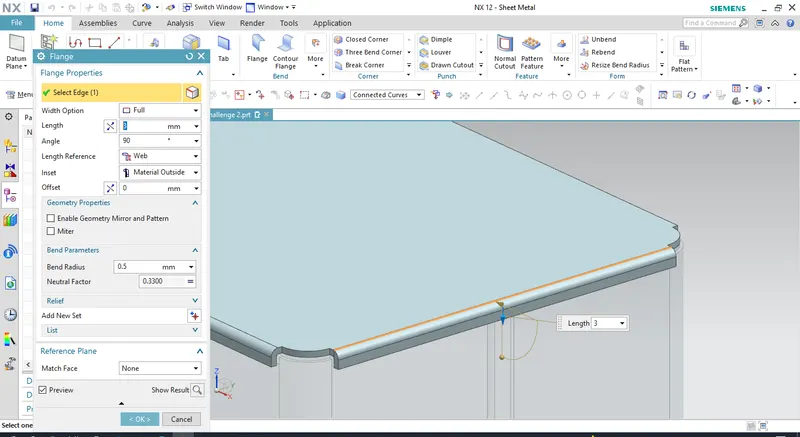
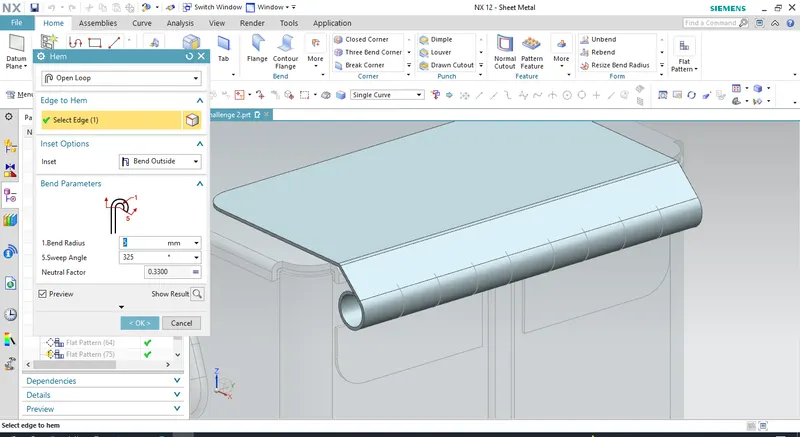
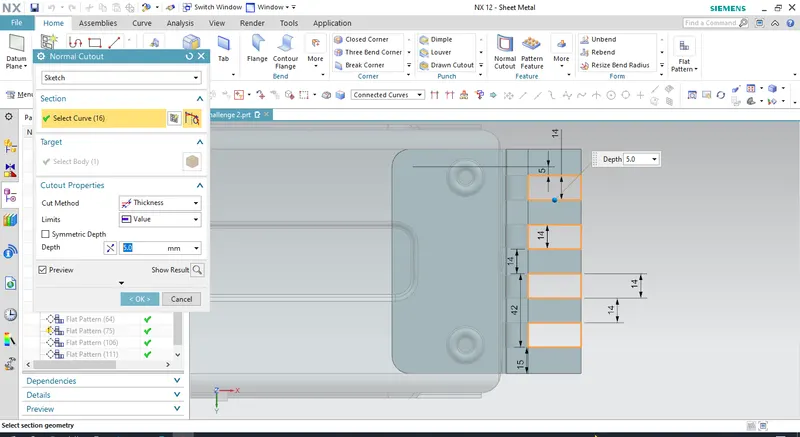
Create hinge for lid and the box by adding a new tab on one side of the box casing.Use hem flange to create hinge. Use cutout to remove unwanted material.
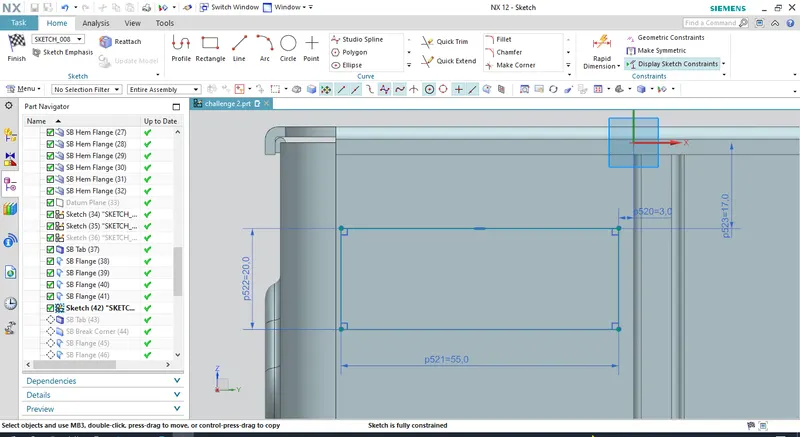
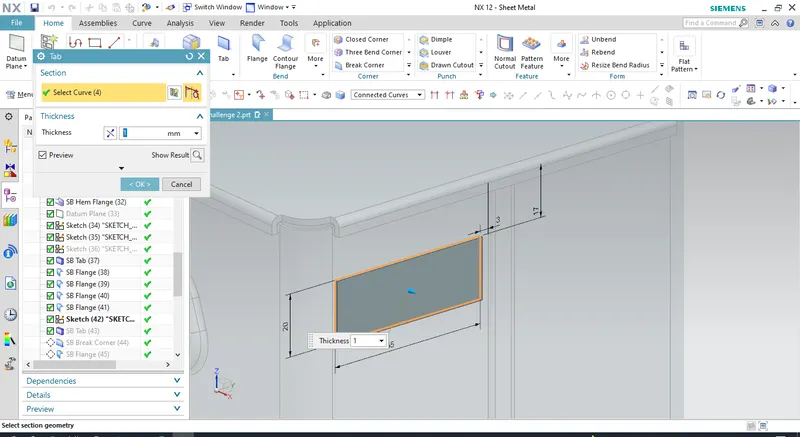
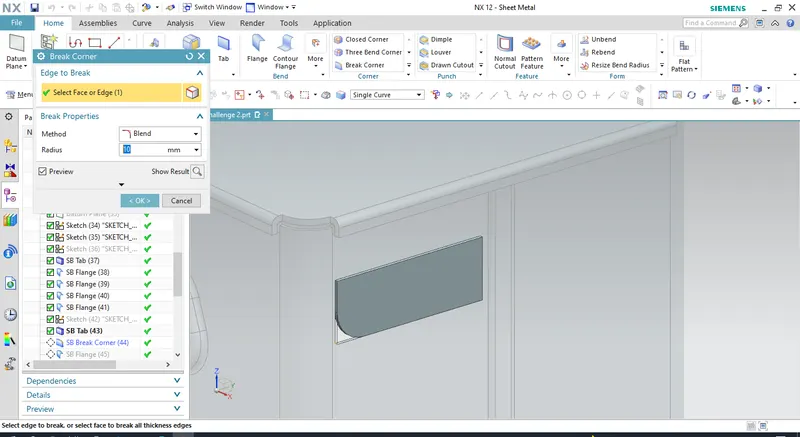
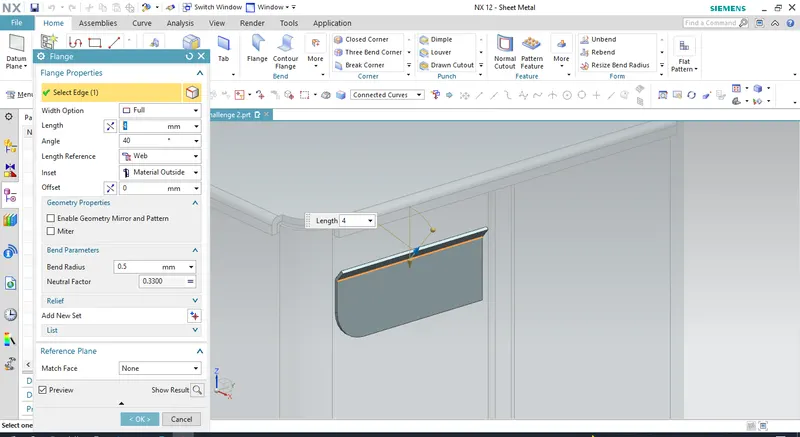
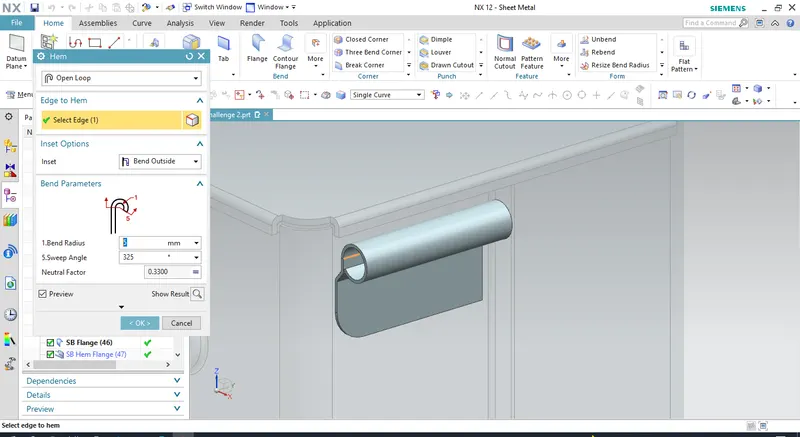
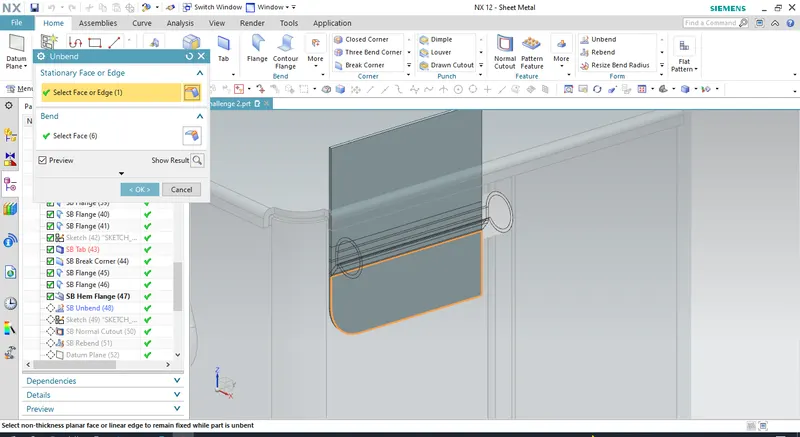
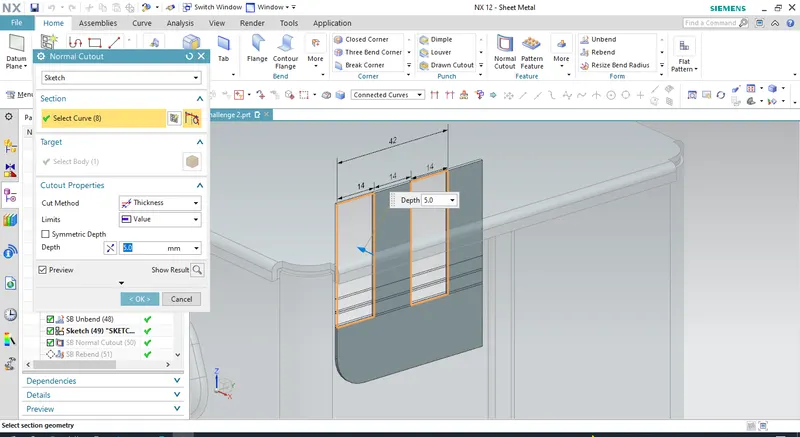
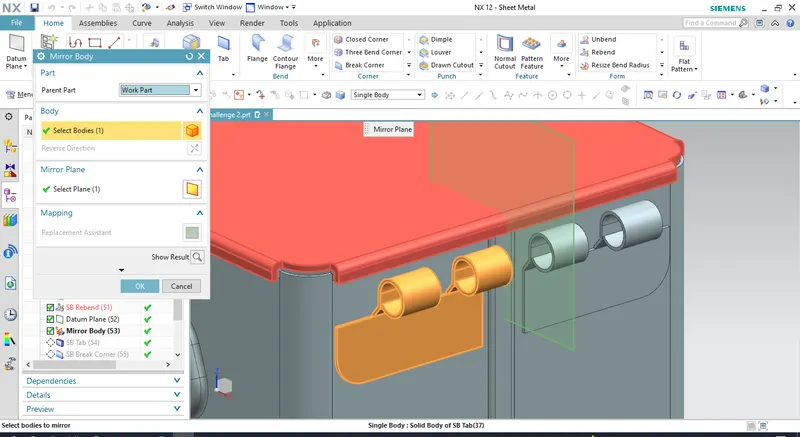
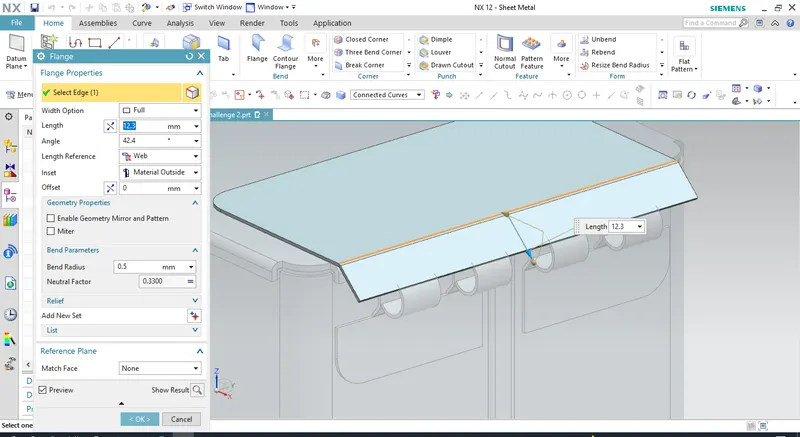
Create a new tab on the lid surface, add a flange to it with required angle , the use hem flange to create hook. Remove extra material using cutout.
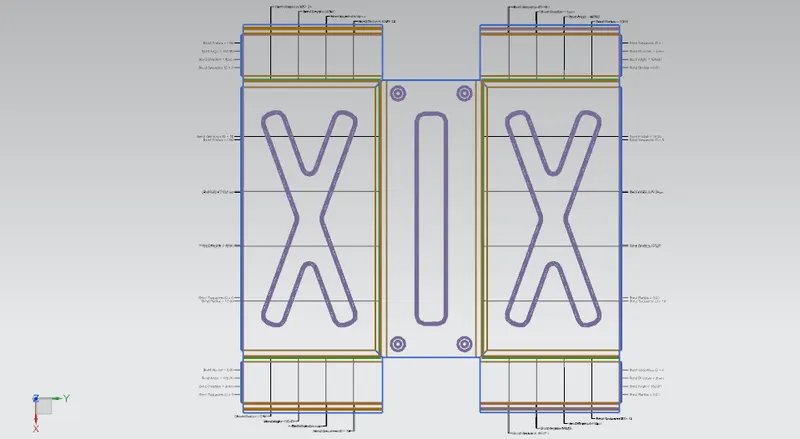
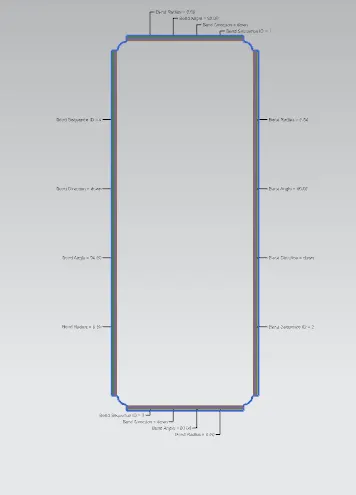
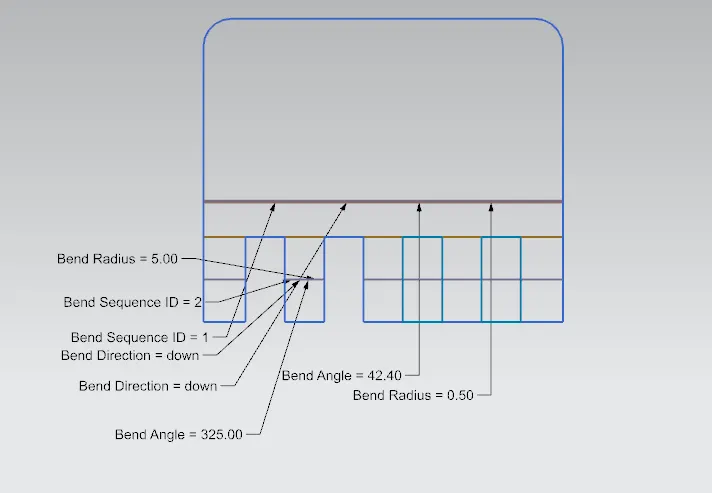
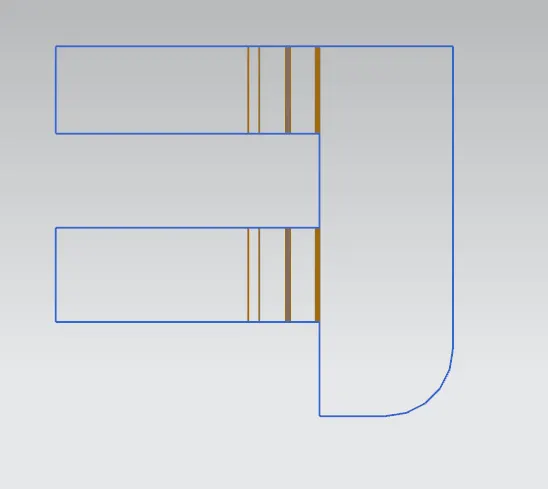
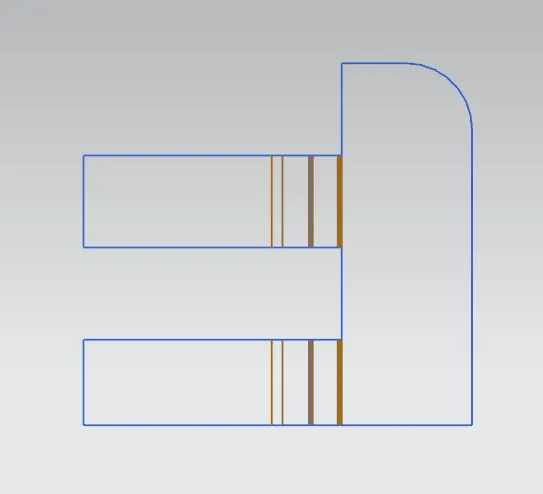
FLAT PATTERN: