Bracket using NX CAD
TITLE OF THE PROJECT:- BRACKET
OBJECTIVE:- To create metal bracket using NX
DESIGN METHODOLOGY:-
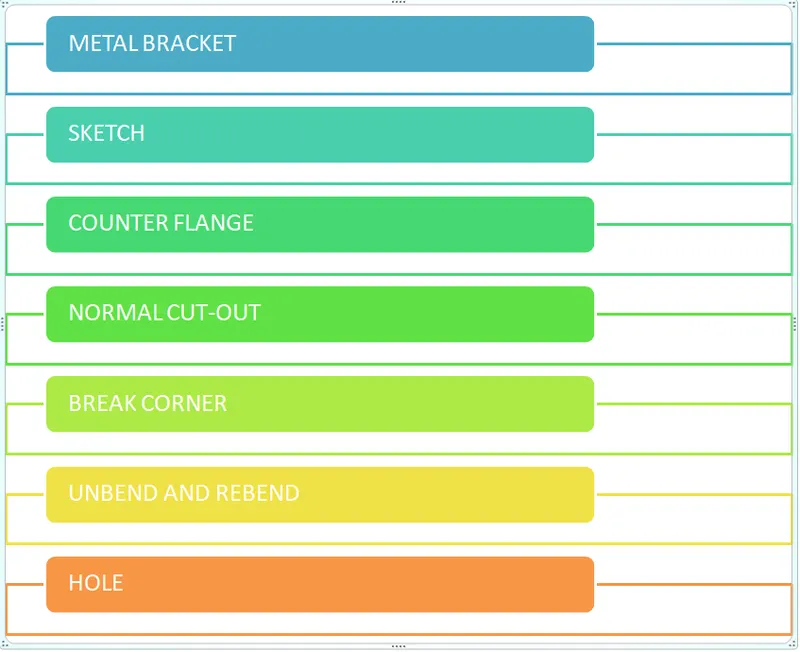
DESCRIPTION:-
- Create the sketch for the bracket using the given dimension fro the bracket.
- Now use counterflange to create the sheet-metal part from the sketch with thickness of 3mm and length of 200mm .
- Create another sketch for the normal cutout to get the desired shape of metal bracket.
- Add break corner to the sharpe edges of the bracket of radius 25mm to 30mm.And add break corner of 60mm to the outer edge.
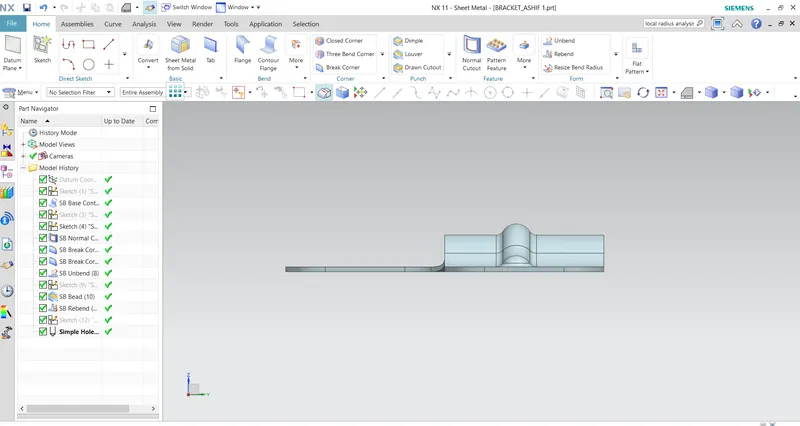
- Unbend the bracket to create bead.
- Create a line for the bead. Sketch for the line can be created inside the sketch and can be also created outside and bead can be created.
- Bead is of regular shape with depth of 7mm with formed end condition.
- Now rebend the the bracket.
- Add some simple holes on the face of bracket with diameter of 20mm.
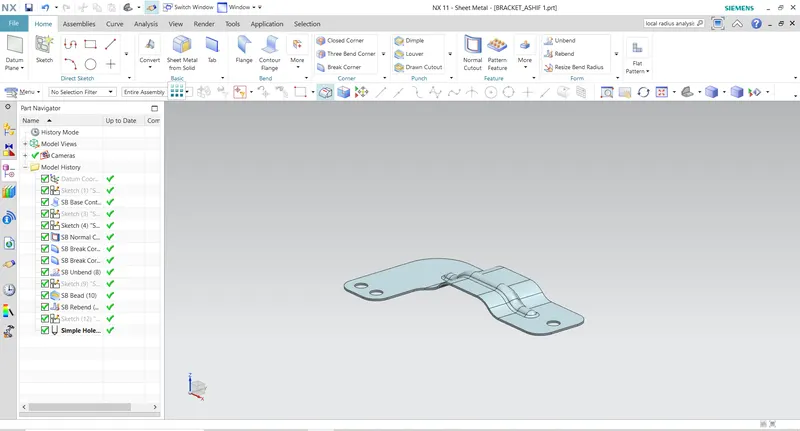
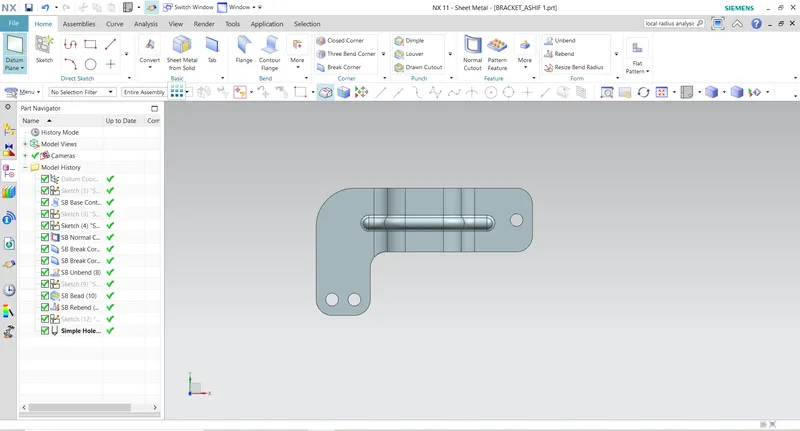
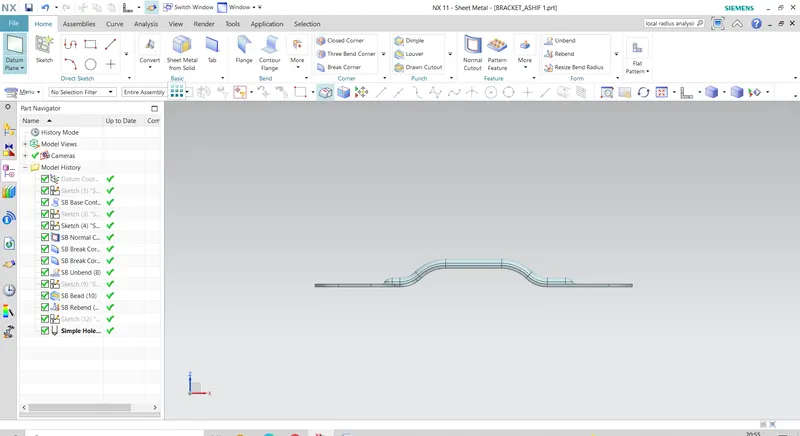
DIFFERENT ORIENTATION:-
CONCLUSION:-
In this project we get great learning of how to use the sketch to create some complex shape and use normal cutout to get the desired shape of the bracket.
THANKYOU