Advanced Sheet Metal Design Using NX Cad Challenge_6_Bracket
Title of the Project:- Bracket
Objective:- To create a bracket using NX Sheet metal.
Introduction:- To understand create of Bracket using advanced sheet metal software. it has used some new commands and features.
Design methodology:-
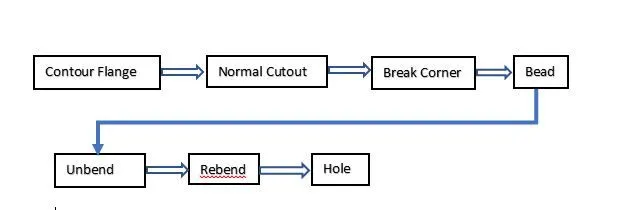
Description:- In this module, we will see about the feature and commands used in making Bracket.
- Contour Flange- Contour Flange is using a sketch of the curve it was selected and give input of thickness valve than contour flange created.
- Normal Cutout- Normal Cutout is also a create sketch that should be selected of sketch and targeted body which you want to cut.
- Break corner- Break Corner is removing corner shape edge and fill shape deep edge as per the dimension and requirement.
- Bead- The bead feature is also available in the punch group. it's also similar to punch and dimple. to create a bead it makes a sketch and then creates a bead.
- Unbend- Unbend is used to convert bends and solid body to shell metal and apply bead, dimple, hole, and etc.
- Rebend- Rebend is used to all unbend curves in the sheet metal is rebended.
- Hole- Hole is a feature which cut give dimension is easy we will just polt a point in drawing and apply hole feature.
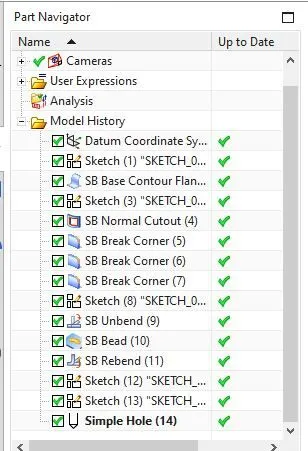
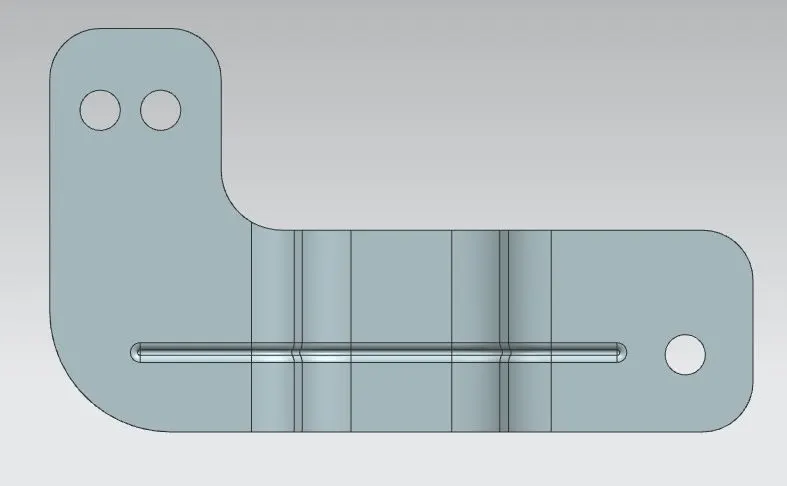
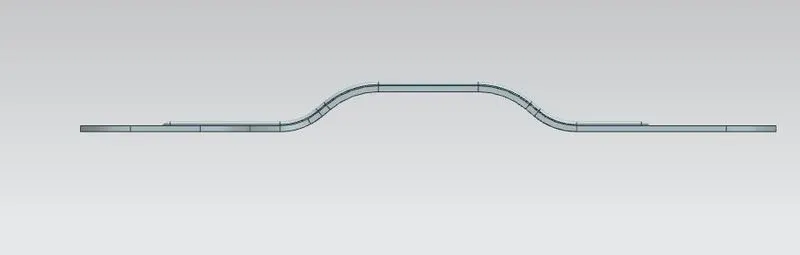
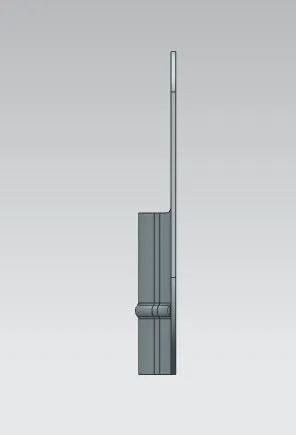
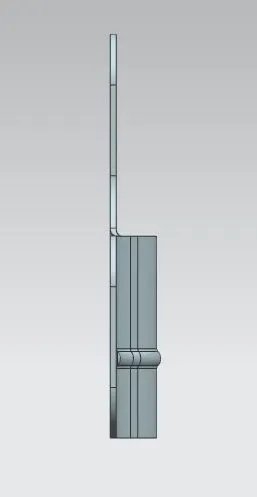
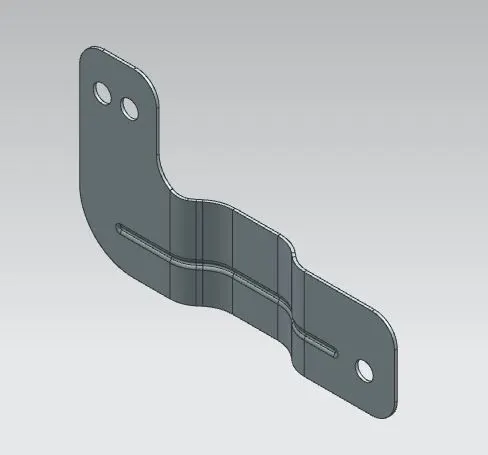
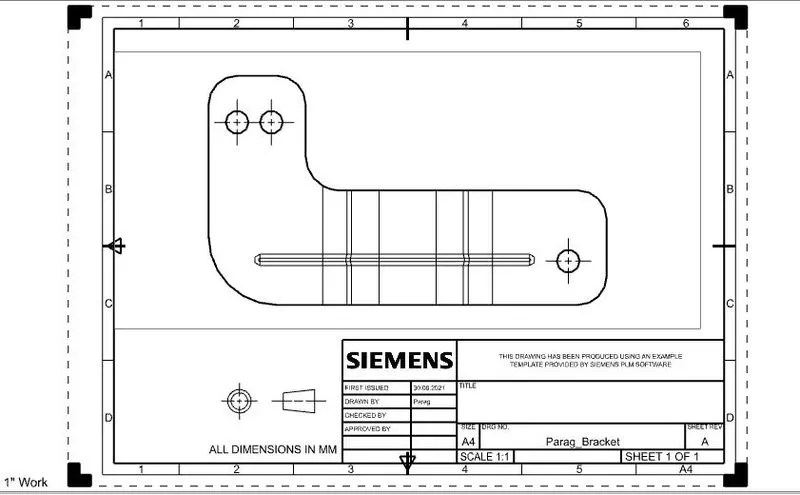
Conclusion:- Hence we learn how to make a Bracket by using the sheet metal in NX Cad.