Advanced Sheet Metal Design Using NX Cad Challenge_6_Bracket
MODELING A BRACKET BY USING NX-CAD
OBJECTIVE:
How to use NX-CAD features by modeling a bracket at given dimension.
INTRODUCTION:
THis report contain advance feature to measure the dimension and new feature in NX-CAD.
DESIGN METHODOLOGY:
CREATE A SKETCH TO CONTOUR FLANGE
NORMAL CUTOUT
UNBEND-FEATURE-REBEND
FLAT PATTERN
DESCRIPTION:
Contour flange: use to create a complex tab by simplify process.
Normal cutout: use to reomve a unwant postion from the non uniform model.
break corner: use to ceate a fillet in every corner.
unbend: use to unfold the model.
bead:lift material along the contour of a sketch that simulates a stamping tool.
rebend: use to fold the model.
hole: use to create a required hole in specified location.
flat pattern: It use for detailing the model.
SCREENSHOTS OF BRACKET:
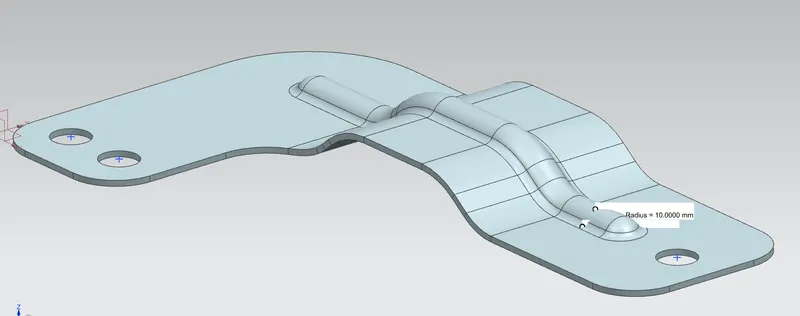
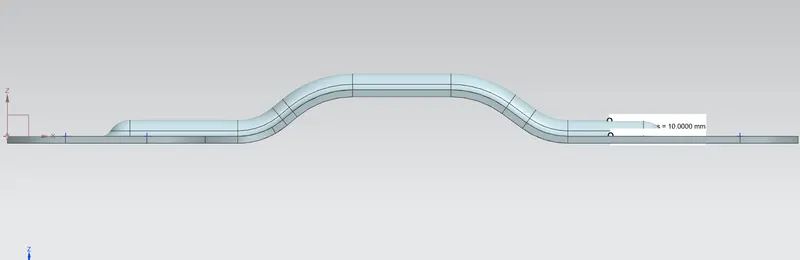
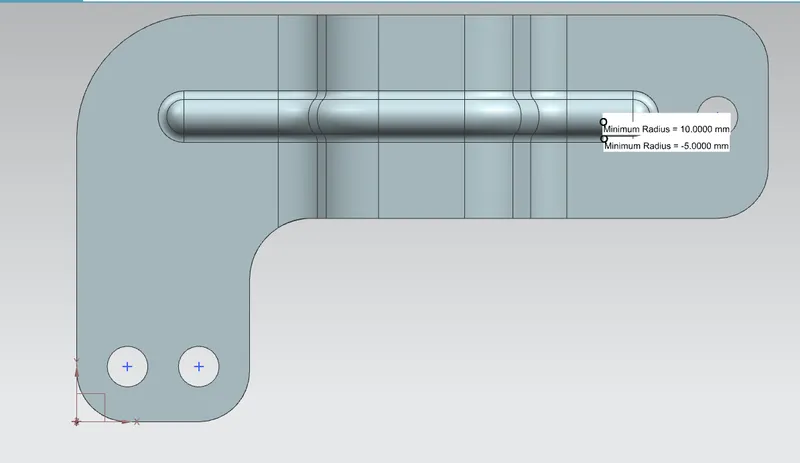
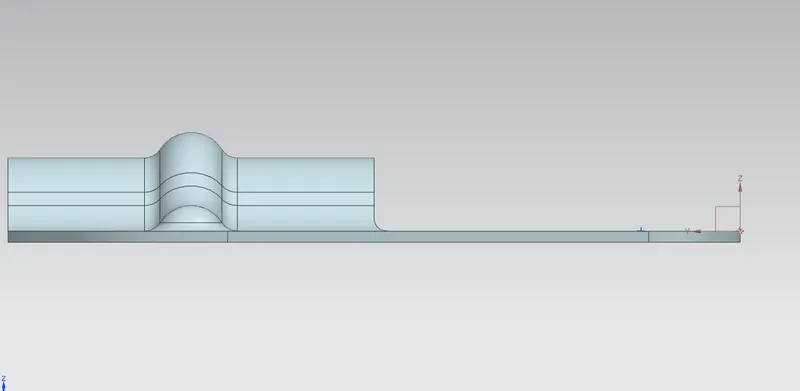
DRAWING SHEET IMAGE:
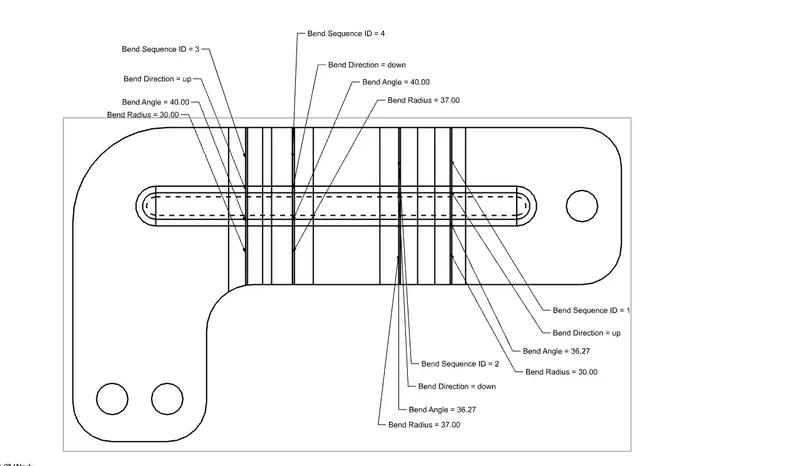
CONCLUSION:
Bracket is modeled by using proper deminsion and explain as required.