Advanced Sheet Metal Design Using NX Cad Challenge_6_Bracket
BRACKET
0BJECTIVE:-
observe the model and design the sheet metal by using the given diamentions and instructions.
INTRODUCTION:-
we design here by using the NX is widely used computr aided design software for multipurpose like designing,engineering and manufacturing.
DESIGN METHODOLOGY :-
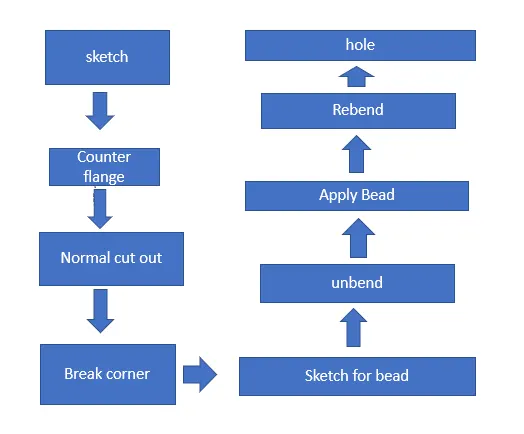
DESCRIPTION:-
tool used while designing the bracket
1-sketch
macking a 2d drawing such as curves,arc,circle,point,rectangle,and many options to create a drawing or to create a feature for upcomming design.
2-counter flange:-
it is ceated by extending the sketch in respective axis with thickness as required from the base.
3-Normal coutout:-
it is used to create a cut portion or gap on the skecth where there is a requirement.
4-break the corner:-
used to macking the cornere blend with some self diamentioned radius in order to make the cornere smooth.
5-Unbend:-
it is used to flatten the bend sheet metal to form a flate sheet.it help in making a extra feature like bead ,normal cutout onthe sheet metal after bending.
6-bead:-
this is create a counter shaped accodingly to their sketch in the required direction with required punch and die radius.
7-rebend:-
it used to bend again after crating some feature such as bead,hole ,cutoout.
8-hole:-
it is used to create a hole on sketch ,or to create a counter bored ,counter sink and several hole option to do.
SCREEN SHOTS:-
ismetric view:-
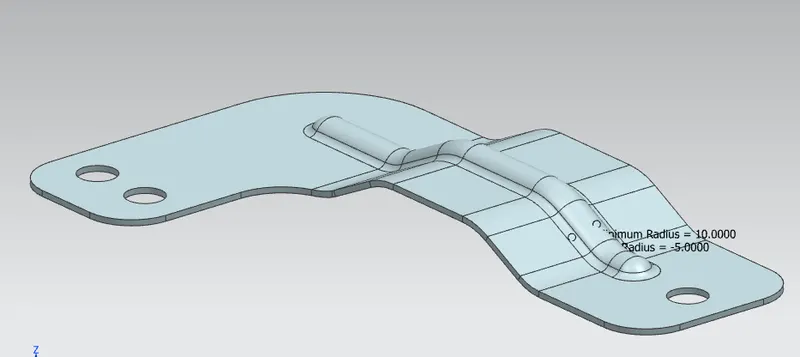
topview-
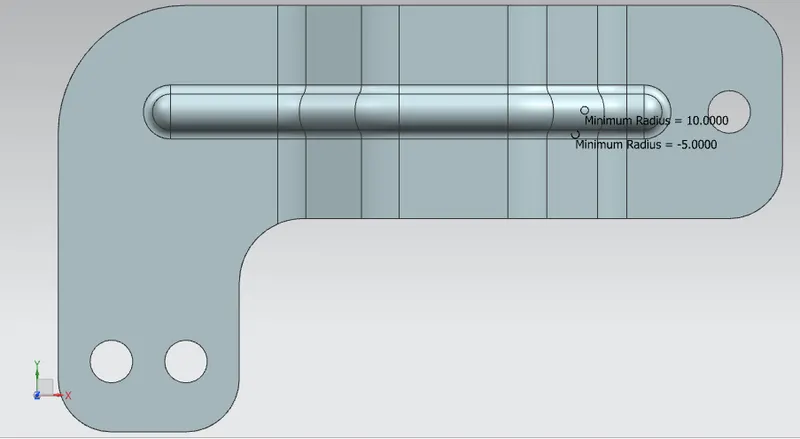
bottom view-
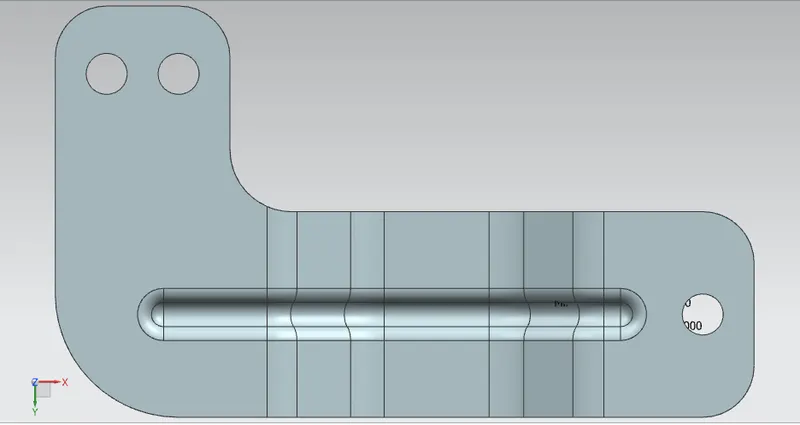
front view-
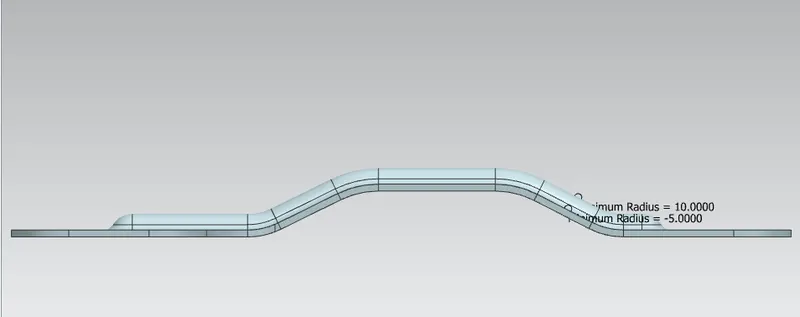
conclusion:-
the model is designed and diamention as given in the instuctions withe proper constraints.