Advanced Sheet Metal Design Using NX Cad Challenge_5_Odd Shaped Enclosure
Odd Shaped Enclosure using NX Cad
INTRODUCTION
This project is to learn and understand the features and tools of NX cad software for modelling a sheet metal part for odd shape and to get a clear knowledge and understanding of the software.
OBJECTIVE
The main purpose and objective of this project is to understand and getting used to all the features and tools used in NX Cad software.
METHODOLOGY
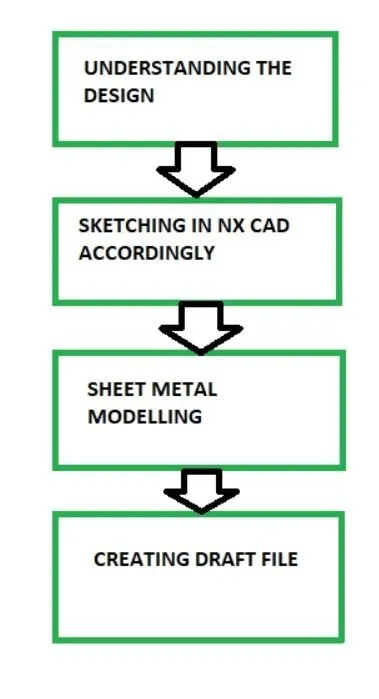
The first step is to understand the design of which we are going to model.
After that we will sketcch the model in NX cad.
Then using the appropriate feature and tools from the sheet metal we do the modelling.
After completing we draft the model.
DESCRIPTION
A. MODELLING
Tools/Features used-
-
Sketch
-
Extrude
-
Sheet metal form solid
-
Flange
-
Jog
-
Unbend
-
Bead
-
Simple hole
-
Rebend
-
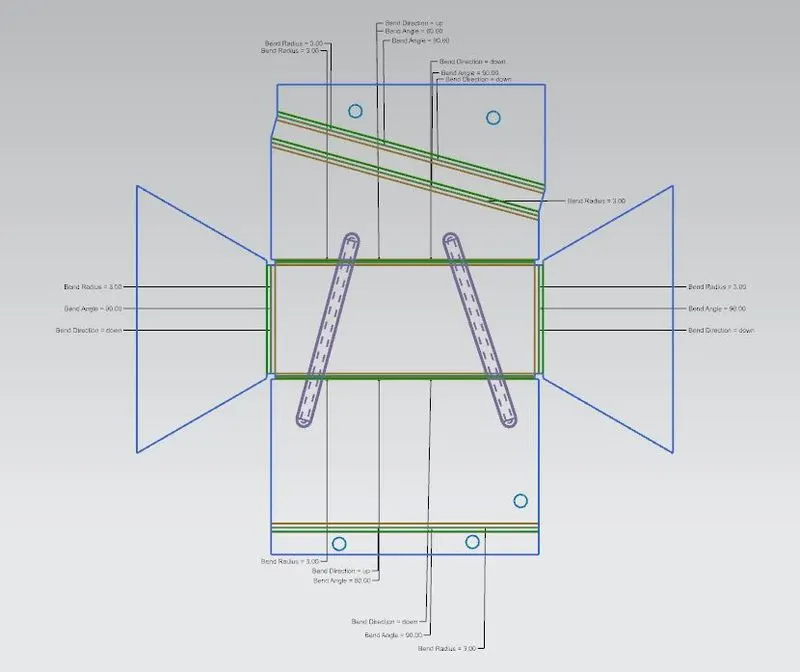
Flat pattern
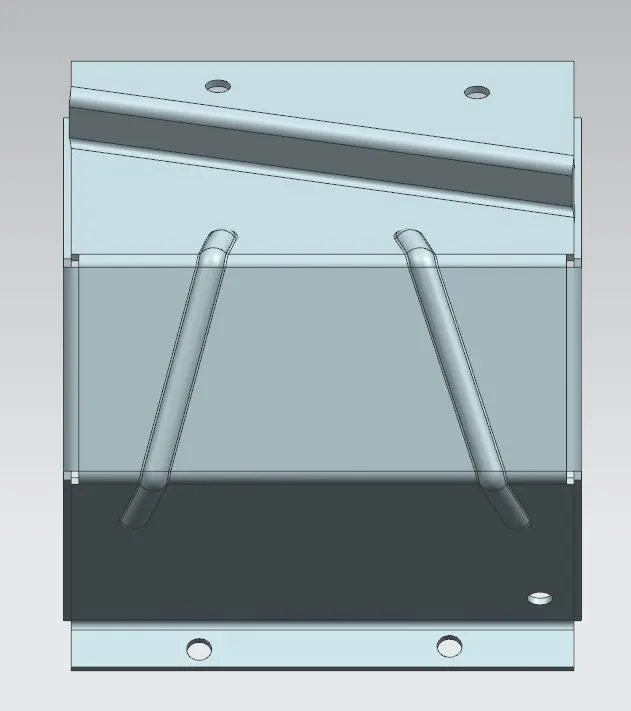
The first thing we do is sketch the model then we will extrude it.
Then using the sheet metal form solid feature we convert the solid body into sheet metal. This feature is mainly used for this purpose only.
Then using the flange feature we make a flat flange at a planar face.
Jog feature is useed to lift the material on one side of the sketch line. We use this feature on this model.
Using the unbend feature we unbend the sheet metal. Then on the unbended sheet metal we use bead feature. This is used to lift the material along the contour. And then again rebend the sheet metal.
After using all these features and tool we have created the model. And then we create a flat pattern using the flat pattern feature. It helps in creating and visualizing the model in two dimension which makes it easier for manufacture.
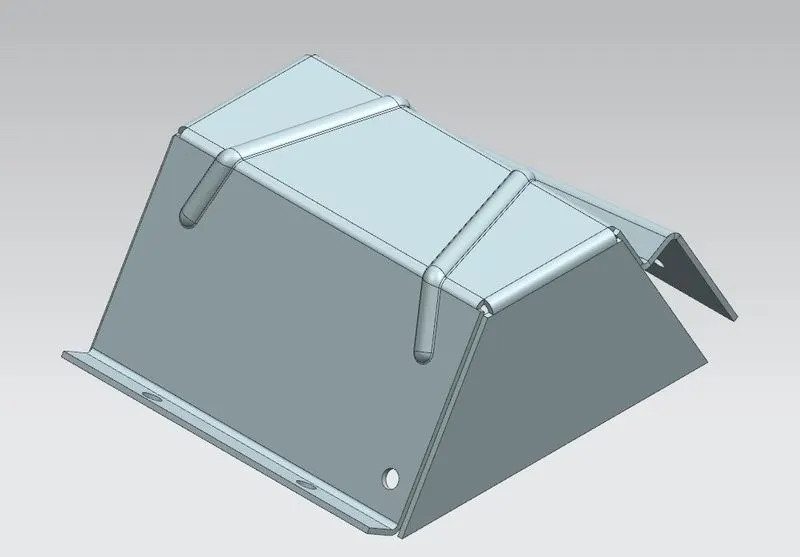
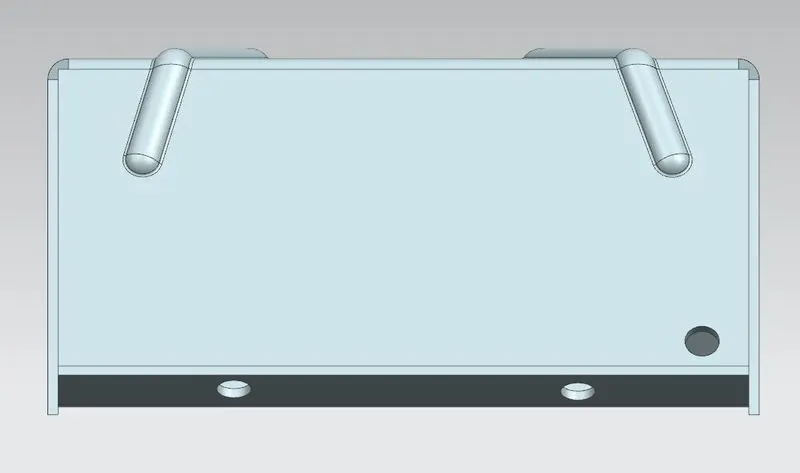
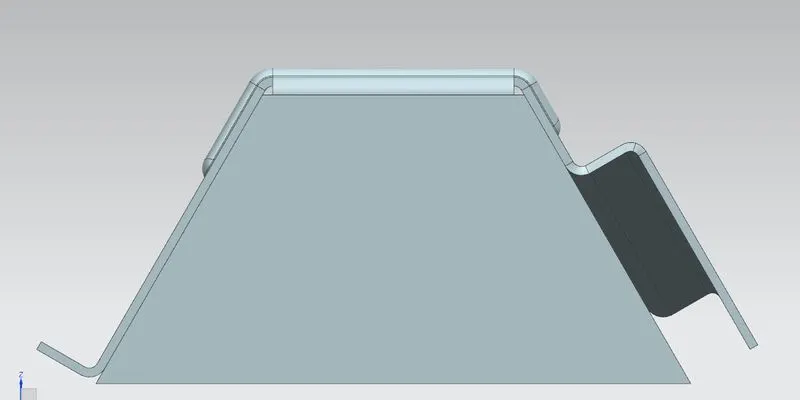
B. DRAFTING
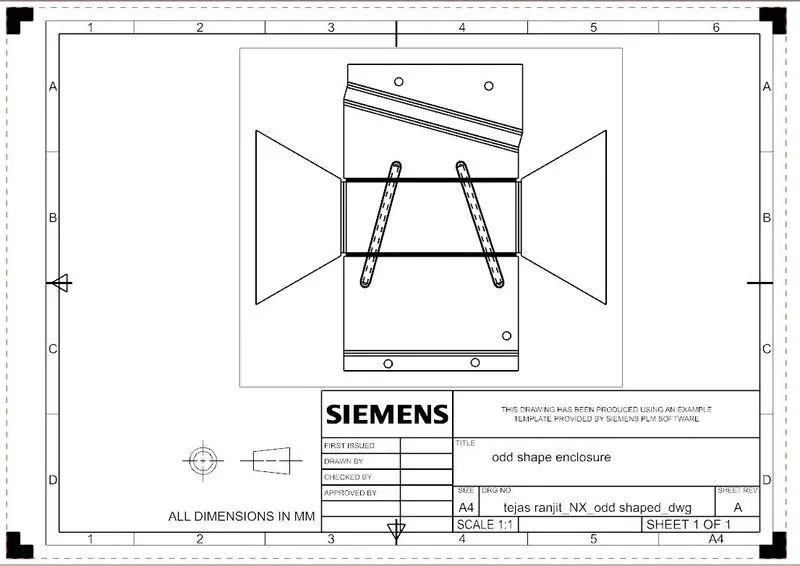
Drafting is nothing but creating two dimension drawing of the model for better understanding.
CONCLUSION
Thus we were able to model the part using all the above feature and we got to learn and understand above the features and tools of NX Cad.