Advanced Sheet Metal Design Using NX Cad Challenge_5_Odd Shaped Enclosure
Sheet Metal part for odd shapes
Objective:-
To create sheet metal part by using recommended procedure to design it ,
design a solid body by using tools given in the modelling application
Wrap the solid body to the sheet metal by using sheet metal from solid
Add some additional features to it.
Unbend and add features to it and Re bend it again.
Create flat pattern of this body.
Procedure for design sheet metal part for odd shapes.
Go to modelling application in ribbon bar .
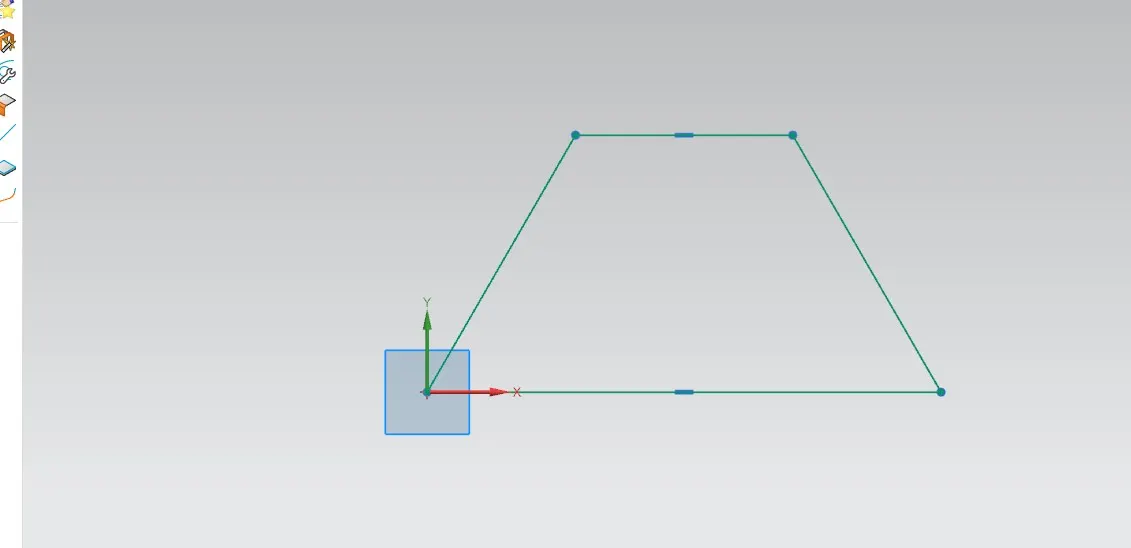
Step1 :-Draw a sketch for odd shape of Trapezoid having two parallel sides
Upper side length is of 84 and bottom is of 200 mm respectively.
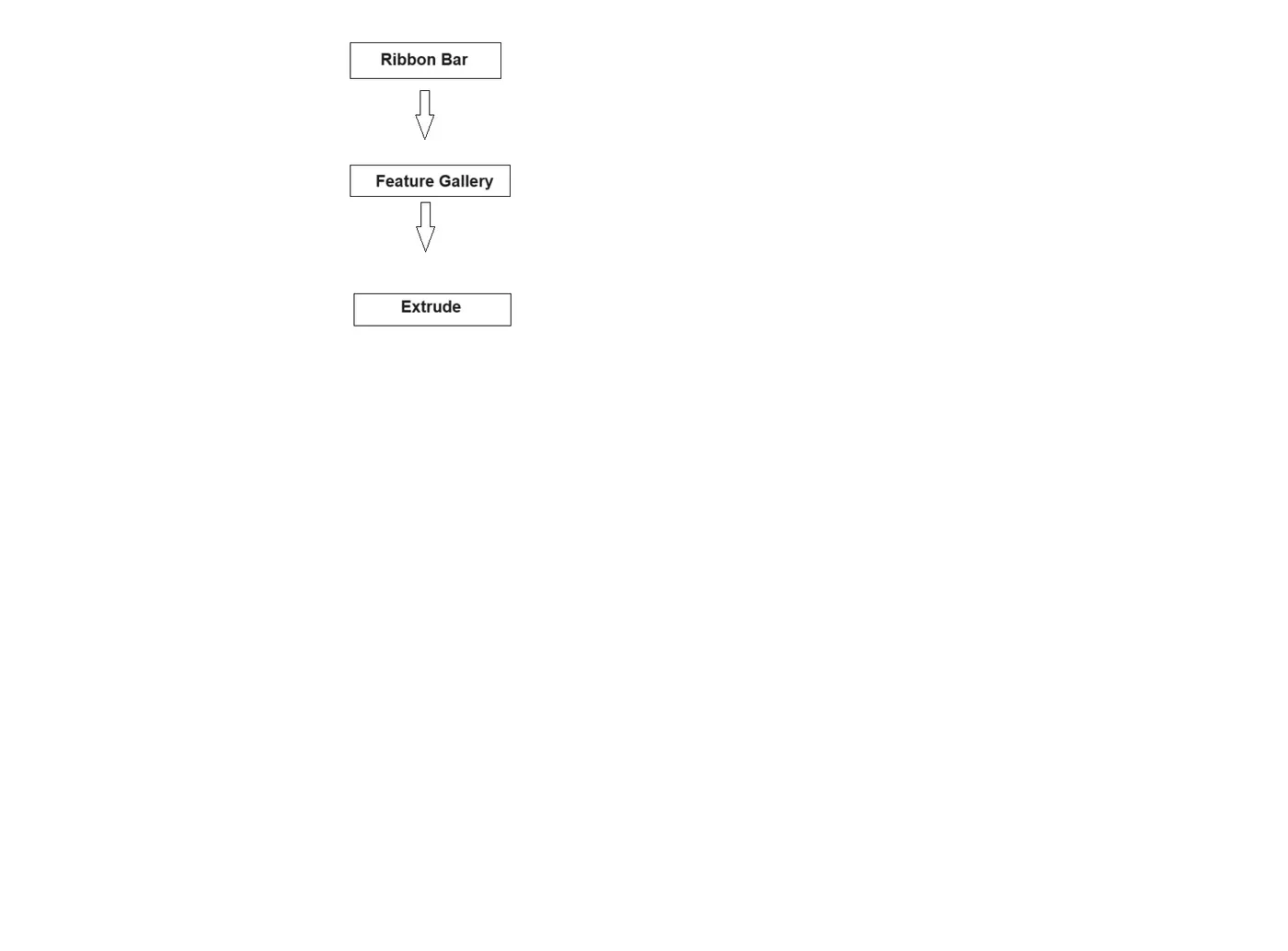
Step2:-To the feature gallery there is Extrude command select it and extrude this sketch
By a distance of 200mm.
Step3:-Sheet metal application tab- design group -sheet metal ,now select web face and bend edges.Select edges which are continuous in path .
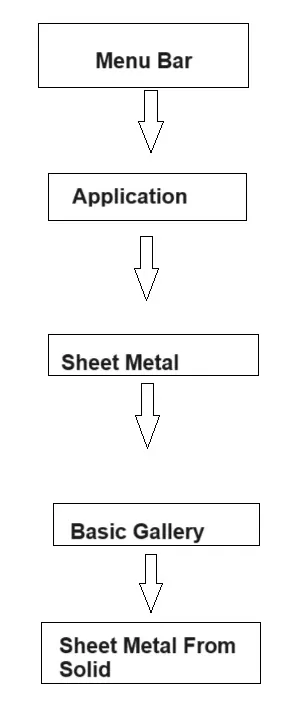
Note:-while selecting edges which are continuous in nature,then select upper edges of both triangles .
Step4:-Select upper face as web then 32 edges.
Step 5: -Flange :-Add a flat flange at an angle to a planer face and adds a bend between the two.
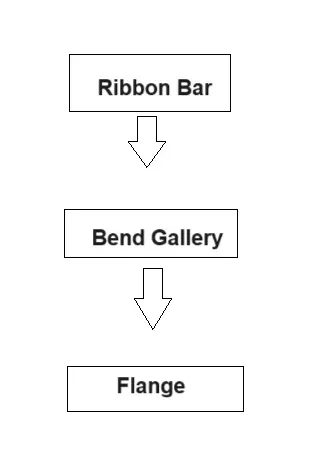
Flange properties: width-full,length-20,Angle-90,length reference inside,material inside,bend radius 3mm.
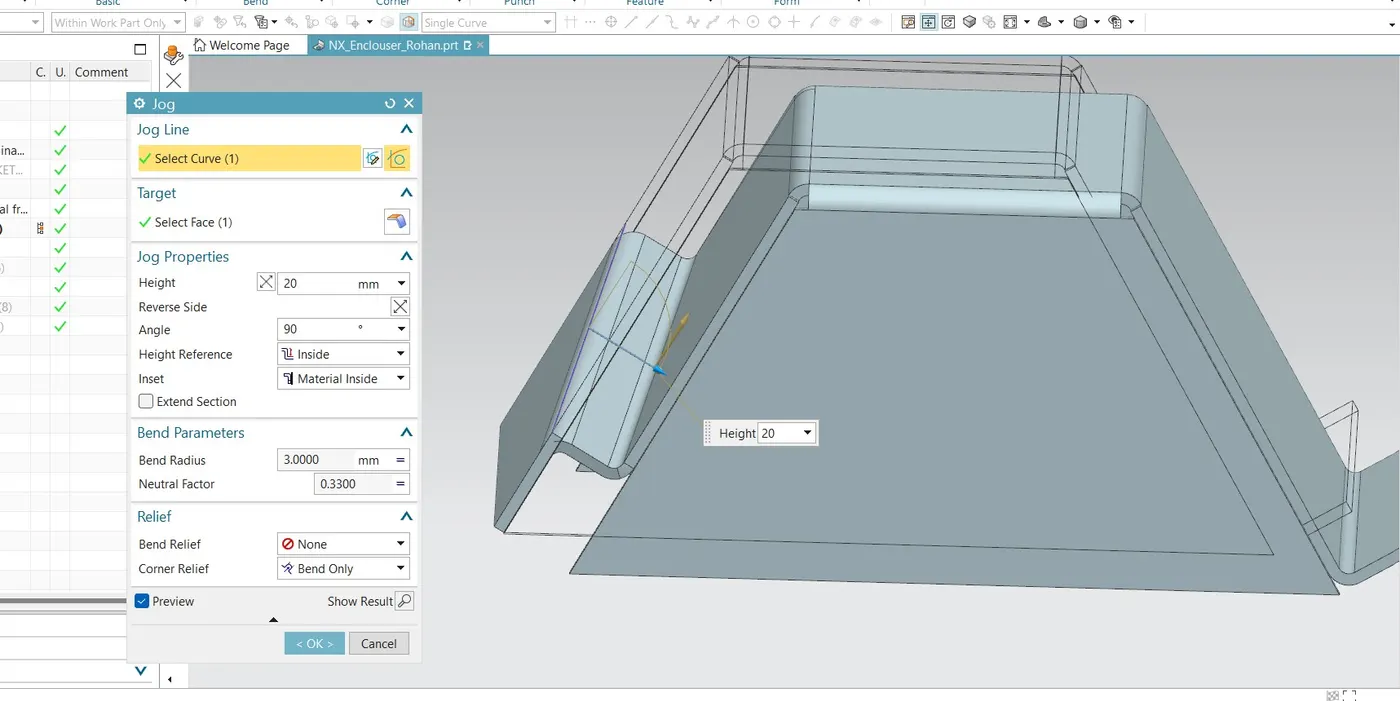
Step 6:-Jog:-Modifies the model by lifting material on one side of a sketch line ,adding a flange between the two sides.
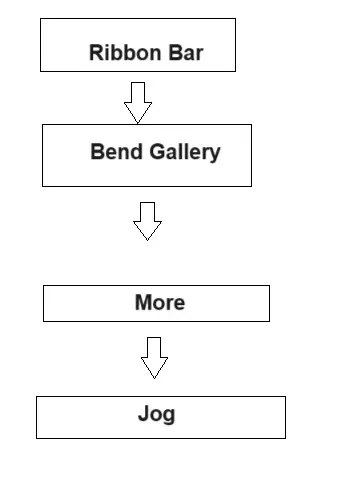
job line select curve,target select face,job properties-Height 20,Angle 90,Height reference inside,inset material inside.
Step 7:-To the Form gallery in ribbon bar there is unbend option.
Flattens a bend and material adjacent to the bend.
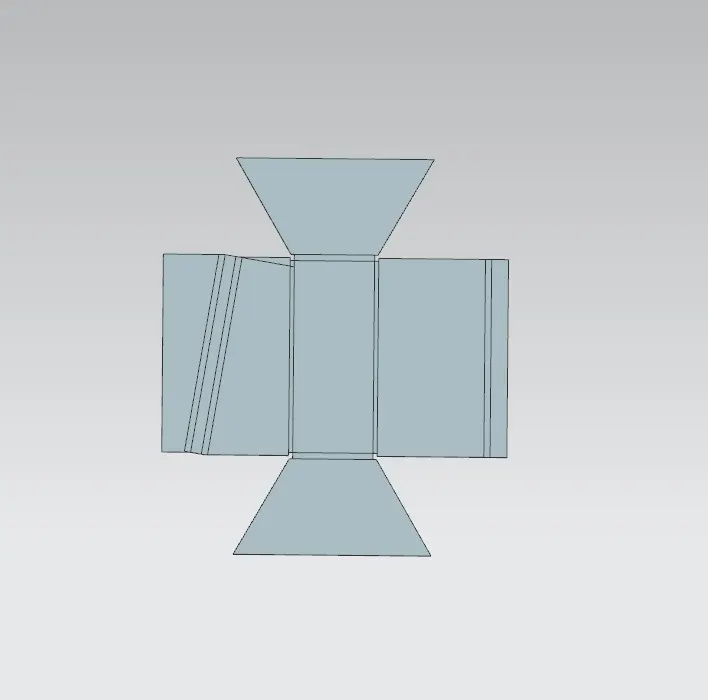
Step 8:In Ribbon bar there is Punch gallery which contain Bead.
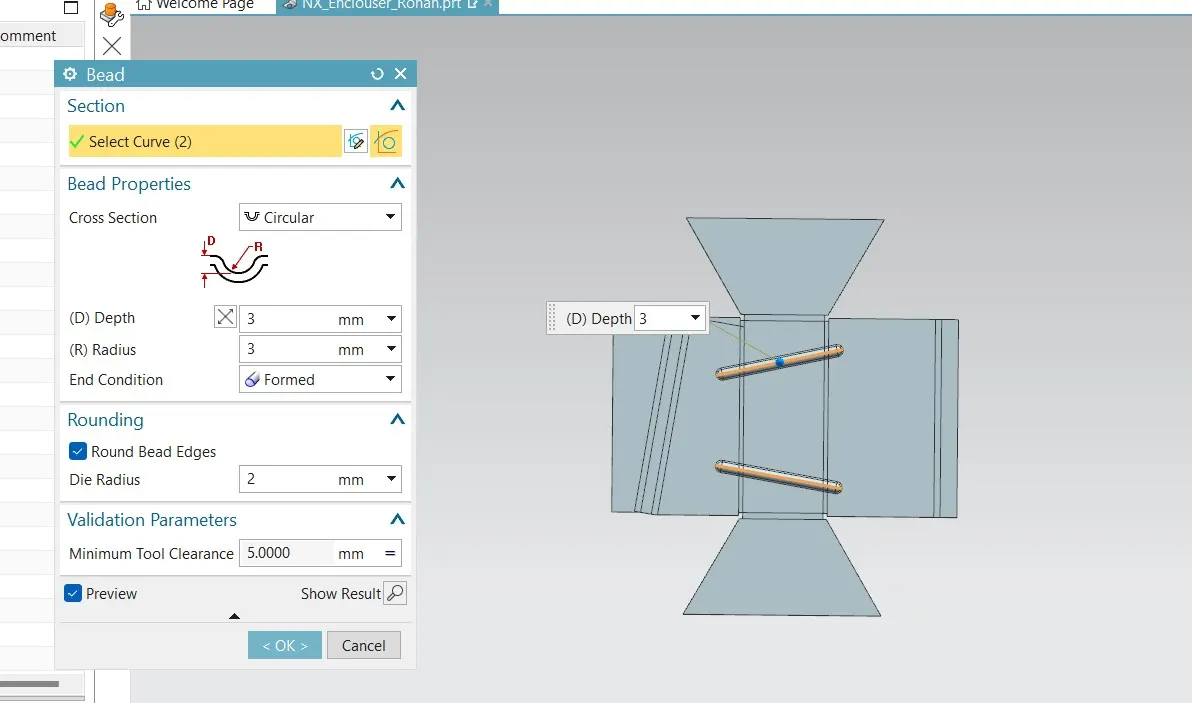
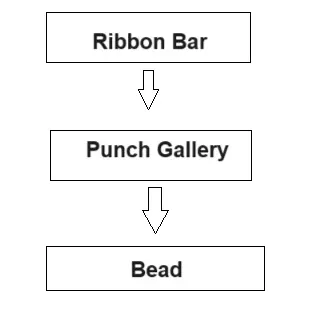
Bead:-Lifts material along the contour of a sketch that simulates a stamping tool.
Section -select a curve which is drawn in sketch ,Bead properties-Cross section-circular,
Depth 3mm,radius 3 and end condition formed.round bead edge two.
Step 9:- Drill:-Adds a hole to one or more solid body of a part or assembly with a option for counter boar,counter sunk and threaded.
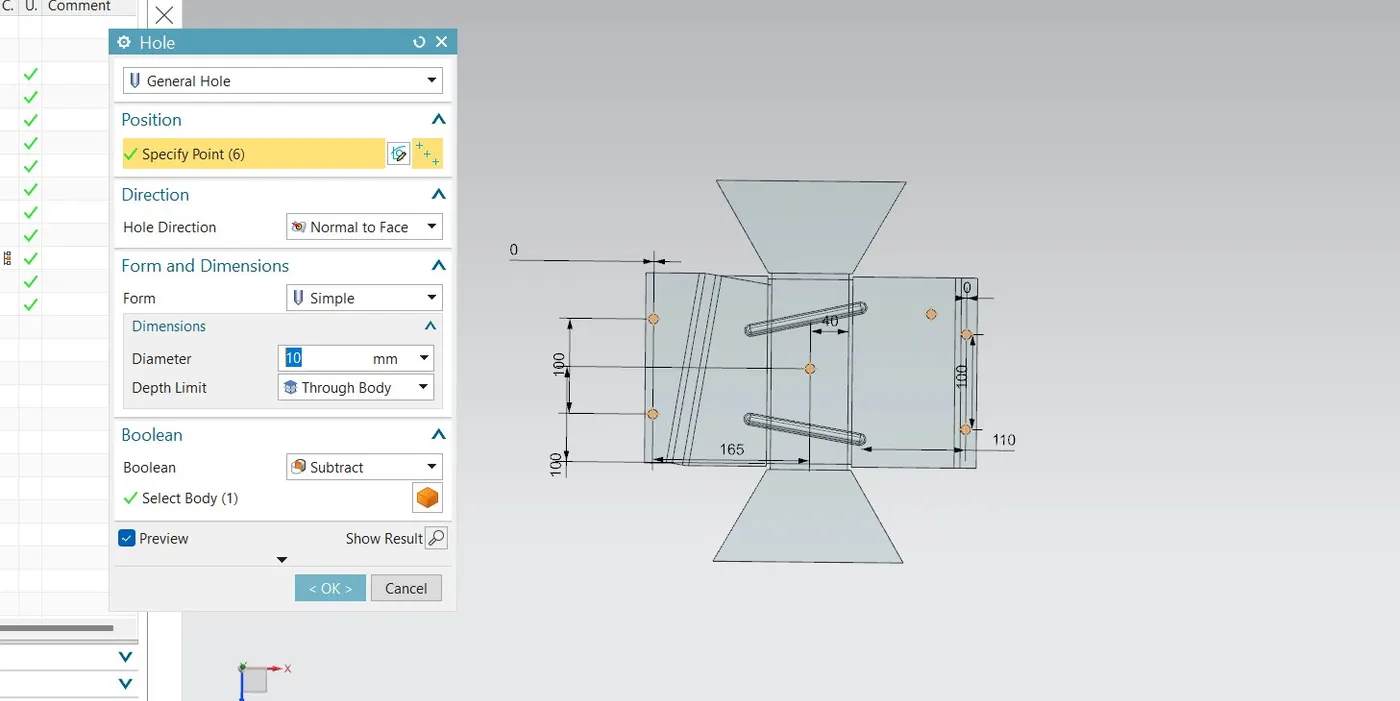
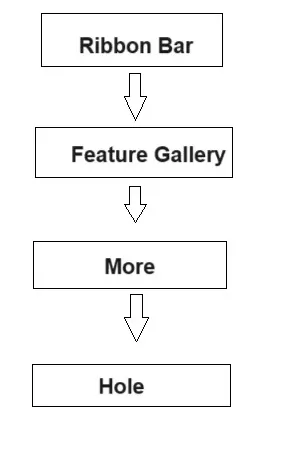
Hole:- General hole ,Position specify points,Direction -Hole direction Normal to face,Form and dimensions form Simple,Dimensions-- Demeter 10mm ,depth Limit -Through body.
Boolean -Subtract.
Step 10:-Re bend-Restore an unbend feature to its previous bend state along with any feature added after the unbend features.
Flat Pattern: -Creates flat pattern feature from the formed sheet metal part.
To the last of Ribbon bar there is option of flat pattern