Advanced Sheet Metal Design Using NX Cad Challenge_5_Odd Shaped Enclosure
DESIGN A SHEETMETAL OF ODD SHAPED ENCLOSURE BY USING SIEMENS NX-CAD
OBJECTIVE - Design a Sheetmetal of odd shaped enclosure using NX-Cad.
INTRODUCTION
Sheet Metal
Sheet metal is metal formed by an industrial process into thin, flat pieces. Sheet metal is one of the fundamental forms used in metalworking, and it can be cut and bent into a variety of shapes. Countless everyday objects are fabricated from sheet metal.
There are six major types of sheet metal material, each with its own unique advantages:
1. Alloy steel.
2. Stainless steel.
3. Carbon steel.
4. Tool steel.
5. Galvanized steel.
6. Aluminium.
Sheet metal is used in car and truck bodies, airplane fuselages and wings, medical tables, roofs for buildings (architecture), and many other applications. Sheets of iron and other materials with high magnetic permeability, also known as laminated steel cores, find applications in transformers and electrical machinery.
In this project, I have designed an odd shaped enclosure of Sheetmetal using Siemens NX-Cad software.
DESIGN METHODLOGY
In this project, we use various Sheetmetal operations or features like, Sheetmetal from solid, Flange, Bend, Dimple, Bead, etc.
Flow chart of design Box Assembly in NX-Cad
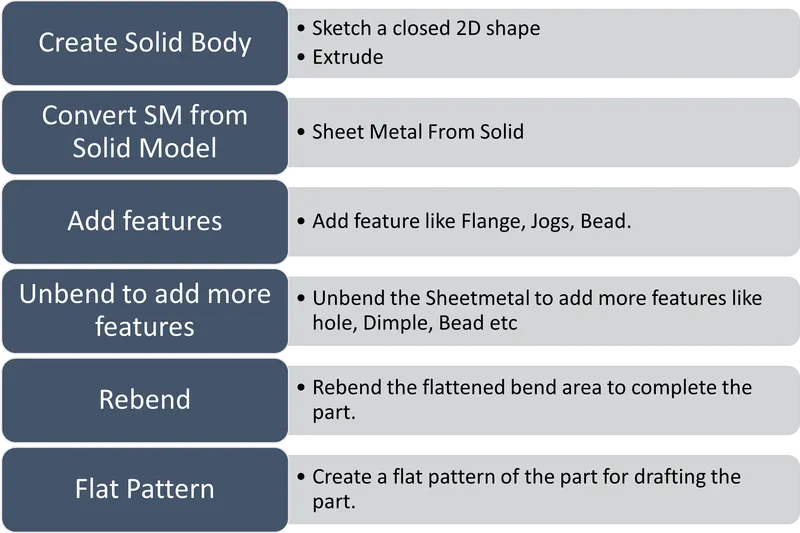
DESCRIPTION OF FEATURES USED TO DESIGN THE PART FROM SOLID BODY.
Sketch To create a different shape using sketch tool like line, spline, rectangle, circle, arc etc and provide dimensions and constraints.
Extrude To create a 3D section from 2D section along a vector.
Sheet metal from Solid To create a Sheetmetal model from solid model to take the shapes from solid face, command wrap the solid body with Sheetmetal.
Flange To Add a flat flange at an angle to a planer face and add bend between two
Jog To lift the material of the model on one side of the line and adding flange two the line
Unbend This feature flattens the bend and material adjacent to the bend.
Bead It lift material along the contour of sketch that simulate a stamping tool.
Hole To create a hole on the solid bodies with options of countersunk, counterbored, thread.
Rebend Restore the unbend feature to its previous bend feature along with any feature added after the unbend feature.
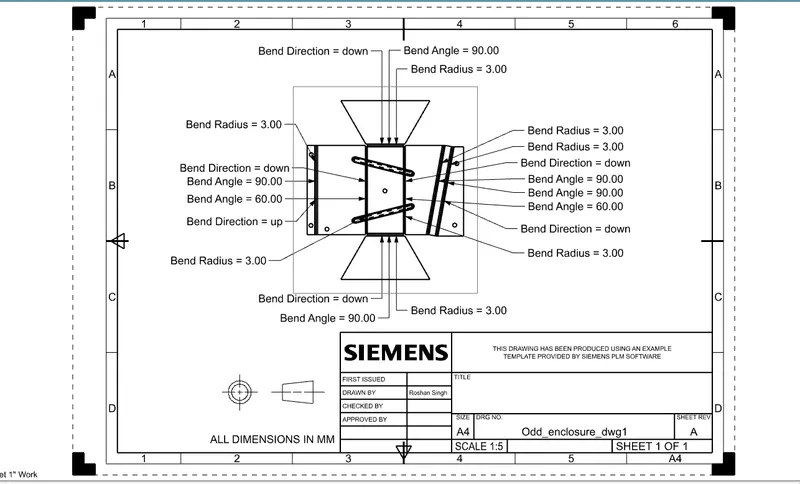
Flat Pattern Create a Flat pattern feature from the formed Sheetmetal part.
Draft To Convert a 3D model to 2D drawing
VIEWS
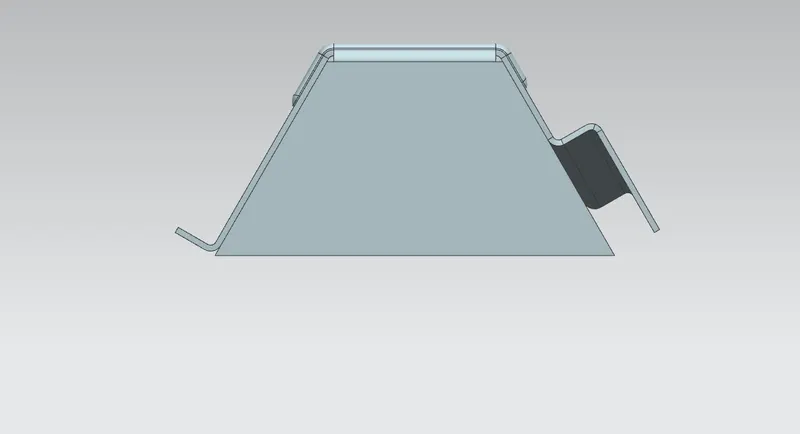
Front view
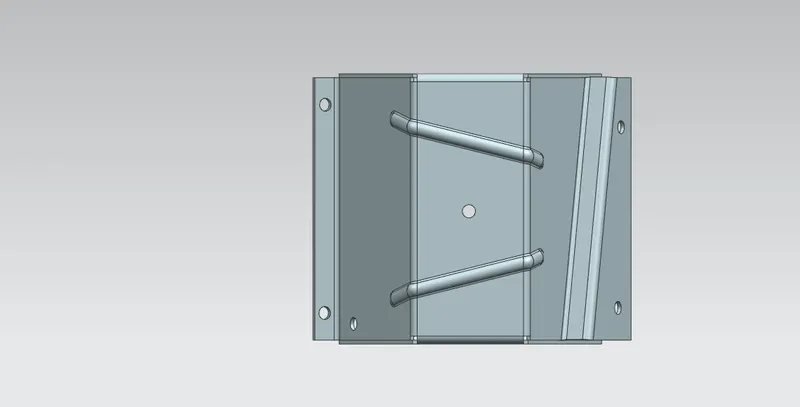
Top view
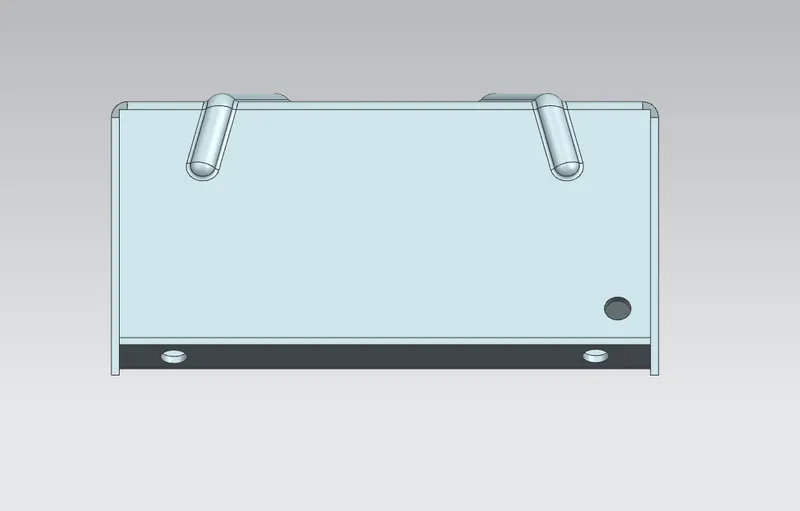
Left Side view
Right side view
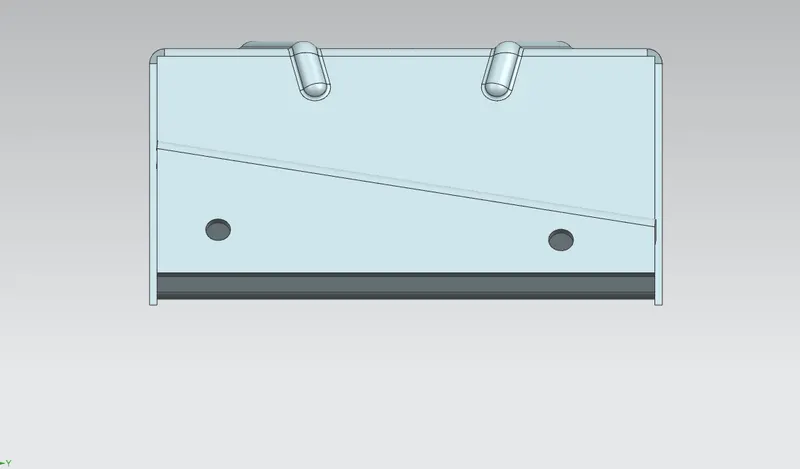
Bottom view
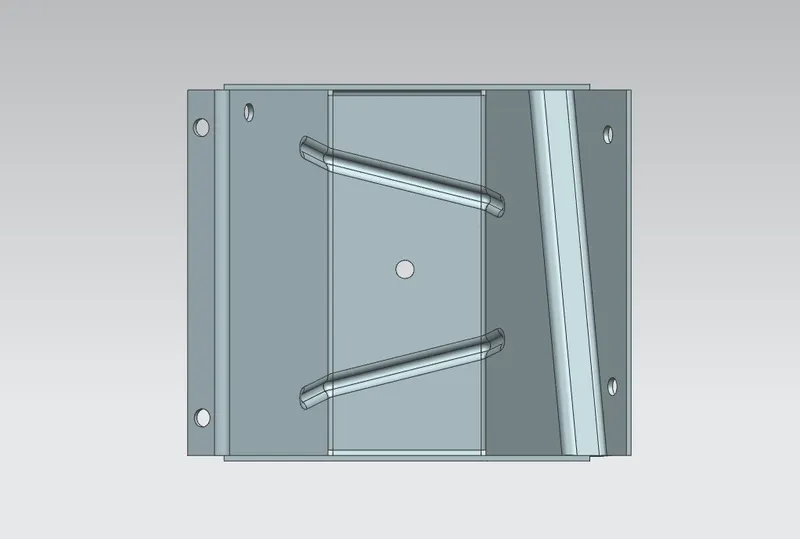
Isometric view
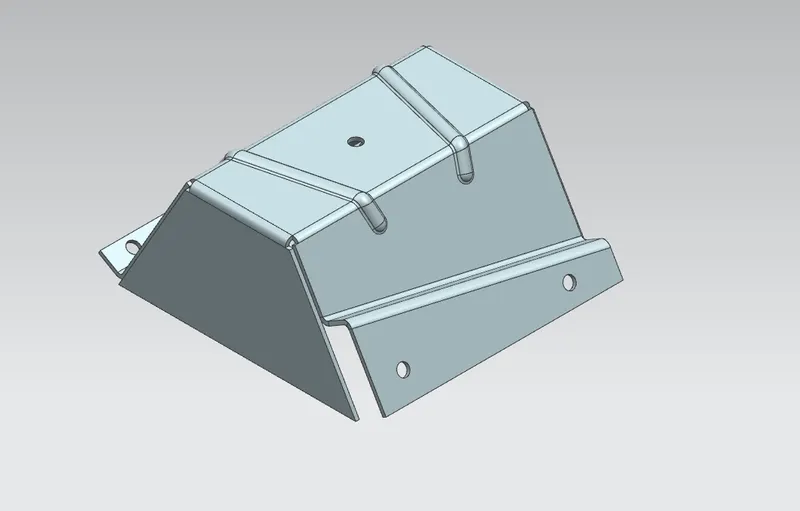
Flat pattern Image
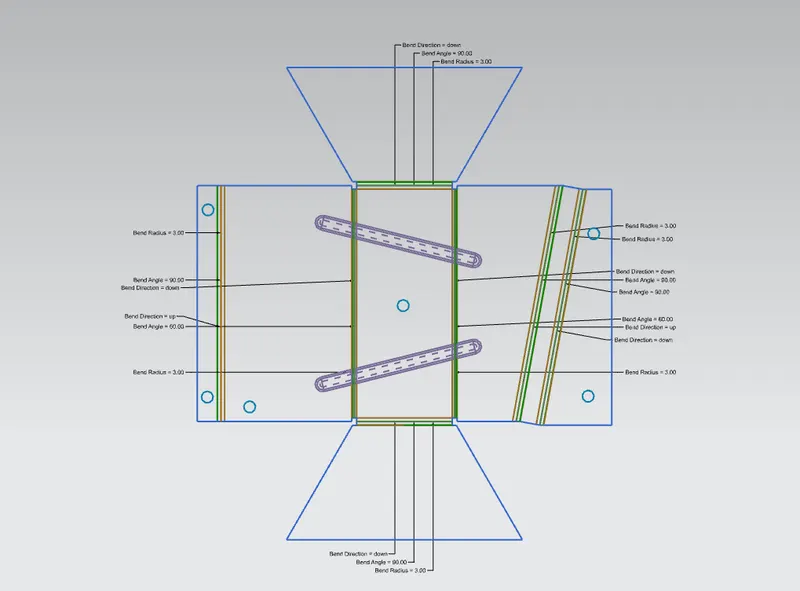
Draft Image
CONCLUSION
In this project, learn to create a Sheetmetal from solid body and add many punchs, flanges and other features and create a draft from the model.