Advanced Sheet Metal Design Using NX Cad Challenge_5_Odd Shaped Enclosure
Title :- Project report on design of sheet metal odd shaped enclosure using NX CAD.
Objective :- To design a sheet metal odd shaped enclosure using NX CAD.
Introduction :-
In the manufacturing world, every industry relies on sheet metal manufacturing one way or the other. Name an industry, from appliances, automotive, electronics, to energy we can find that there is a use of sheet metals. sheet metal is part of huge amounts of everyday products.
Here are a few examples of industrial sheet metals:
- Automotive industry - doors, hoods, fenders
- Aircraft industry - wings, fuselage
- Home appliance industry - sinks, cooker hoods, freezers
- Food industry - cooking pots, canned goods
NX sheet metal design software incorporates material and process information in sheet metal-specific modeling features like bends, flanges, tabs, cutouts, beads, dimples, louvers, corner and edge treatments, patterns and other formable features. We can also quickly convert solid models to sheet metal components, and create sheet metal parts that enclose other components.
Design methodology :-
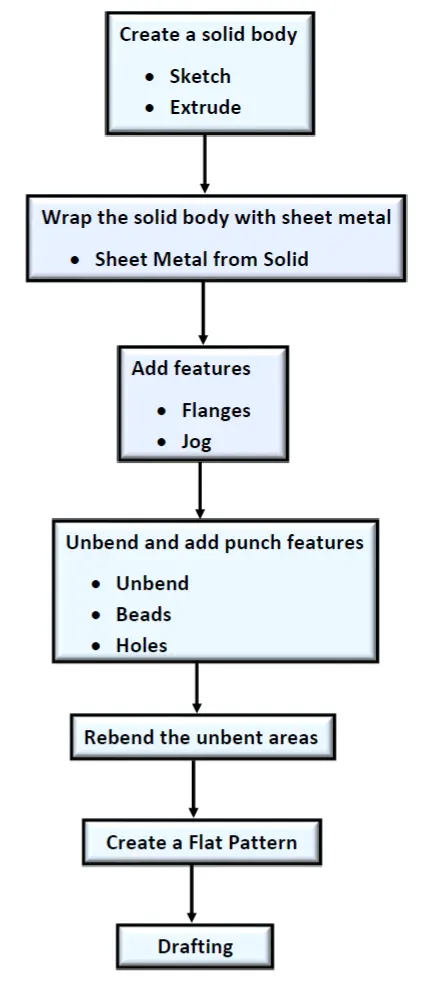
Description of Features :-
1) Sketch :- This is used to create a basic sketch of the design on the specific plane. A sketch is a combination of two-dimensional (2D) entities such as lines, arcs, circles, and so on.
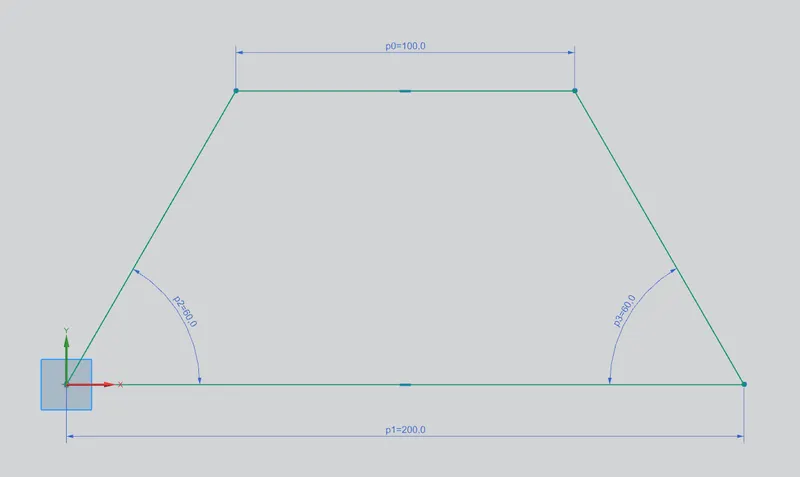
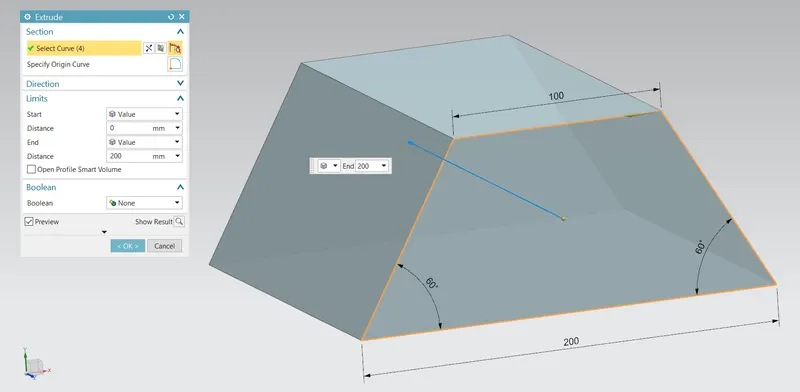
2) Extrude :- It creates a feature by extruding a section along a vector. Sketch is extruded by 200mm.
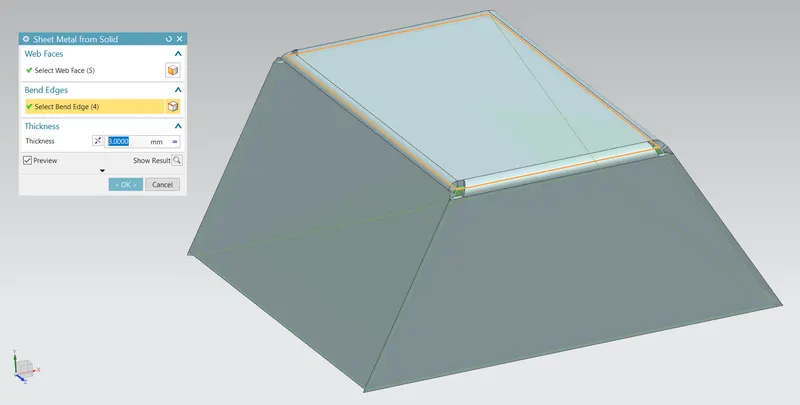
3) Sheet Metal from Solid :- It builds a sheet metal model that takes its shape from a collection of planar faces. Sheet metal body is wraped around the selected faces of extruded model.
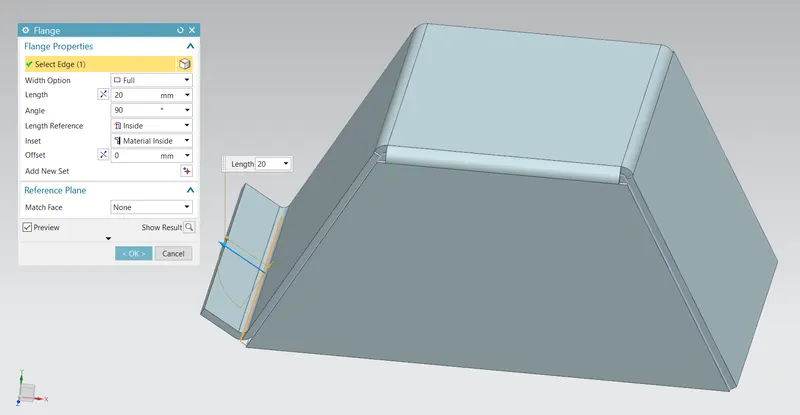
4) Flange :- This command is used to add a flat flange at an angle to a planar face and adds a bend between the two. 20mm length is provided for flange.
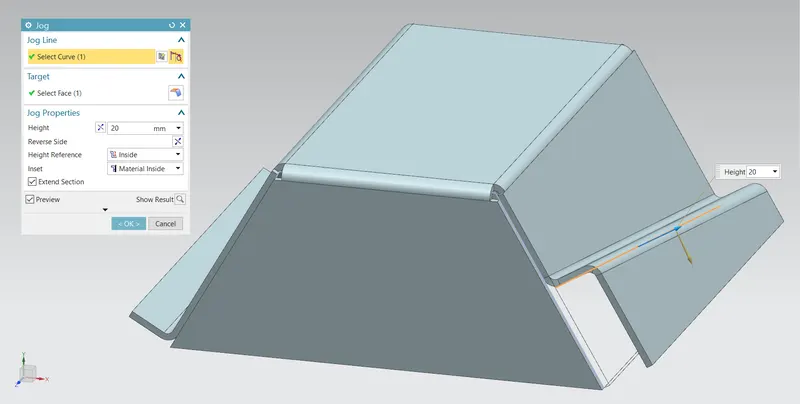
5) Jog :- It modifies the model by lifting material on one side of a sketch line, adding a flange between the two sides.
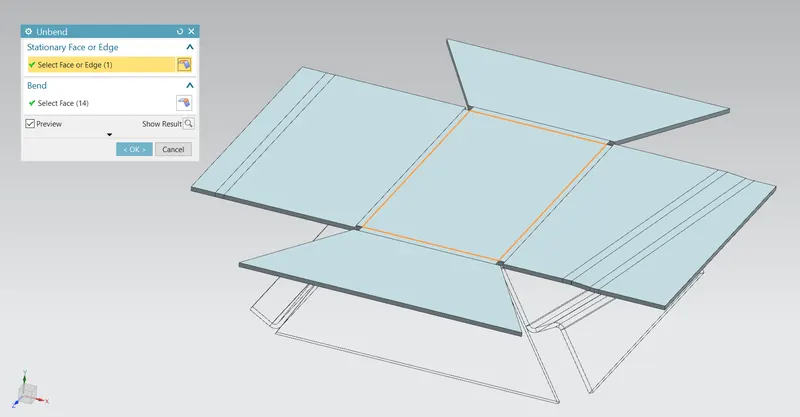
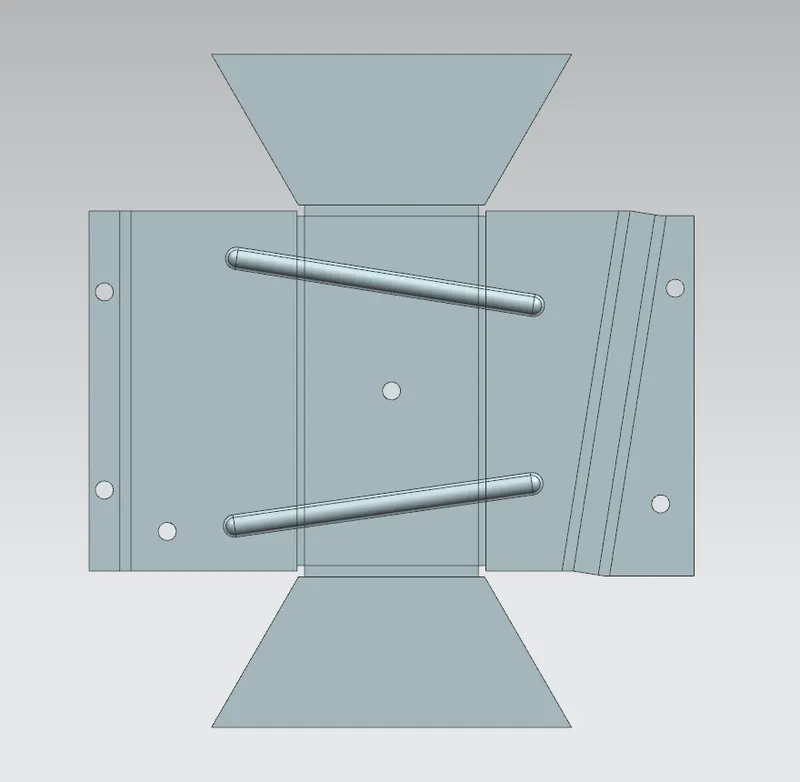
6) Unbend :- It is used to flatten a bend and the material adjacent to the bend.
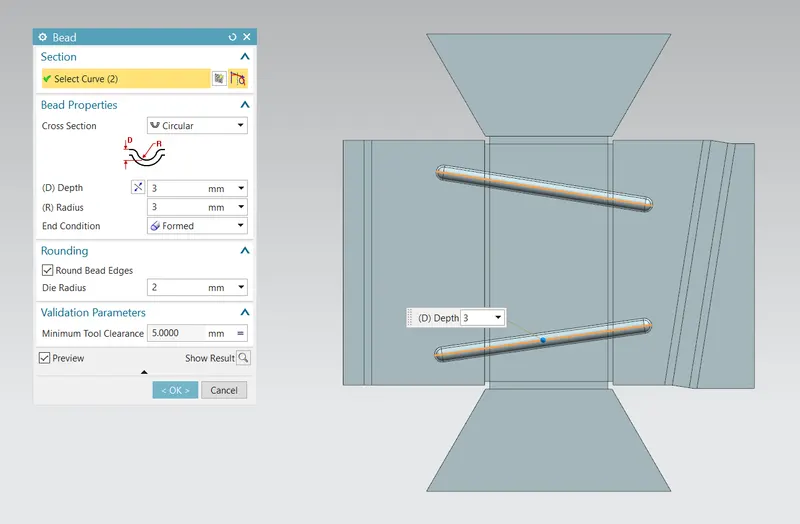
7) Bead :- It is used to lift the material along the contour of a sketch that simulates a stamping tool. Beads are provided to improve the strength of sheet metal surface.
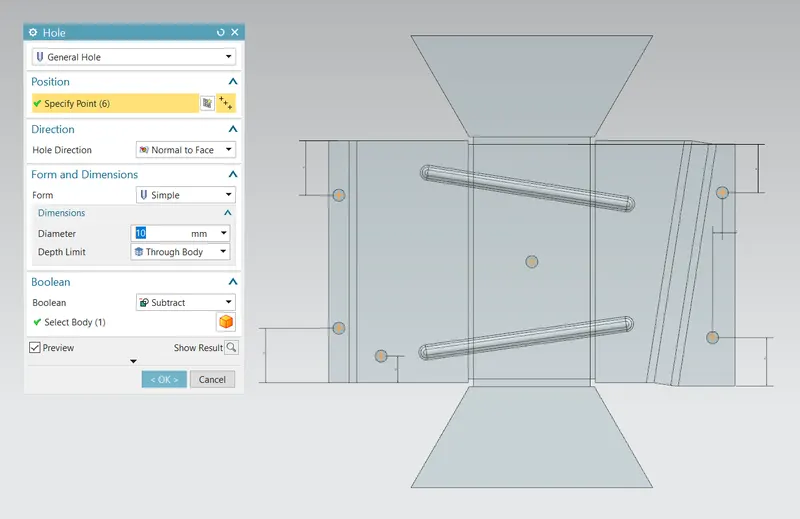
8) Hole :- It is used to add holes to one or more solid bodies. In this design simple holes with diameter 10mm are used.
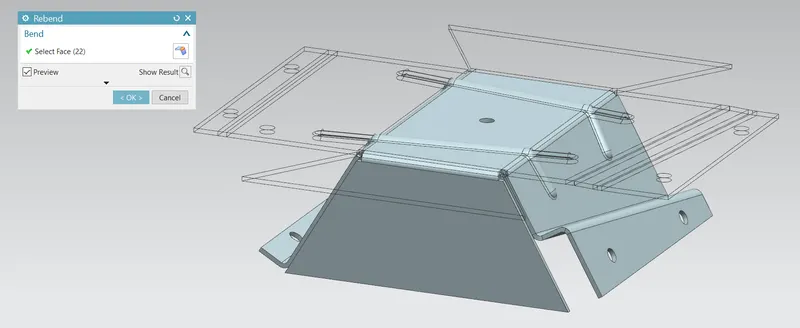
9) Rebend :- It is used to restore an unbend features to its previous bent state, along with any features added after the unbend feature.
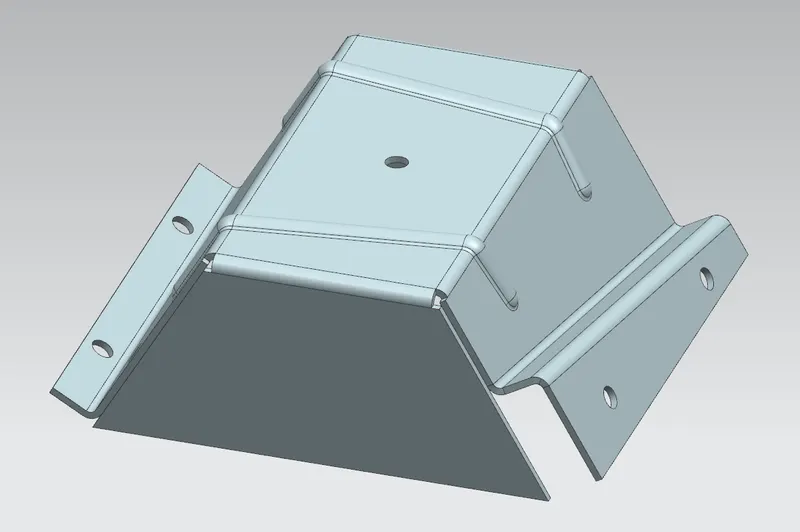
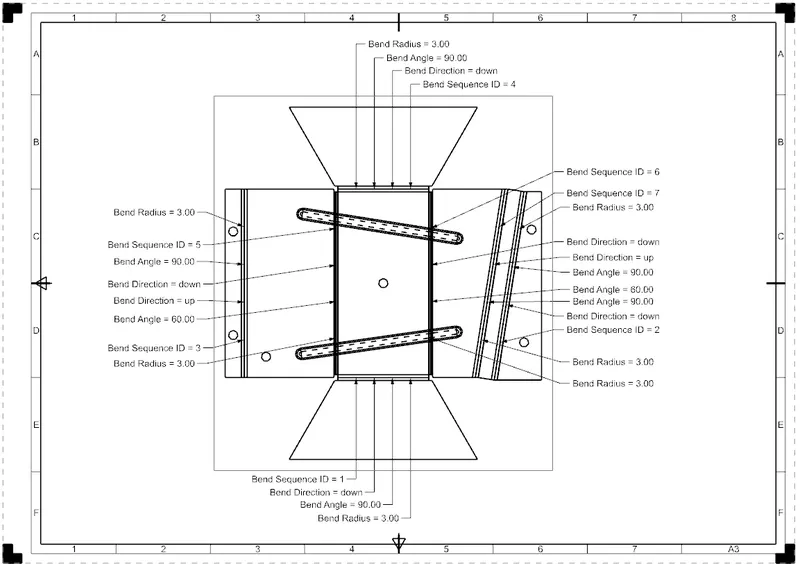
10) Flat Pattern :- It creates a flat pattern feature from the formed sheet metal part.
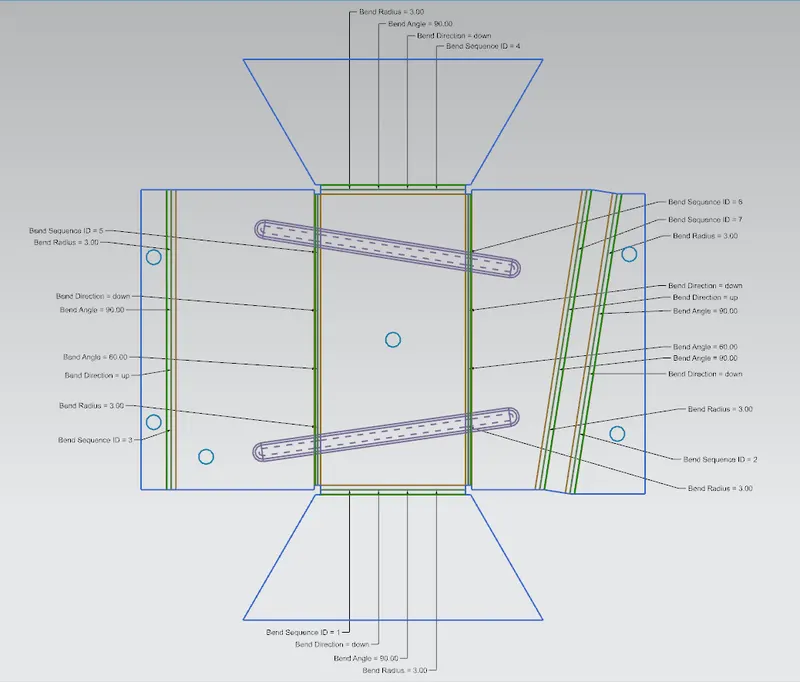
Different Views of the Model :-
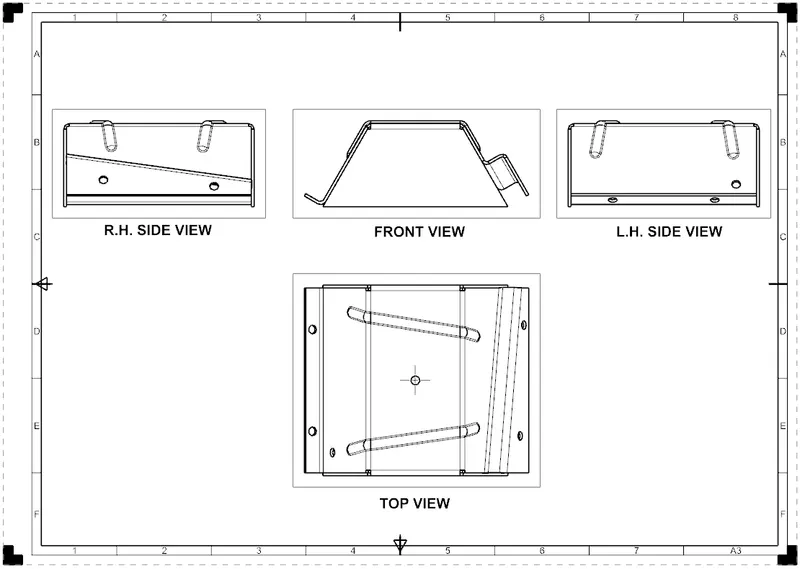
Front View :-
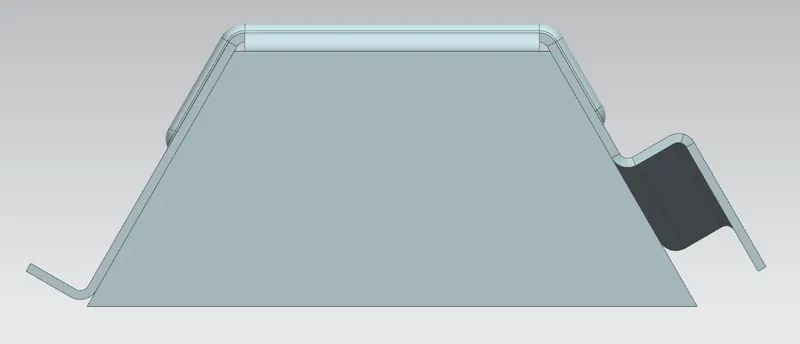
Right Side View :-
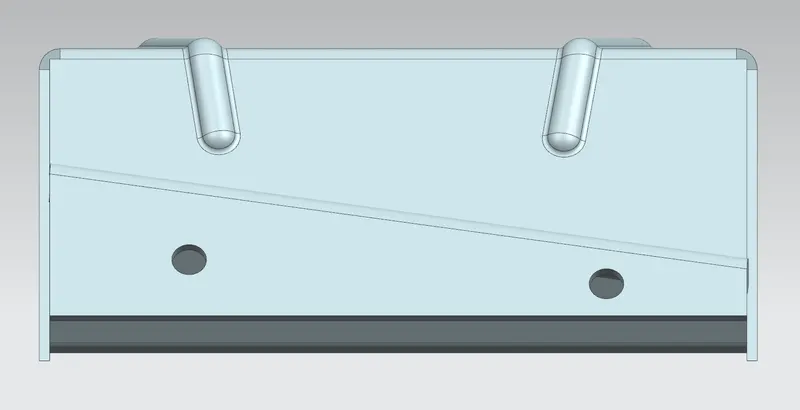
Top View :-
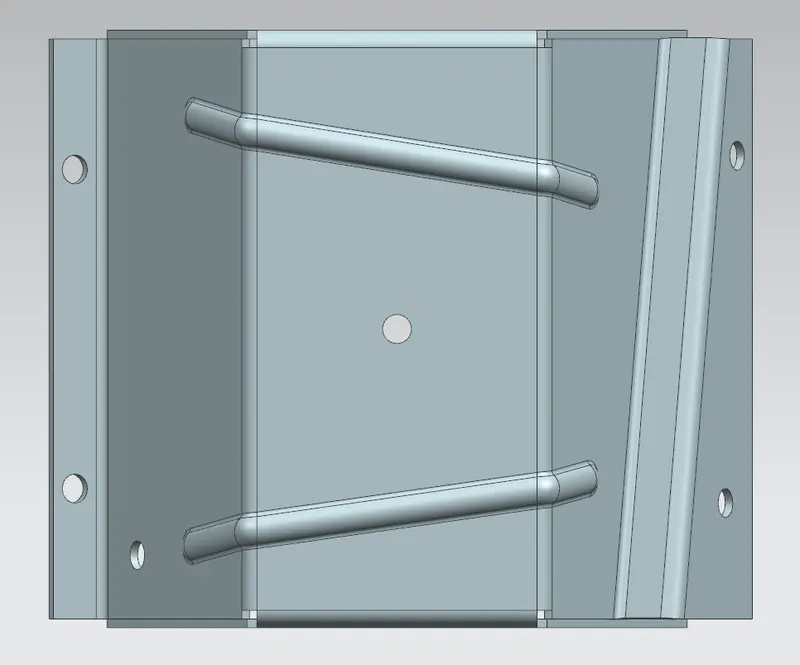
Left Side View :-
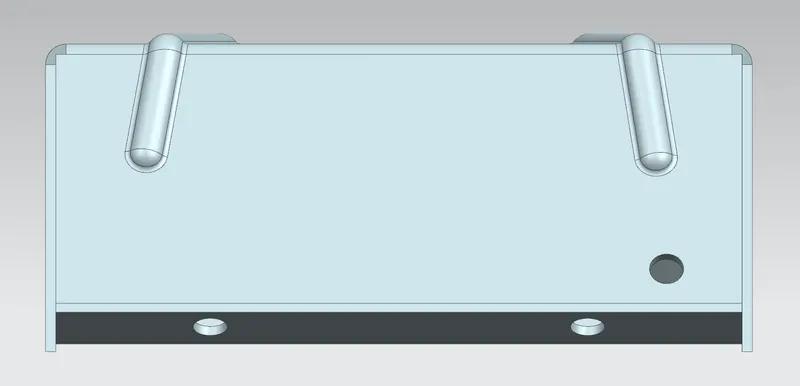
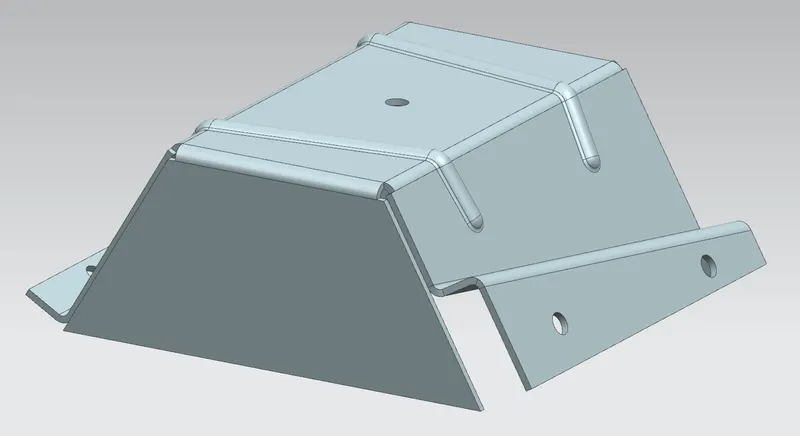
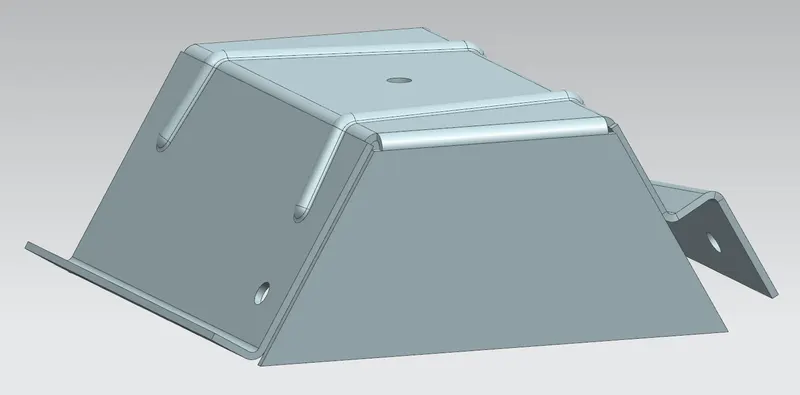
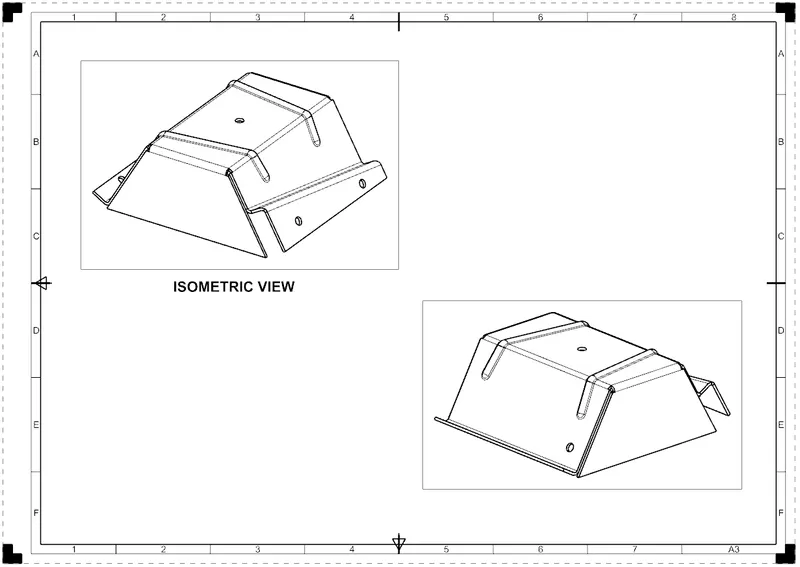
Isometric View :-
Drawing Sheets :-
Drafting application is used to create the drawings of designed model.
Conclusion :-
Thus the sheet metal odd shaped enclosure has been designed using NX CAD.