Advanced Sheet Metal Design Using NX Cad Challenge_5_Odd Shaped Enclosure
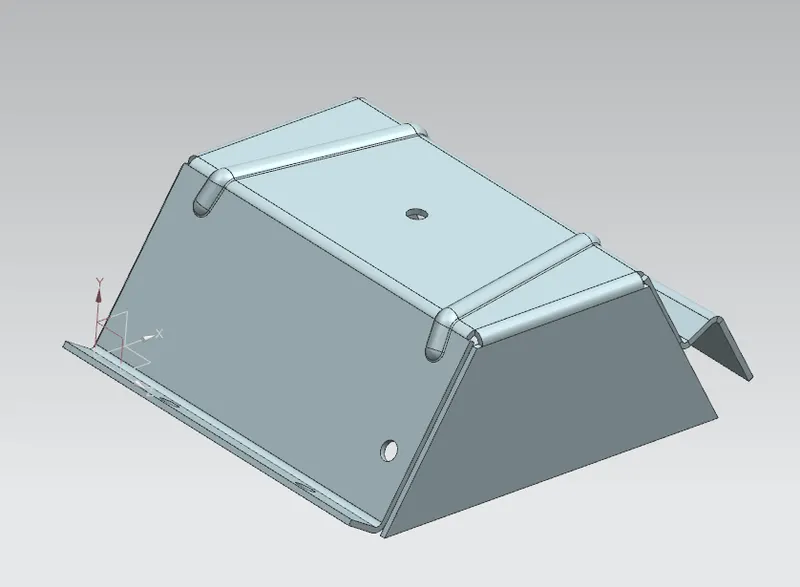
Odd Shaped Encloser
Objective:-
- To observe the model and design a sheet metal by using given dimension.
Design Methodology:-
- NX cad is widely used software for multiple purpose like designing, engineering and manufacturing. It is used in various fields for different works. Different feature and methods we have designed here;
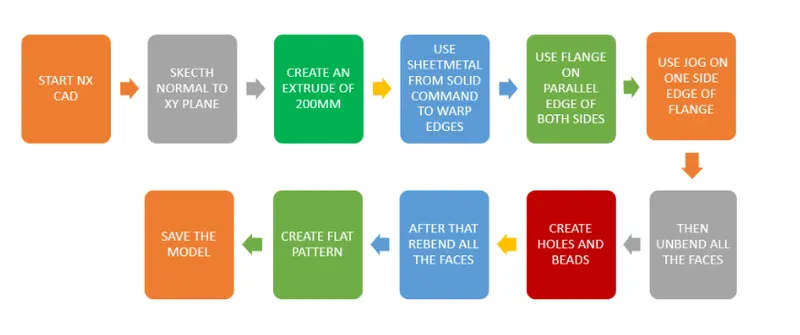
Tools use to designed given model:-
Sketching: By using line command we sketch such as curve which shape we want.
Extrude: This tool is used to create 2D sketch 3-dimensional object by defining its thickness.
Sheet metal from solid: It convert solid shaped part to shaped sheet metal.
Flange: By using this command we add flange. it consist bend and web region.
Jog: It modifies the sketch by living on the one side and adds flange of required length between two end sides.
Unbend: It will flatten the bend region.
Bend: It is modify the model by bending material on one side of a sketch line.
Rebend: After unbend, the rebend command will be use to bend region to its original form.
Hole: To create hole on the surface, several holes option are their.
Bead: It is also punch operation but it is use to stiffen the surface.
Flat pattern: It create flat pattern on sheet metal in a separate sheet for its dimension and details of the model.
Model Views:-
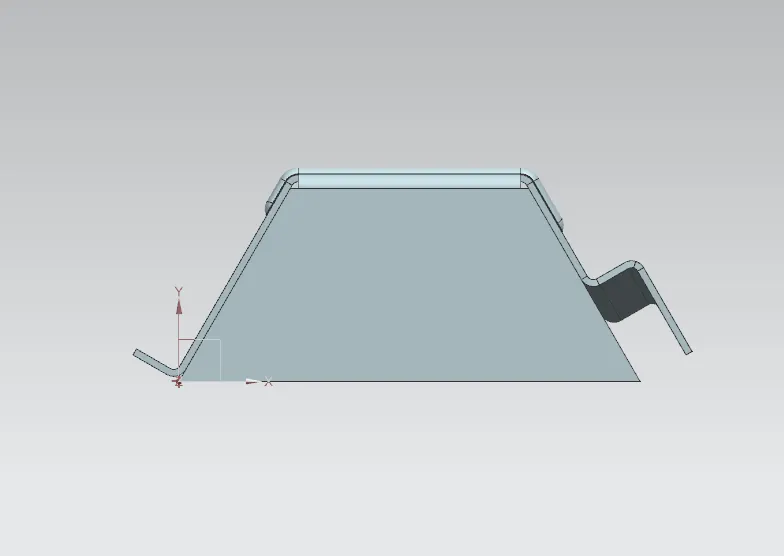
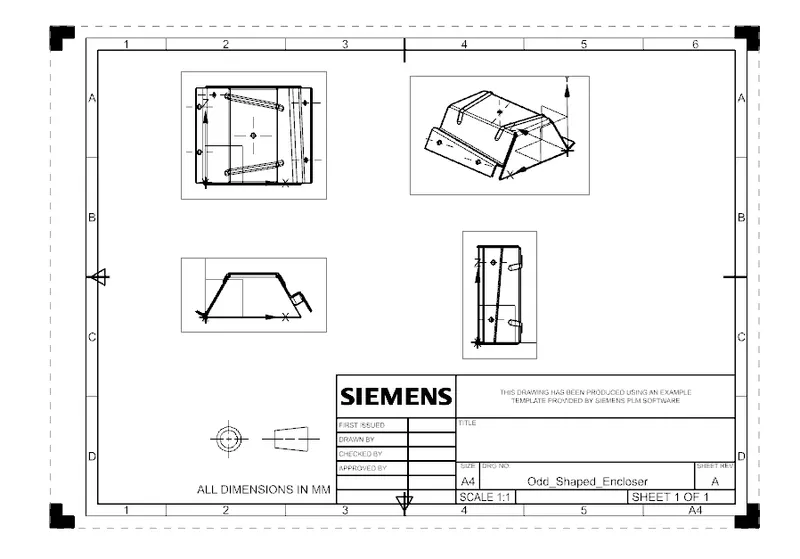
Front View:
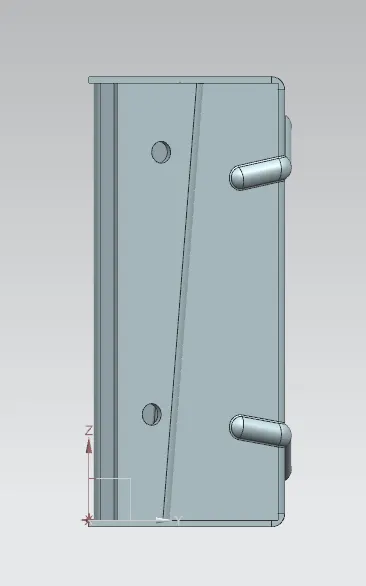
Side View:
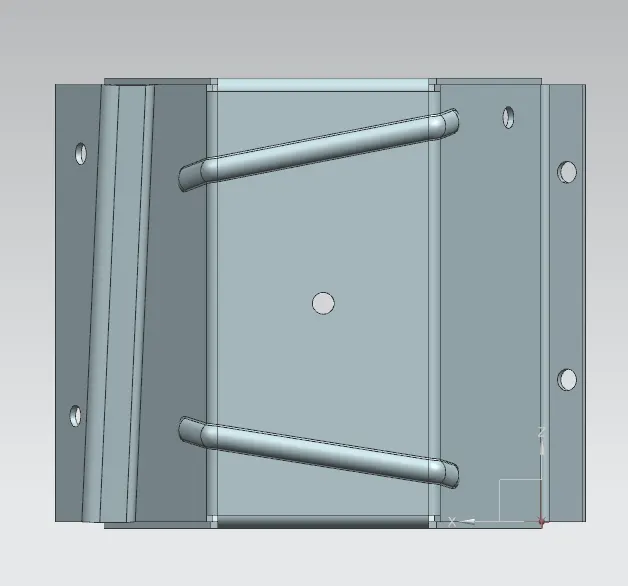
Top View:
Isometric View:
Drafted View:
Conclusion:-
- Complete model designed according to appropriate dimension, using different tools in NX.