Advanced Sheet Metal Design Using NX Cad Challenge_5_Odd Shaped Enclosure
01) Title :- Sheet Metal Part for Odd Shapes
02) Objectives :- Detailed report on workflow to create Sheet metal part for odd shapes.
03) Procedure :-
Step 01) Creation of Solid body
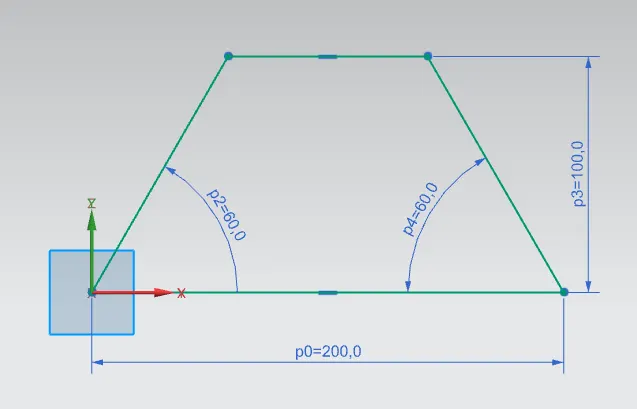
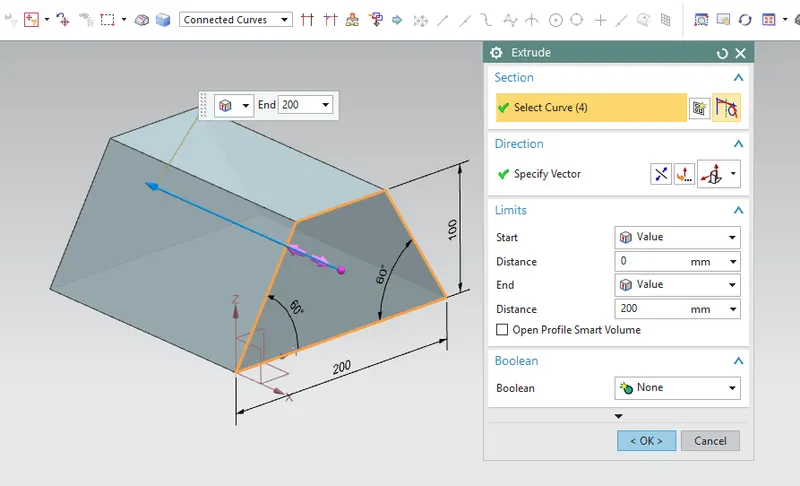
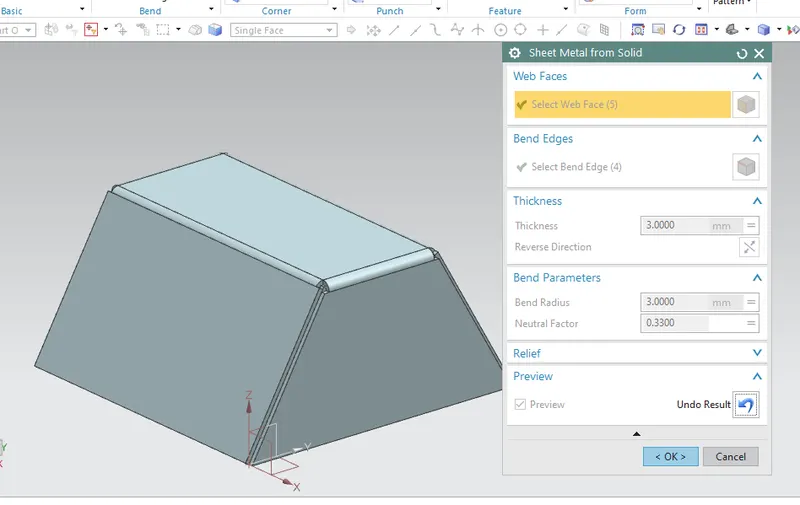
Step 02) Convert Solid Body into Sheet Metal
Command Used :- Shhet Metal from Solid
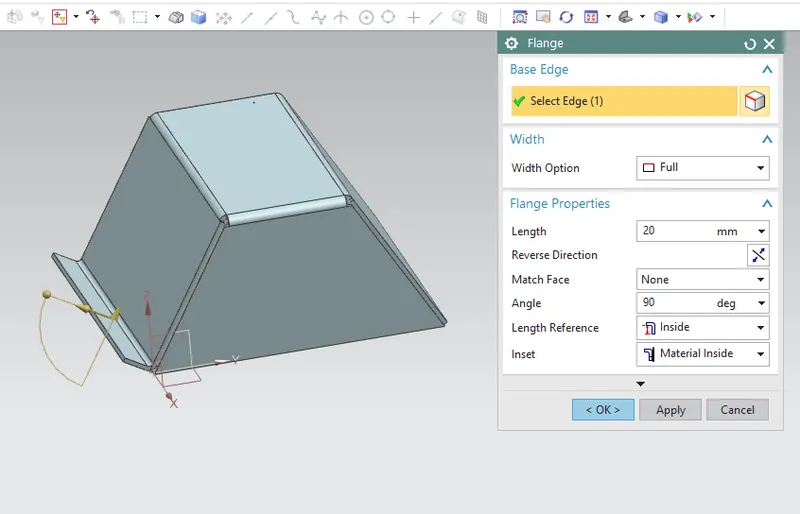
Step 03) Add Flange
Command :- Flange
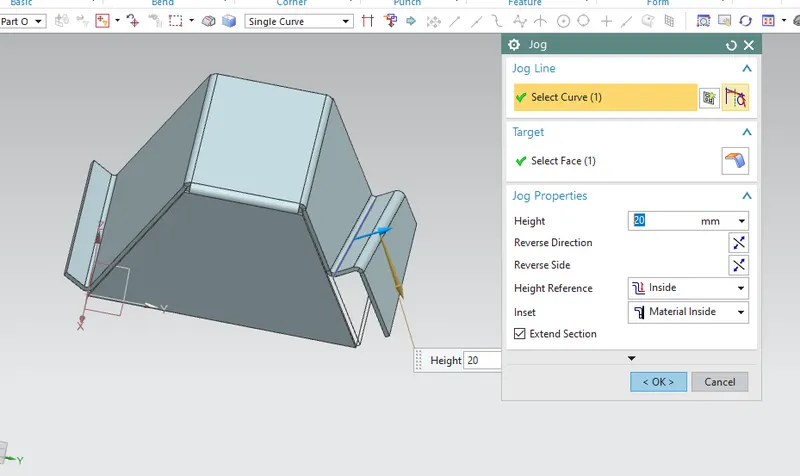
Step 04 :- Create Jog
Command :- Jog
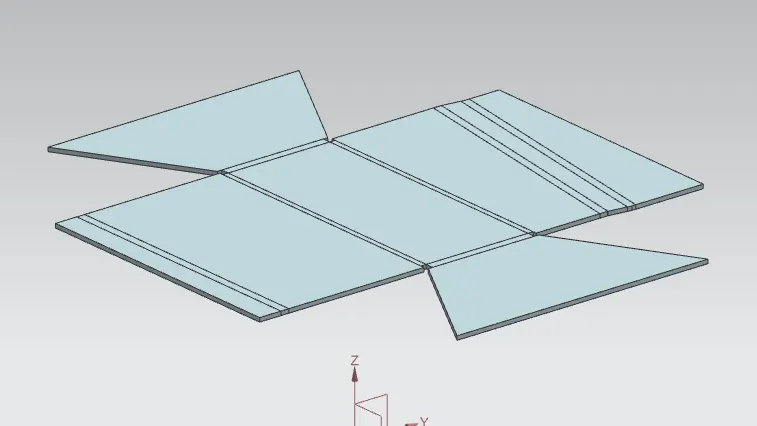
Step 05 :- Unbend to add more features
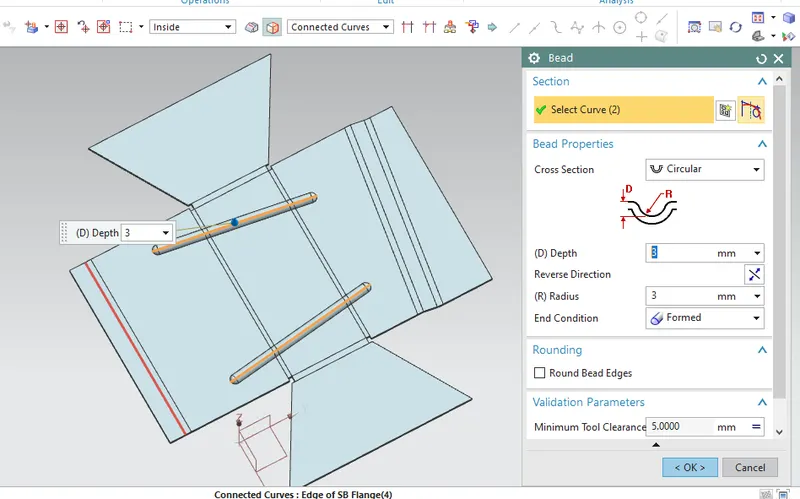
Step 06 :- Add Beads
Command :- Bead
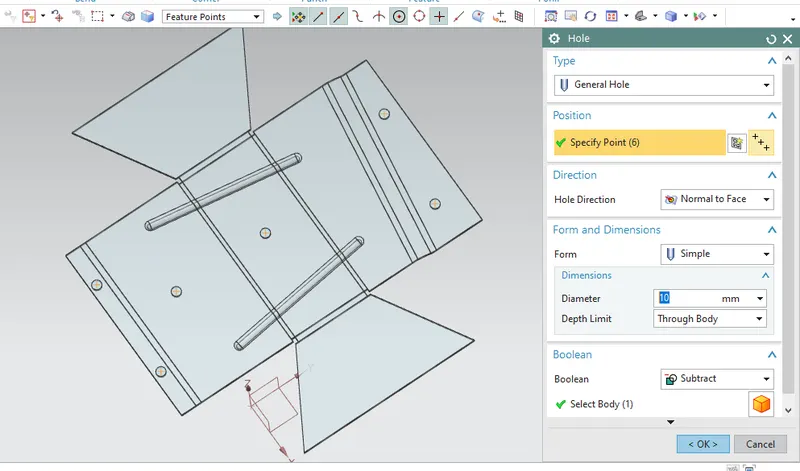
Step 07) Add Random Holes
Command :- Hole
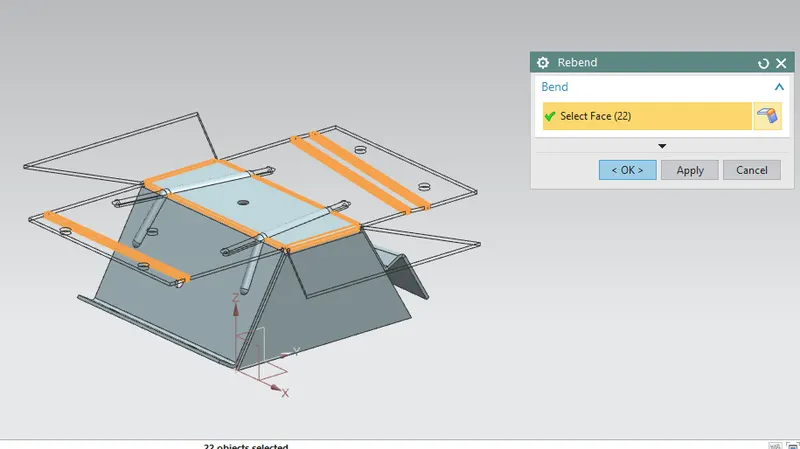
Step 08) Rebend
Command :- Rebend
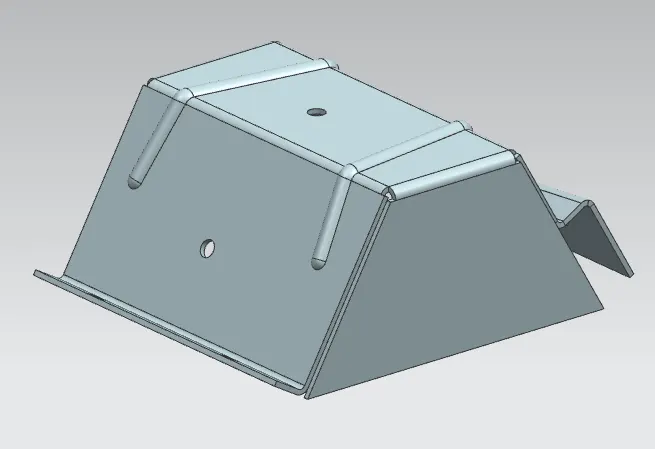
*) Different View Modes
Isometric View
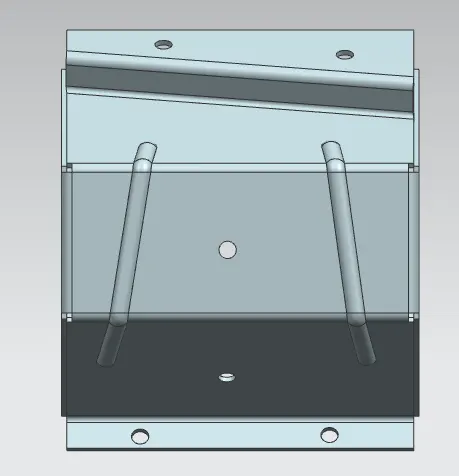
Top View
Front View
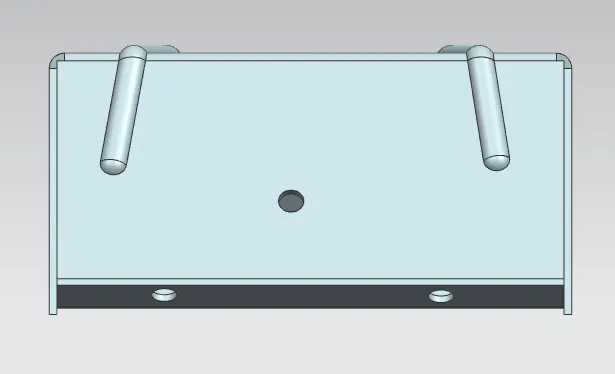
Back View
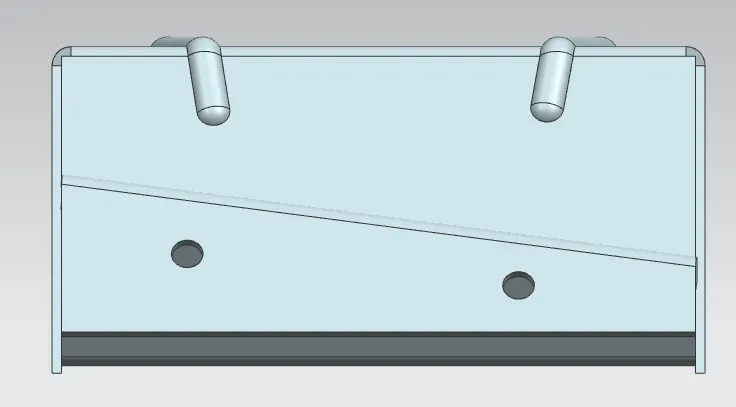
Right view
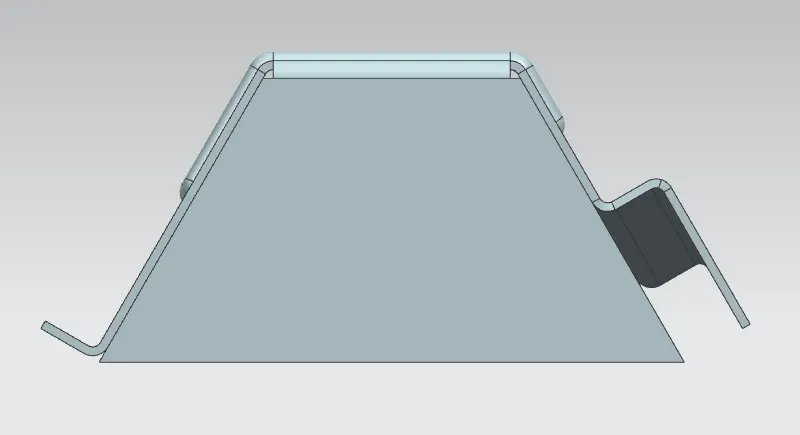
Back View
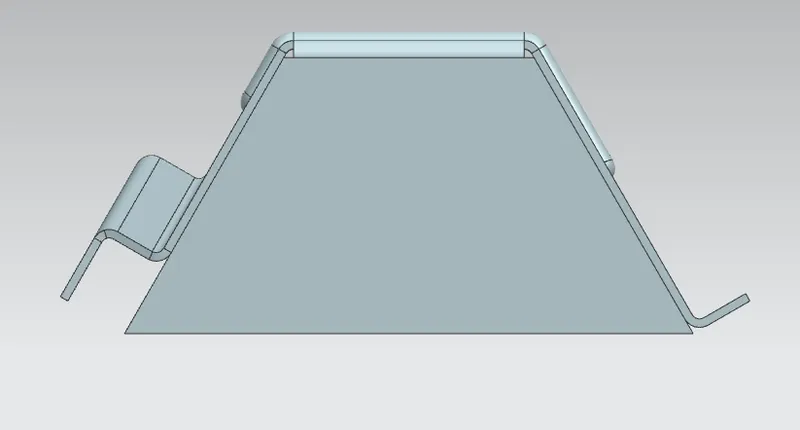
Bottom View
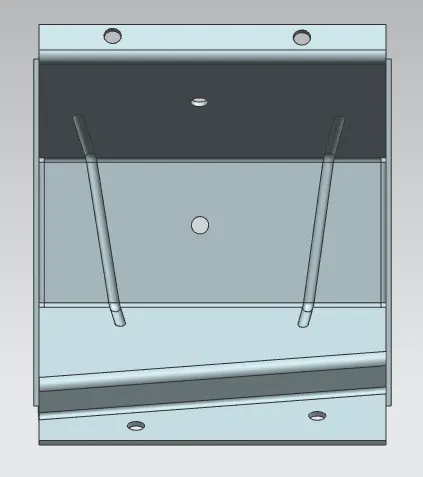
Conclusion :-
Detailed report on workflow to create Sheet metal part for odd shapes is done.