Advanced Sheet Metal Design Using NX Cad Challenge_5_Odd Shaped Enclosure
DESIGNING SHEET METAL BY ENCLOSING
SOLID BODY
OBJECTIVE:
The aim of this project to model the sheet metal by enclosing the solid body which is of odd shaped using NX software.
FEATURES USED:
extrude:This feature helps to extrude a sketch upto the user defined length and vector.
sheet metal from solid:It builds a sheet metal model that takes the shape of solid body which may be created or imported.
flanges:It is used to add a flange at an angle on the face or plane , thus it creates bend between two bodies.
jog:This feature is used to change the model by lifting the model on one side of sketch such that it create flange on the body
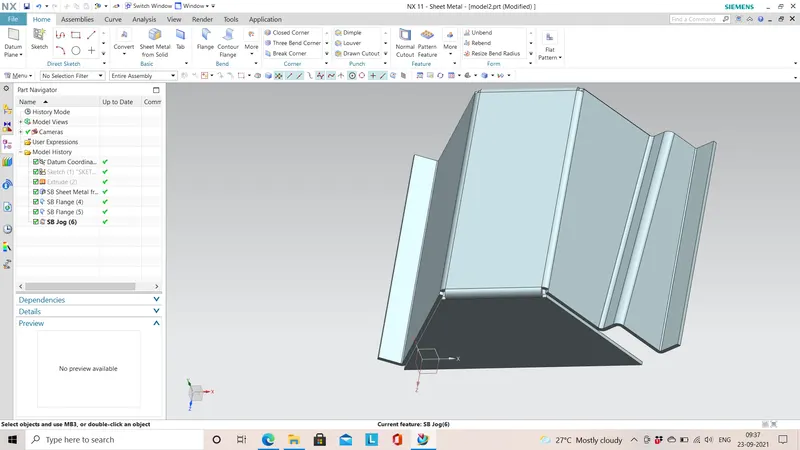
unbend:The unbend command is used to flatten the bend parts in the model which is used to add some features on the model
hole:The hole command is used to make holes on the part or assembly by defining the diameter.
rebend:After adding feature on the model rebend the sheet metal model to its original shape.
STEPS FOLLOWED:
- A solid body is created using extrude feature
- Then the solid body is converted to sheet metal by wrapping around it using sheet metal from solid feature.
- Add some additional features like flange,jog,bend.
- Then unbend the sheet metal model and add features like dimple,louver,hole as per your requirements.
- Rebend the model by selecting the bend edges and make a flat pattern view using flat pattern feature,
VARIOUS ORIENTATIONS OF MODEL:
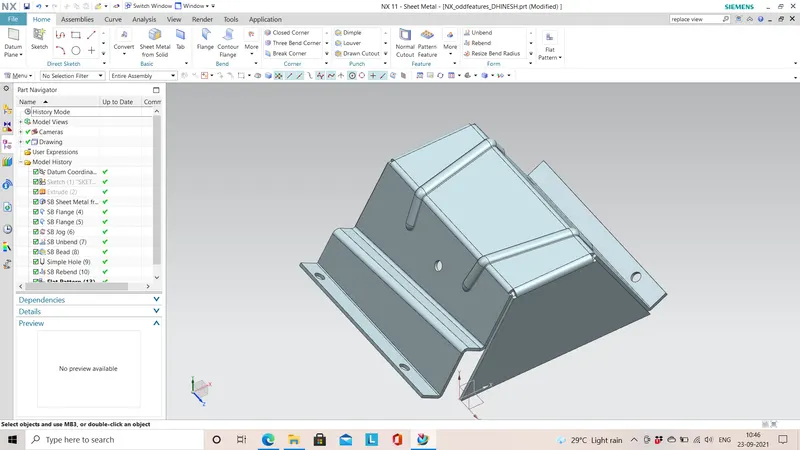
TRIMETRIC VIEW:
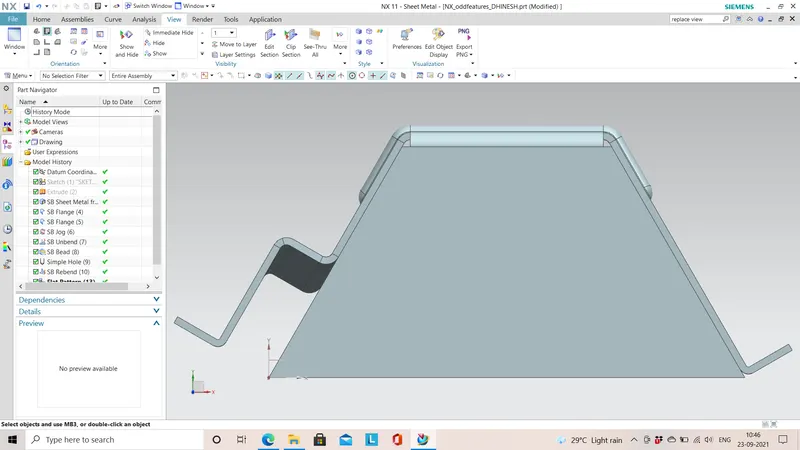
TOP VIEW:
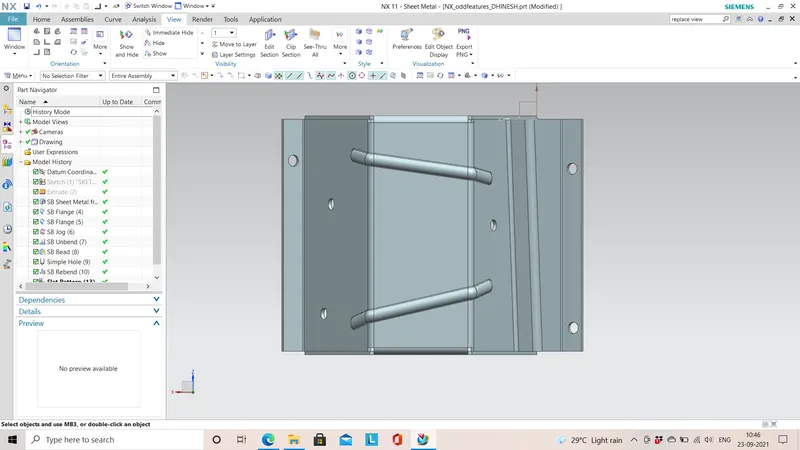
BOTTOM VIEW:
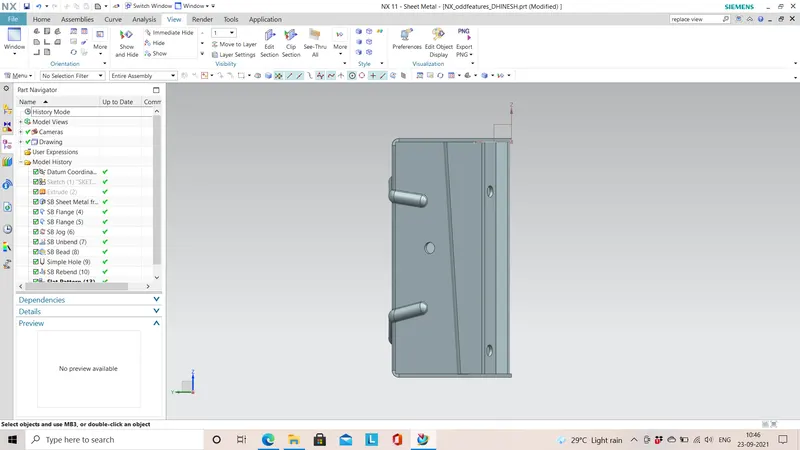
SIDE VIEW:
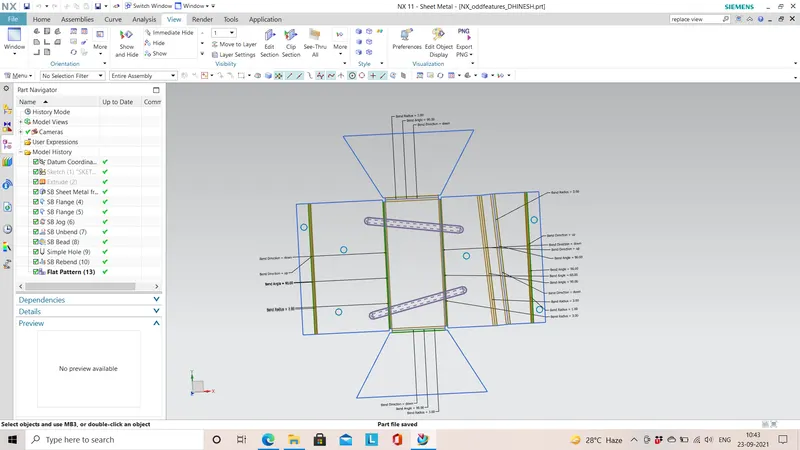
FLAT PATTERN VIEW:
The below image denotes the flat pattern view of the model.
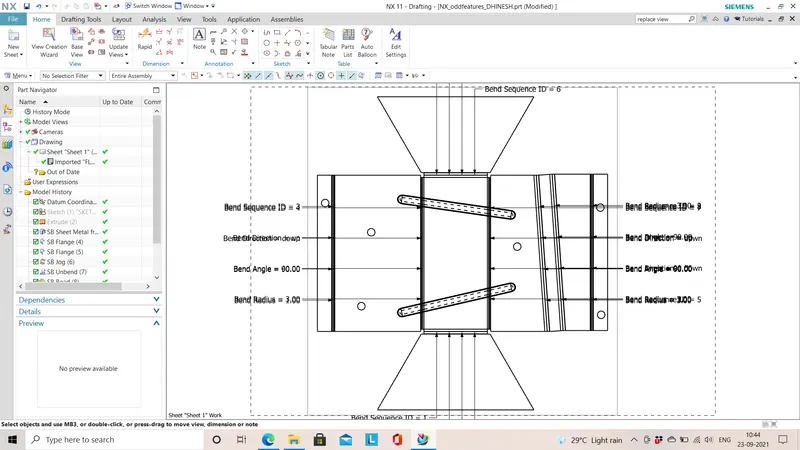
DRAWING SHEET IMAGE :
CONCLUSION:
The sheet metal is modelled by enclosing a odd shaped solid body successfully and the images of sheet metal model is attached .
flat pattern view of the model is created and its corresponding drawing sheet is created successsfully.