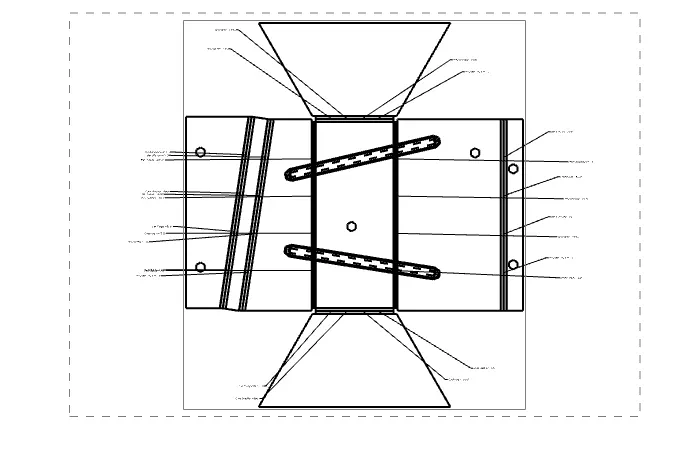
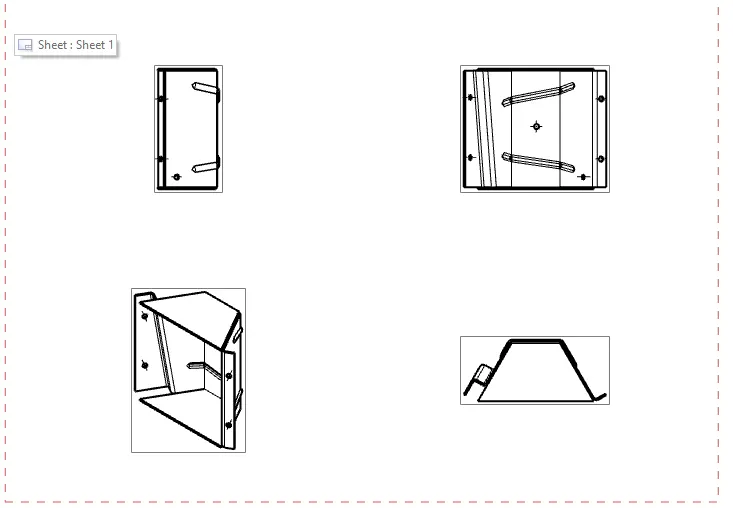
Advanced Sheet Metal Design Using NX Cad Challenge_5_Odd Shaped Enclosure
TITLE OF THE PROJECT
CREATE ENCLOSURES WITH ODD SHAPES OR ANGLES
OBJECTIVE
The objective of this design is to create ENCLOSURES WITH ODD SHAPES OR ANGLES
with the help of NX advance sheet metal.
INTRODUCTION
Sheet metal is metal formed by an industrial process into thin, flat pieces. Sheet metal is one of the fundamental forms used in metal working, and it can be cut and bend into a variety of shapes. sheet metal is a semi- finished product that can be produced over a large area, whereby sheets are generally light, thin, stable, elastic and flat.
DESIGN APPROACH METHOD
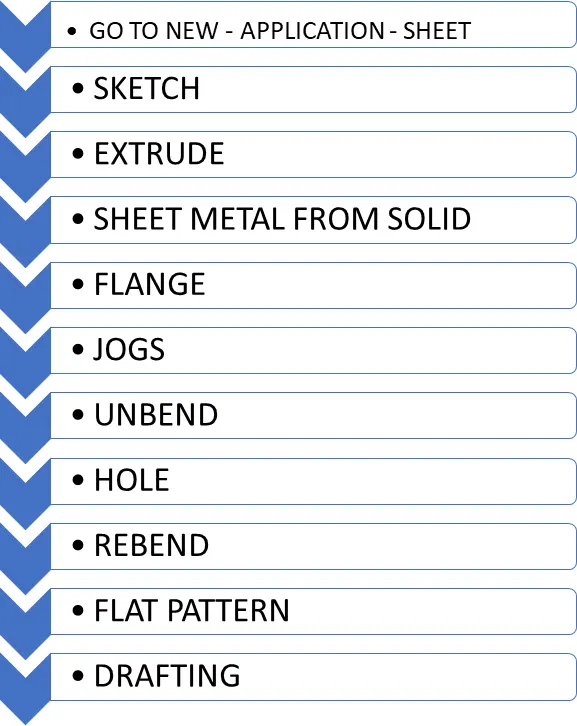
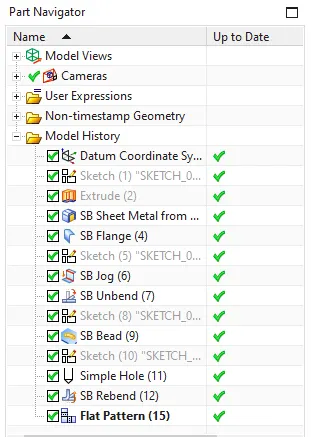
DESCRIPTIONS OF TOOL/FEATURE
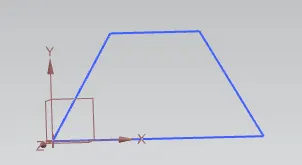
- SKETCH
It is 2d representation of model.
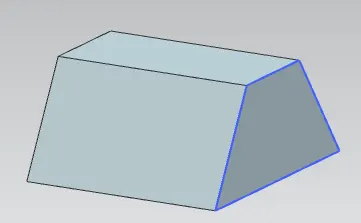
- EXTRUDE
This command converts 2D sketch into 3D model, it is 3D geometry creation command.
- SHEET METAL FROM SOLID
This command Build a sheet metal model that takes it shape from a collection of planer shape i.e. from a solid surface.
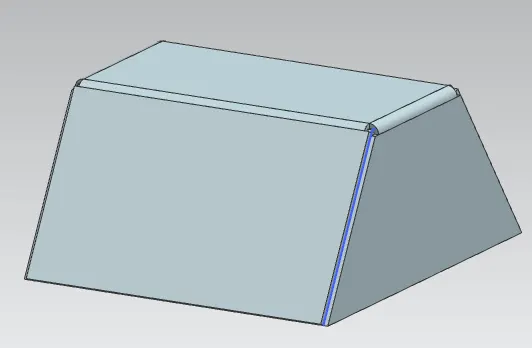
- FLANGE
To add a flat flange at an angle to a planar face and add a bend b/w the two. A flange consists of a bend region and a web.
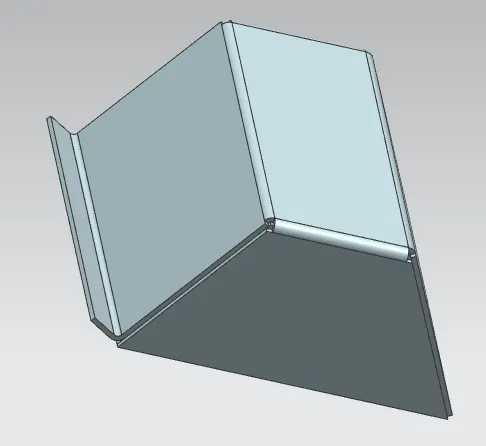
- JOGS
This modifies the model by lifting material on one side of sketch line, adding the flange b/w the two sides.
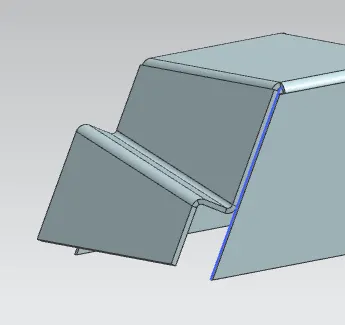
- UNBEND
Unbend creating any feature the model should be unbended for easy understanding.
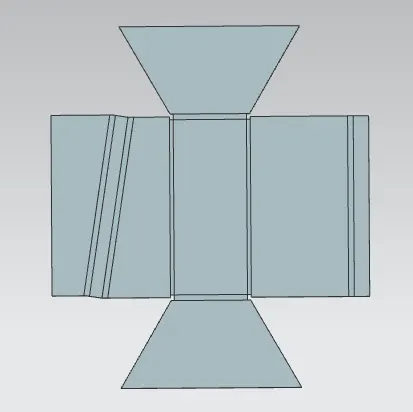
- HOLE
Adds point as a sketch then selected to apply hole. Adds hole in one or more solid body in apart or assembly with options for counterbore, countersunk, threaded.
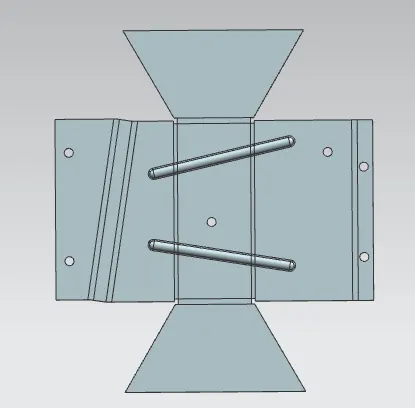
- REBEND
It restores the feature and comes back to previous bend state.
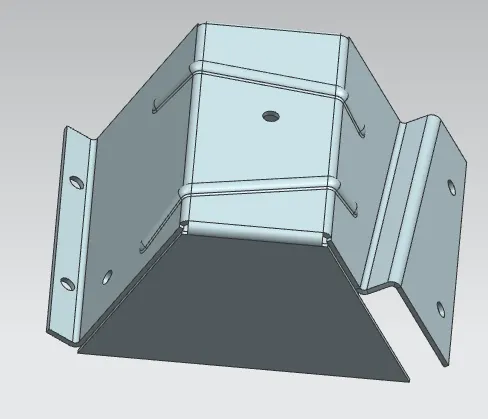
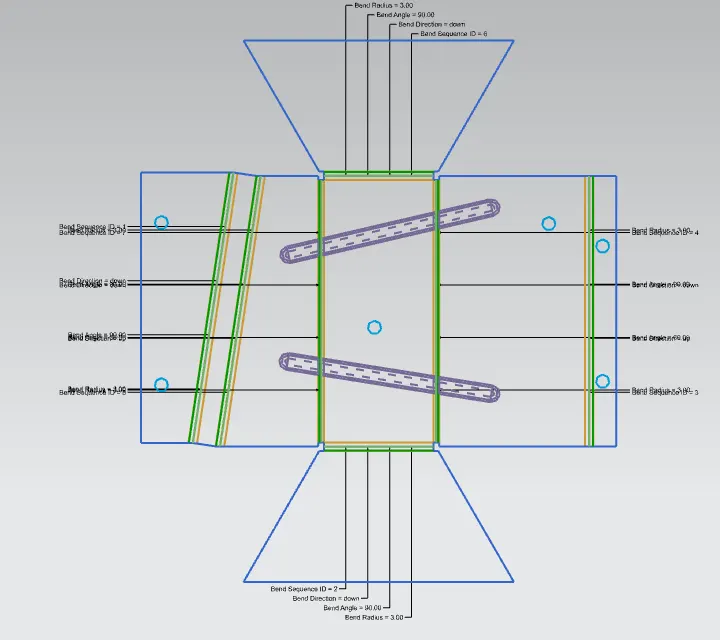
- FLAT PATTERN
- DRAFTING