Advanced Sheet Metal Design Using NX Cad Challenge_1_Casing Design
TITLE OF THE PROJECT
CASING DESIGN
OBJECTIVE
The Objective of this design is to create sheet metal casing with the help of NX advance sheet metal.
INTRODUCTION
Sheet metal is metal formed by an industrial process into thin, flat pieces. Sheet metal is one of the fundamental forms used in metal working, and it can be cut and bend into a variety of shapes. sheet metal is a semi- finished product that can be produced over a large area, whereby sheets are generally light, thin, stable, elastic and flat.
DESIGN METHODOLOGY (SIEMENS NX CAD SHEET METAL)
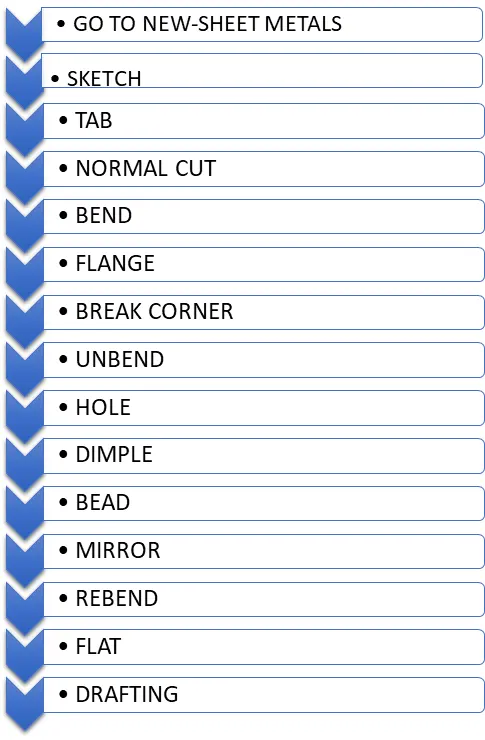
DESCRIPTIONS OF TOOL/FEATURE
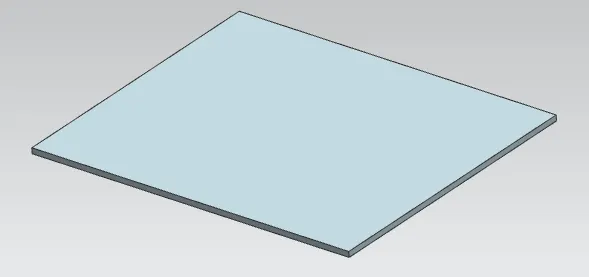
- TAB
This command to create a base feature by extruding a sketch along a vector by a thickness value, or by adding material to existing faces and bend regions of a sheet metal part.
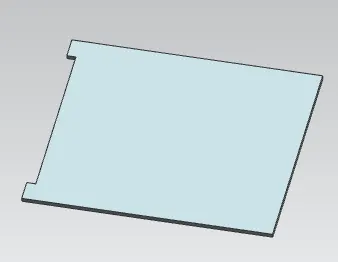
- NORMAL CUTOUT
To cut material by projecting a sketch onto the model and then cutting perpendicular to the face intersected by the projection. Use planer sketches or 3D curves to specify the section for the normal cut out.
- BEND
This is created by a single line on the surface with required bend parameters.
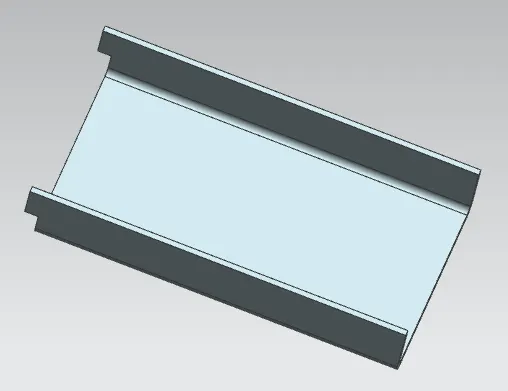
- FLANGE
To add a flat flange at an angle to a planar face and add a bend b/w the two. A flange consists of a bend region and a web.
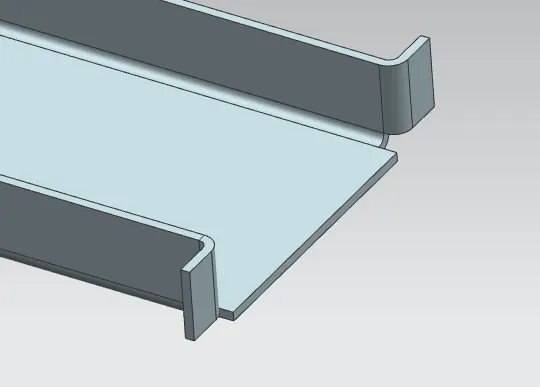
- BREAK CORNER
This command is used to round or chamfer sharp corner of a tab or flange.
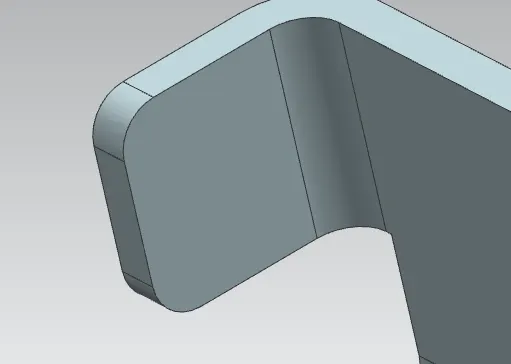
- UNBEND
Unbend creating any feature the model should be unbended for easy understanding.
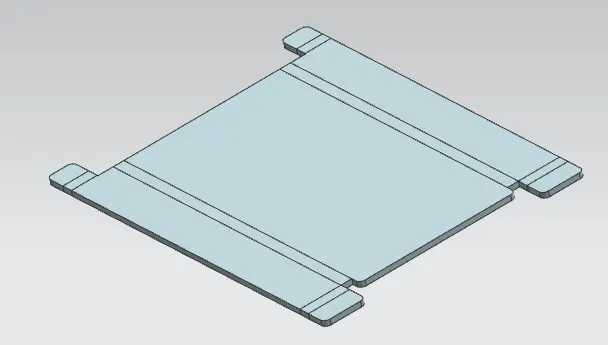
- HOLE
For creating a screw type, screw size hole feature is used.
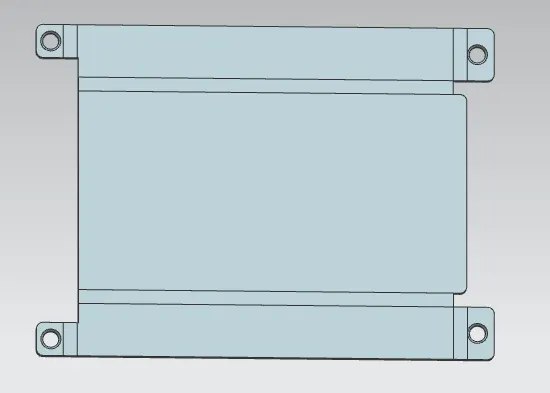
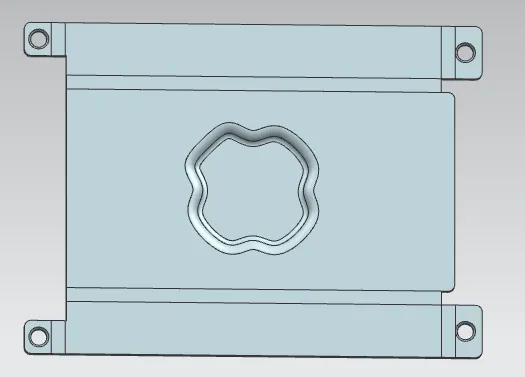
- DIMPLE
Dimple command to lift an area of the model inside a sketch that simulates a stamping tool. It can create an indentation in a sheet metal part using a sketched section as the dimple outline.
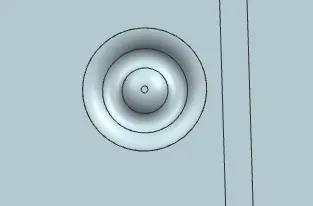
- BEAD
This uses the bead command to lift material along the contour of a sketch that simulates a stamping tool. Bead can also be created to stiffen sheet metals.
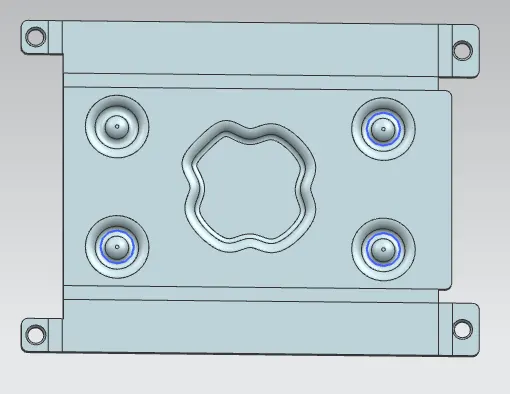
- MIRROR
This feature is created replica of one or more profile with respective to axis required.
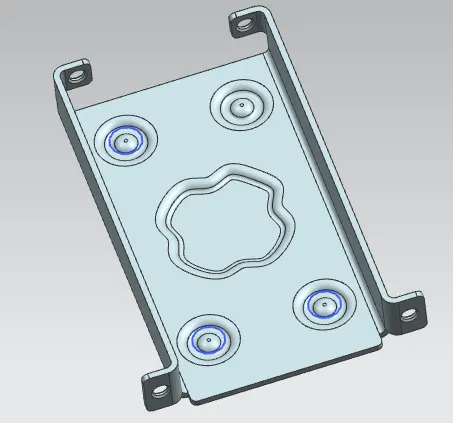
- REBEND
Rebending of unbend profile is called Rebending. This is done is the final stage of the model.
- FLAT PATTERN
This will automatically create a flat surface of the model which helps for manufacturing.
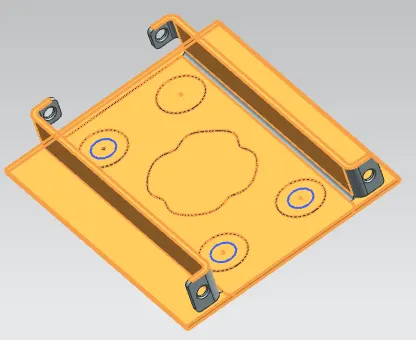
- DRAFTING
Converting a solid model to 2D sketch.
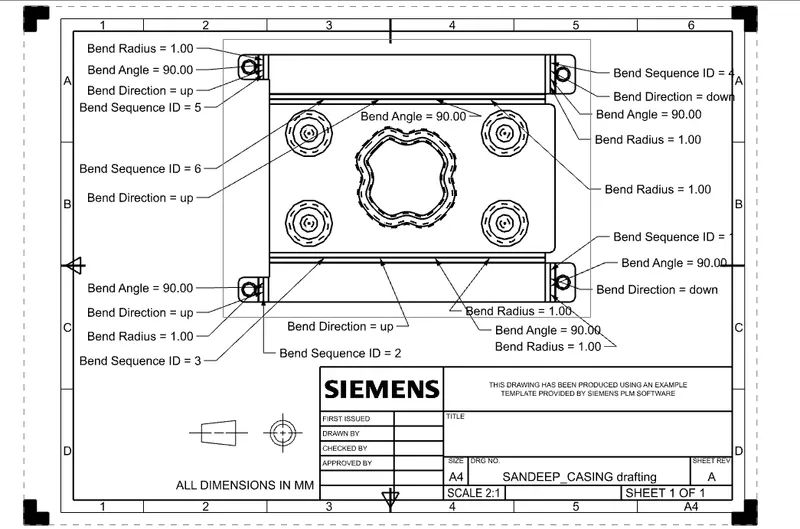
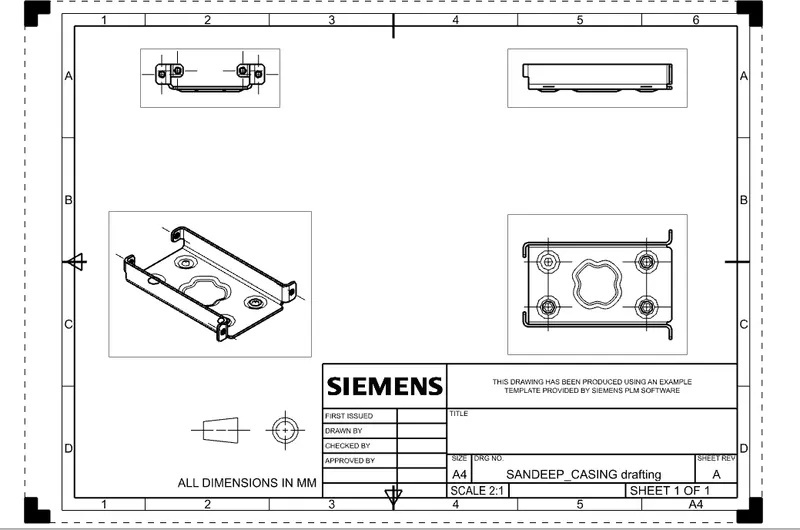
SCREEN SHORTS OF THE MODEL.
SANDEEP_CASING_FRONTVIEW
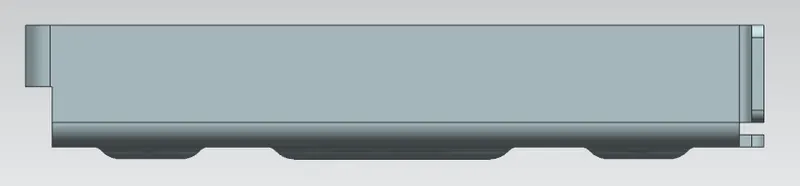
SANDEEP_CASING_ISOVIEW
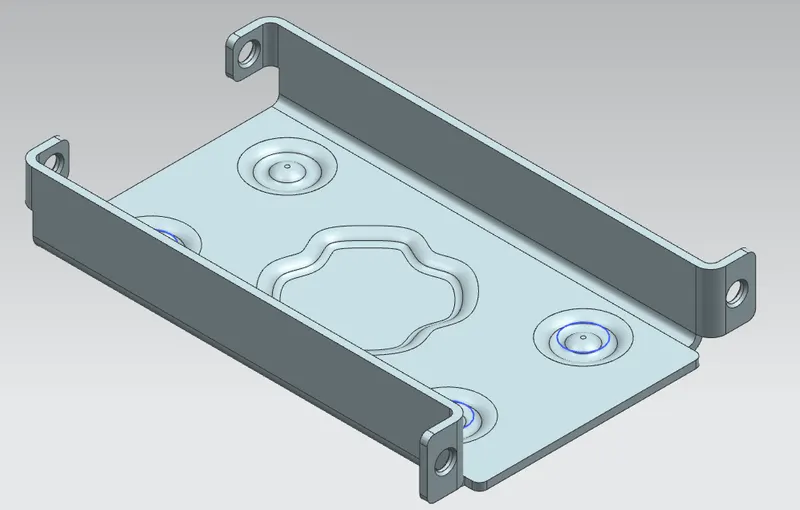
SANDEEP_CASING_LEFTVIEW
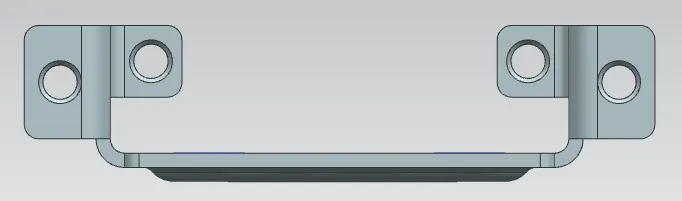
SANDEEP_CASING_TOPVIEW
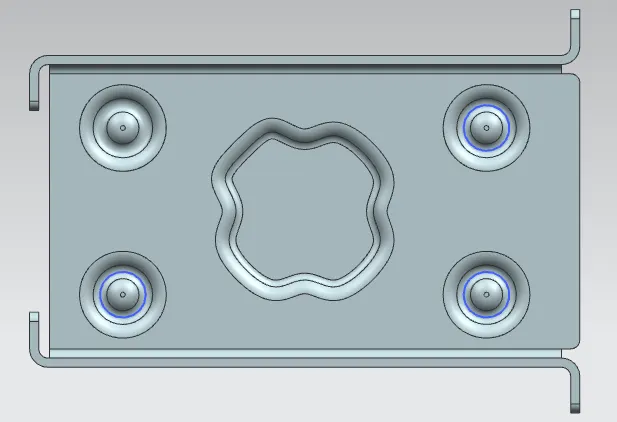
CONCLUSION
Successfully creating the casting design in NX CAD sheet metal.