Advanced Sheet Metal Design Using NX Cad -Odd Shaped Enclosure
TITLE OF THE PROJECT:- SHEET METAL PART FOR ODD SHAPE
OBJECTIVE:- To learn how to convert Non SM part into SM part and some feature to it.
DESIGN METHODOLOGY:-
DESCRIPTION:-
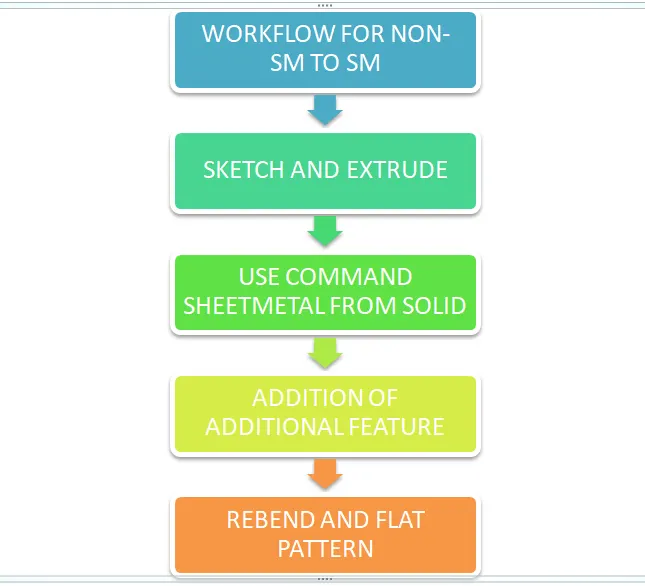
- As we don't have any solid body to import so we will create one.
- Create a sketch of odd shape and extrude it.
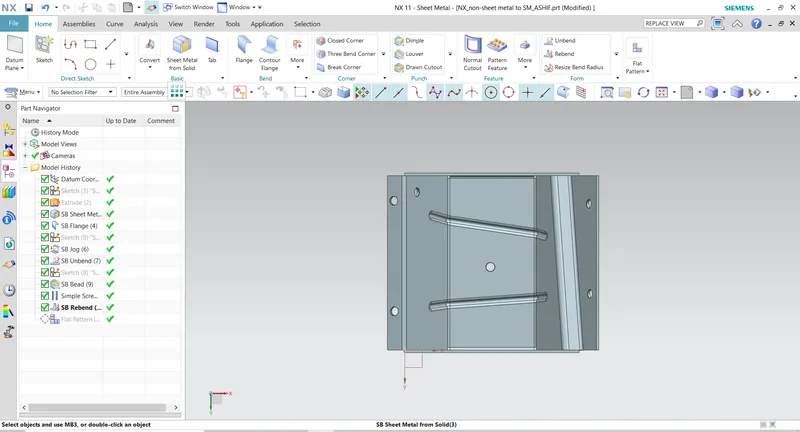
- Now to wrap this solid body we use command sheetmetal from solid.
- After getting the sheet-metal we add some additional feature to it.
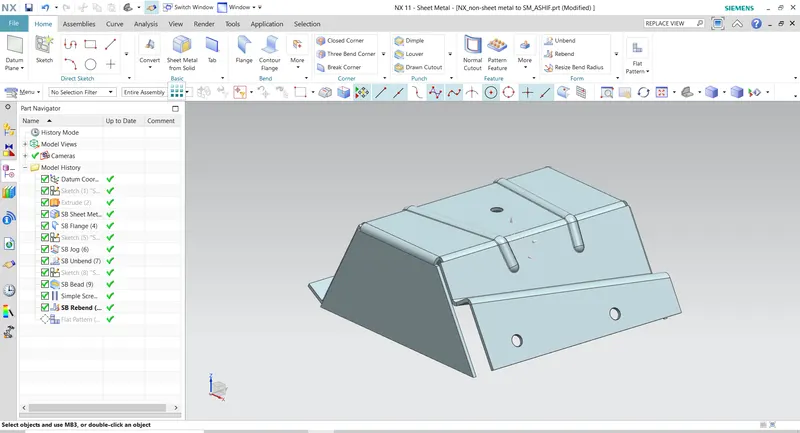
- We will add 20mm flange at 90deg to one of it side.
- And we will add jog to another side.
- Now unbend the component.
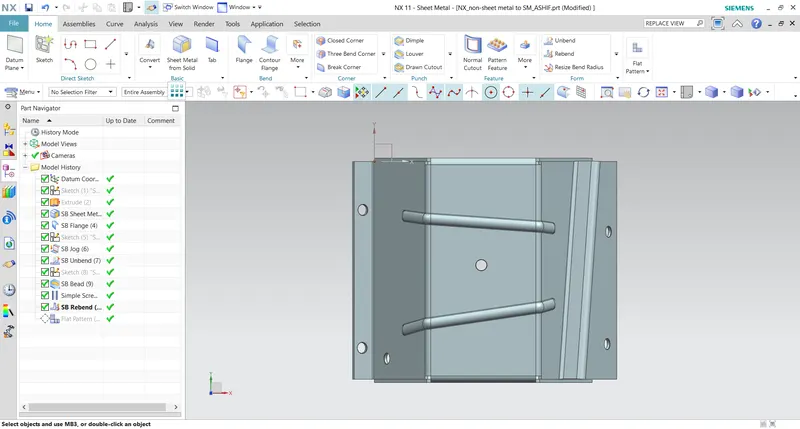
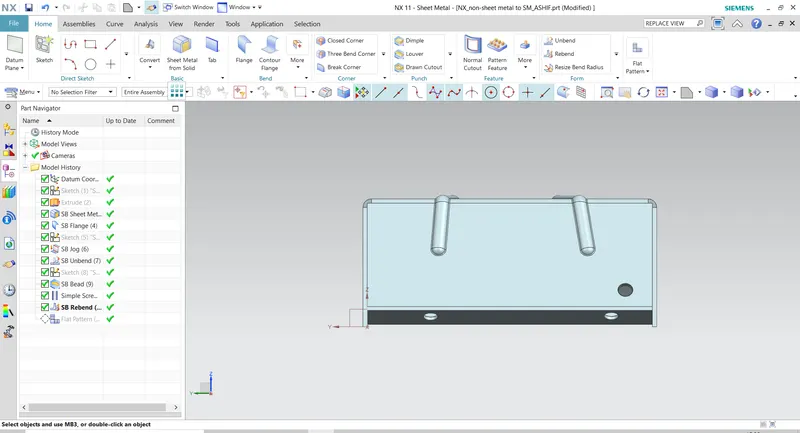
- Add some bead of circular cross-section of 2.5mm depth.
- Also add some hole of 10mm diameter which goes through body.
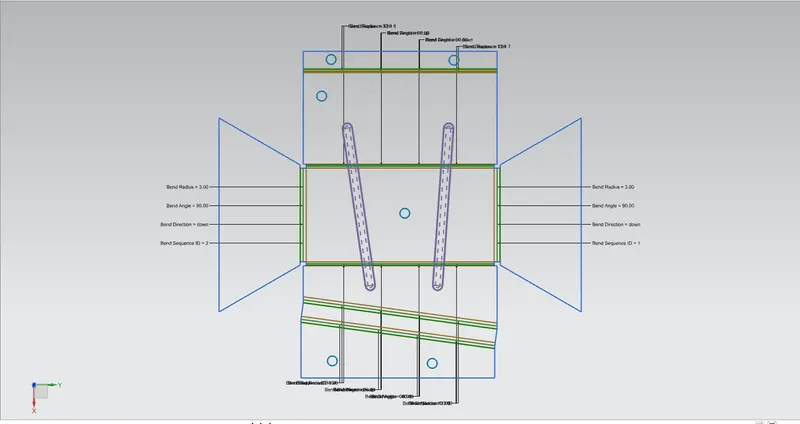
- Now rebend the component and flatten the pattern.
- Now go to menu> views> Layout> replace view> flat-pattern.
- Like this we convert a solid body into sheet-metal.
DIFFERENT ORIENTATION:-
FLAT PATTERN VIEW:-
CONCLUSION:-
This project teaches us how can we import or create any solid model and convert it into sheet-metal component.In this project we also learn how to replace the view of sheet-metal components.