Advanced Sheet Metal Design Using NX Cad Challenge_5_Odd Shaped Enclosure
Title of the Project:- Odd Shaped Enclosure
Objective:- To Create design In Sheet metal and drafting of Odd Shaped Enclosure.
Introduction:- Sheet metal is an industrial design process. Sheet metal is used in metalwork and it can be bend, cut, punch, die, etc. to create the enclosure by the solid model and wrapping the sheet metal over the solid surface. Unbend the sheet metal then use some features like dimple, beads, louver. The final feature is using a Flat pattern has to be created to check the manufacturing feasibility of the product.
Design methodology:-
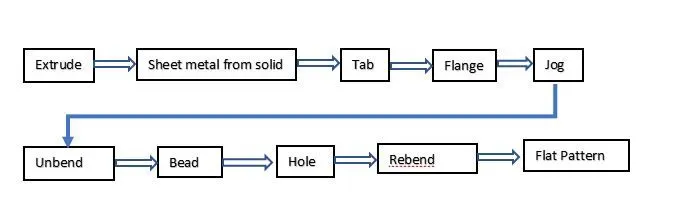
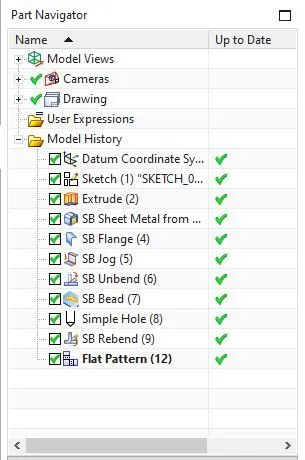
Description:- In this model some Features are used and explained.
- Extrude- It creates a feature by extruding a section along a vector.
- Sheet metal from solid- It Builds a sheet metal model that takes its shapes from a collection of planar faces. this command is used to convert the solid body into a sheet metal body. after selecting the command and the solid body, we can also remove the edge sharpness by removing the material at these places.
- Tab- Tab is a command used to create a base for any sheet metal part that can be extruded from a sketch. the sketching plane can be selected as per the designer.
- Flange- It is used to create an extended part(bend) of sheet metal. this command will allow us to select the edge of the base to create a projecting flat extruded surface. the angle, width, length and type of flange can be determined as per the requirements.
- Jog- The model by lifting material on one side of a sketch line, adding a flange between the two sides. jog is a command to lift off one whole side of the part.
- Unbend- This command is used to unbend the sheet metal parts to create geometries and work on complicated designs.
- Rebend- It is used to rebend the corners that were bent before along with any feature added after the unbend feature.
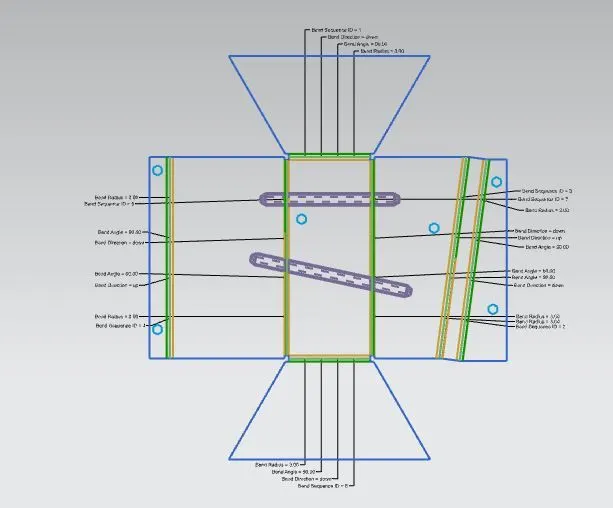
- Bead- It lifts material along the contour of a sketch The stamping tool is used for giving strength to the sheet metal. two beads are created on the unbent surface. the selected sketch is lifted off from the base to provide strength to the material.
- Hole- It adds a hole to one or more solid bodies in a part of an assembly with an option for counterbored, countersunk and threaded. six simple holes are created on the unbent surface with a diameter of 10mm.
- Flat Pattern- Flat pattern is a feature from the formed sheet metal part. this command to create a flat view of the sheet metal after unbending all the sides and faces. this view can be used in drawing the flat pattern along with the bend radius and other dimensions.
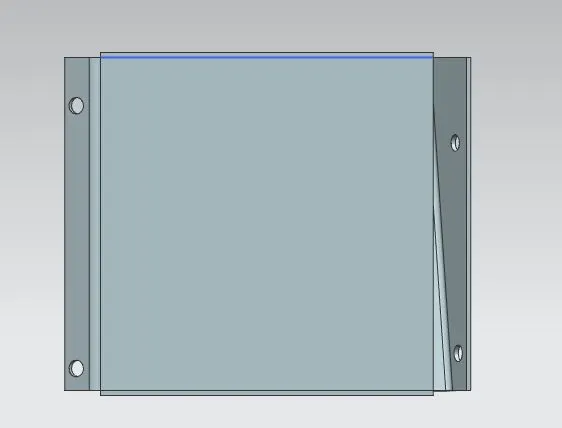
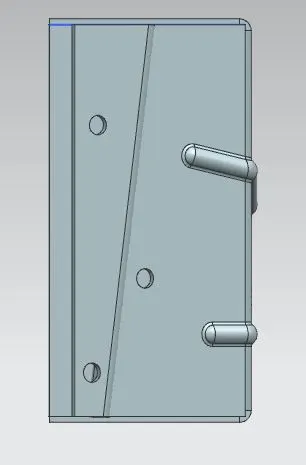
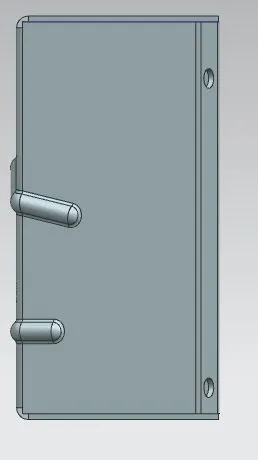
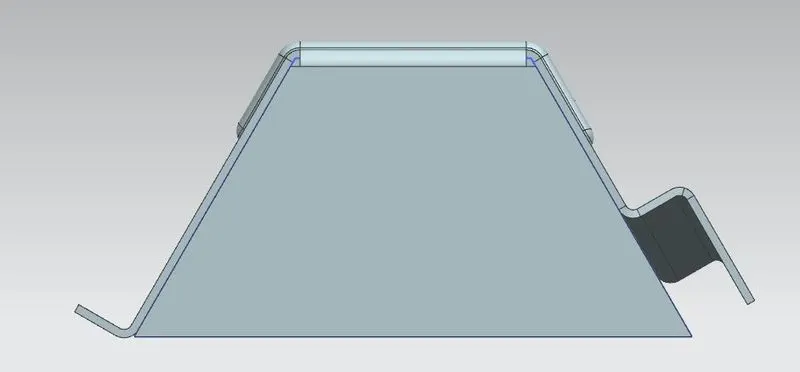
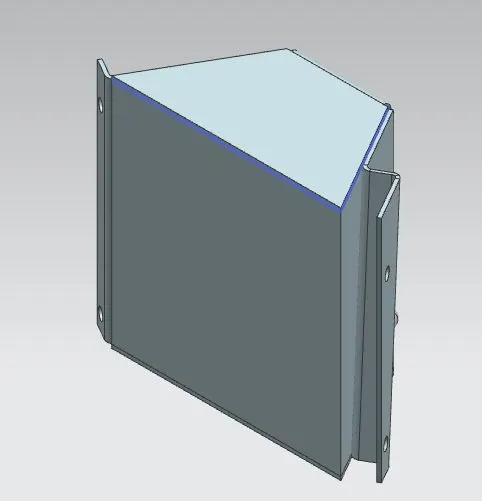
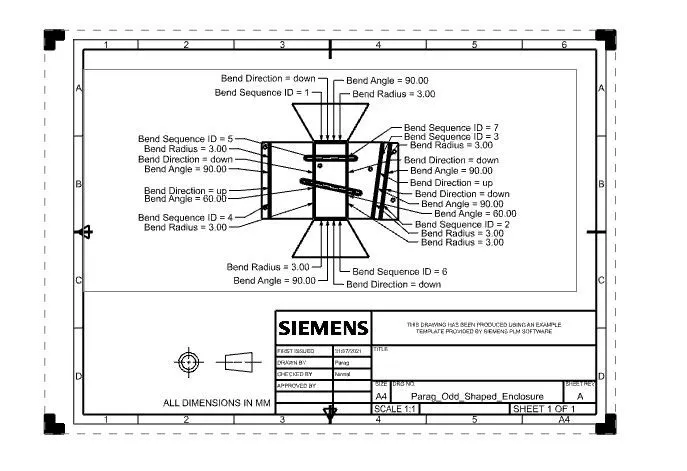
Conclusion- The sheet metal design of an odd-shaped enclosure such as extruded, sheet metal from solid, jog, flange, unbend, hole, bead, and flat pattern. these basic commands have influenced the designer to maintain geometric constraints and achieve the final product.