Advanced Sheet Metal Design Using NX Cad Challenge_2_Box Assembly
01) Title :- Sheet Metal Box Assembly
02) Objectives :-
Creation of Sheet Metal Box Assembly using different sheet metal modelling tools.
03) Procedure :-
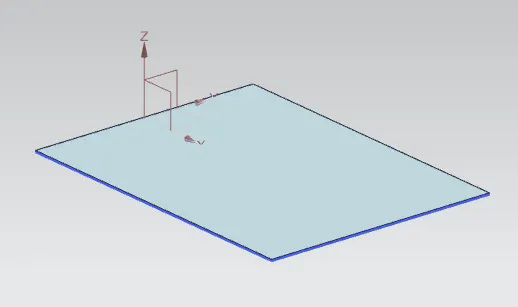
*) Create Tab of dimensions 200x150mm as shown
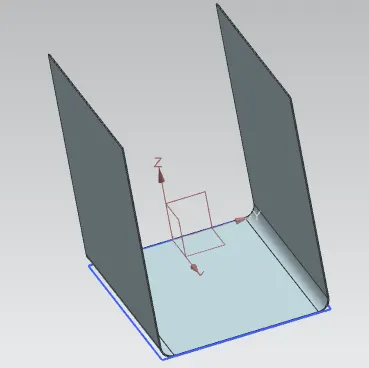
*) Use Flange command to create flange of length 200mm
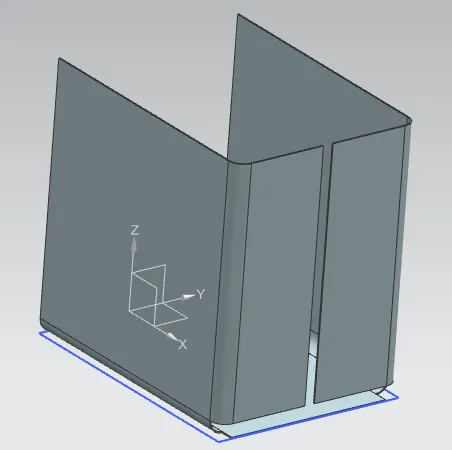
*) Use Closed Corner to close the corners
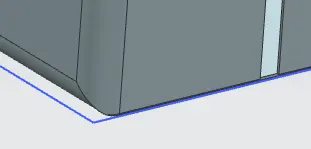
*) Create flange of zero bend radius & length of 0.02mm
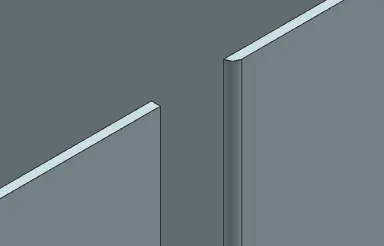
*) Create Flange of length 6.5mm as shown
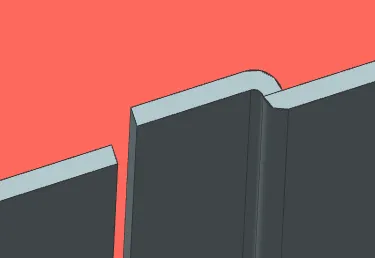
*) Create the Flange on other side also
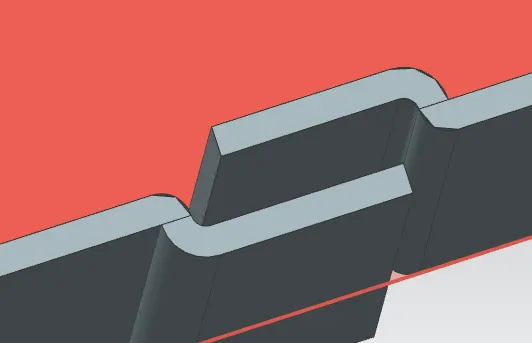
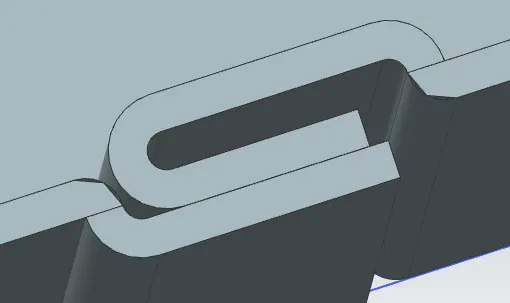
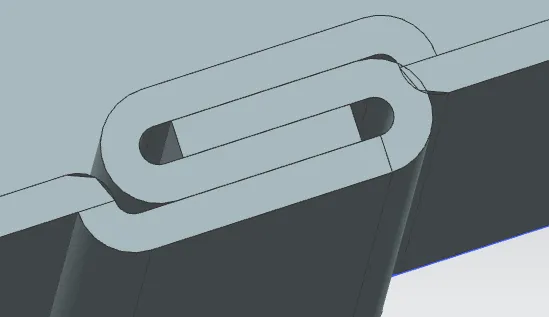
*) Adjust the dimensions of the previous flange if required
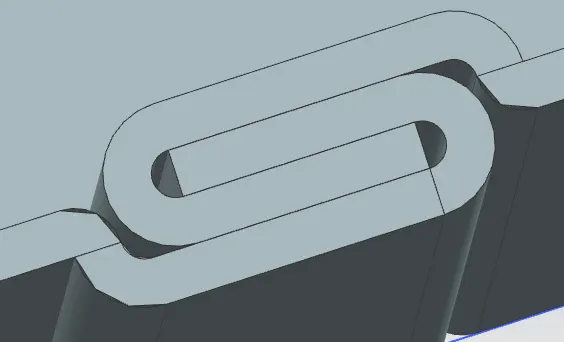
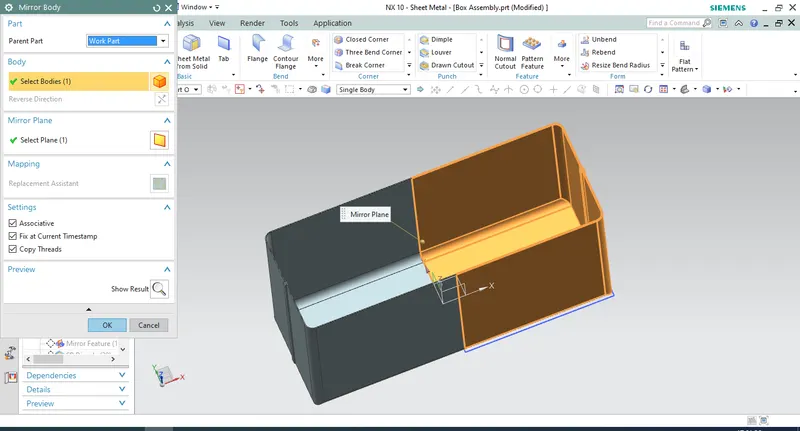
*) Mirror the feature body along ZY Plane as shown
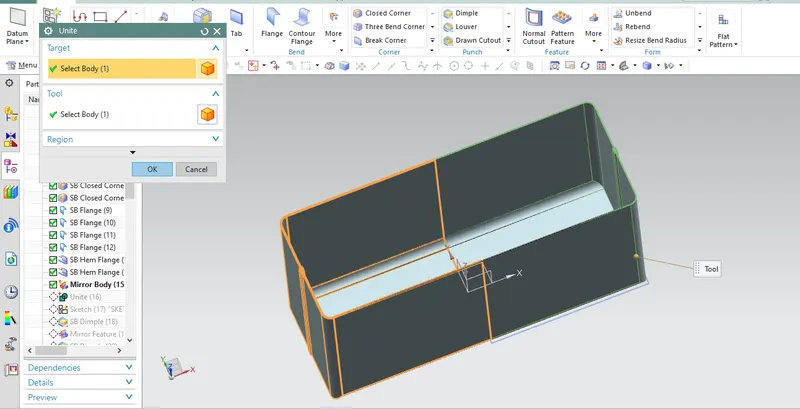
*) Unite the two Bodies
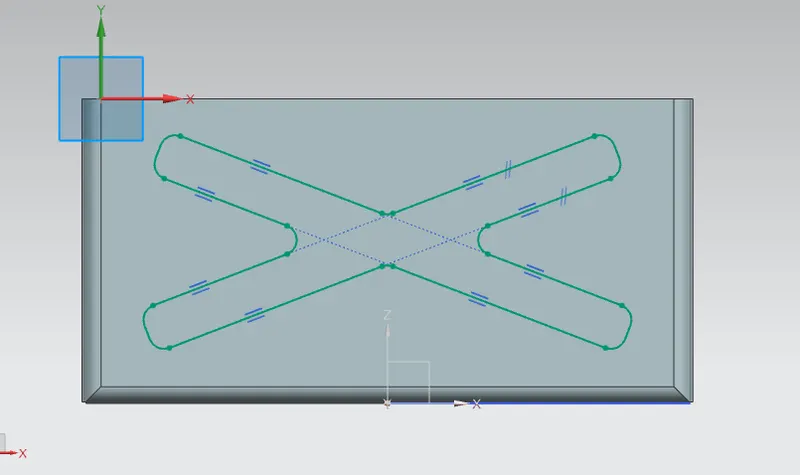
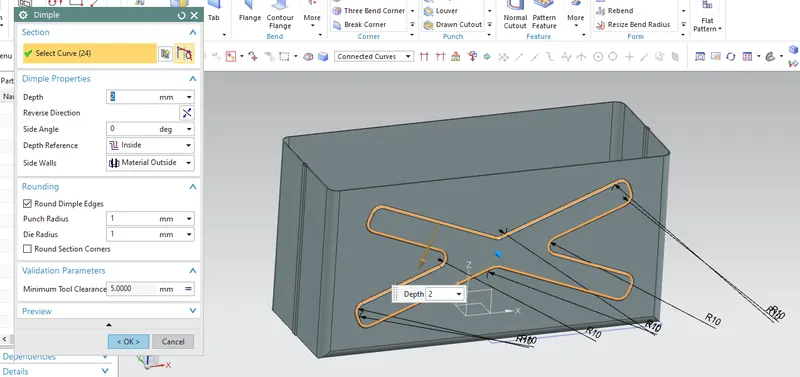
*) Draw Dimple of shape shown below with 2mm depth value
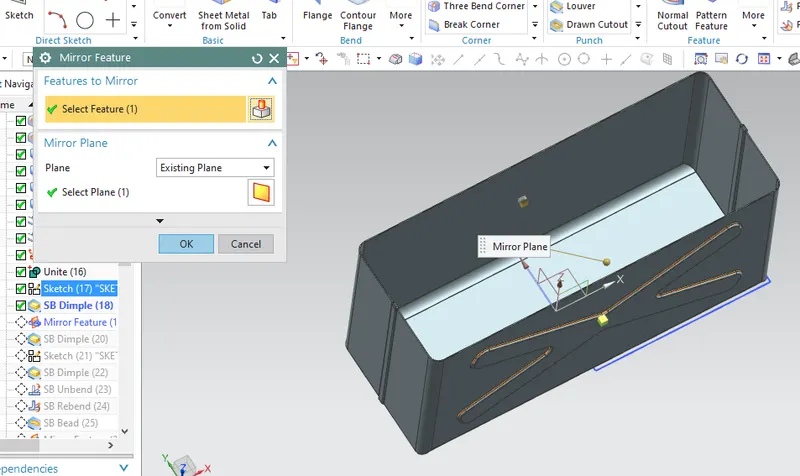
*) Use irror feature to morrir the dimple on other side
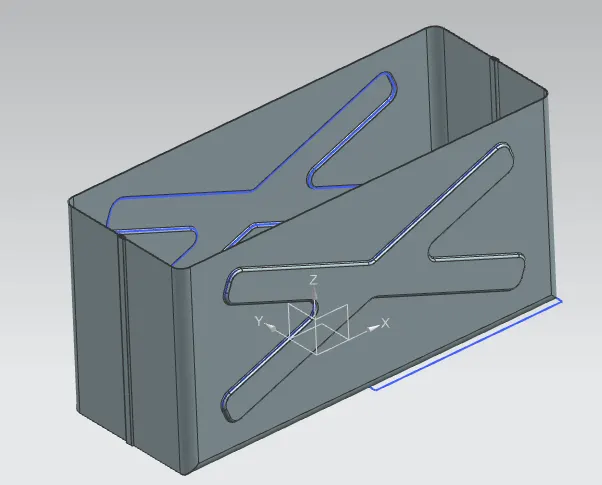
*) Create Dimple at the bottom of same dimensions
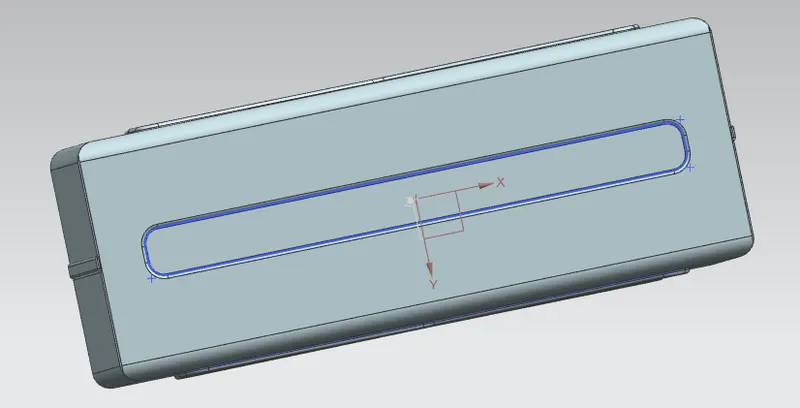
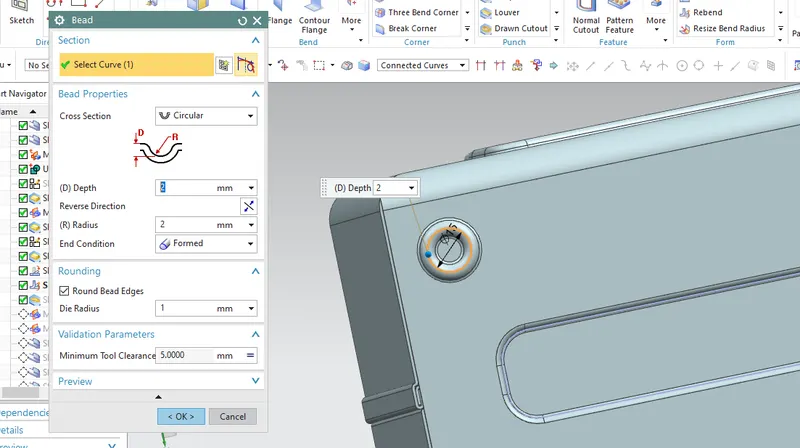
*) Draw bead of depth 2mm for circle of dia 15mm
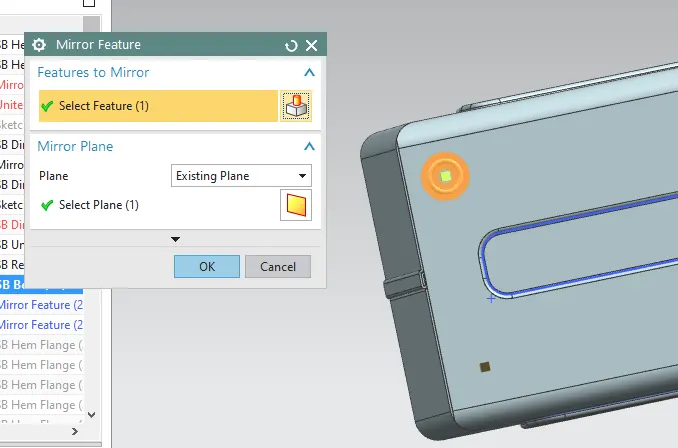
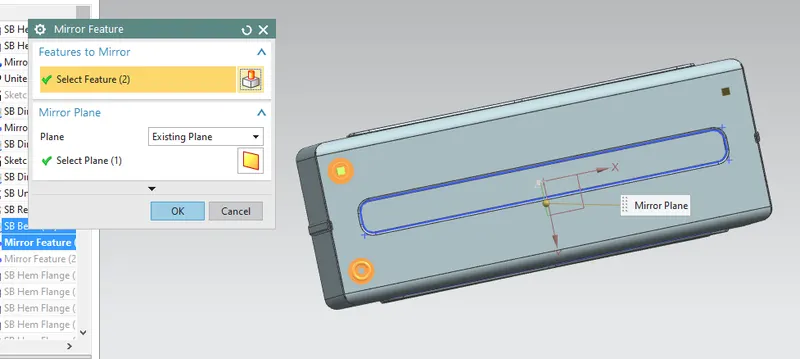
*) Mirror the bead at all the four corners
*) Create flanges at the top face
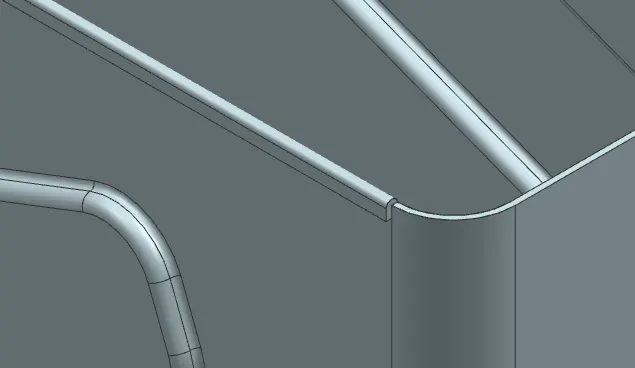
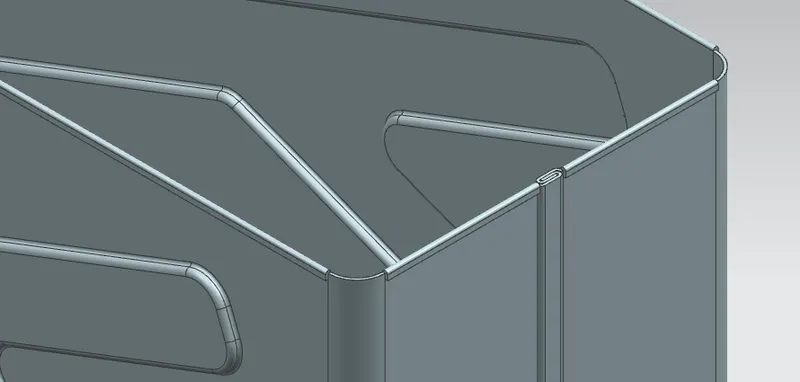
*) Create Lid sketch to close the top face on the plane at the top face distance and create Tab
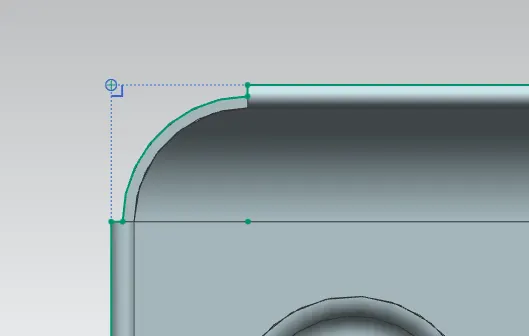
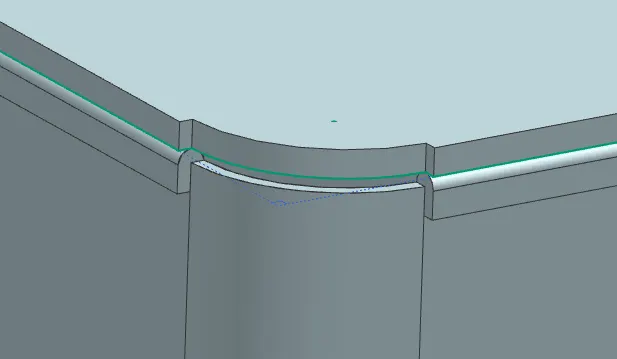
*) Create Flange of 3mm length for the top lid
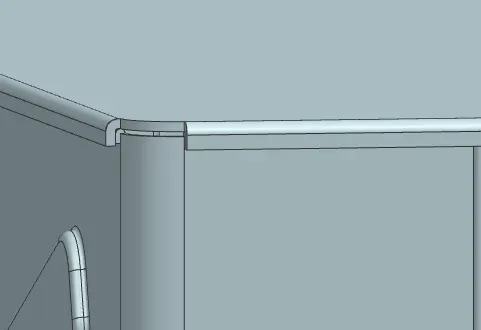
*) Create Tab of rectangle as shown
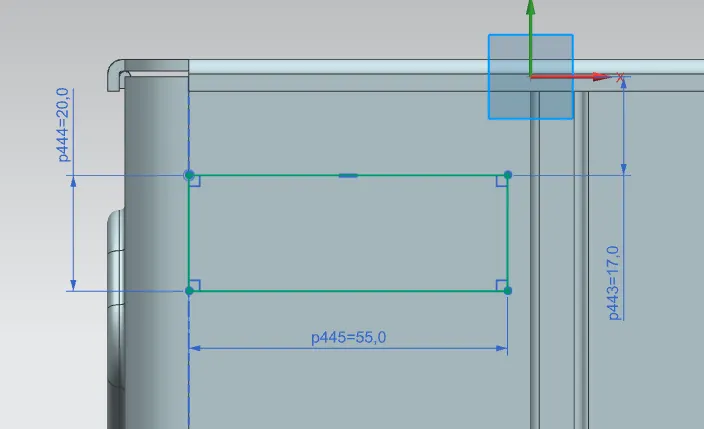
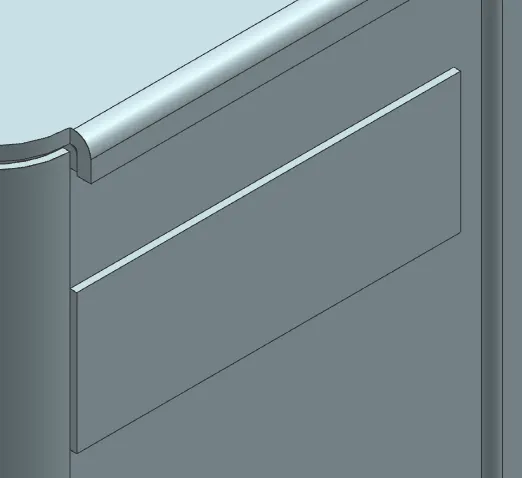
*) Use breatk corner to create fillet at the bottom corner
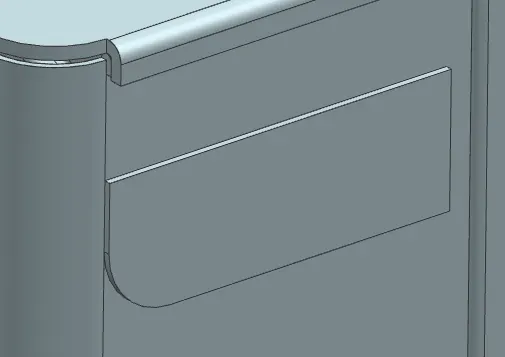
*) Create Flange & Hem as shown
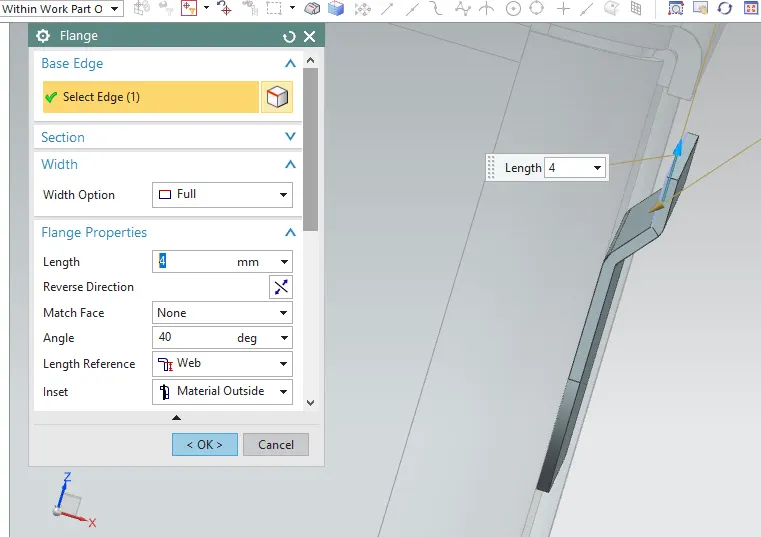
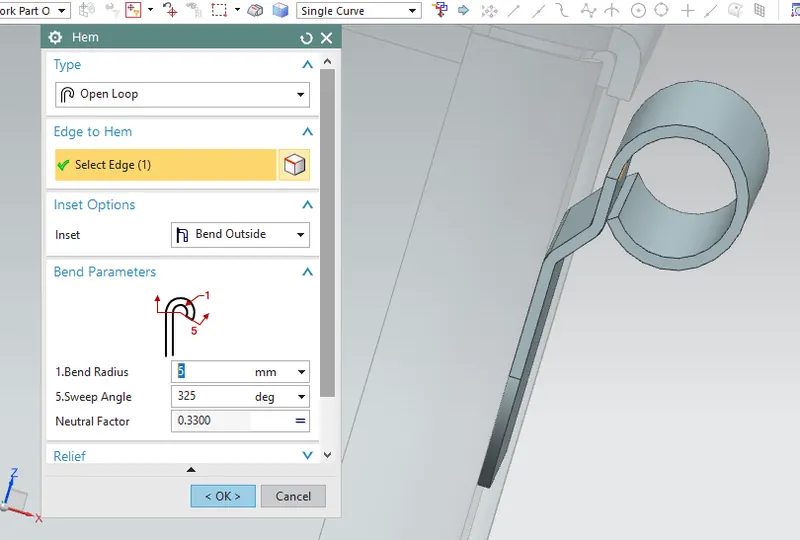
*) Unbend and create sketch for cutout
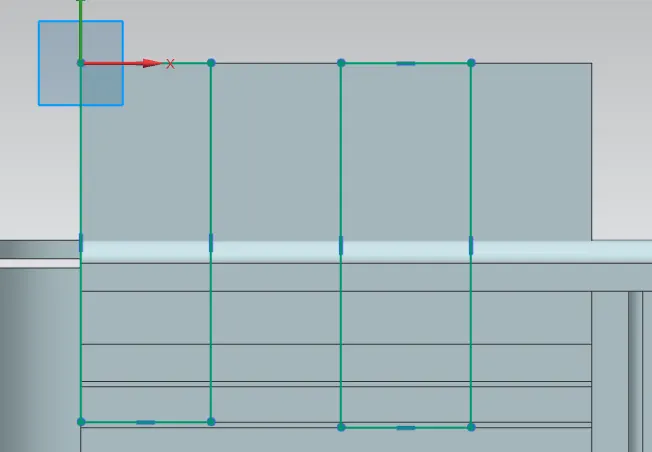
*) Normal Cutout
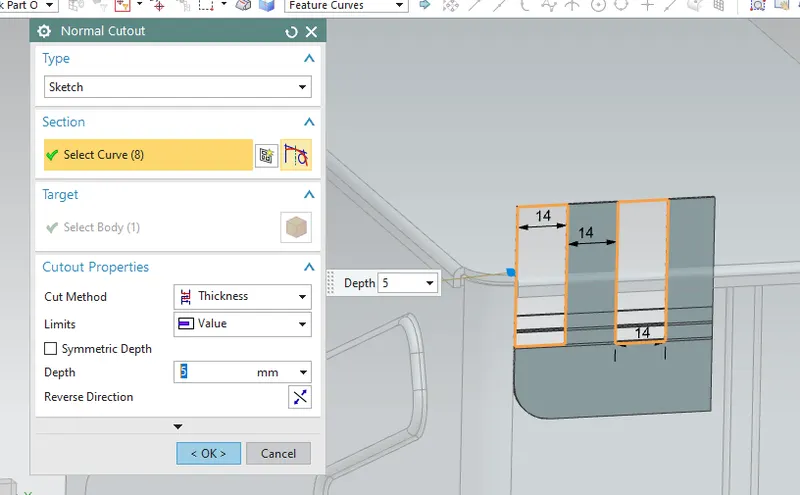
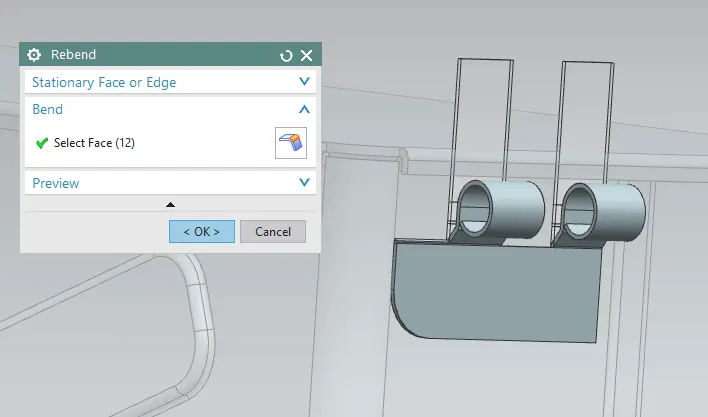
*) Rebend
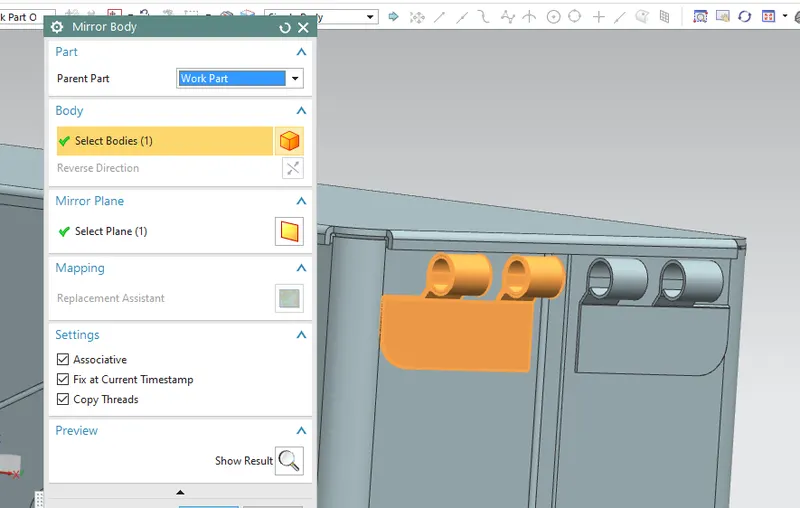
*) Morror Body
*) Create Tab on top face with break corners
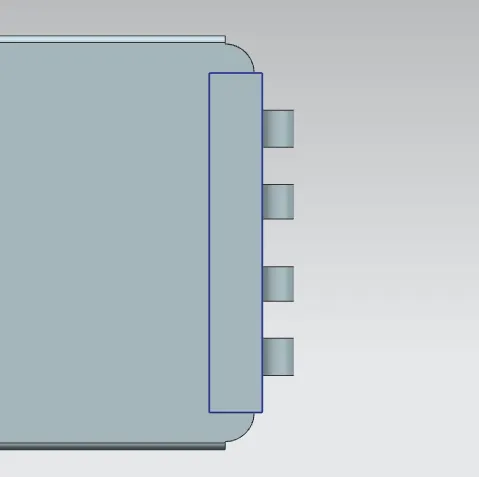
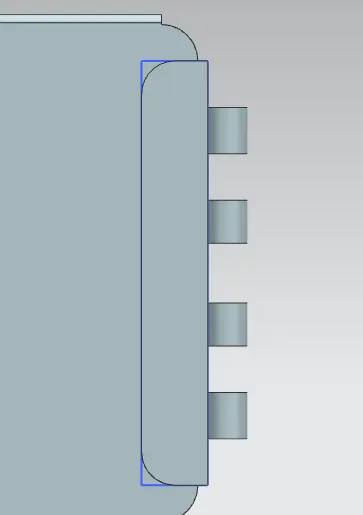
*) Create Flange & Hem with adjusting values
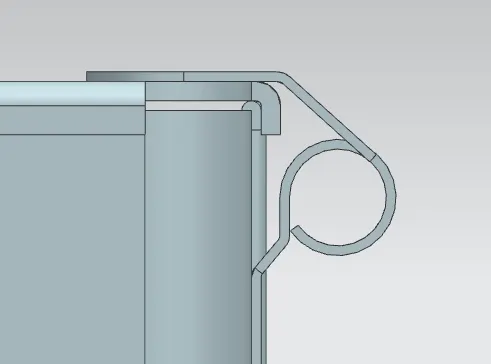
*) Unbend and create sketch for cutout
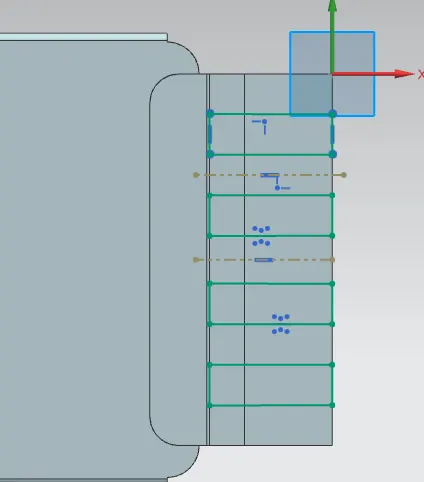
*) Normal Cutout
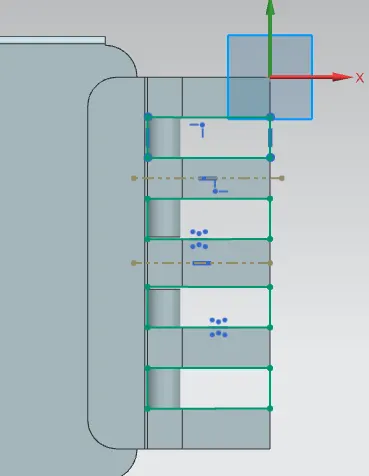
*) Rebend
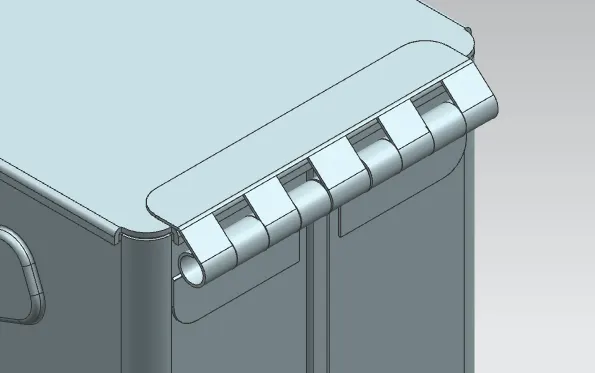
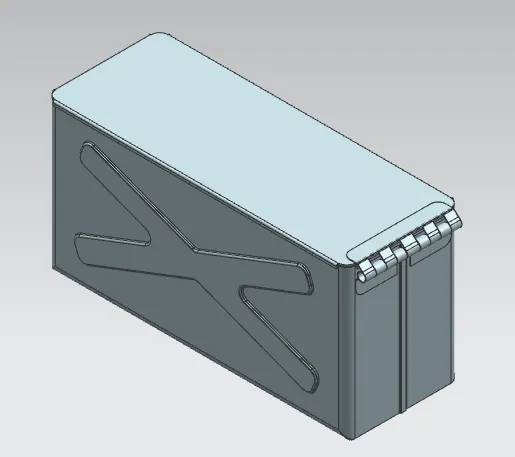
04) Different view modes
*) Isometric View
*) Top View
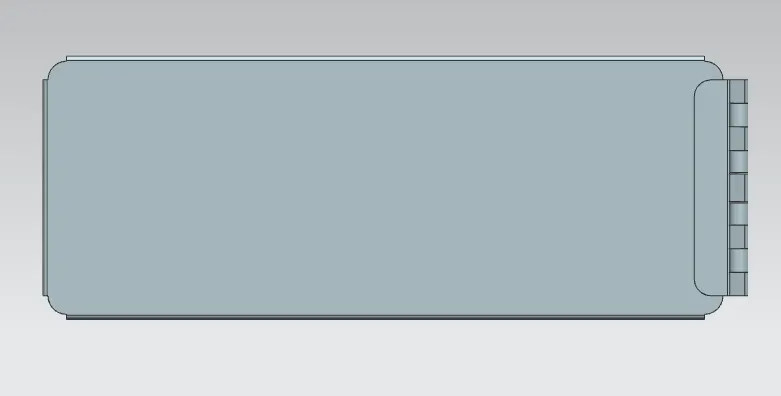
*) Bottom view
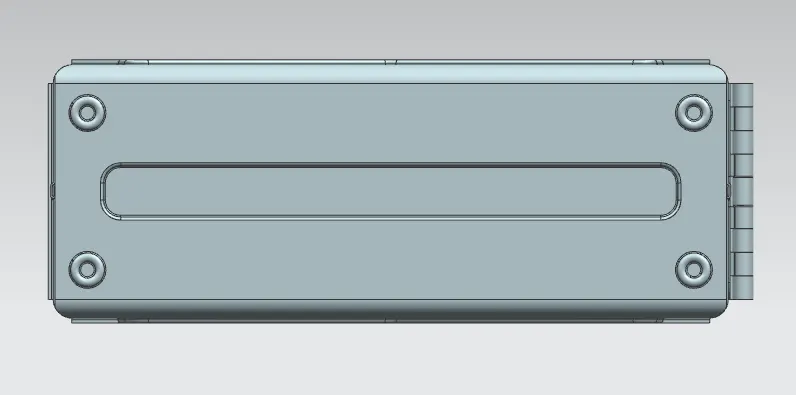
*) Right View
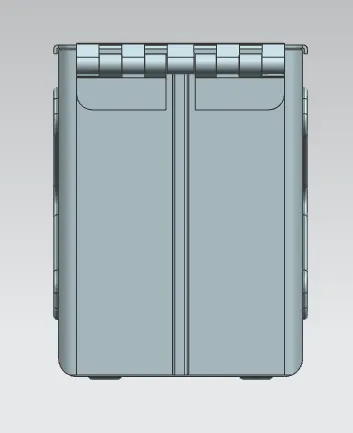
*) Left View
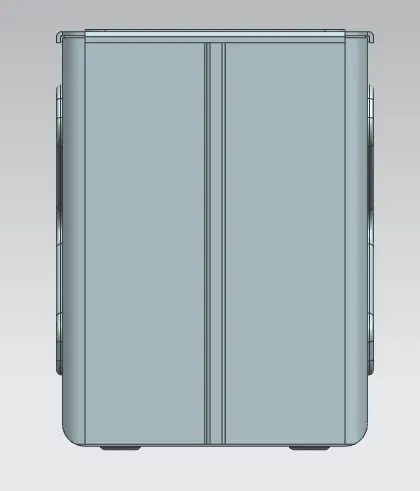
*) Front View
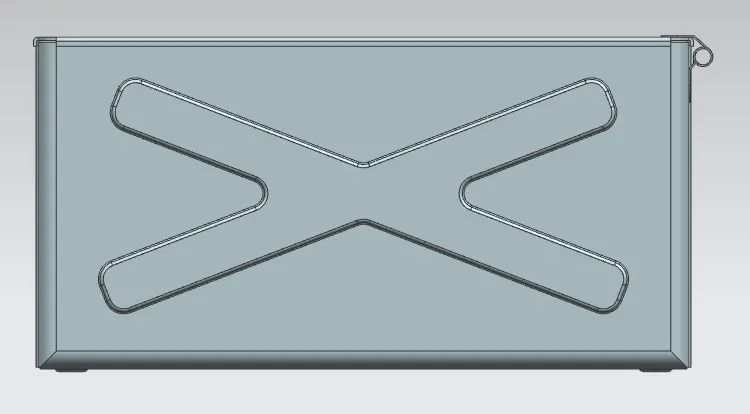
*) Back View
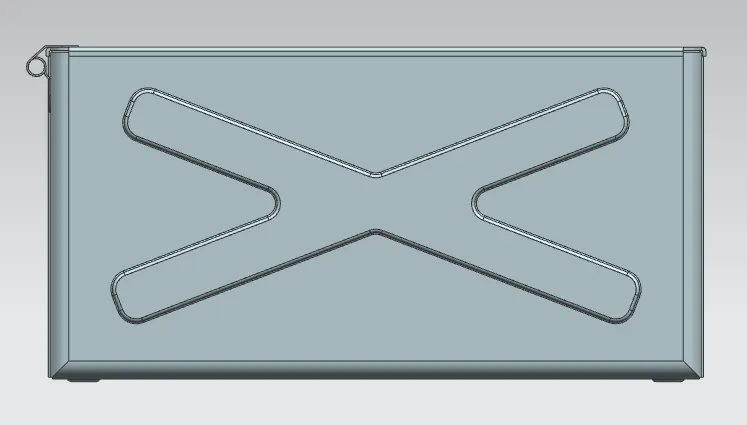
05) Conclusion
Sheet metal Box assembly created using varoius sheet metal modelling commands.