Advanced Sheet Metal Design Using NX Cad Challenge_2_Box Assembly
Title : NX_Box_Assembly
Objective : To create Box assembly using NX in Sheetmetal Work bench. The box Assembly has various sheetmetal operations including Hinges.
Design Methodology:
- Create a new file
- Create rectangular base using Tab command
- Box walls are created using flange command of length 200mm
- Corners are closed using the closed corner feature.
- Flange and hem flange are used to lock the walls of the box
- A profile is created on one of the side walls of the box
- A dimple is created using the previous profile.
- Using mirror feature the dimple is mirrored on the wall
- Another rectangular shape dimple is created on the base of the Tab.
- Two beads are created on the base of the tab and mirrored on the other side
- Hem flange is created on the top of the four walls
- A datum plane is created from the base at 203mm
- Part is mirrored to create the complete box using mirror body command.
- Both the bodies are joined together using Unite command to make it single body.
- Lid is created using tab feature on the datum plane.
- Flanges are created on top of the lid.
- Using tab break corner flange and normal cutout Hinge is created on the side of the wall.
- Another hinge is mirrored adjacent to it by using mirror body command Similarly a hinge is created on the lid
- Appearance of the lid box top and bottom hinges are changed to desired colours.
- Hinge box Assembly is complete.
Images:
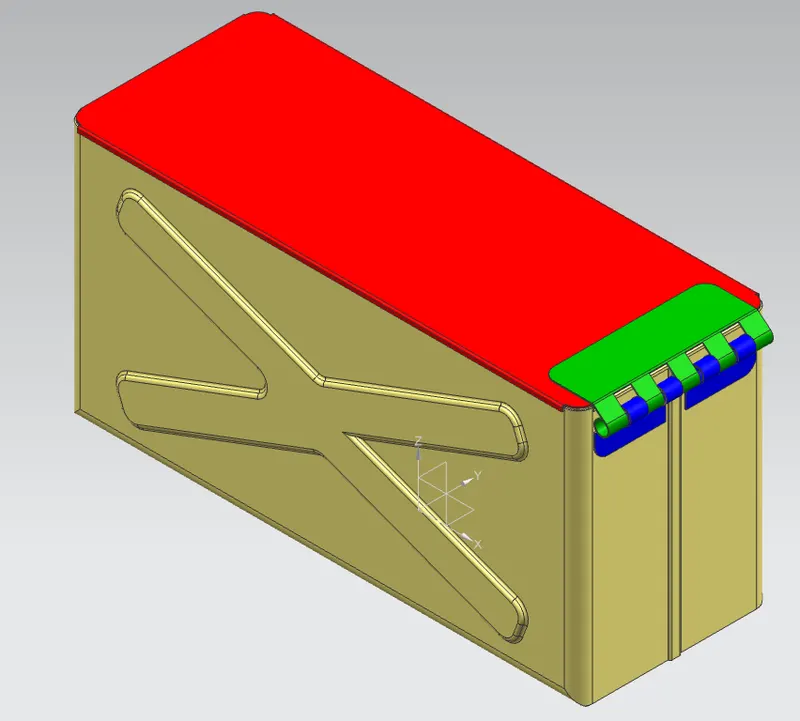
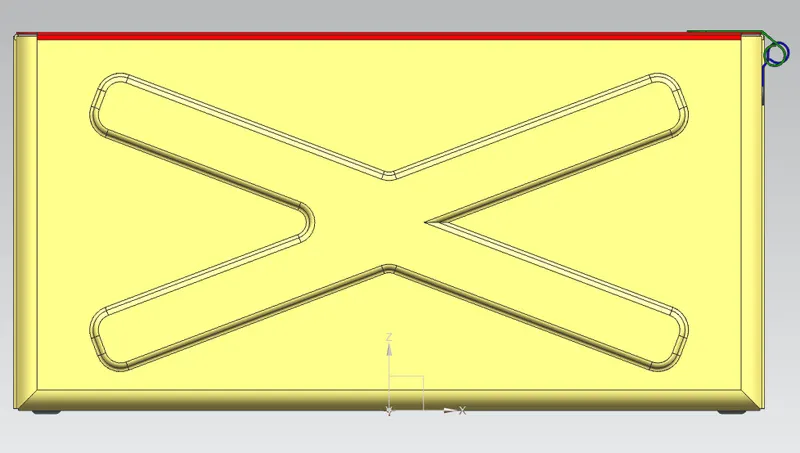
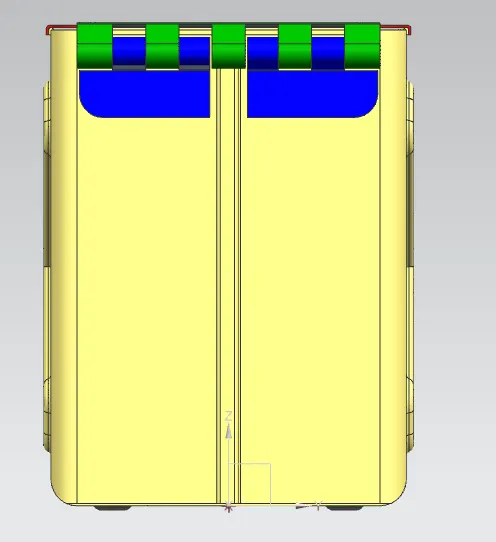
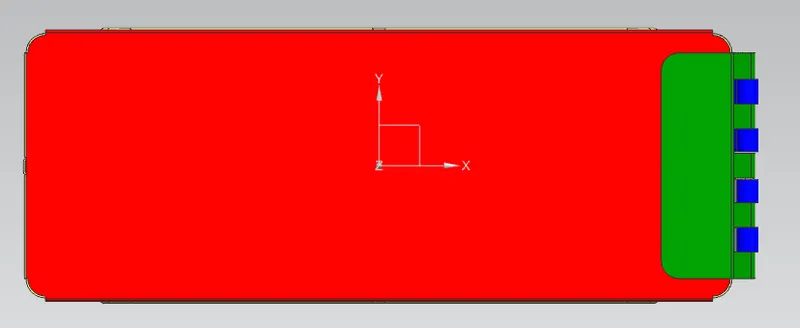
Drawing:
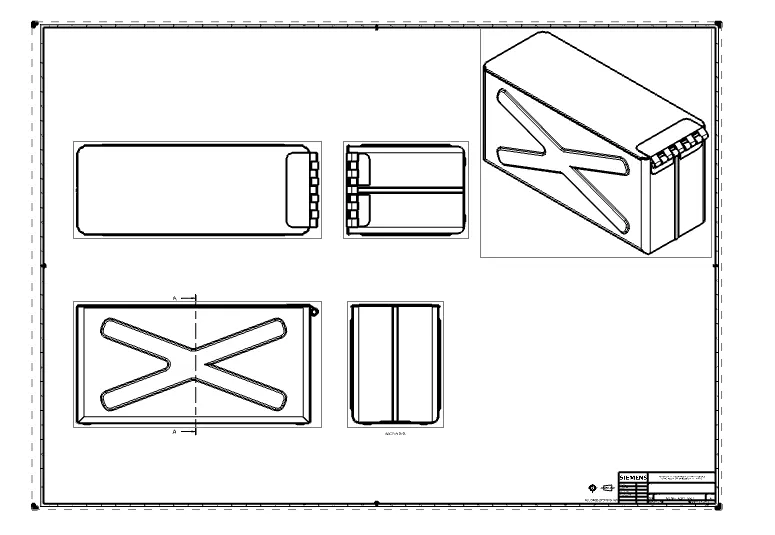
Conclusion:
Various sheetmetal operations are learned and hand on the tools are more effective.
Please see the attached Part and drawing.