Advanced Sheet Metal Design Using NX Cad - Box Assembly
TITLE OF THE PROJECT:- BOX ASSEMBLY
OBJECTIVE:-To Create Box Assembly of sheet-metal
DESIGN APPORACH:-
- TAB
- FLANGES
- CORNER
- HEM FLANGE
- MIRROR
- DIMPLE
- BEAD
- UNBEND
- REBEND
DESCRIPTION:-
- Tab is created as for creating the box of dimension 150mm*200mm.
- Create flange of 200mm from both edge of tab.
- Now again create flange of 70mm from both the newly created flanges.
- Create close corner for the flange.
- Now create flange for locking the two flange of 0mm bend radius of length of 0.02mm.
- Create another flange with taking edge of small flange we just created of 6.5mm.
- Create hem flanges for all edges of the box.
- Mirror the created body about the plane.
- Unite the both body.
- Create dimple of sketch of shape X type of depth 2mm.
- Now Mirror the dimple to another side of box.
- Now create dimple on base of depth 1mm.
- Now create bead of radius 15mm.And mirror it to all faces of corner of the box assembly.
- Create new tab of 1mm thickness on the side face of box.
- Now create flange at 40deg and another flange at 40deg taking edge of the flange.
- Use break corner to one the corner of tab we created of radius 10mm.
- Create another hem flange of open loop type with radius of 5mm and sweep angle of 325deg.
- Now unbend the hem flange to give normal cutout.
- Create Normal cut-out create rectangle of 14mm width with gap of 14mm.
- Now rebend and mirror it to next face using datum plane.
- Similary we create same type of structure to lock the box on the top face of the box.
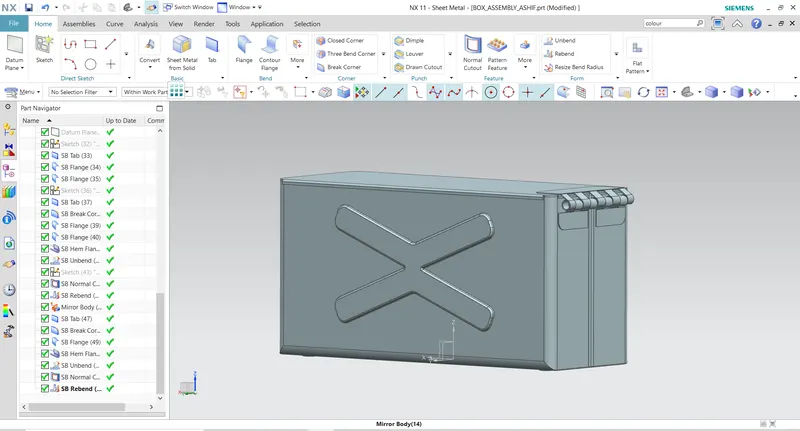
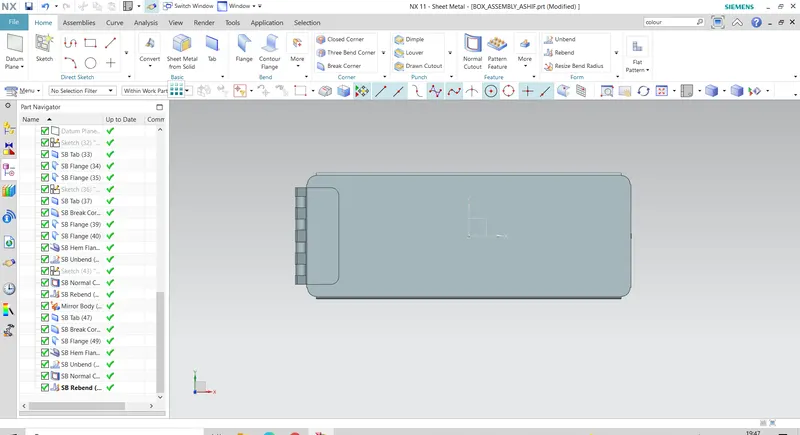
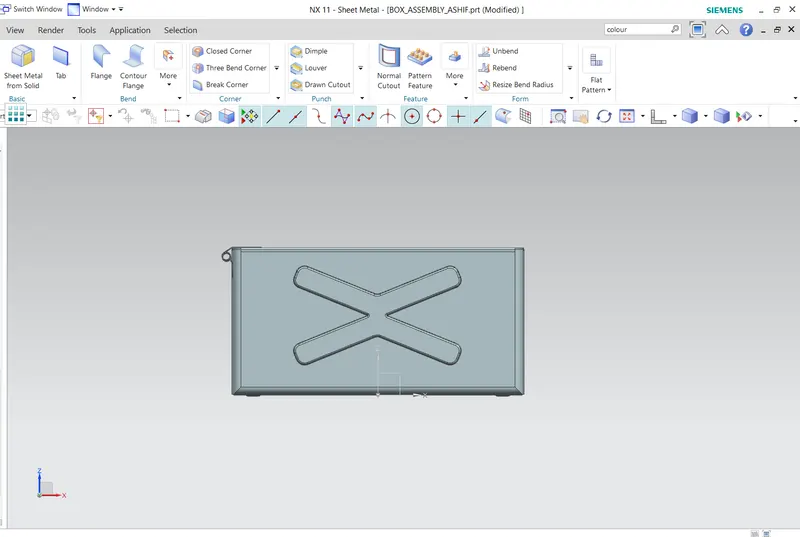
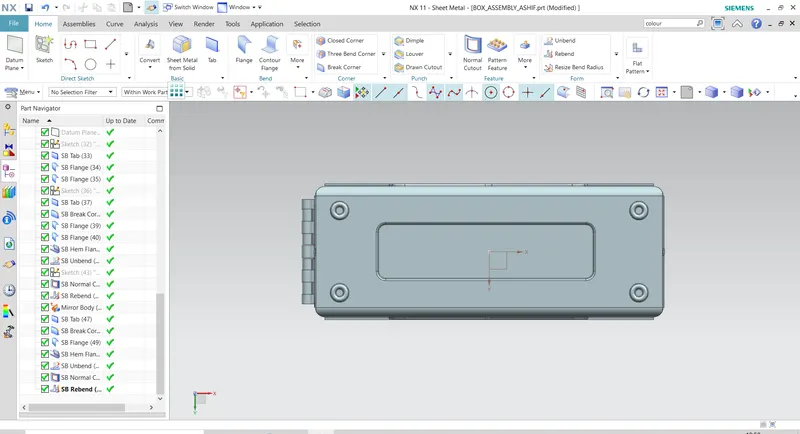
DIFFERENT ORIENTATION OF BOX:-
CONCLUSION:-
Creating Box assembly give more insight of how to use tool of sheet-metal. Small attention has been given to this component like adding bead to the base.
THANKYOU