Advanced Sheet Metal Design Using NX Cad Challenge_2_Box Assembly
Images of Box
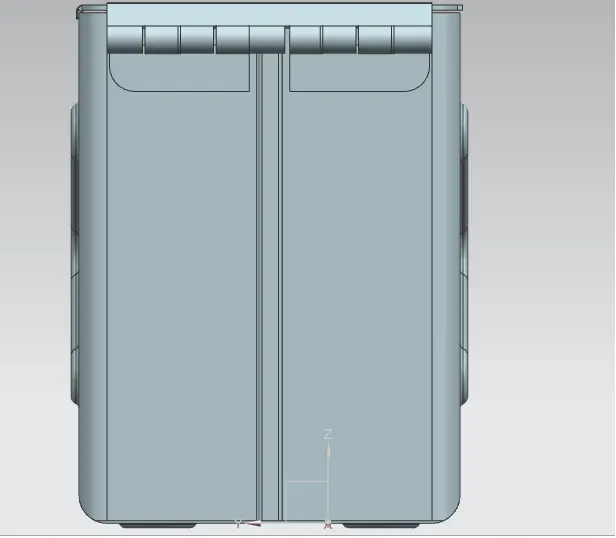
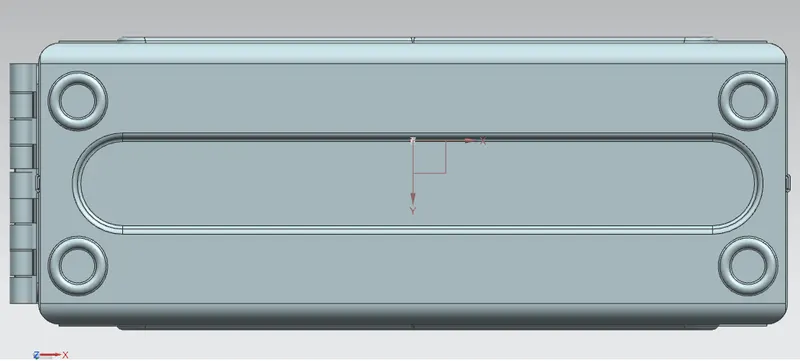
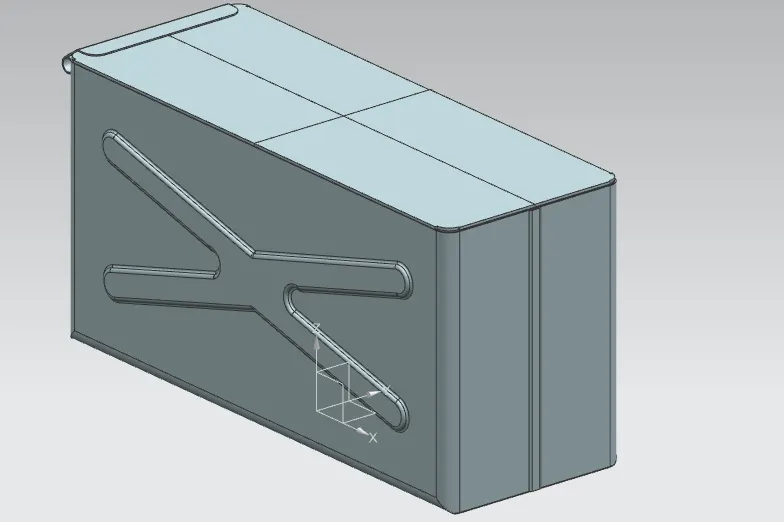
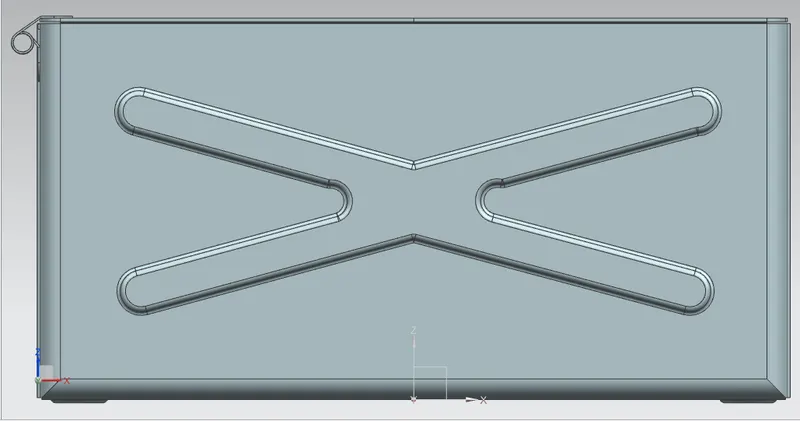
Box Feature Tree
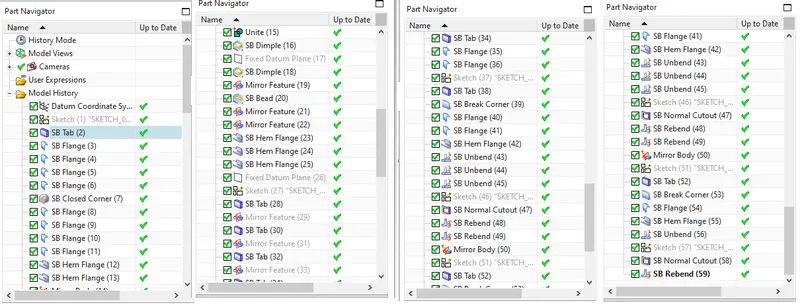
Procedure
- Draw a rectangle and make it to tab of required thickness
- Create a flange to required dimension at the coroner of the tab
- Create the flange on two opposite side
- From the created flange corner create another flange on opposite side
- Use the command close corners to close the gaps at the corner were flange has been created
- Create another flange and make a bent type area
- Use the featture hem to connect the flanges
- Mirror the body with respect to the plan required
- Create and sketch and make a dimple at the side of the box
- Mirror the dimmpled feature to the opposite side of the flange
- Similarly create one sketch at the bottom of the box and make a dimple
- Before mirroring use the feature unite to make it a single body
- Now create a bead at the bottom of the box
- Mirror the bead to four corners
- Make hem at the two sides of the corner at the top of the box
- Create a datum plane on the top of the box and sketch over the top
- Use tab for the sketched feature
- Create a flange at the corner to connect the top with the side
- Create a sketch at the back and make it as a tab
- create a flange as required and use normal cut to make the handle
Conclusion
Hence a box is created using NX 11