Advanced Sheet Metal Design Using NX Cad Challenge_1_Casing Design
Casing Design
Aim :
To create the casing sheet metal as per the given dimension and model by using the various sheet metal tools in NX cad.
Objective :
- To Design the casing by using the sheet metal tools.
- And create the Drafting file for the created casing sheet metal part
Design procedure :
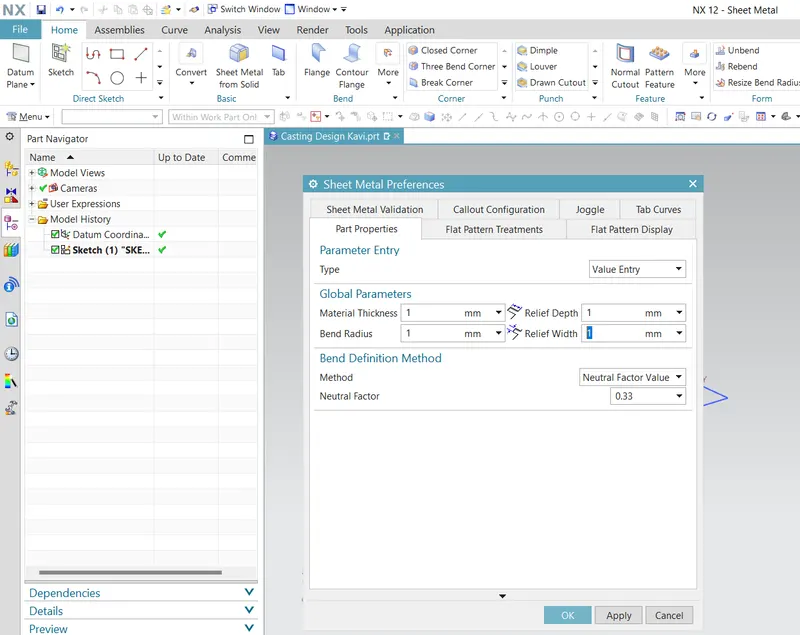
First step is to design the casing we need to open the new model file in NX cad and start create as per the given parameters. first set the required preferences such as the material thickness, relief depth, bend radius and relief width as the 1mm as shown in figure.
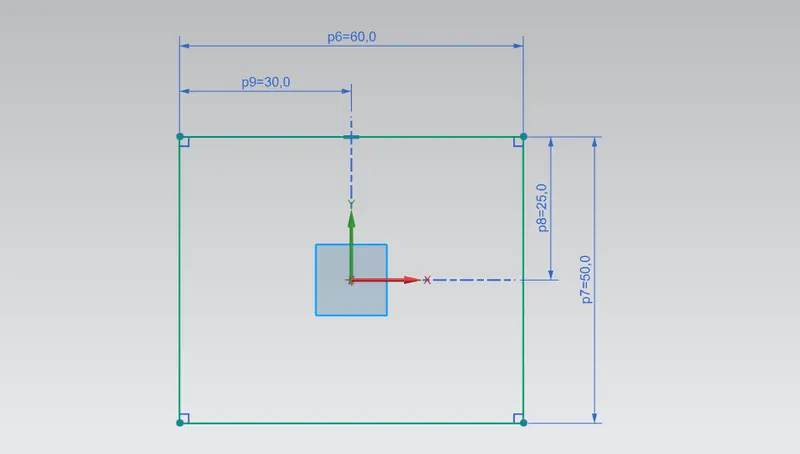
Then need to create the tab for the base part by using the sketch as shown in figure.
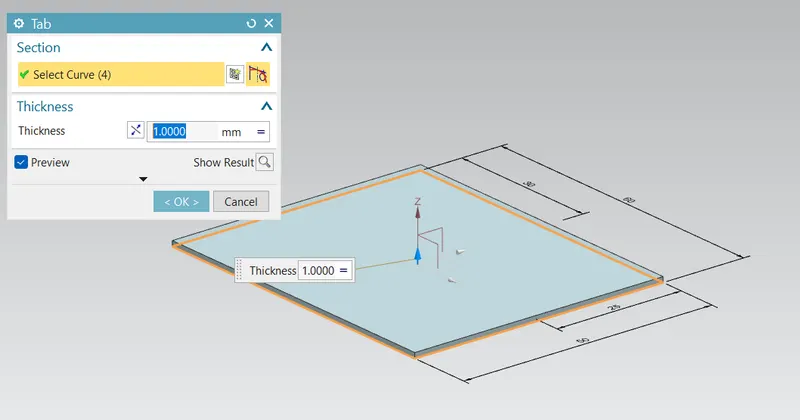
Then create the solid part by using the tab tool and select the curve and create the tab as shown in figure.
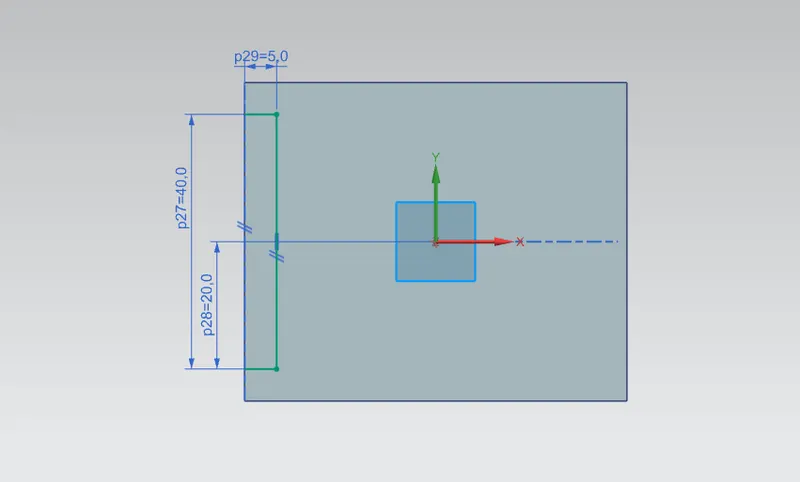
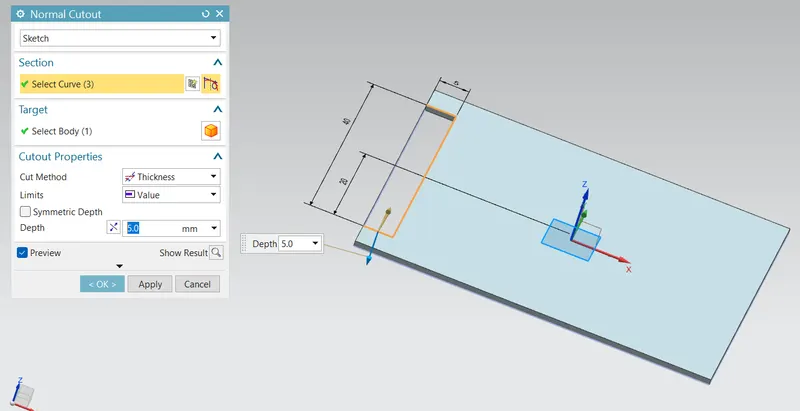
Next step is to create the sketch for the cut the base part. By using the Normal cutout tool cut the base part as shown in figure.
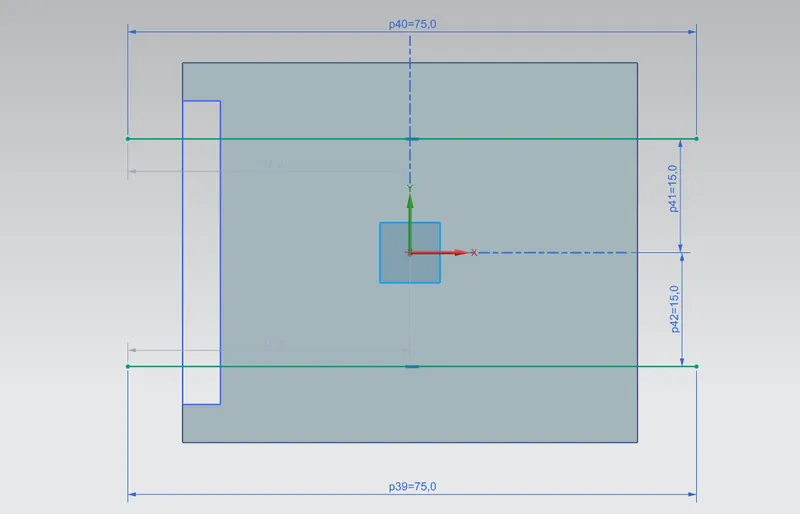
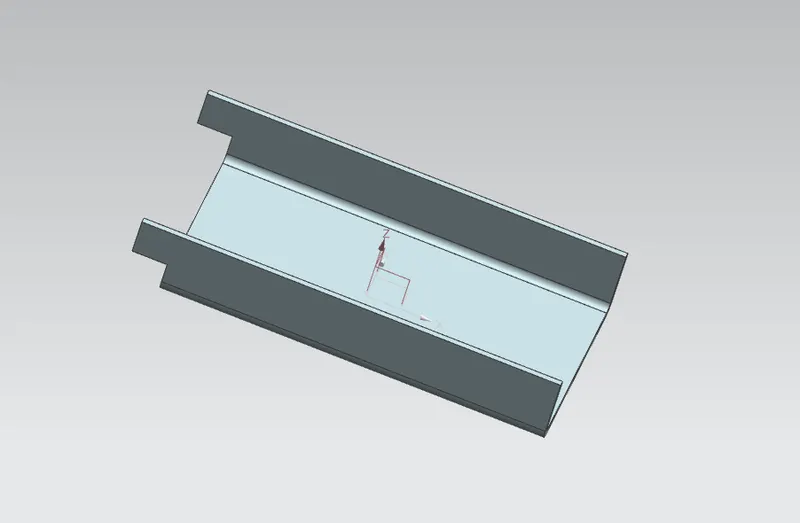
Then next step is to create the two parallel line with respect to the x axis and distance from the outside edge is 10mm as shown in figure.
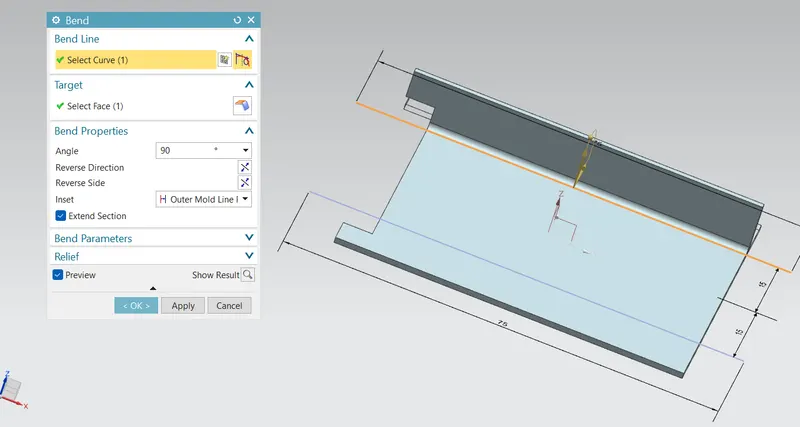
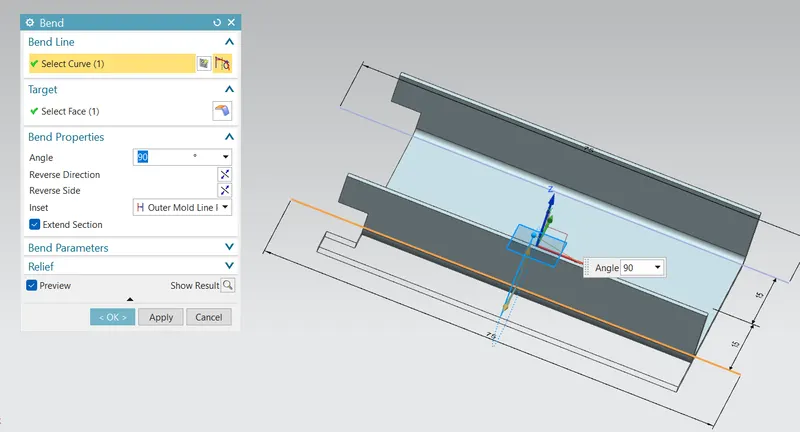
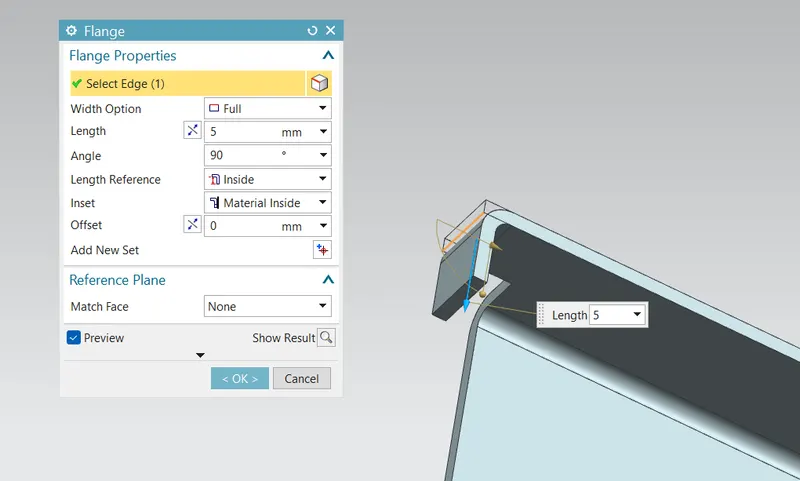
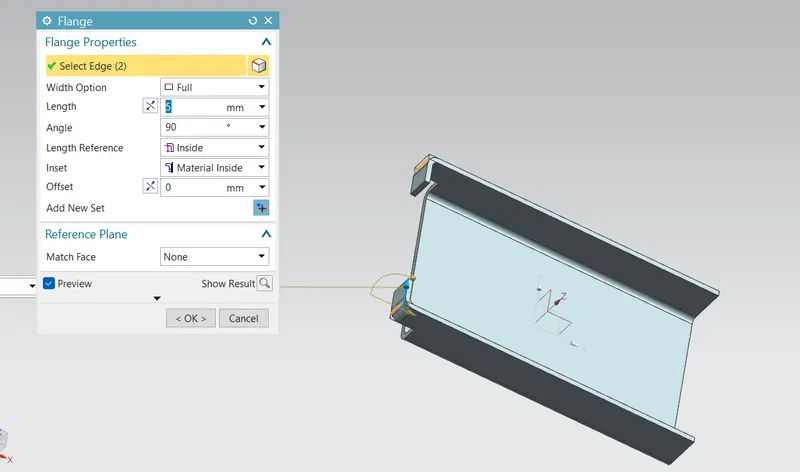
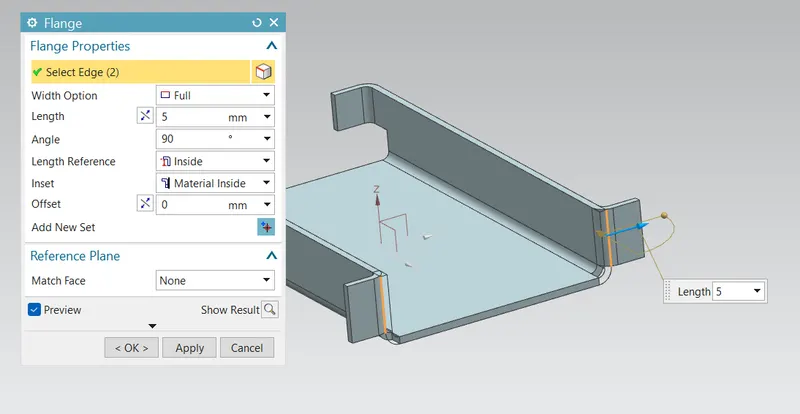
Next step is to apply the flanges to the sheet metal by using the flange tool in that edge and give the 5mm length and 90 deg angle and similarly create the four flanges as shown in figure.
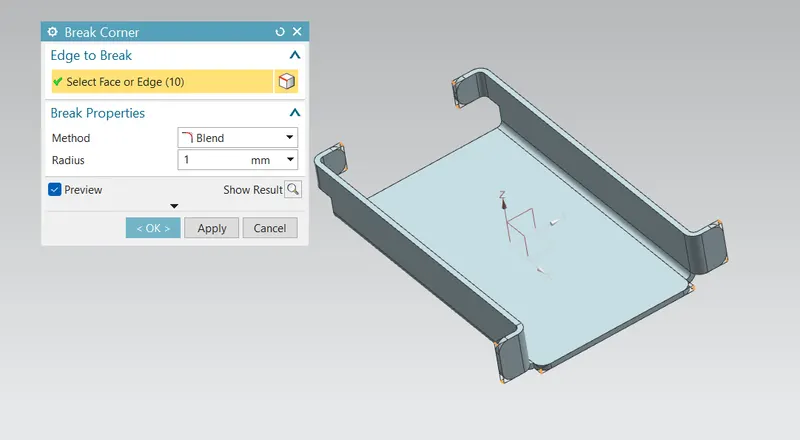
Then next step is to unbend the material for the next process to do that use the unbend tool as shown in figure.
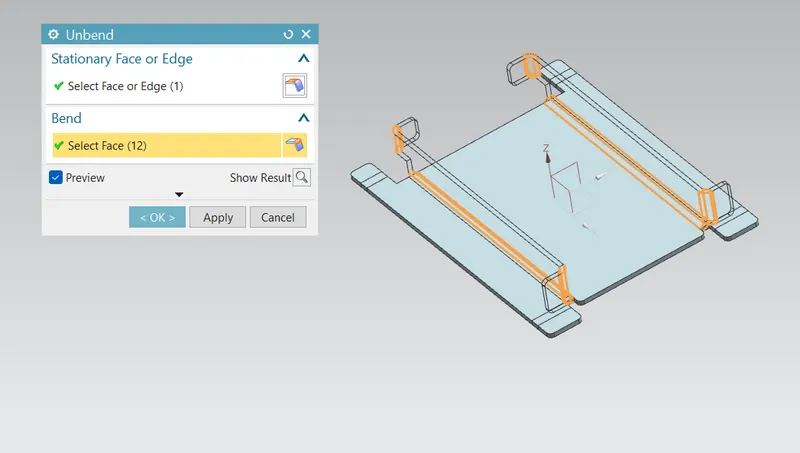
Next step is create the holes at the four edges for that create the four point over there as shown in figure.
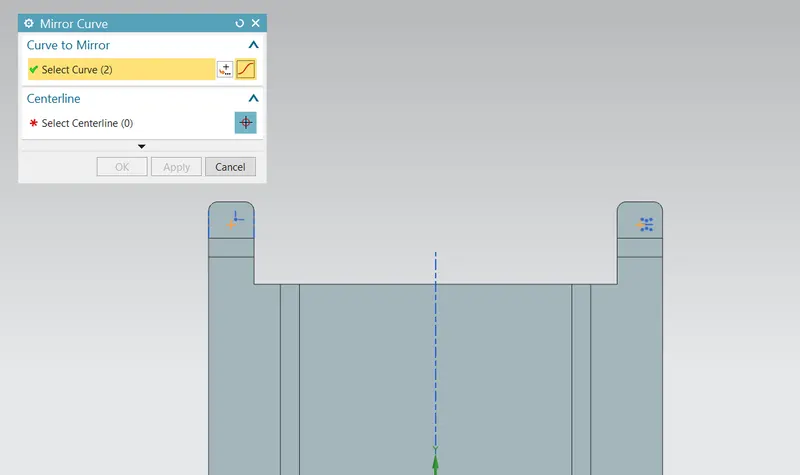
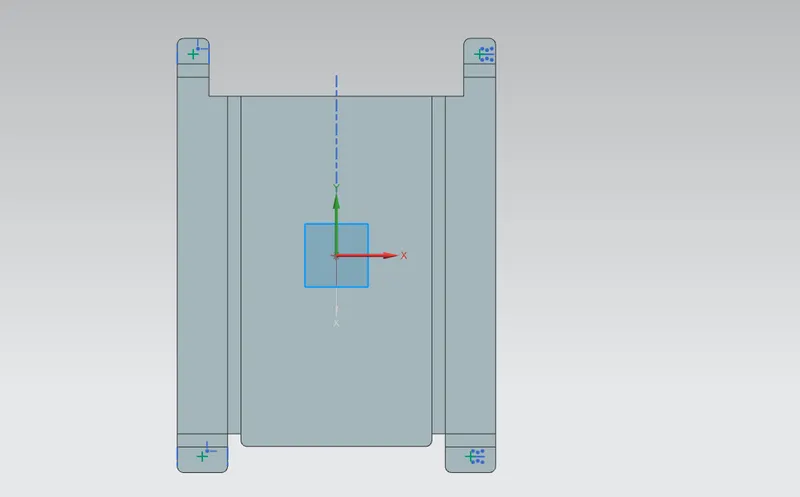
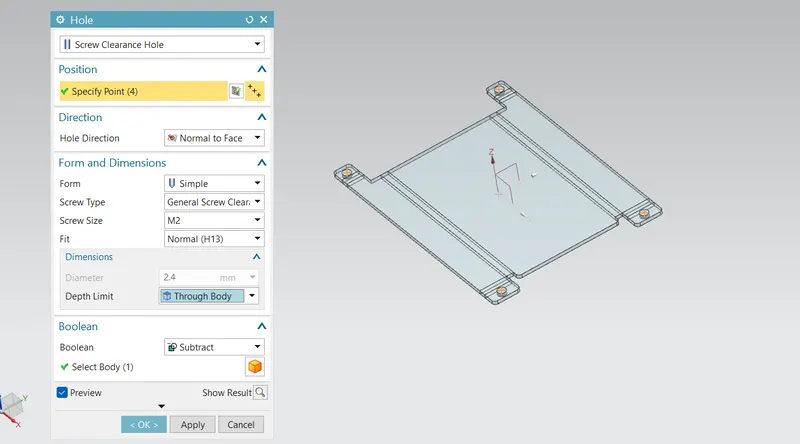
Then next step is create the hole using the hole tool in that select the screw clearance hole and screw size as M2 as shown in figure.
next step is to create the sketch in the middle of the sheet metal bu using the lines and stdio spline as shown in figure.
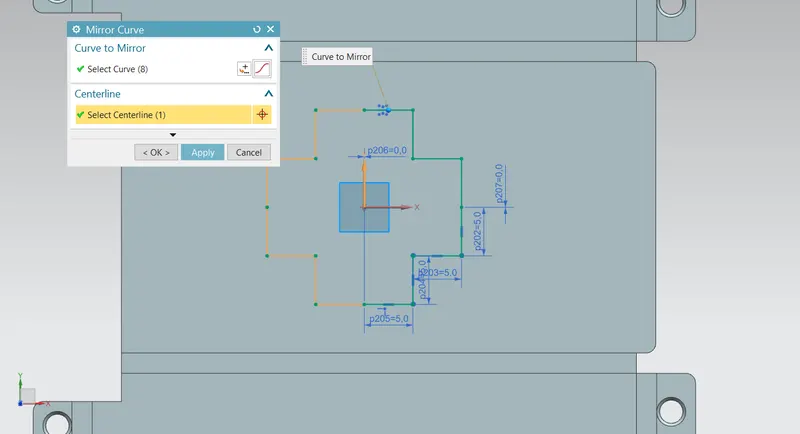
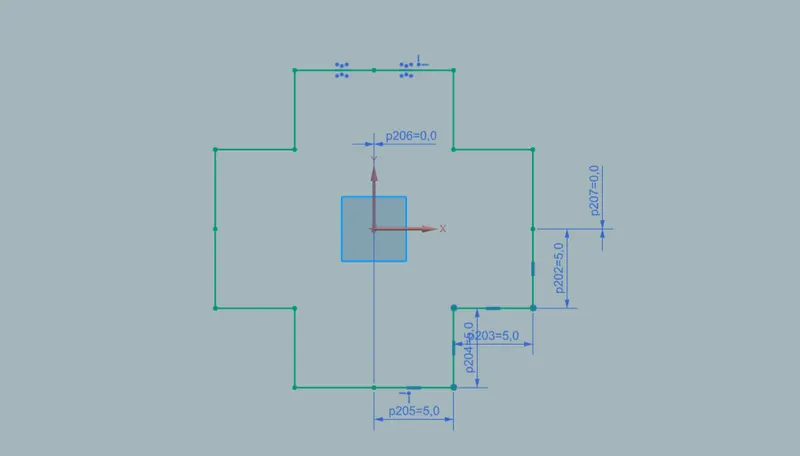
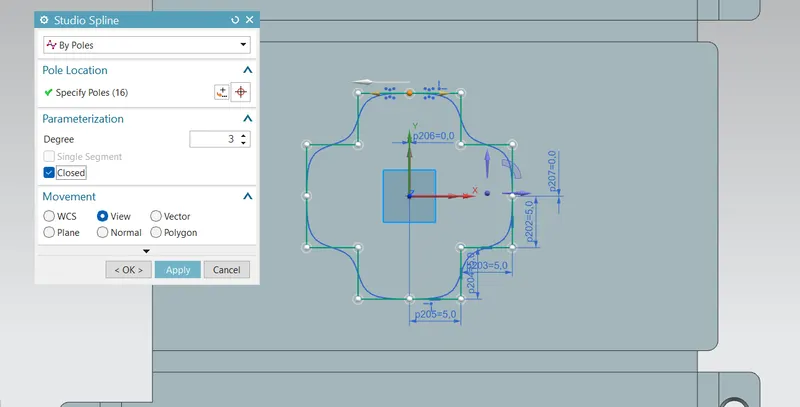
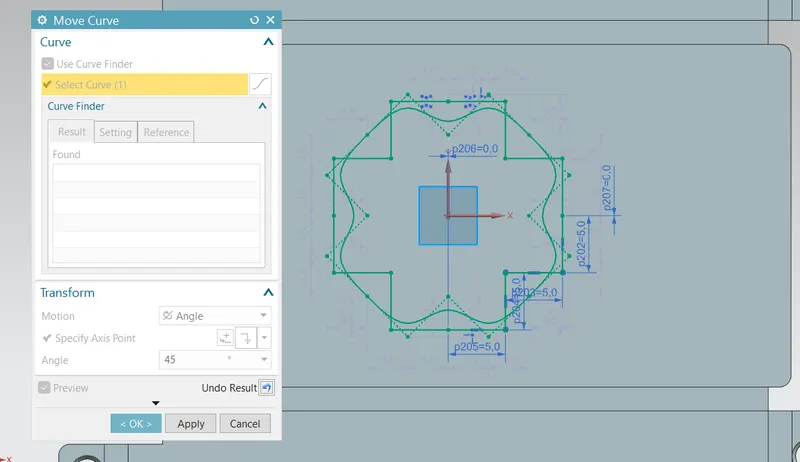
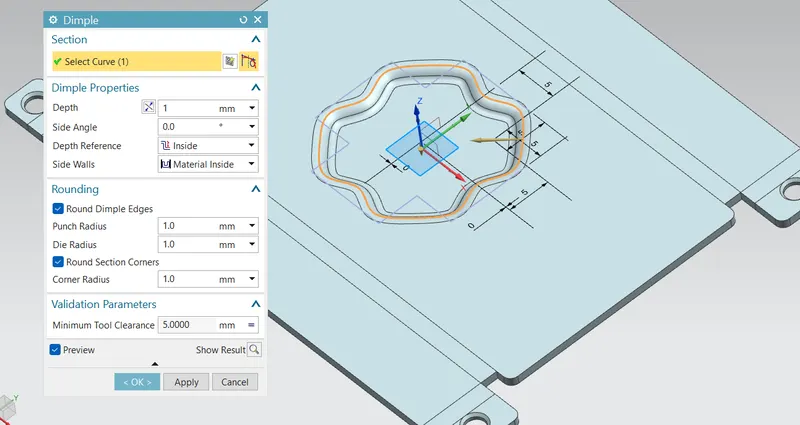
Next step is to create the emboss design in the sheet metal by using the Dimple tool in NX cad from the sketch as shown in figure.
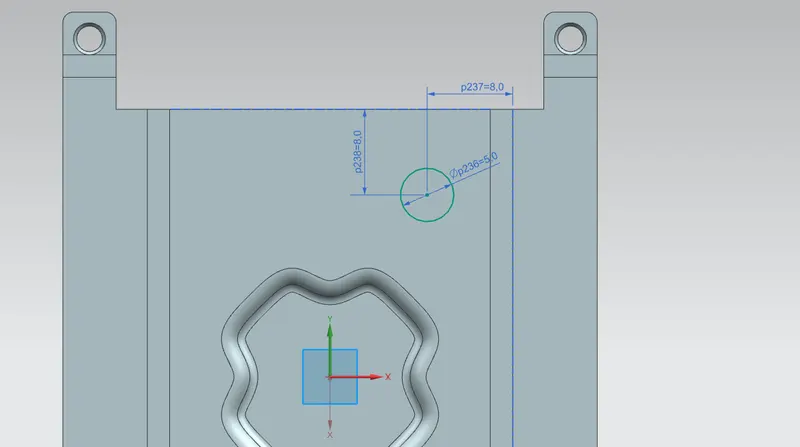
Next step is to create the circles in the sheet metal by using the circle and mirror if for the four circles and by using the bead tool create the bends as shown in figure.
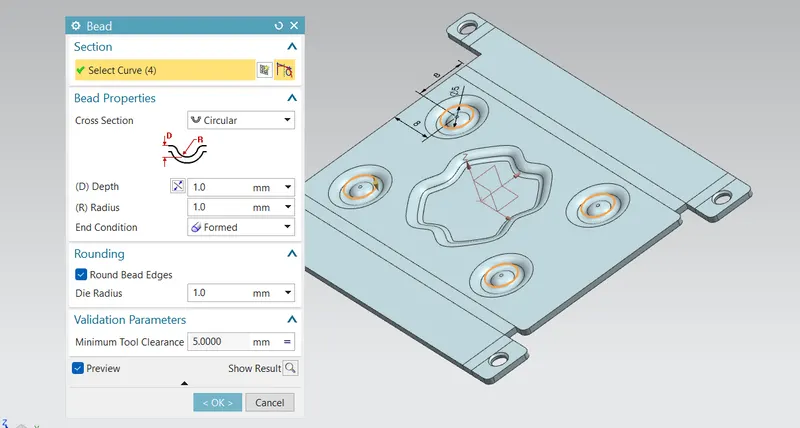
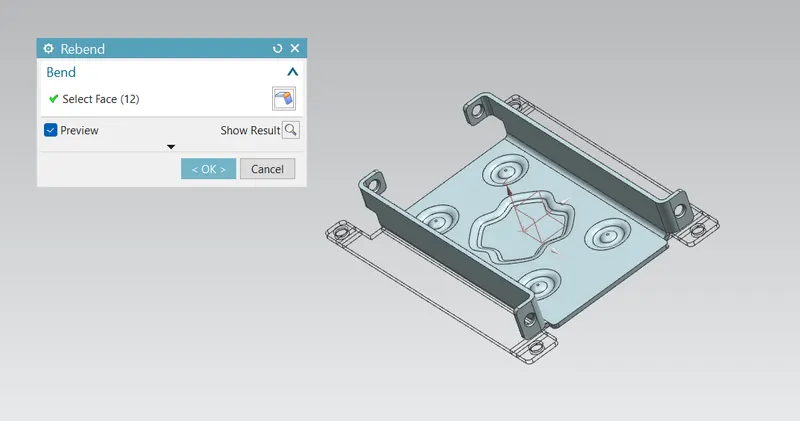
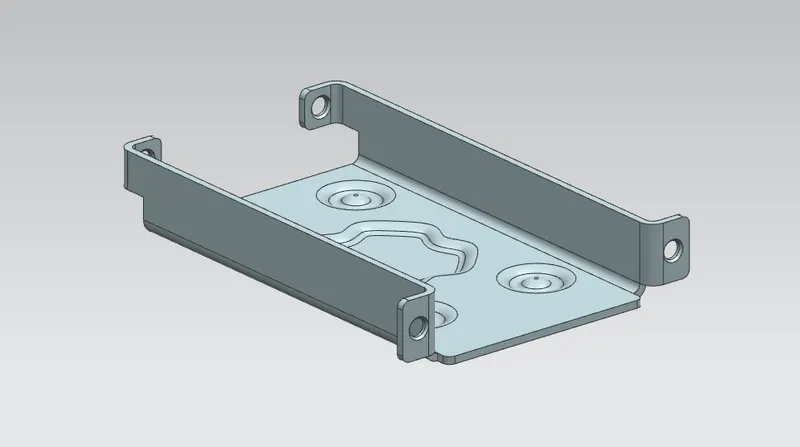
And finally for view the actual part bend it again by using the Rebend tool as shown in figure.
Drafting procedure :
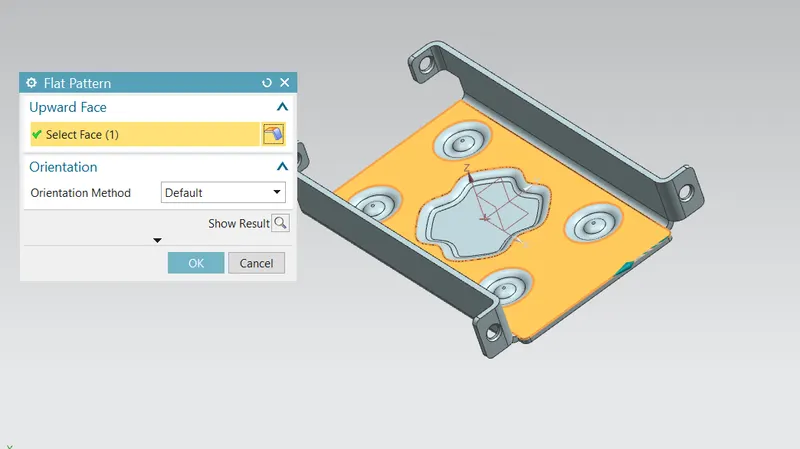
For the drafting need to flat the sheet metal and the create the drafting and dimension for the 2D sketch. for that first we create the flat surface by using the flat pattern as shown in figure.
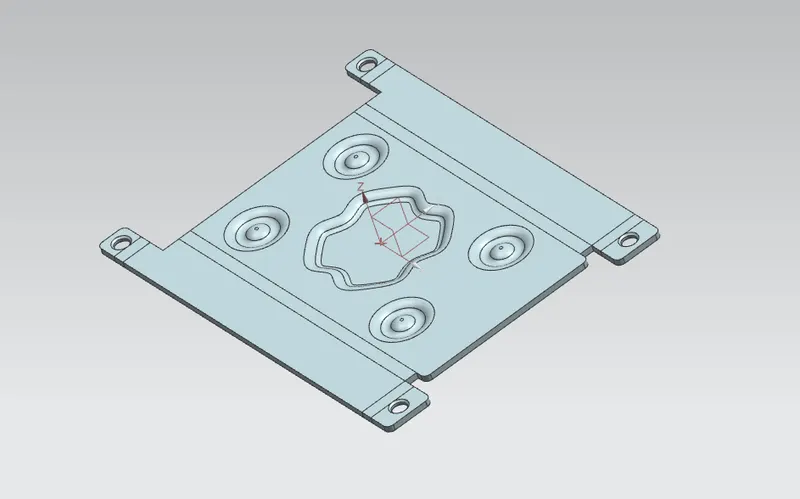
And then open it in the Drafting view select the A4 sheet and the size scale is 2:1 select the flat surface as shown in figure.
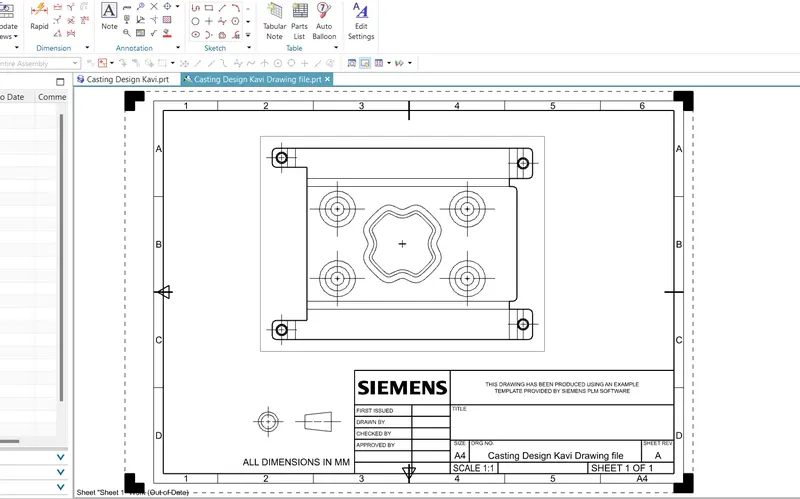
Different Views :
Front view :
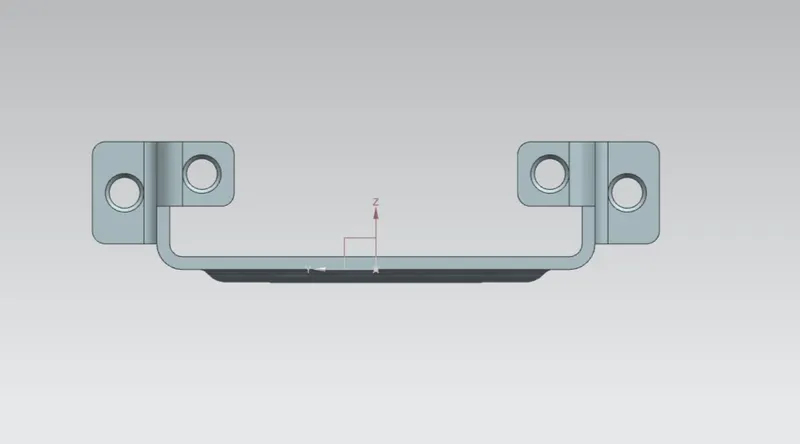
Side view :
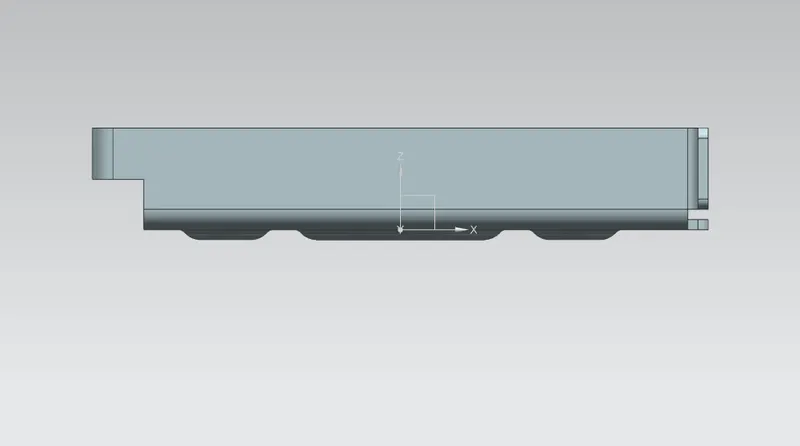
Top view :
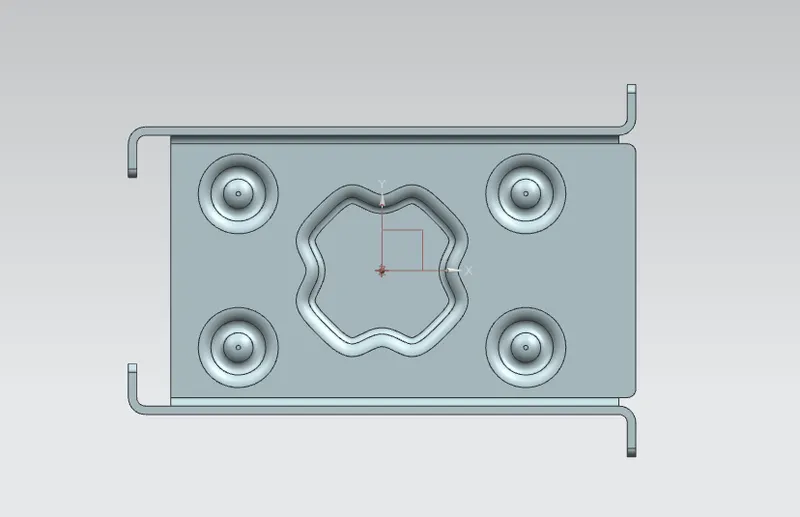
Iso-metric view :
Conclusion :
Hence the casing sheet metal is Designed as per the given dimension and model by using the tools such as Tab, Normal cutout, Bend, Flange, Break corner, Unbend, Hole, Dimple, Bead, Rebend and Flat pattern in NX cad and also create the Drafting for the flat pattern successfully.