Advanced Sheet Metal Design Using NX Cad Challenge_1_Casing Design
Sheet metal Casting Design using NX CAD
Objective:
In this project we are going to design sheetmetal casing as per manufacturing process with help of NX Cad software.
Introduction:
Design for Sheet metal have some requirements for design and manufacturing as well. The Location and
Diameter of hole, Bend radius and "K" Factor are some major factors to be known before desinging the sheet metal part.
You will see some break corners given in this part which is to avoid the damage of Sharp corners while handling. All the dimensions are in 'mm'.
Design Methodology:
1. Creation of Base/Tab.
2. Creation of Flanges.
3. Creation and locating the required Features (Dimples).
4. Creating Flat Pattern.
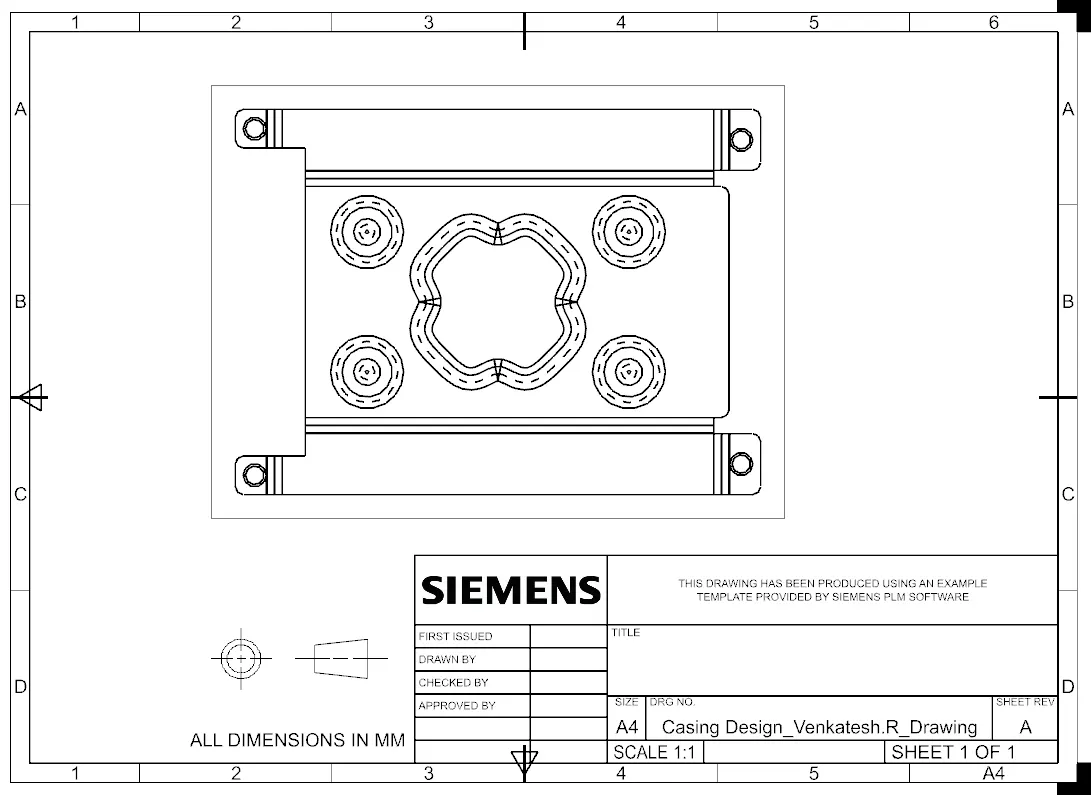
5. Drafting the Sheet metal.
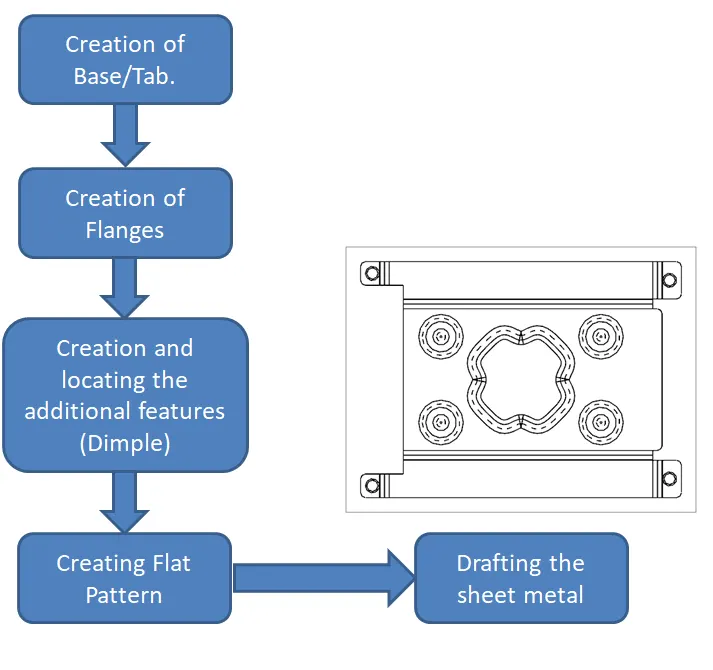
Description:
1. Go to Menu - Preference - sheet metal and set the all four values to 1 mm.
2. Select the XY plane and draw a Rectangular shaped Tab with 60mm X 50mm as dimensions.
3. Now create a new plane 'P' with respect to X-axis plane on the other side of the Tab and draw rectangle 40mm X 5mm.
4. Normal cut the rectangle through the part.
5. Draw two horizontal lines for bending on the plane 'P'.
6. Select the bend option and bend upto 90 degree.
7. Now add Flanges on the four corners of the Tab with 5mm as length and 90 degree as angle.
8. Break corners with a radius of 1 mm for all sharp edges in the part.
9. Unbend the Sheet metal and add holes (M2 Screw clearence holes) at the center of the each flanges.
10. Select the plane 'P' and sketch the profile shown as in the image.
11. Select the Dimple option with radius and depth as 1mm.
12. Now give a circular bead with diameter of 5mm and a depth of 1mm, 8mm away from corner of the tab.
13. Mirror the Beads both horizontally and vertically on the Tab with help of YZ and XZ planes.
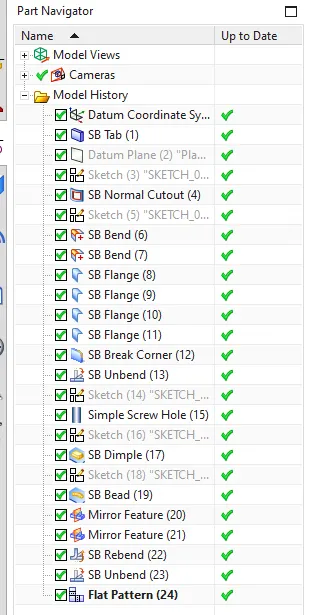
14. Rebend the part and select the flat pattern option and create one. You can it in the Model tree.
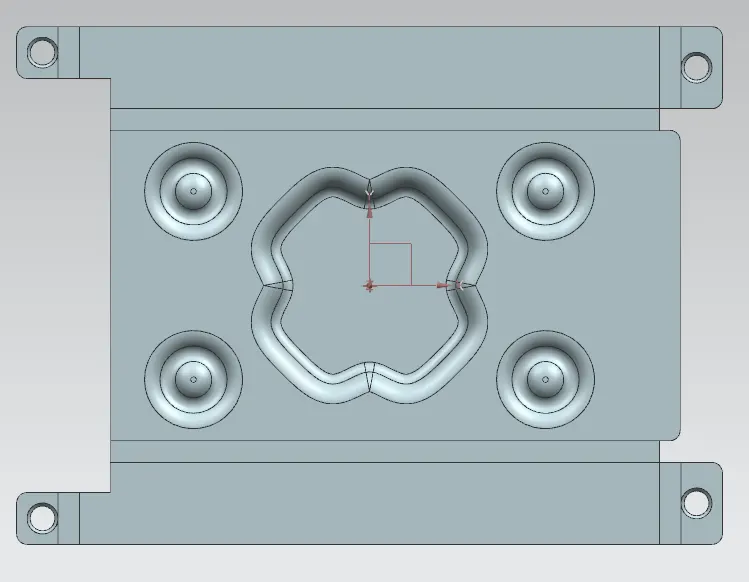
15. Final step is to create the drawing for this sheet metal part. Create Flat pattern as a Base view and remove all the
notes to see clearly.
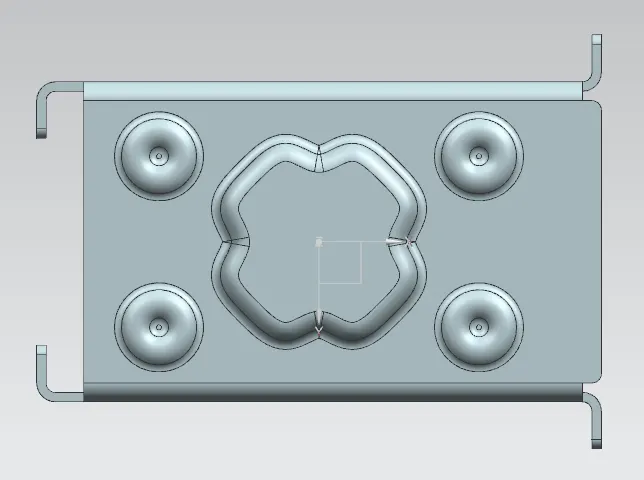
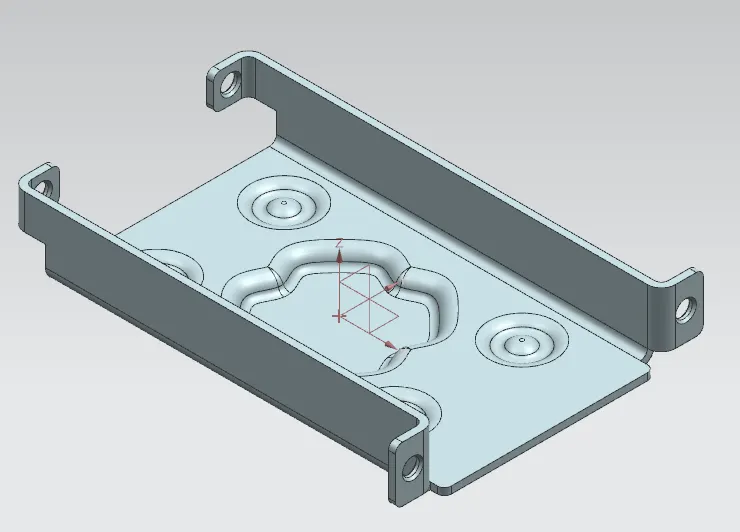
Here are some images of the Sheet metal part and drawing,
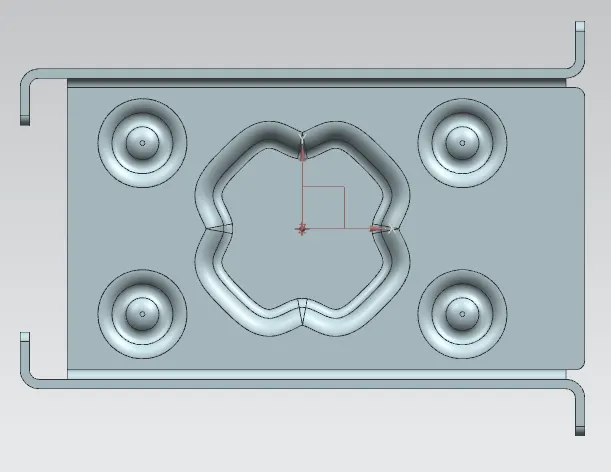
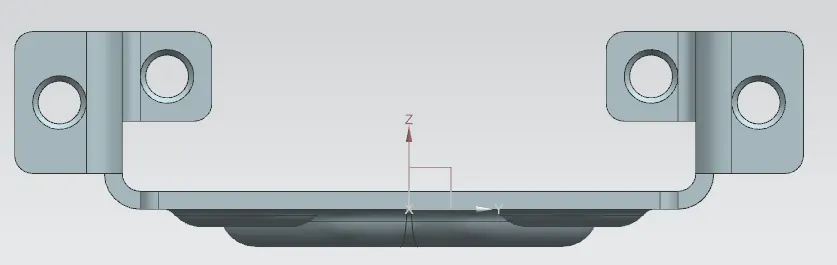
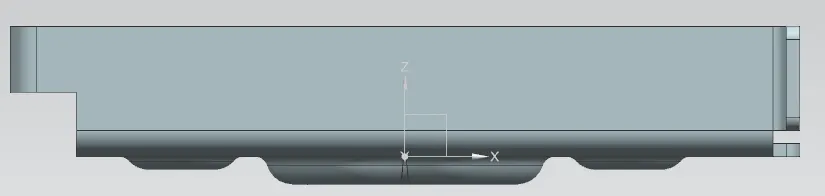
Conclusion:
And finally we have seen the clear process and details of creating a Casing Design - Sheet metal using NX Cad software. I hope it will be useful
for you guys.