Advanced Sheet Metal Design Using NX Cad Challenge_1_Casing Design
Casing Design Using Siemens NX Cad
Objective:-
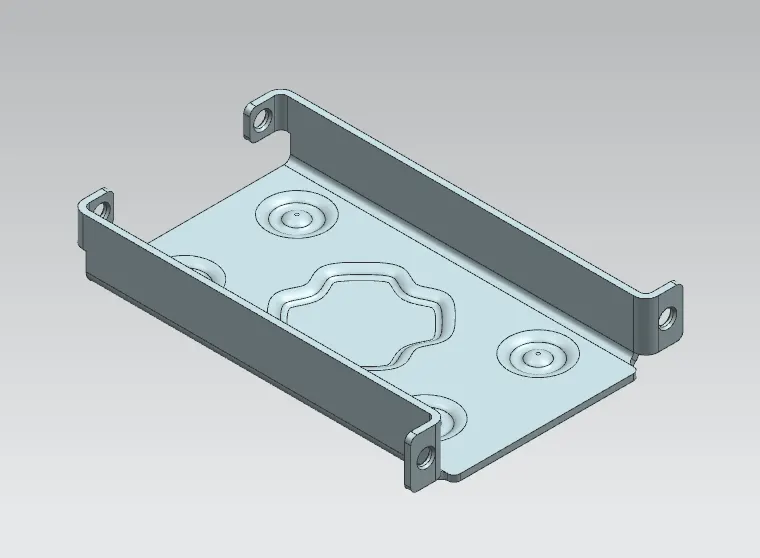
- To design an advanced casing by usings sheet metal application in NX Cad.
Introduction:-
- Sheet metal design is big domain and which is most use domain in industry. It more preffered in automotive industry. In this sheet metal casing design we will look at design approach using siemens NX software through various diagrams, explanation and pictures.
Design Approach:-
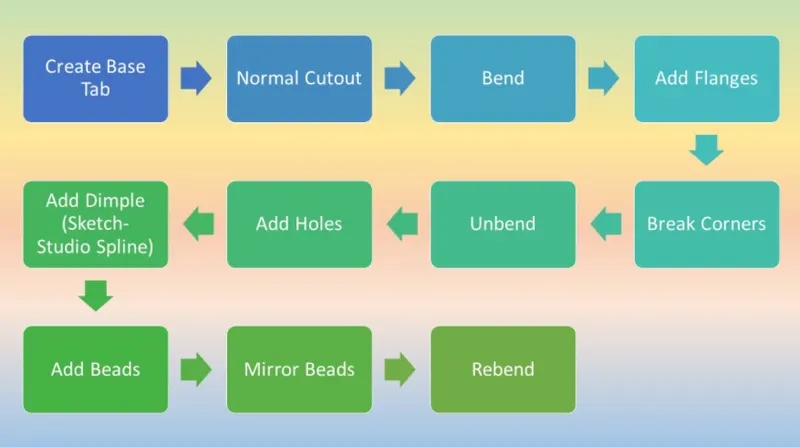
Tab: This command is use to create base feature by extruding a sketch along a vector by a thickness.
Normal Cutout: This command is use to create hole or cutout using sketch on a sheet metal.
Bend: It is modify the model by bending material on one side of a sketch line.
Flange: By using this command we add flange. it consist bend and web region.
Break Corner: It provides chamfer or blend to the sharp corners.
Unbend: It will flatten the bend region.
Rebend: After unbend, the rebend command will be use to bend region to its original form.
Dimple: It is punch operation, it create depression on the surface.
Bead: It is also punch operation but it is use to stiffen the surface.
Images:-
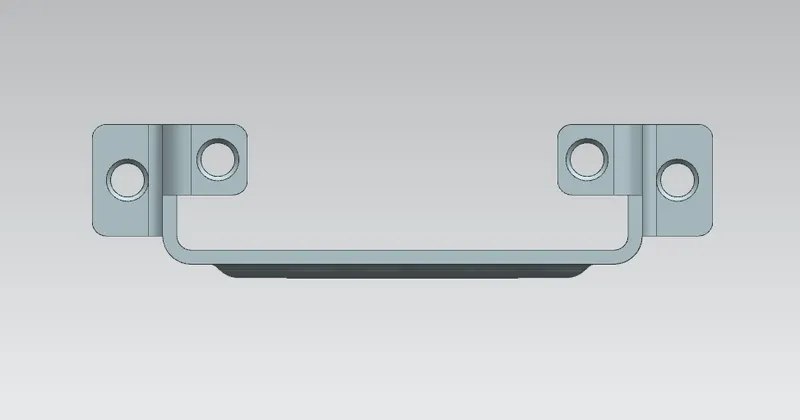
Front View:
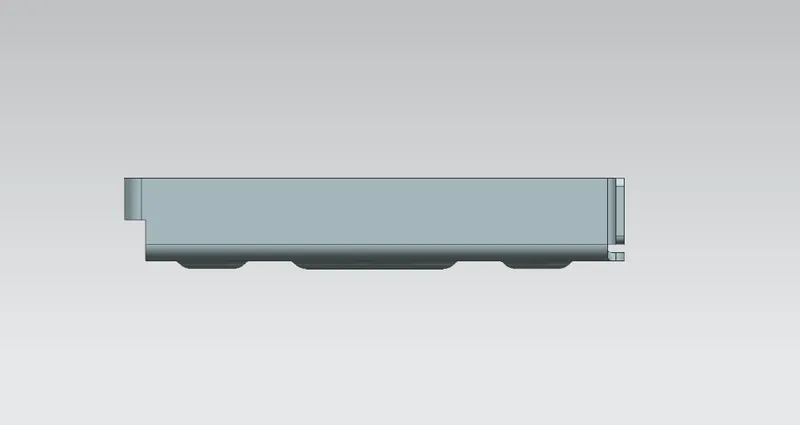
Side View:
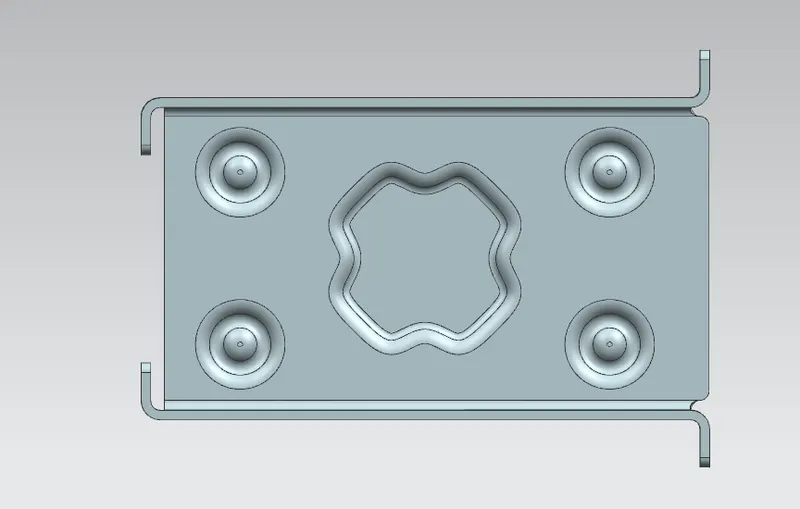
Top View:
Isometric View:
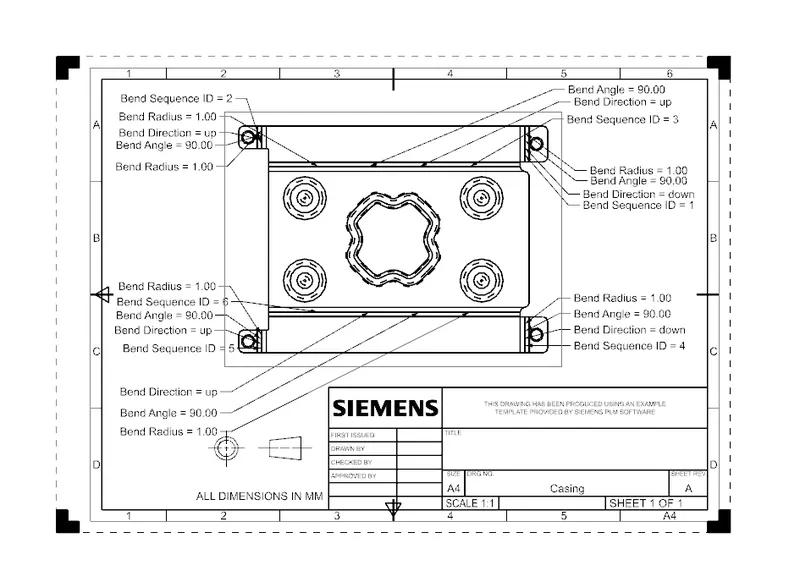
Draft Sheet:
Conclusion:-
- We designed and drafted the sheet metal casing part by using NX cad software.