Advanced Sheet Metal Design Using NX Cad Challenge_1_Casing Design
1) Title :- Sheet Metal Casing
2) Objectives
*) To Create Sheet metal Casing using various modelling tools
3) Procedure
*) Create a tab of domension 60x50 with thickness of 1mm
*) Create cutout on tab using normal cutout command as shown in the below image
*) Draw two lines symmestrically at the same distance fom the X axis & bend the tab along the lines
*) Keeping large horozontal surface stationary bend the sides as shown in the below image.
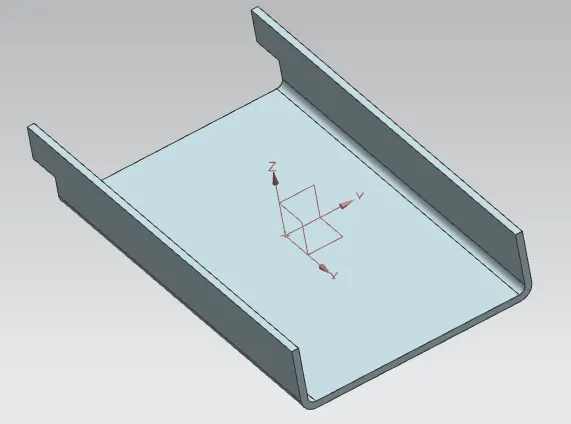
*) Create flanges at the all four edges & Fillet the sharp edges using break corner
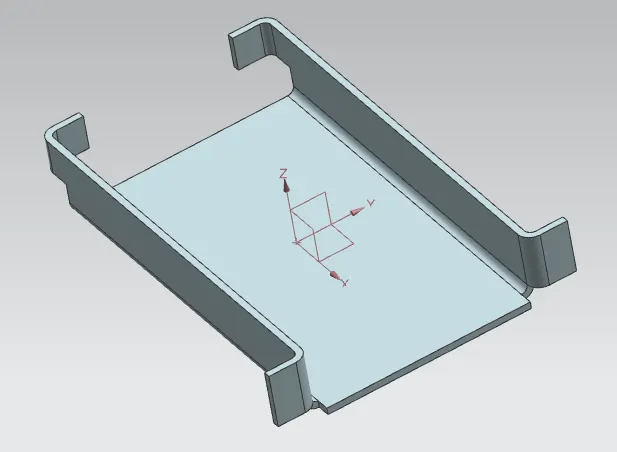
*) Unbend the bend to get flat surface to add further features.
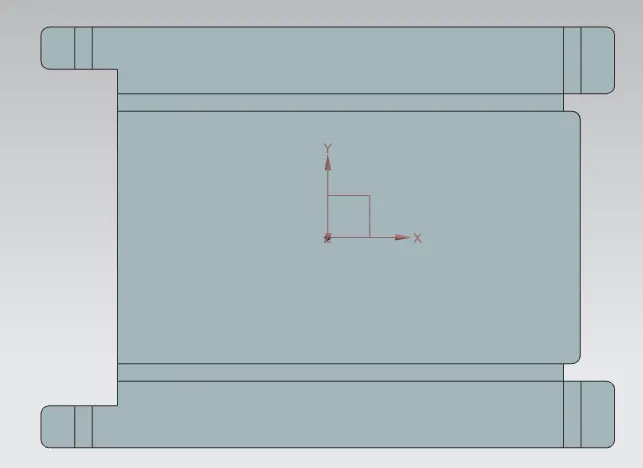
*) Add the holes at four edges of dia 1mm & draw shape of the Dimple to be added
*) Use dimple command to punch the sketch drawn
*) Draw circle of 5mm dia at the corner to add the Bead on the surface
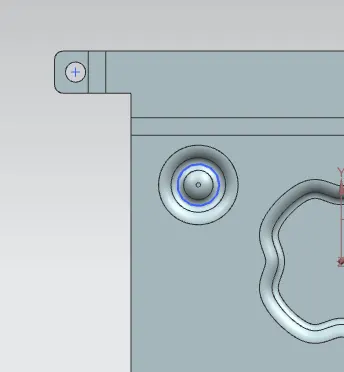
*) Use moirror command to add the Bead at all four corners
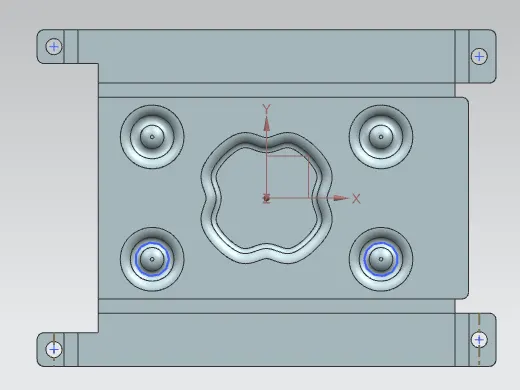
*) Rebend the the unbended sides to get final sheet metal casing part.
*) Below image shows the final part
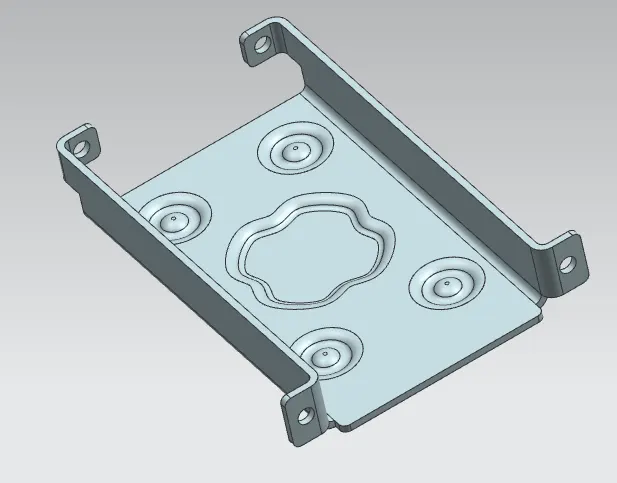
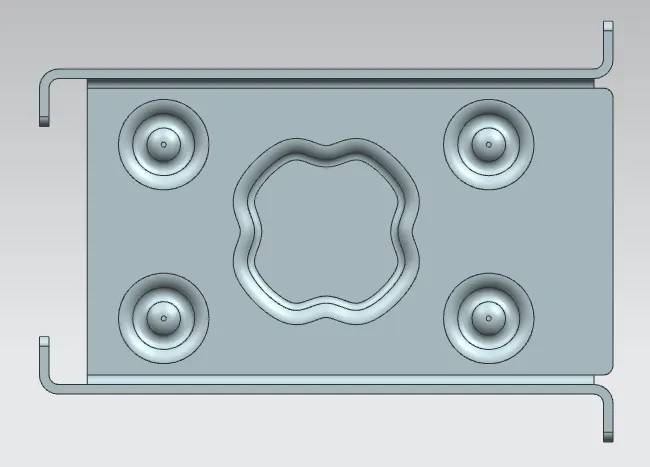
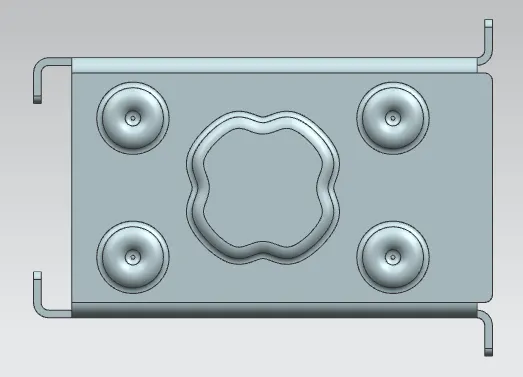
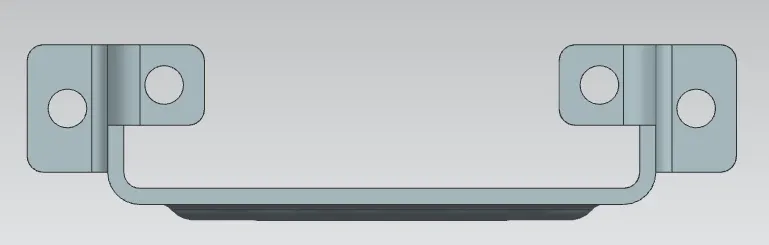
4) Sheet Metal Casing images in different View modes
*) below are the images of Sheet metal casing
5) Drafting
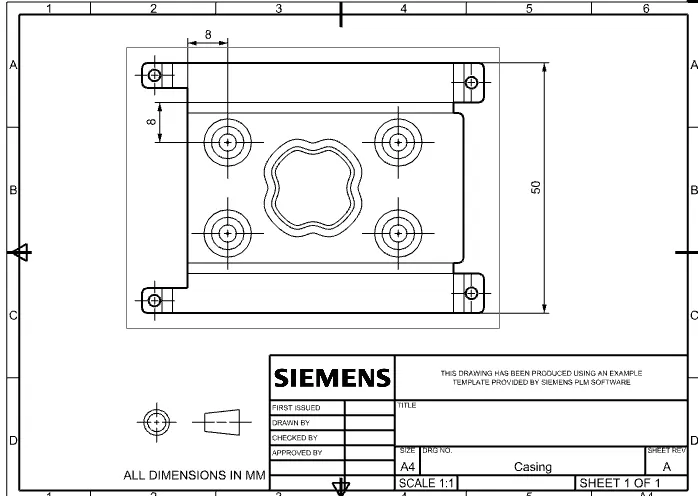
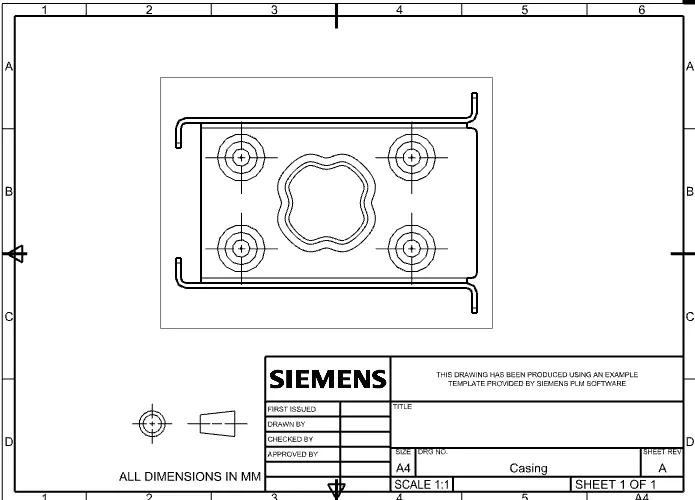
*) Go to the drafting application use A4 size paper
*) Below image shows the 2D image of the sheet metal casing part
6) Conclusion
*) Design of Sheet metal Casing is done as per the dimensions given.
*) The Cadd part is attached in the attachment.