Advanced Sheet Metal Design Using NX Cad Challenge_1_Casing Design
Advanced Sheet Metal Design Using NX Cad_1_Casing Design
INTRODUCTION :
In this project we are going to learn the NX CAD GUI (GRAPHICAL USER INTERFACE) and some of the features to get familiar to the software.
OBJECTIVE :
Is to learn the features of the NX CAD and to know about the user interface of it.
DESIGN METHODOLOGY :
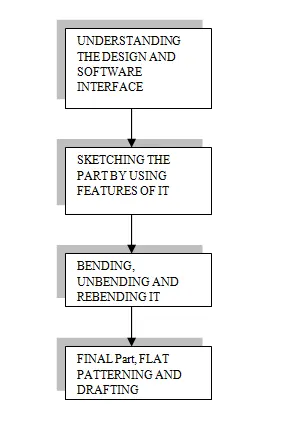
FLOWCHART
DESCRIPTION :
In this project we are going to design a sheet metal object by using NX CAD.
For that we understand the design first and try to sketch the design by using some features which are required to make the part. We will see every feature that has been used in the design as it will be explain below.
FEATURES/TOOLS USED :
- Sketch
- Tab
- Normal cutout
- Bend
- Flange
- Break corner
- Unbend
- Hole
- Dimple
- Bead
- Mirror
- Rebend
- Flat pattern
As we have to first sketch the part in a plane which is the datum coordinate system. After that we use a tab feature the tab feature is a base feature which is used to extrude the sketch in a direction by giving it a thickness along with it.
Normal cutout is to cut the tab at the given point so that we can get the desire cut we want to have it is basically cut out the parts.
Bend we used this feature to bend the part which adds a bend between the two side of the tab and modifies the model by bending it on the sides of the sketch line we give.
Flange adds a bend between the planar faces at an angle.
Break corner it is used to round and chamfer the sharp corners of flange and tabs.
Unbend it is used to unbend the parts we have bend it to make it in a flat way so that we can add more features to it and work on it.
Hole it is used to cut out the holes from the tab at a specific point which is give by us that where we want the holes in the part.
Dimple it is the feature to used to lift the material above or below the sketch so to give it a depth and lift effect to it which stimulates the stamping tool.
Bead also lift the material along the contour of a sketch and stimulates the stamping tool.
Mirror it is used to mirror the feature that we want to repeat on the part.
Rebend it is used after applying the necessary features to the tab it basically bends the part as it was before unbending.
Flat pattern it creates a flat pattern shape from the formed sheet metal.
So this are the feature is used to make the casing design of sheet metal in the NX CAD.
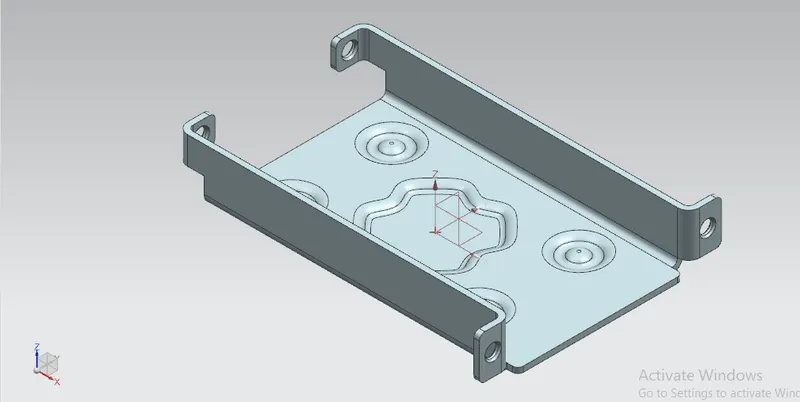
Casing isometric view
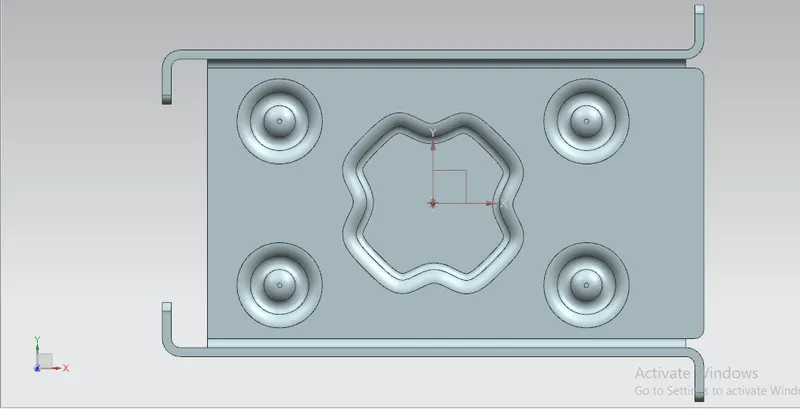
Casing top view
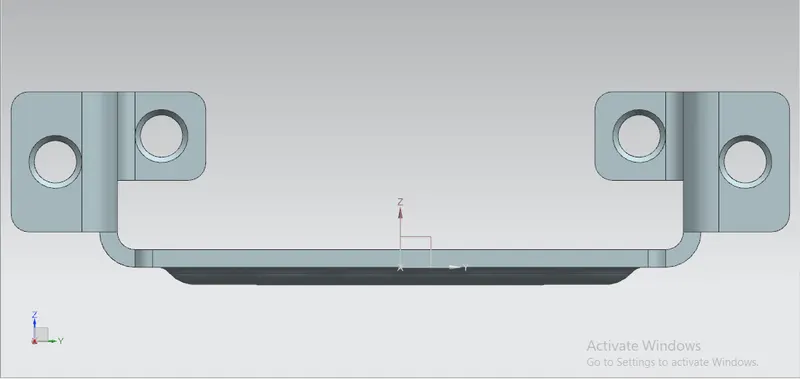
Casing right view
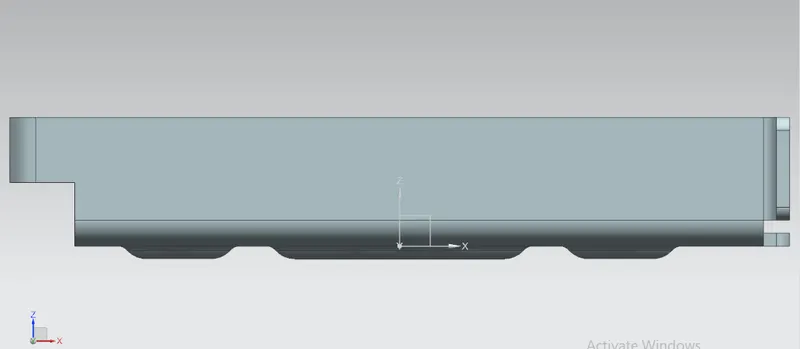
Casing front view
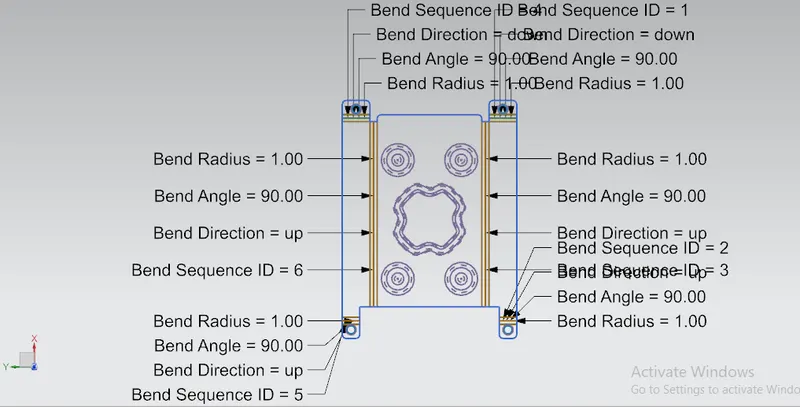
Casing flat pattern view
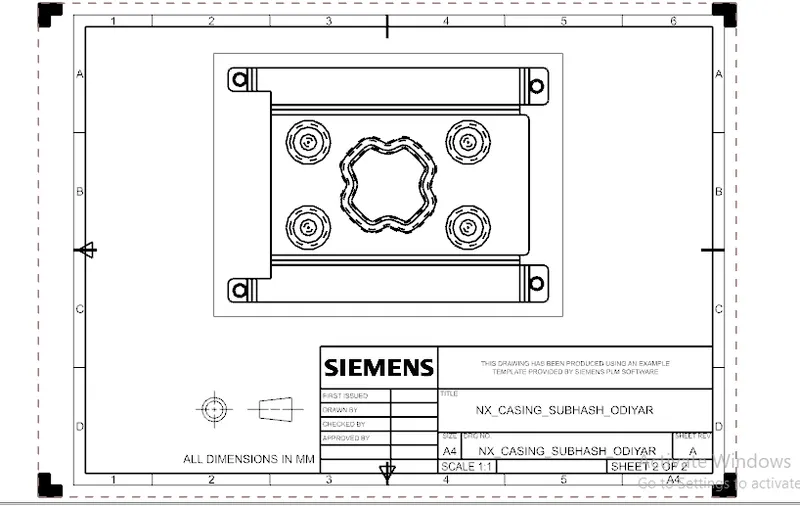
Casing drafting sheet
CONCLUSION :
As we are able to design the sheet metal part by using some features on it and also we get to understand the user interface of it.