Creating a Suspension Assembly in Adams Car
AIM: To create a double wishbone front suspension assembly using different subsystems.
OBJECTIVE: Create a double wishbone front suspension assembly using the procedure demonstrated in the session.
PROCEDURE:
1. First open the 'MDI_FRONT_STEERING' from the subsystems. Save this subsystem in the local database.
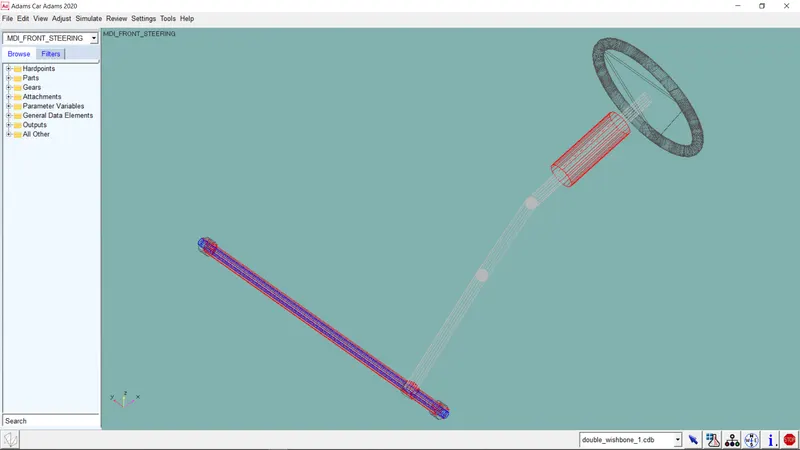
2. Click on 'File>New>Subsystem' and open the 'double_wishbone.tpl' from the '<acar_shared>/templates.tbl'. Give it a proper name. Save this subsystem in the local database.
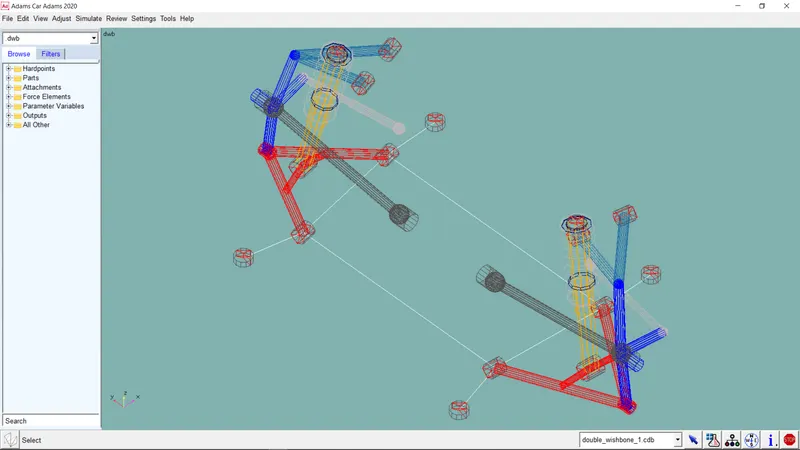
3. Now to create an assembly from these two subsystems, go to 'File>New>Suspension Assembly'. Give the assembly an appropriate name. Select the suspension file from the local database where you saved the subsystem. Select the steering subsytem from where you saved and click 'OK'.
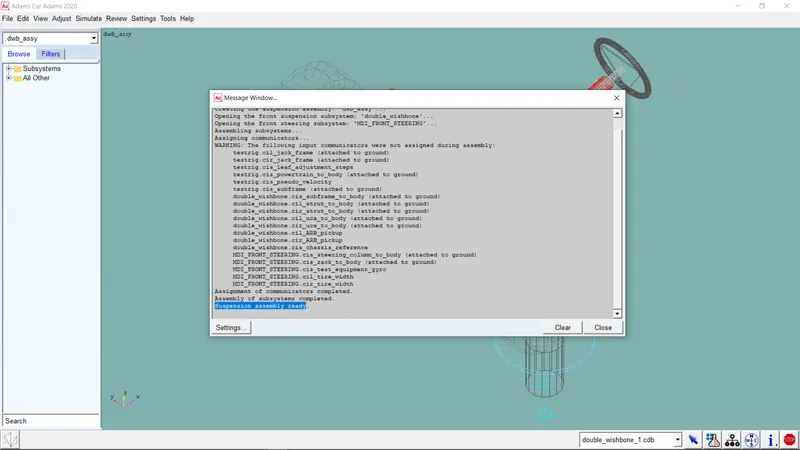
FINAL ASSEMBLY:
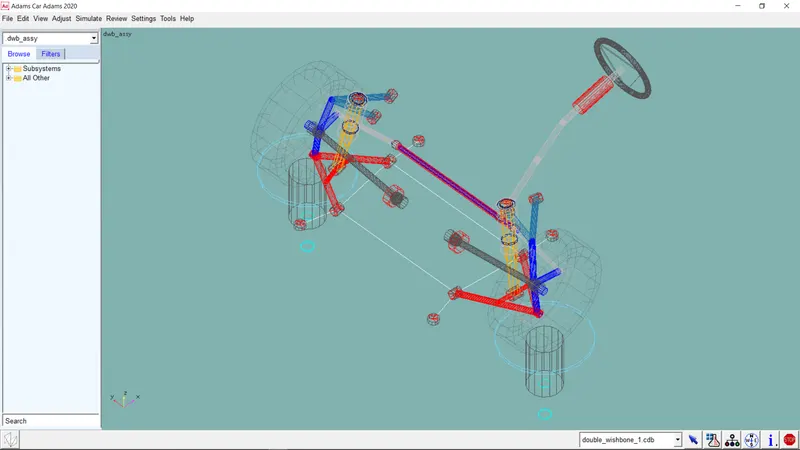
You can work on this assembly and save it in your database.
CONCLUSION: We have studied how to create assemblies and the double wishbone front suspension assembly is created successfully.