2R ROBOTIC ARM STIMULATOR USING PYTHON
2R ROBOTIC ARM STIMULATOR
AIM
To write a program to stimulate the forward kinematics of 2R robotic arm using python
OBJECTIVES
- Create the animation of plot
- Stimulation of 2R robotic arm
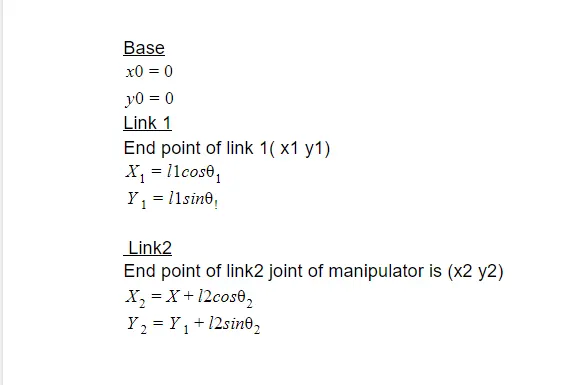
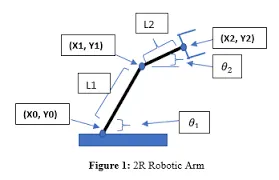
GOVERNING EQUATIONS
DESCRIPTION
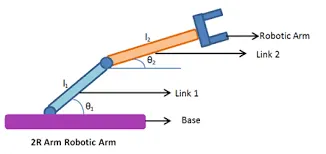
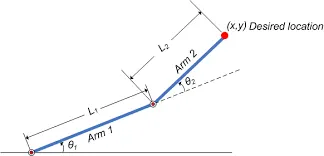
A robotic arm is a type of mechanical arm, usually programmable, with similar functions to a human arm. The arm may be the sum total of the mechanism or may be part of a more complex robot. The links of such a manipulator are connected by joints allowing either rotational motion (such as in an articulated robot) or translational (linear) displacement.
ALGORITHM
Step1;start sublime text
Step2;import math. command is used to call trigonometric functions(mathematical function) and import matplotlib.pyplot as plt command to plot graphs in programing
Step3;enter the given parameters like length of link1 length of link 2 (smaller arm ) ,no of rotation robotic arm take (n_theta),at which angle rotation start and end(theta_start and theta_end respectively)
Step4;provide theta1 theta 2 a null array
Step5;for making n rotation of link2 with respect to n rotation taken by link 1 for loop initialised
Step6;i is the counter variable .for each i in range of 0 to n_theta angle swept by theta 1 and theta 2 find out using equation theta_start+i* (theta_end-theta_start)/(n_theta-1)
Step7;values assigned to a variable tmp .values of theta1 theta2 made increase using command append
Step8;contour added
step9;for each values in theta 1 and theta 2 x1 y1 find out using commands
for t1 in theta1:
for t2 in theta2:
Step10,save as string in png format and give file name
Step11,contour increased using ct=ct+1
Step12;plt figure command to plot the graph
Step13;plot commands plt.plot([x0,x1],[y0,y1]) to plot lingages
plt.plot([x1,x2],[y1,y2])
step14; x limits and y limits are given to set axis
Step15;save the figure using save command
Step16;end the program
PROGRAM
#PYTHON 2R ROBOTIC ARM

import math
import matplotlib.pyplot as plt
#INPUTS
l1=1
l2=0.5

#NO.OF ROTATIONS=NO OF ANGLES
n_theta=10

theta_start=0
theta_end=math.pi/2

#NULL ARRAY
theta1=[]
theta2=[]

#i=counter variable
for i in range(0,n_theta):
	tmp=theta_start+i*(theta_end-theta_start)/(n_theta-1)
	theta1.append(tmp)
	theta2.append(tmp)


#BASE
x0=0
y0=0
ct=1
for t1 in theta1:

	for t2 in theta2:

         #LINK1
         x1=l1*math.cos(t1)
         y1=l1*math.sin(t1)
         #LINK2
         x2=x1+l2*math.cos(t2)
         y2=y1+l2*math.sin(t2)

         filename=str(ct)+ '.png'
         #print('filename')
         ct=ct+1

         #PLOTING
         plt.figure()
         plt.plot([x0,x1],[y0,y1])
         plt.plot([x1,x2],[y1,y2])
         #FIXING AXIS
         plt.xlim([0,2])
         plt.ylim([0,2])

         #SAVING
         plt.savefig(filename)
OUPUTS
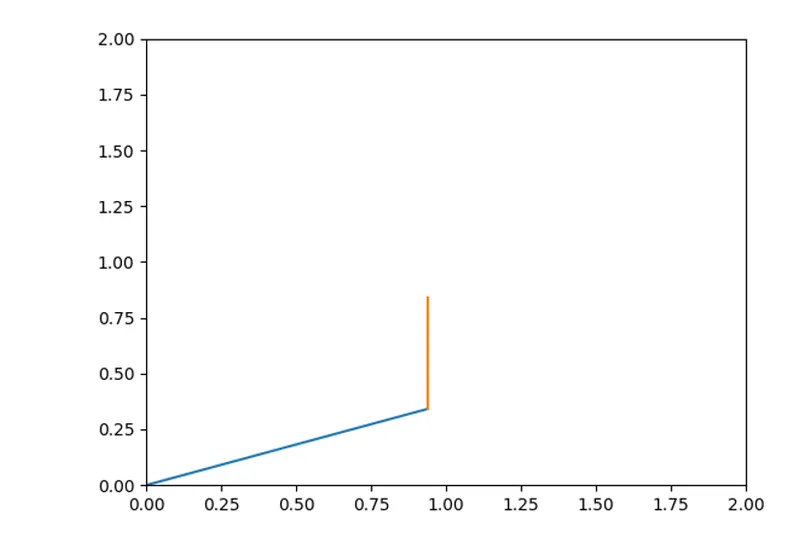
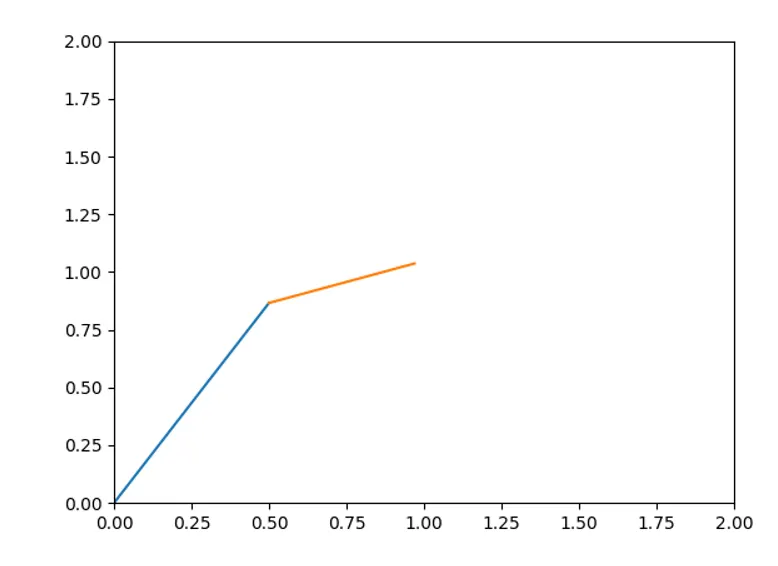
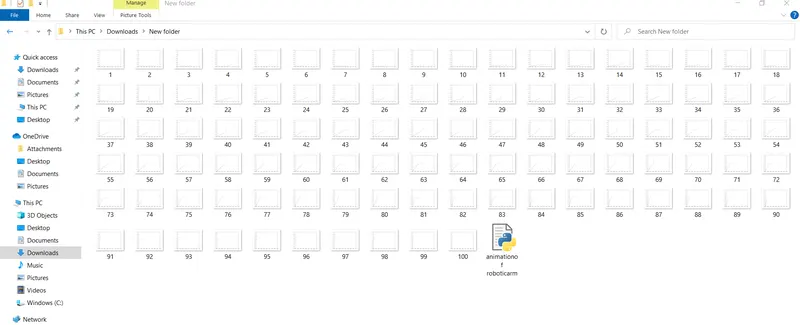
ANIMATION
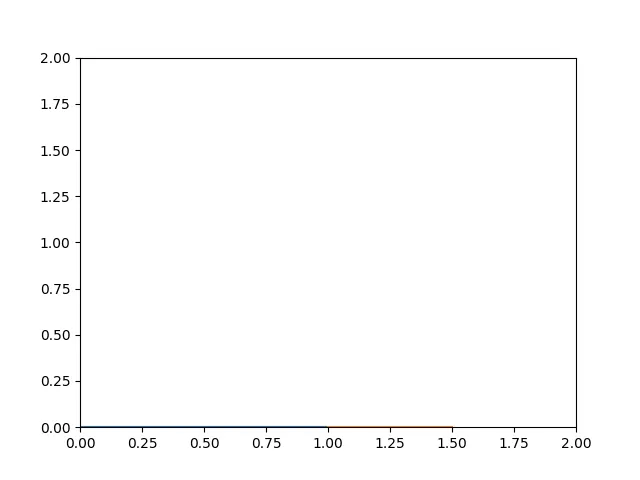
CONCLUSION
Python Program for stimulation of 2R robotic arm has been excecuted succesfully and output is verified