 Free · 3 lessons · no payment
Automotive BIW Design and Development Part 2 using NXCAD: 3 free lessons
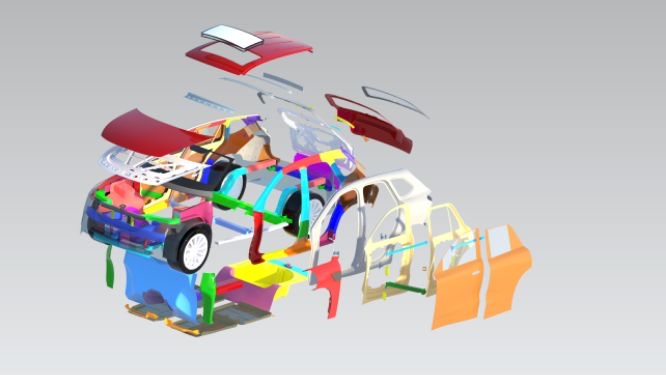
Three free lessons from Skill-Lync's Automotive BIW Design and Development Part 2 using NXCAD course. They cover the rear door (tailgate) of a car body: its panels, reinforcements, flange cross sections and design rules. They also compare an aluminium cast and a steel deep drawn inner panel, and start the NXCAD modelling of the sealing flange.
Last updated 16 Nov 2026 · 3 free lessons (1 h 26 min) · full course: 42 lessons (23 h 41 min), paid · ₹40,000
 Free lesson 1 · 42 minRear Door Design Rules and Flange Cross Sections
What will you learn in the free Automotive BIW Design and Development Part 2 using NXCAD lessons?
- Rear door panels, reinforcements, hinges and latch layout
- Flange dimensions for hemming, spot welding and sealing
- Aluminium cast versus steel deep drawn inner panel
- Starting the tailgate flange in NXCAD
Free lessons you can watch now
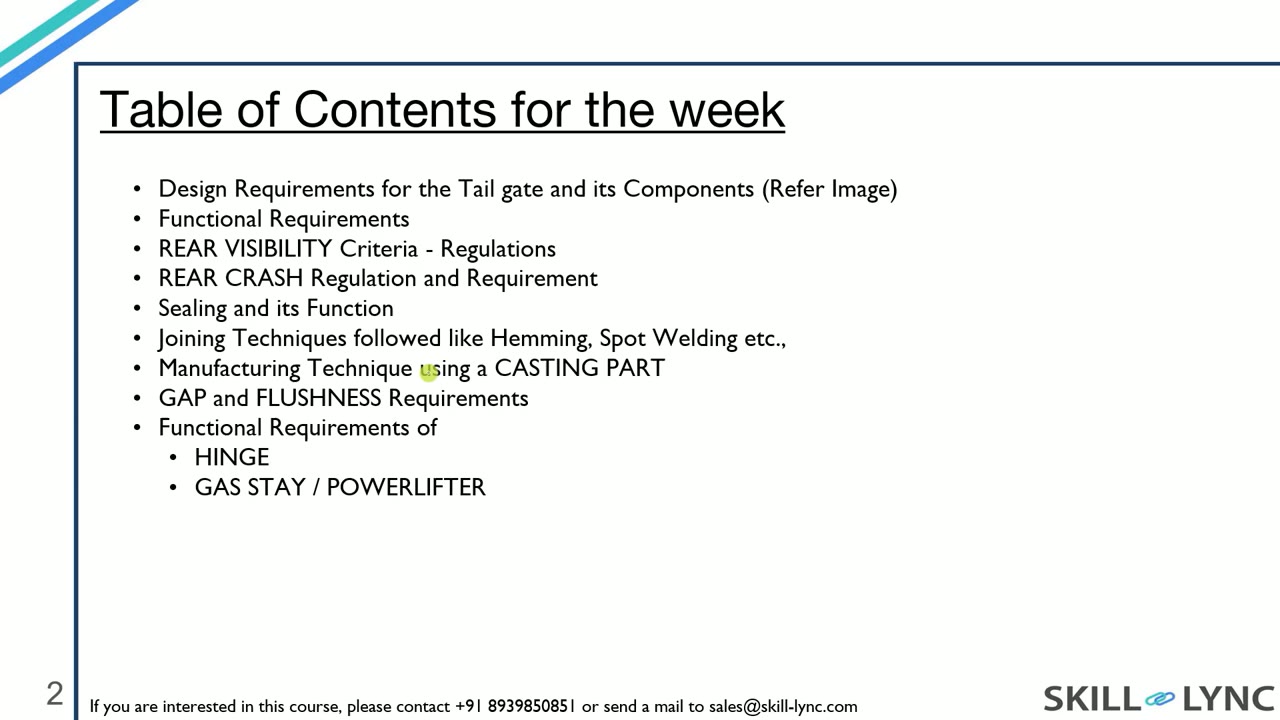
- Lesson 1 · 42 minRear Door Design Rules and Flange Cross SectionsThe instructor explains the parts of a tailgate: inner panel, split outer panel, hinge, gas stay and latch reinforcements. The lesson then walks through eight flange cross sections and the rules behind them, such as 15 mm for spot welding, 7 mm for laser brazing and a 3 mm plus thickness bend radius.
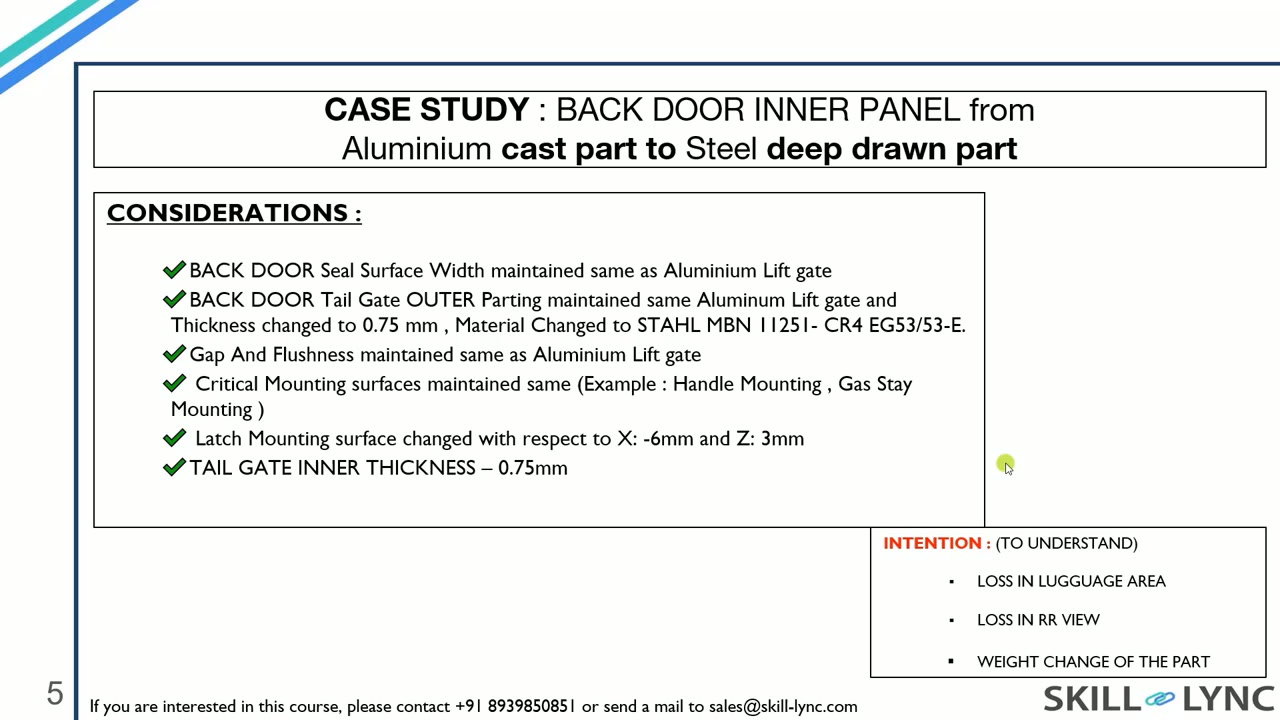 Lesson 2 · 20 minRear Door Case Study: Aluminium Cast vs Steel Deep DrawnThe instructor compares a rear door inner panel made as an aluminium casting with a steel deep drawn version, covering lost luggage space, rear visibility and weight. The lesson also covers the CAE load cases with 9 mm torsion and 1.5 mm bending targets, gas stay types and assembly sequence.
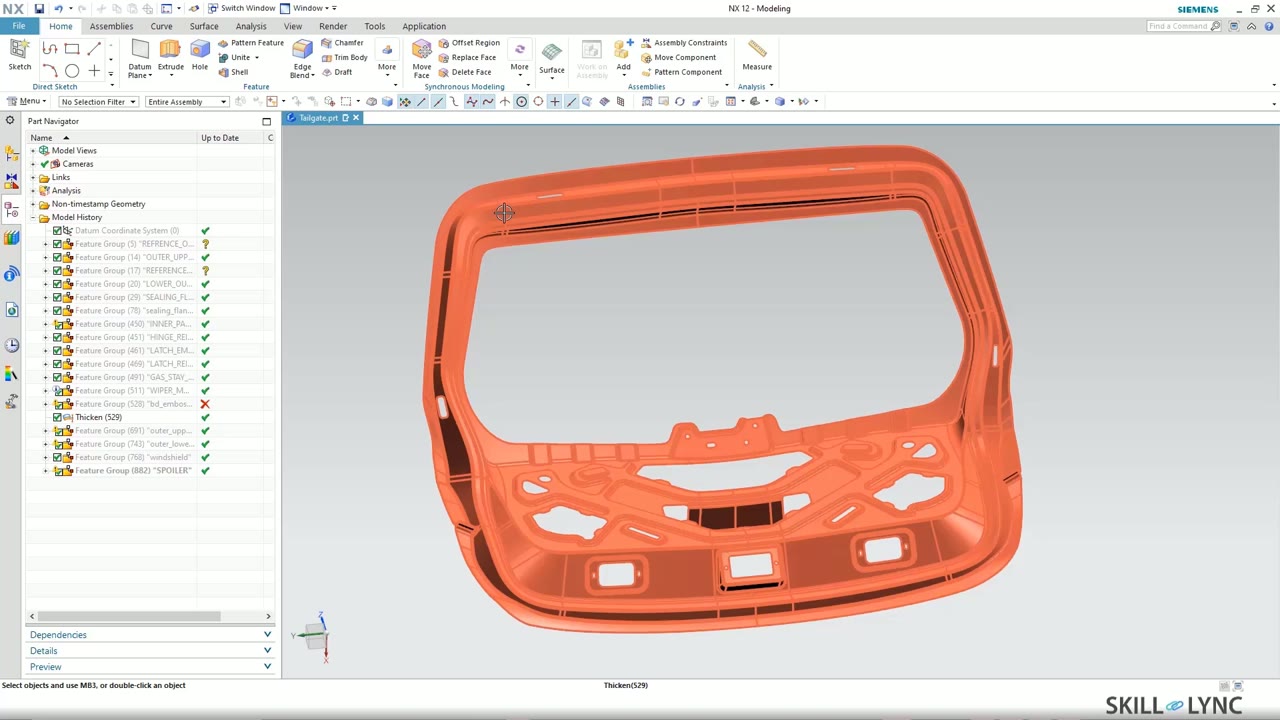 Lesson 3 · 25 minPlanning the Rear Door Model and Building Its Flange in NXCADThe instructor lists the order of modelling steps for the rear door, from flange and surface to embosses, hem and windshield. The lesson then starts the NXCAD work: working surfaces from the styling, points and datum coordinate systems, and sketched flange cross sections with 35 mm and 25 mm lengths.
Which lessons of Automotive BIW Design and Development Part 2 using NXCAD are free?
The first 3 lessons are free on Grow by Skill-Lync: 1 h 26 min of video from Skill-Lync's Automotive BIW Design and Development Part 2 using NXCAD course that you can watch here at no cost: leave your name and phone number once and they play (as of 16 Nov 2026). The full course is paid (₹40,000); its other 39 lessons are listed in the outline below so you can see what each one covers.
How long is the Automotive BIW Design and Development Part 2 using NXCAD course?
The full course has 42 lessons and 23 h 41 min of recorded video, plus the projects and assignments that come with enrolment. The free lessons alone take about 1 h 26 min, so you can finish them in an evening and decide whether to continue.
What comes after the free lessons?
Lesson 4 onwards is in the paid Automotive BIW Design and Development Part 2 using NXCAD course on Skill-Lync, with mentor support and a certificate. For a career in CAD & design, the Post Graduate Program in CAD goes further with industry projects and placement support.