 Free · 3 lessons · no payment
Advanced CFD Meshing using ANSA: 3 free lessons
Three free lessons from Skill-Lync's Advanced CFD Meshing using ANSA course. They start with the ANSA interface, topology tools and mesh length, then clean and mesh a pressure valve model with PIDs and spot mesh. The third lesson closes a turbocharger geometry, detects its fluid volumes and builds a Tetra CFD volume mesh.
Last updated 16 Nov 2026 · 3 free lessons (4 h 25 min) · full course: 5 lessons (12 h 29 min), paid · ₹40,000
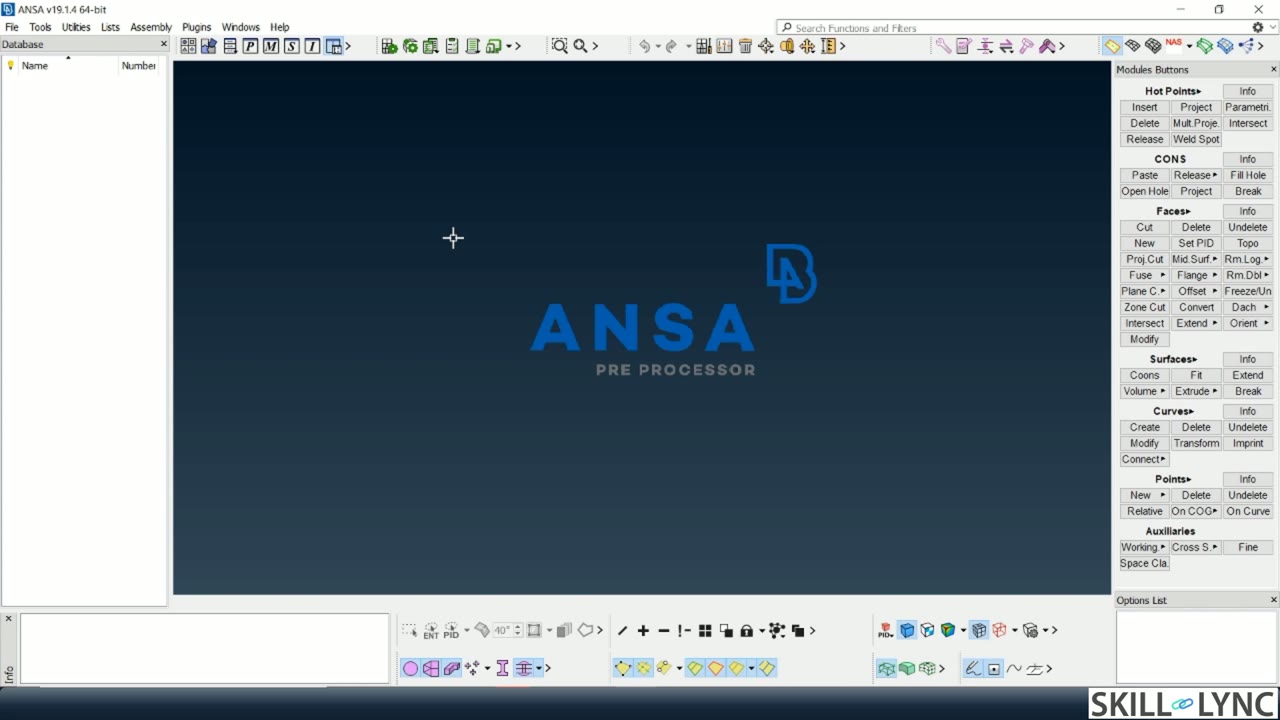 Free lesson 1 · 54 minANSA Interface, Topo Tools, Hot Points and Mesh Length
What will you learn in the free Advanced CFD Meshing using ANSA lessons?
- ANSA topo, mesh and volumetric mesh decks
- Fixing single cons, triple cons and overlaps
- Creating PIDs and setting mesh length per part
- Auto-detecting fluid volumes and building tetra mesh
Free lessons you can watch now
- Lesson 1 · 54 min · 2 partsANSA Interface, Topo Tools, Hot Points and Mesh LengthThe instructor tours the ANSA GUI and the topo, mesh and volumetric mesh decks, then shows the visibility tools (OR, AND, NOT, neighbor), hot points and the measure tool on a cylinder. A second part cuts faces, applies 3 mm, 1 mm and 5 mm mesh lengths with spot mesh, and compares how well each captures a circle.
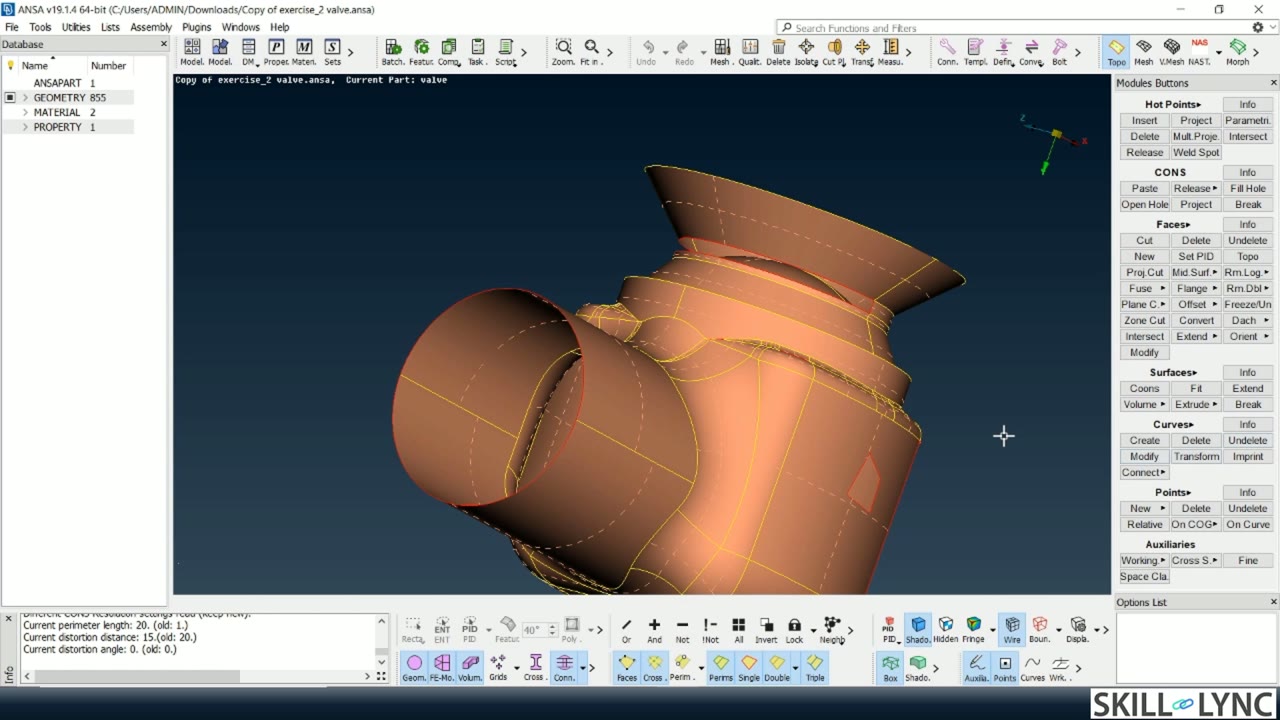 Lesson 2 · 90 min · 4 partsTopo Cleanup, PIDs and Mesh Length on a Pressure ValveThe instructor runs ANSA geometry checks for single cons, cracks and triple cons on a pressure valve, then closes the open surfaces with the New, fill hole and loop tools. The lesson creates and assigns PIDs, sets target, minimum and maximum length, and compares 5 mm and 1 mm spot mesh on the spring and valve head.
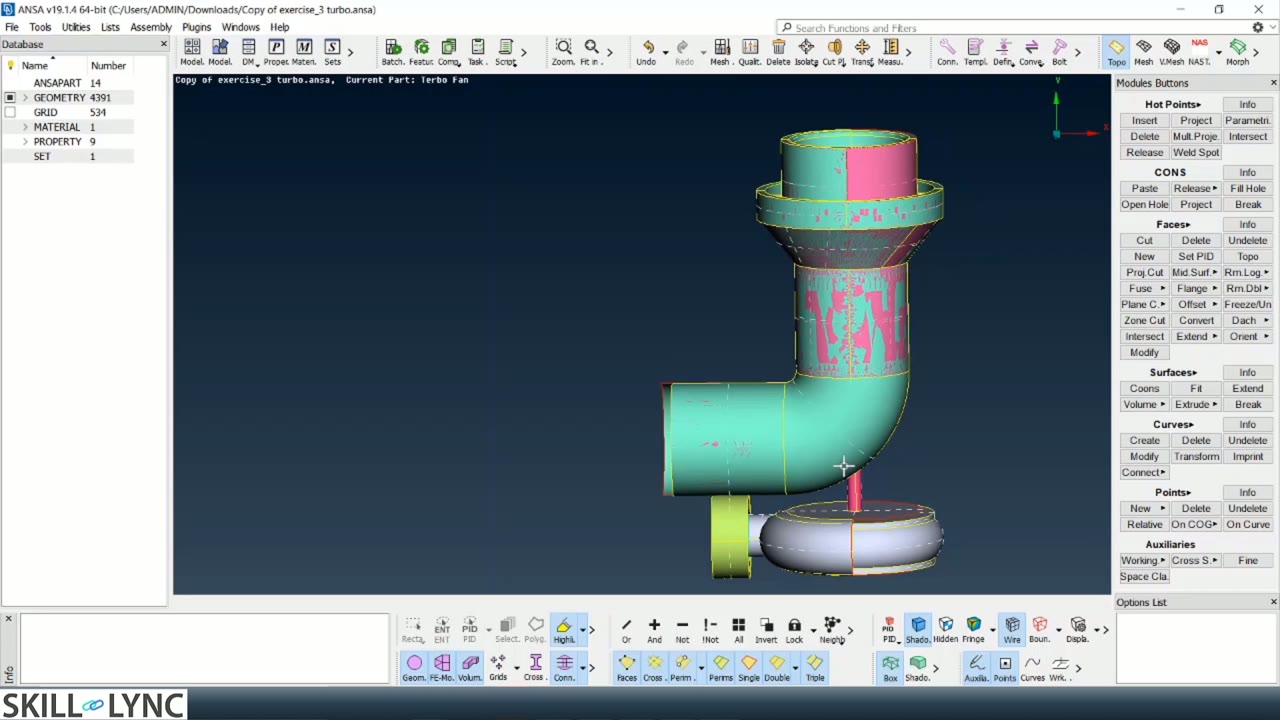 Lesson 3 · 121 min · 4 partsClosing and Volume Meshing a Turbocharger Model in ANSAThe instructor cleans a raw turbocharger by deleting overlapping surfaces, using intersect, release and topo, and patching open areas until the model is closed. After naming PIDs and surface meshing at 5 mm, 2 mm and 1 mm, the lesson auto-detects eight volumes, keeps the four fluid volumes and builds a Tetra CFD mesh.
Which lessons of Advanced CFD Meshing using ANSA are free?
The first 3 lessons are free on Grow by Skill-Lync: 4 h 25 min of video from Skill-Lync's Advanced CFD Meshing using ANSA course that you can watch here at no cost: leave your name and phone number once and they play (as of 16 Nov 2026). The full course is paid (₹40,000); its other 2 lessons are listed in the outline below so you can see what each one covers.
How long is the Advanced CFD Meshing using ANSA course?
The full course has 5 lessons and 12 h 29 min of recorded video, plus the projects and assignments that come with enrolment. The free lessons alone take about 4 h 25 min, so you can finish them in an evening and decide whether to continue.
What comes after the free lessons?
Lesson 4 onwards is in the paid Advanced CFD Meshing using ANSA course on Skill-Lync, with mentor support and a certificate. For a career in CFD, the Post Graduate Program in Computational Fluid Dynamics goes further with industry projects and placement support.