Wiring harness routing & packaging Rules Week 3 Challenge
Q1. Download following cad data & define it as Electrical support using Electrical Part design Workbench. Define all the necessary properties.
P Clamp:
Create Geometrical Parameters:
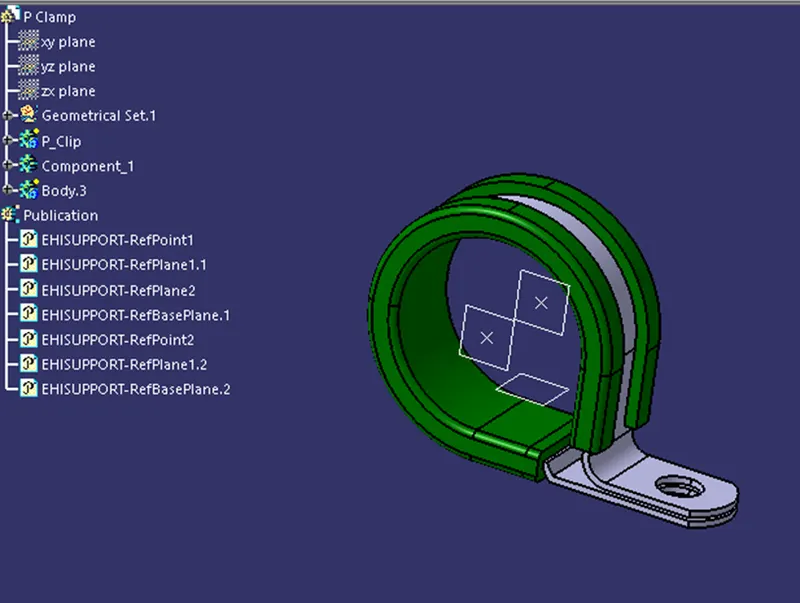
P clamp is used during wiring harness routing to keep the bundles in specific place and orientation. So the wiring bundle can be routed in both directions of the P-clamp and hence the geometric features should be created in both the directions. This is done by creating a point and a plane on both the faces of the P-clamp and also a bottom plane parallel to the base plane of the component.
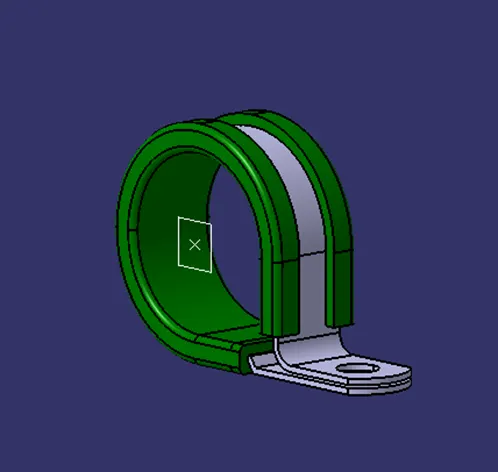
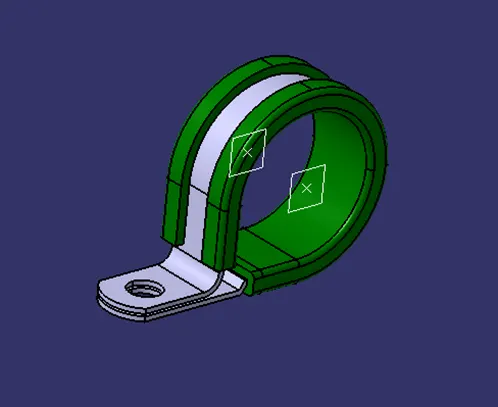
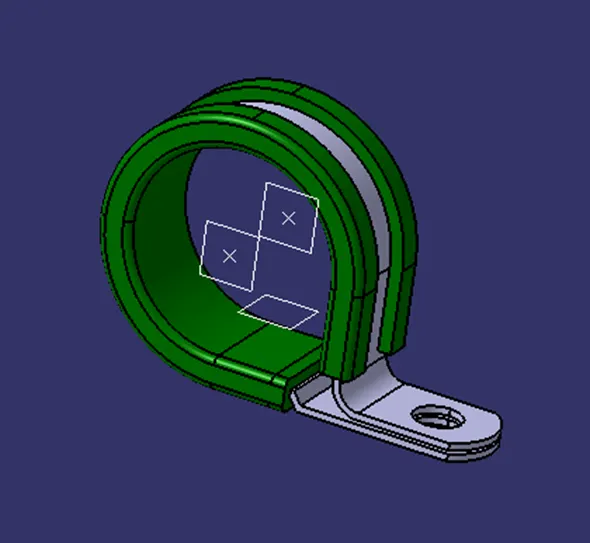
Define P-Clamp as an Electrical Support
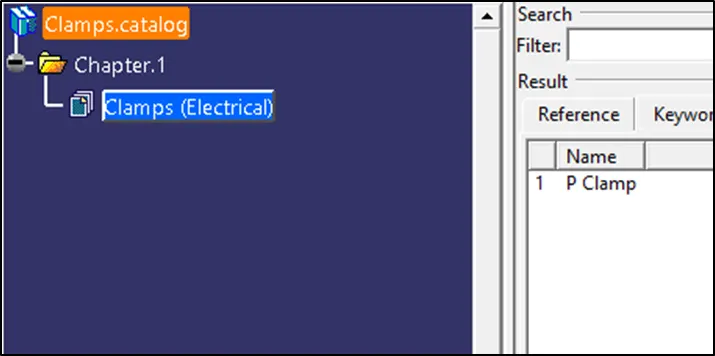
To define the P-clamp as an electrical support, we first need to traverse into the ‘Electrical Part Design’ workbench. Here, the ‘Define Support Part’ command is chosen after which the component is clicked upon which gives a pop-up to select the first plane, second plane and the base plane definitions. Since the P-Clamp can be used in both directions, the clamp is defined accordingly two times. Then save the electrical part in a suitable catalogue.
Q2. Download following Back shell cad data & define it as Electrical back shell using Electrical Part design Workbench. Define all the necessary properties.
Creating Geometric Features
Back Shell Connection Point
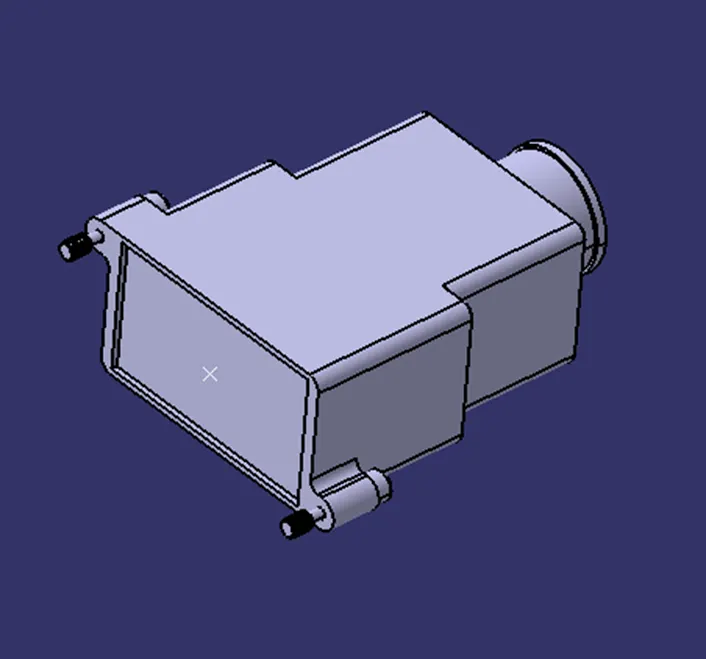
Back Shell Connection Axis
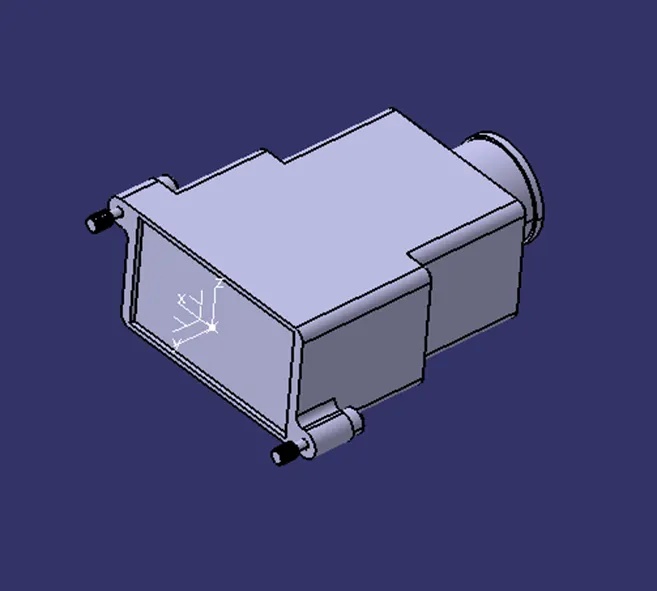
Bundle Connection Point
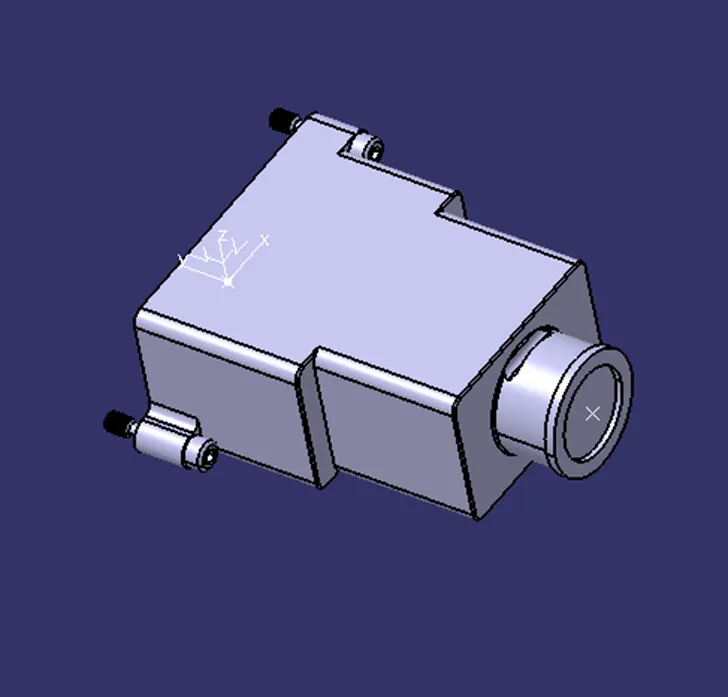
Defining as Electrical Back Shell
First the component is defined as the Electrical Back Shell in the ‘Electrical Part Design’ workbench. Then the relevant Back Shell Connection point and the Bundle Connection points are defined using corresponding commands.
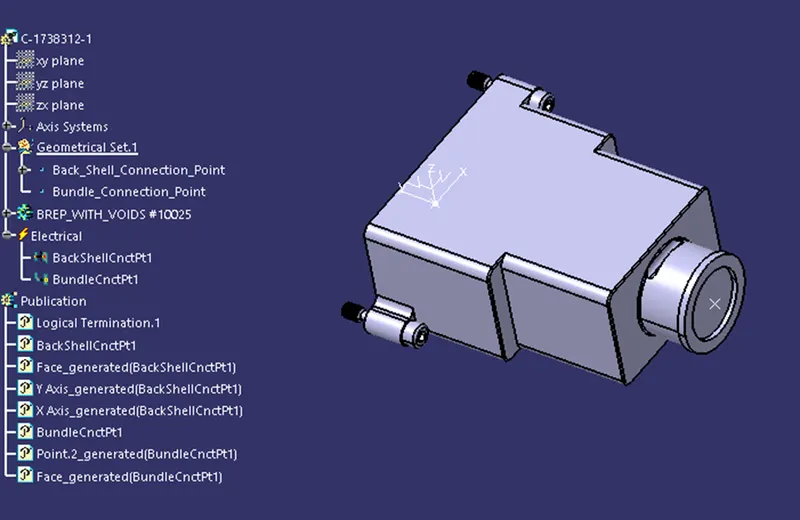
Then the component is saved into a suitable catalogue.
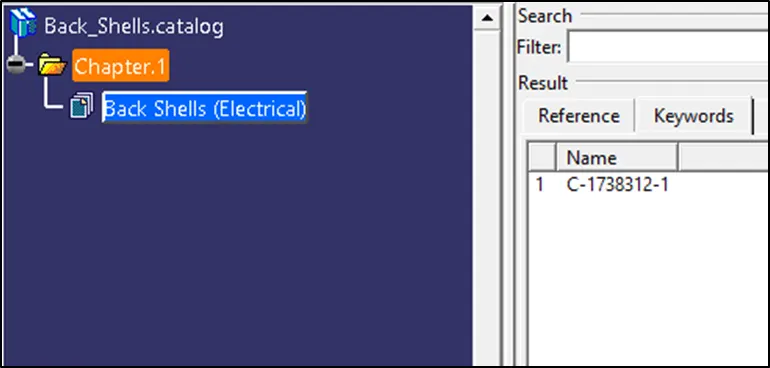
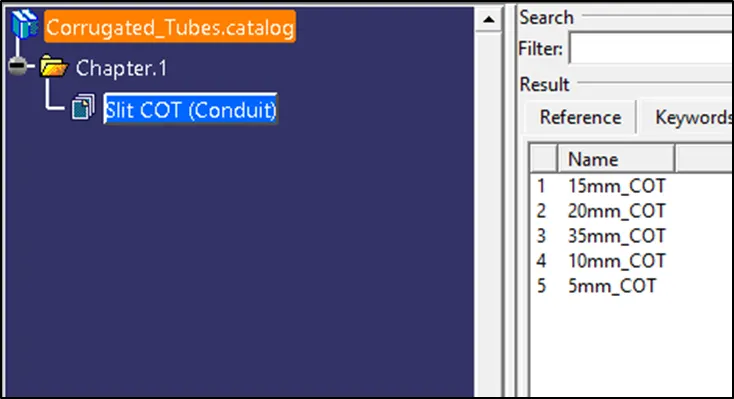
Q3. Create Following Corrugated tubes & Add them in Catalogue under “Slit COT” family.
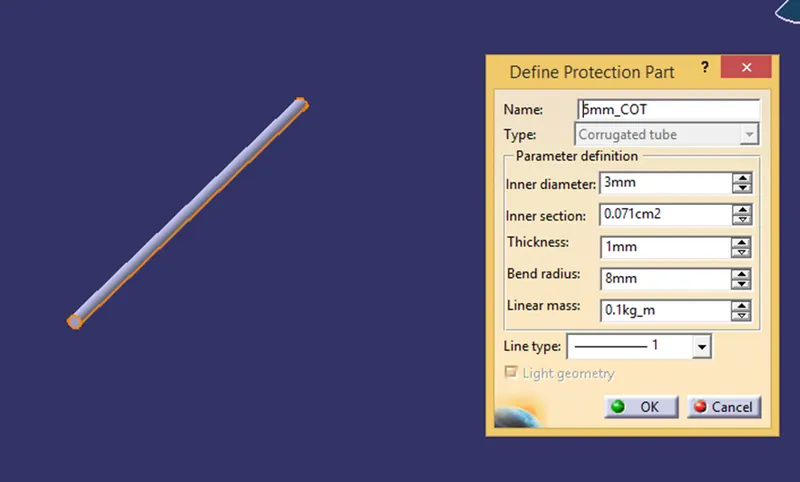
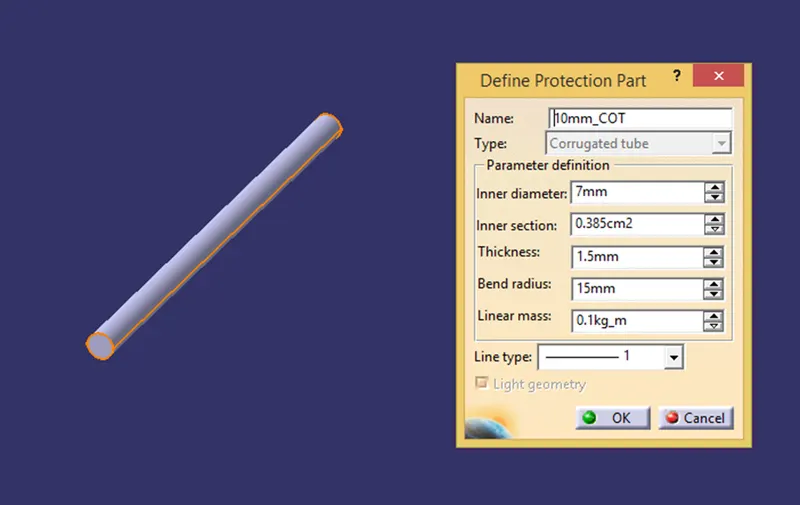
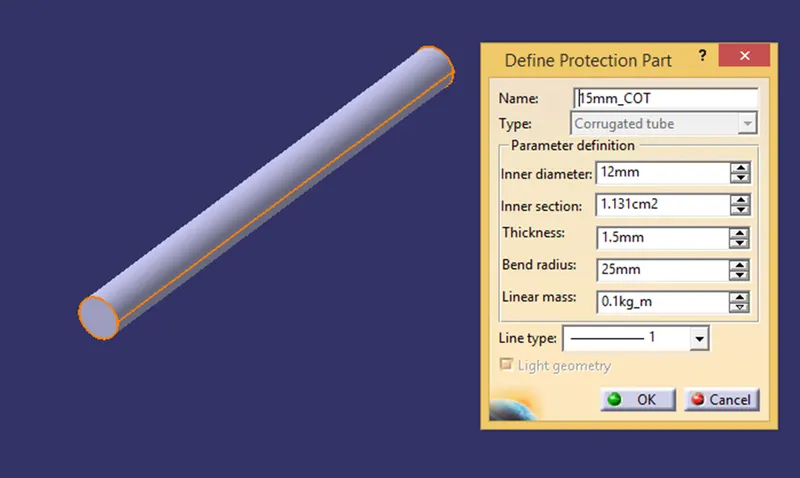
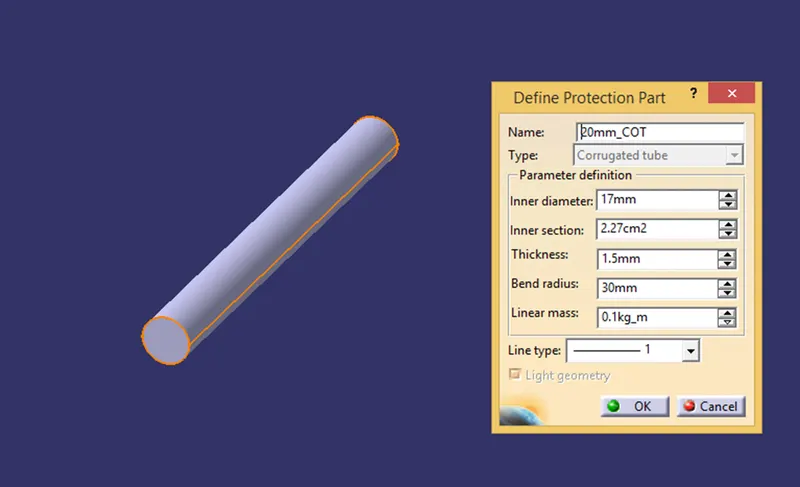
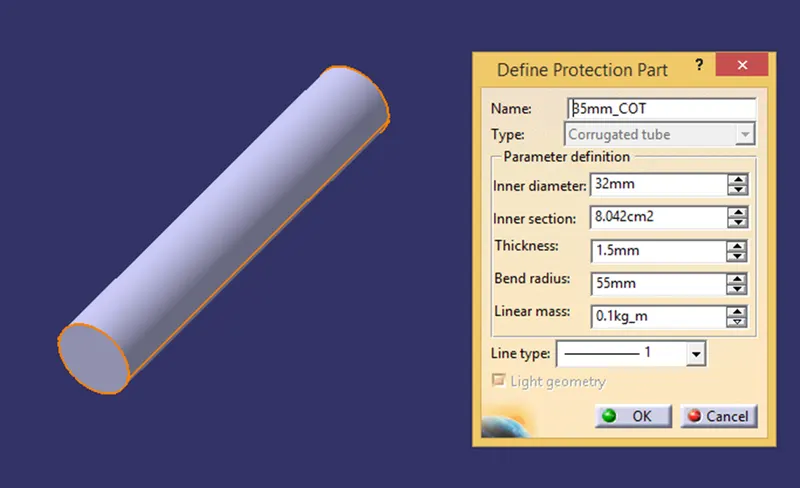
To create a Corrugated tube, first the ‘Electrical Part Design’ workbench is opened and the command ‘Define Protection Part’ is chosen. Then the cursor is moved towards the top of the feature tree and clicked upon the part file name leading to a pop-up. The details of the corrugated tube is filled up and after clicking ‘OK’ the corrugated tube of selected dimensional features is generated. Then it is stored in a relevant catalogue.
5mm COT
10mm COT
15mm COT
20mm COT
35mm COT
Catalogue