Wiring harness routing & packaging Rules Week 3 Challenge
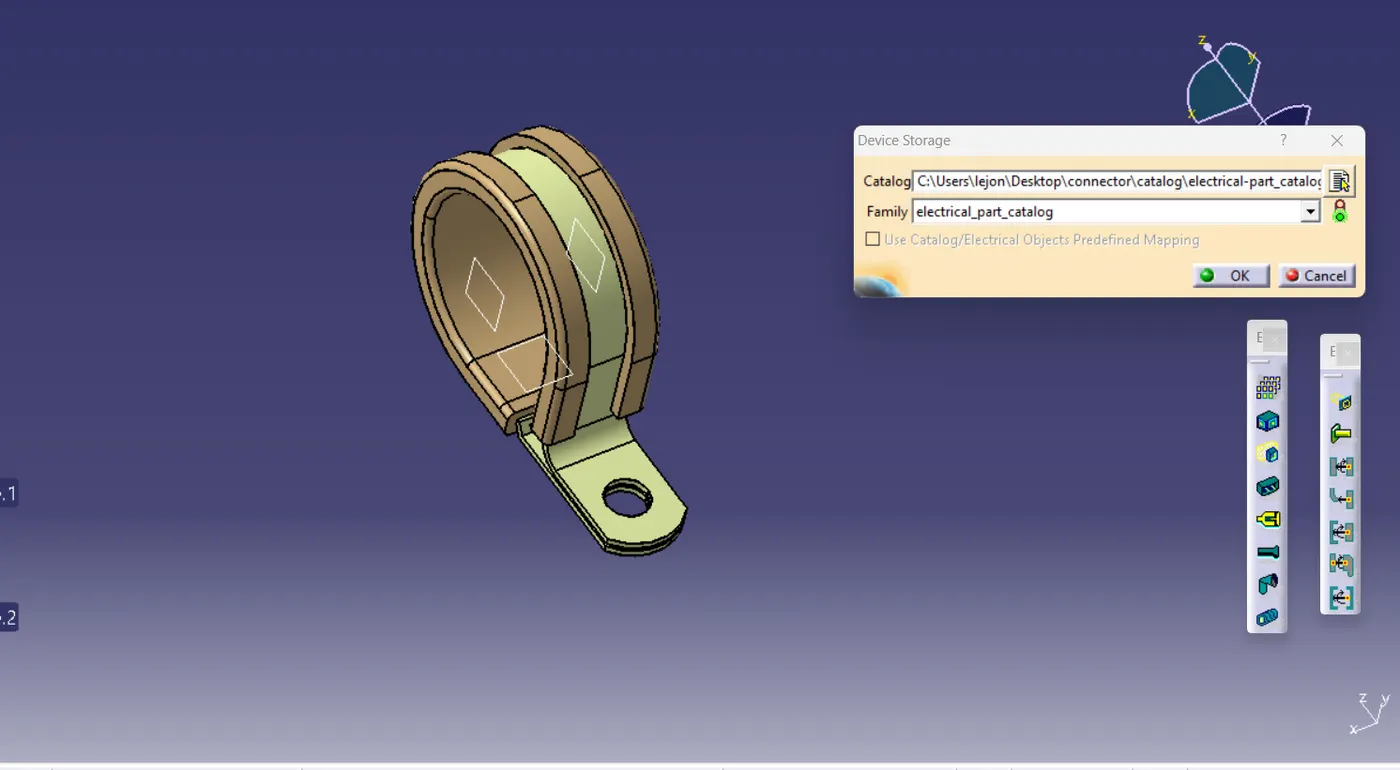
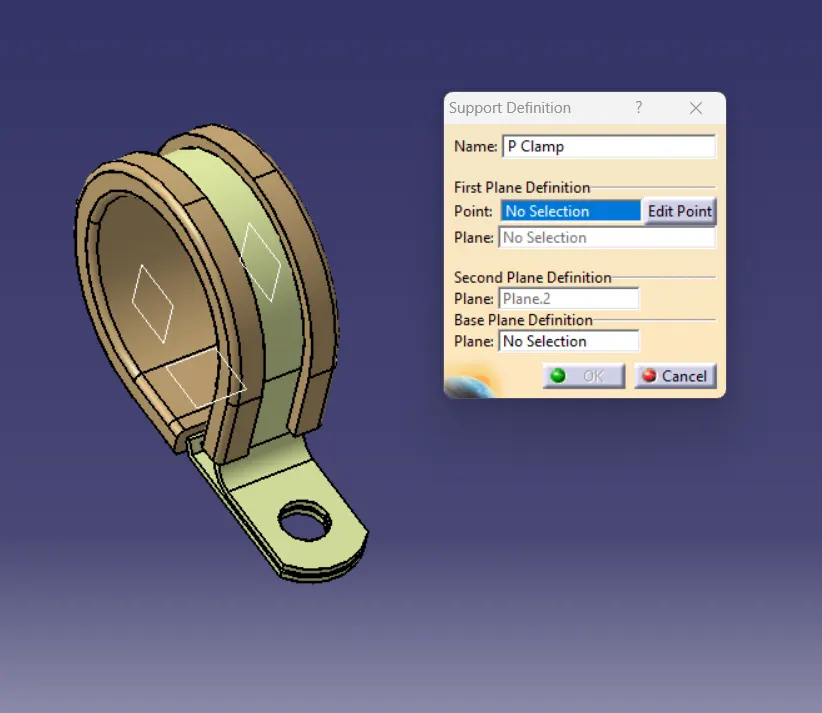
p-clamp
STEP INVOLVED
STEP 1: open part file
STEP 2: draw entry,exit and base plane
STEP 3: draw entry and exit point
STEP 4: Move to electrical part design work bench.
STEP 5: Define clamp by using define support part tool.
STEP 6: store the clamp into the electrical catalog by using store device tool.
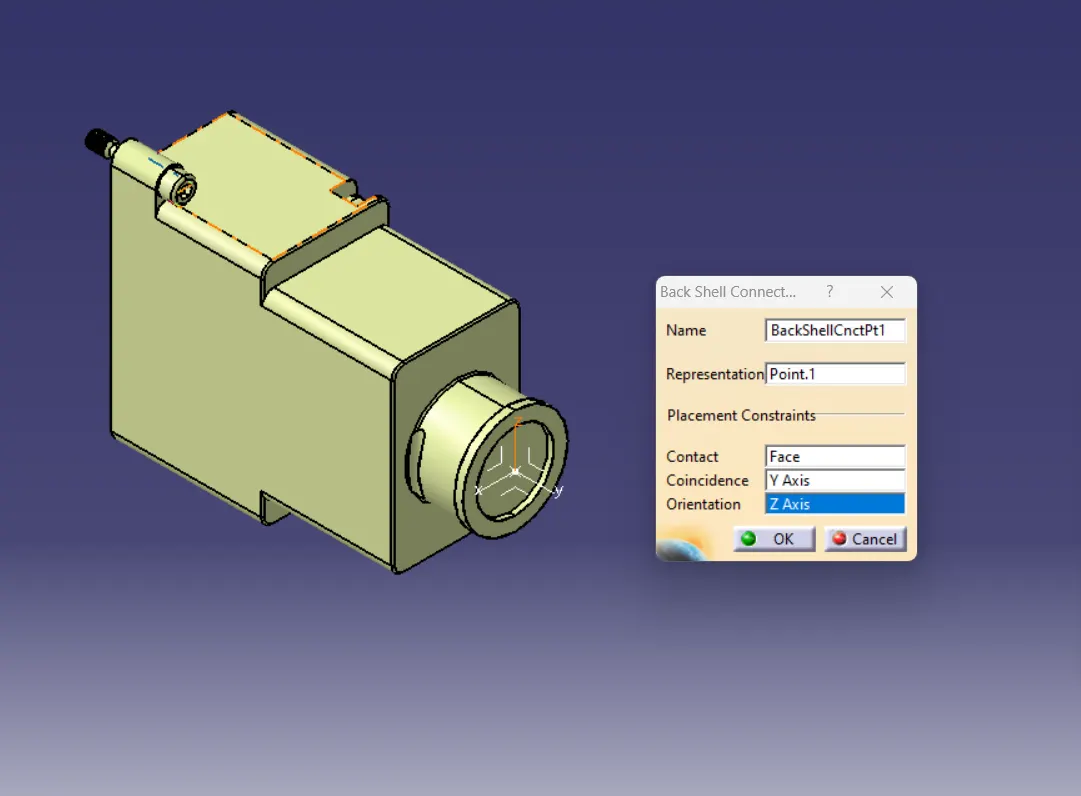
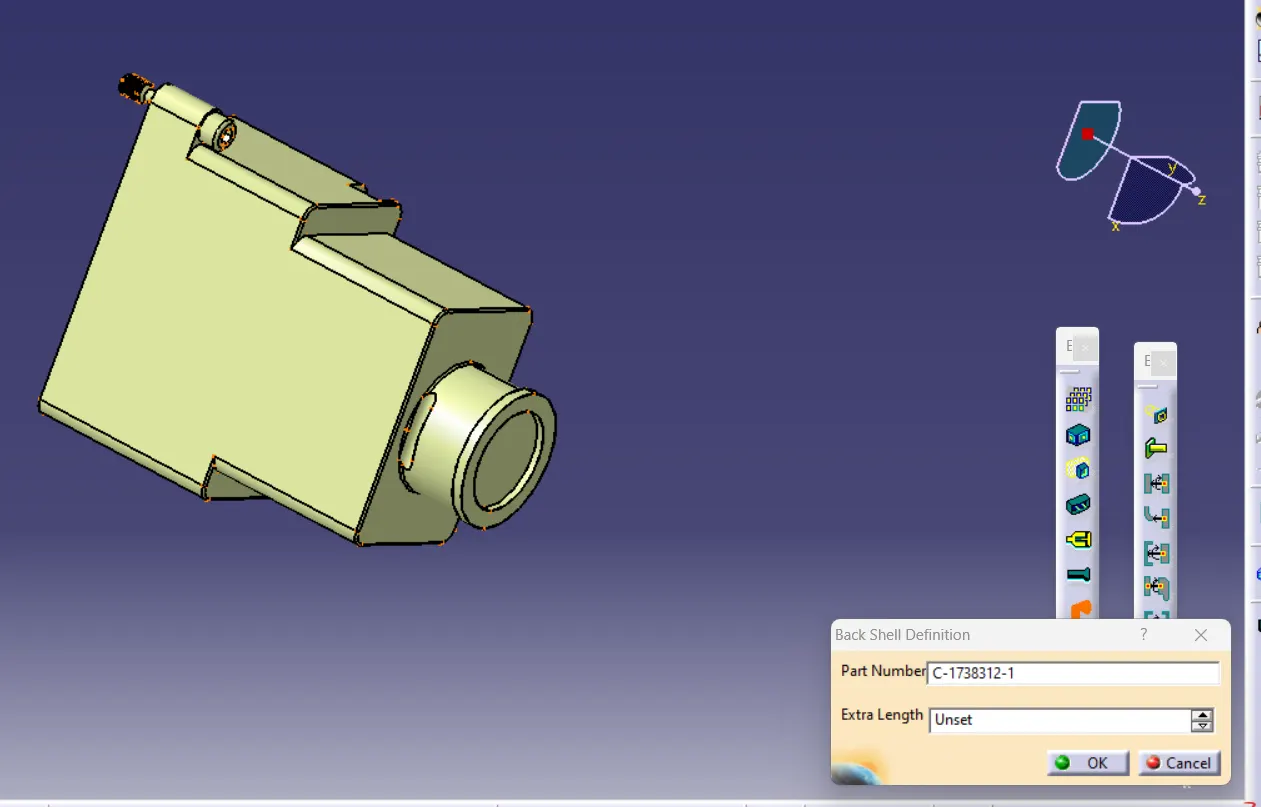
back shell
STEP INVOLVED
STEP 1: open part file
STEP 2: draw connecting point
STEP 3: draw axis through connecting point
STEP 4: Move to electrical part design work bench.
STEP 5: Define connector type by using BACK SHELL tool.
STEP 6: store connector into the electrical catalog by using store device tool.
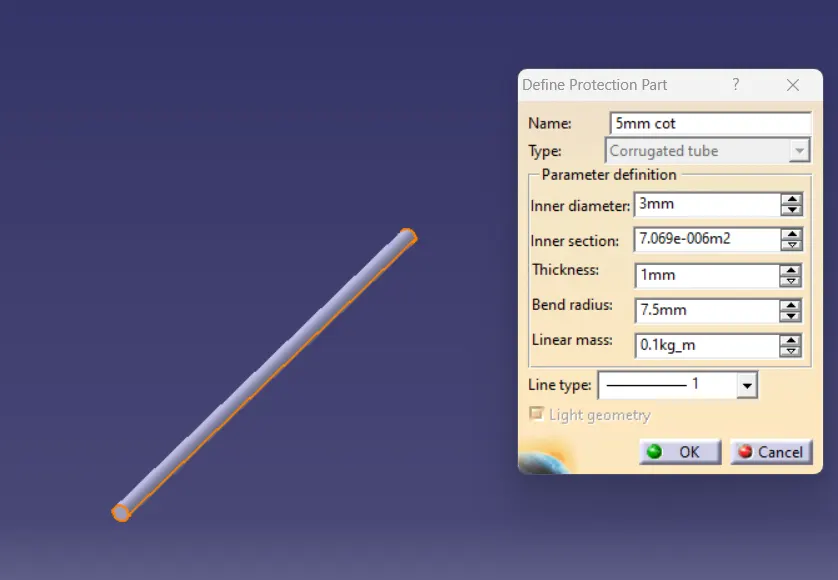
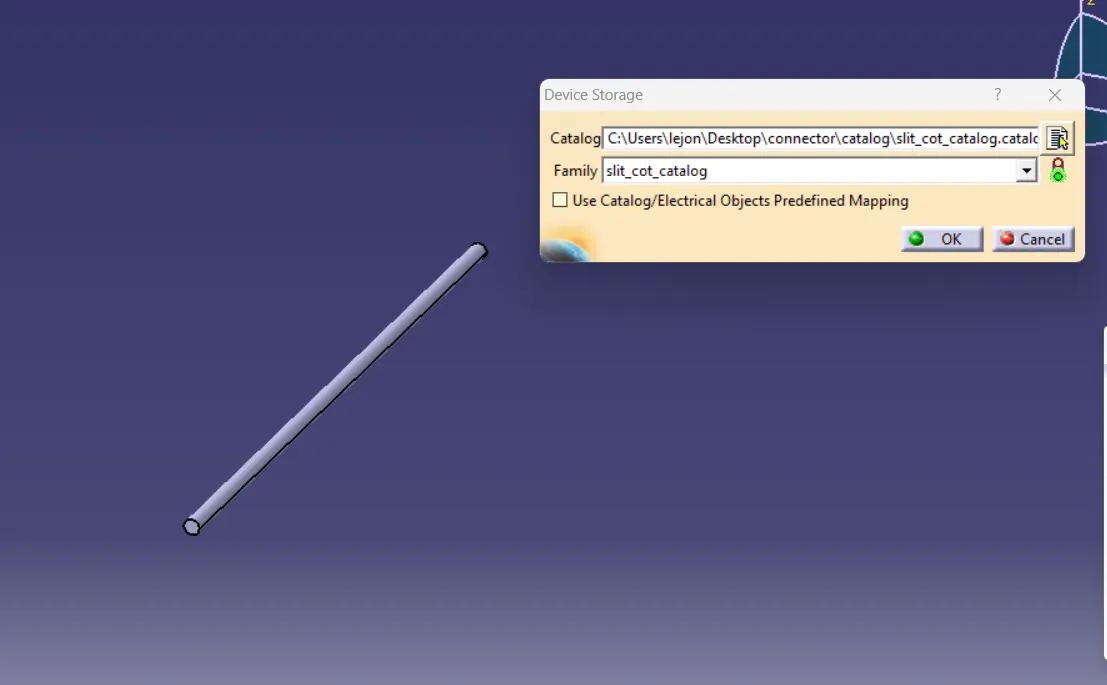
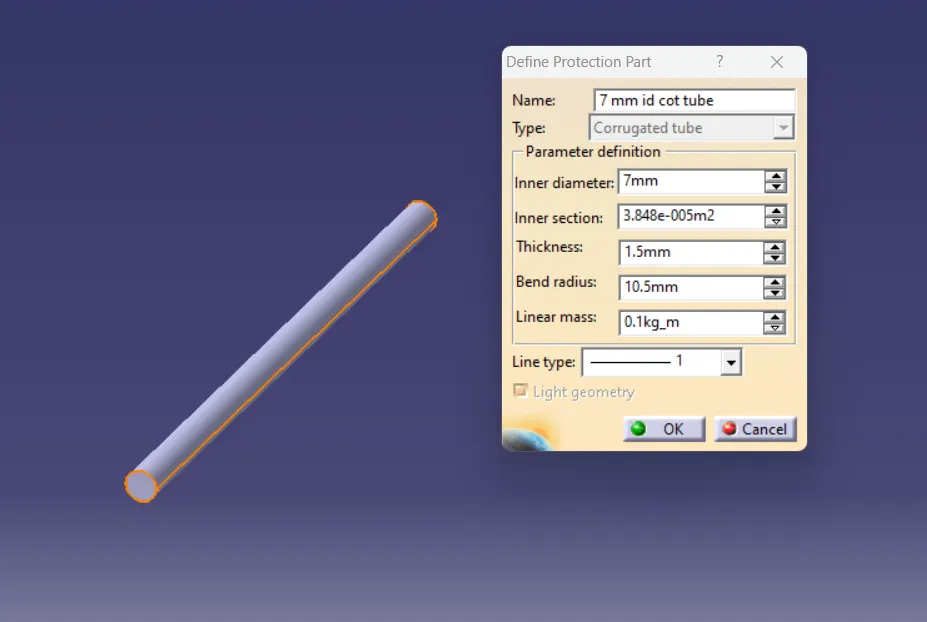
COT TUBE
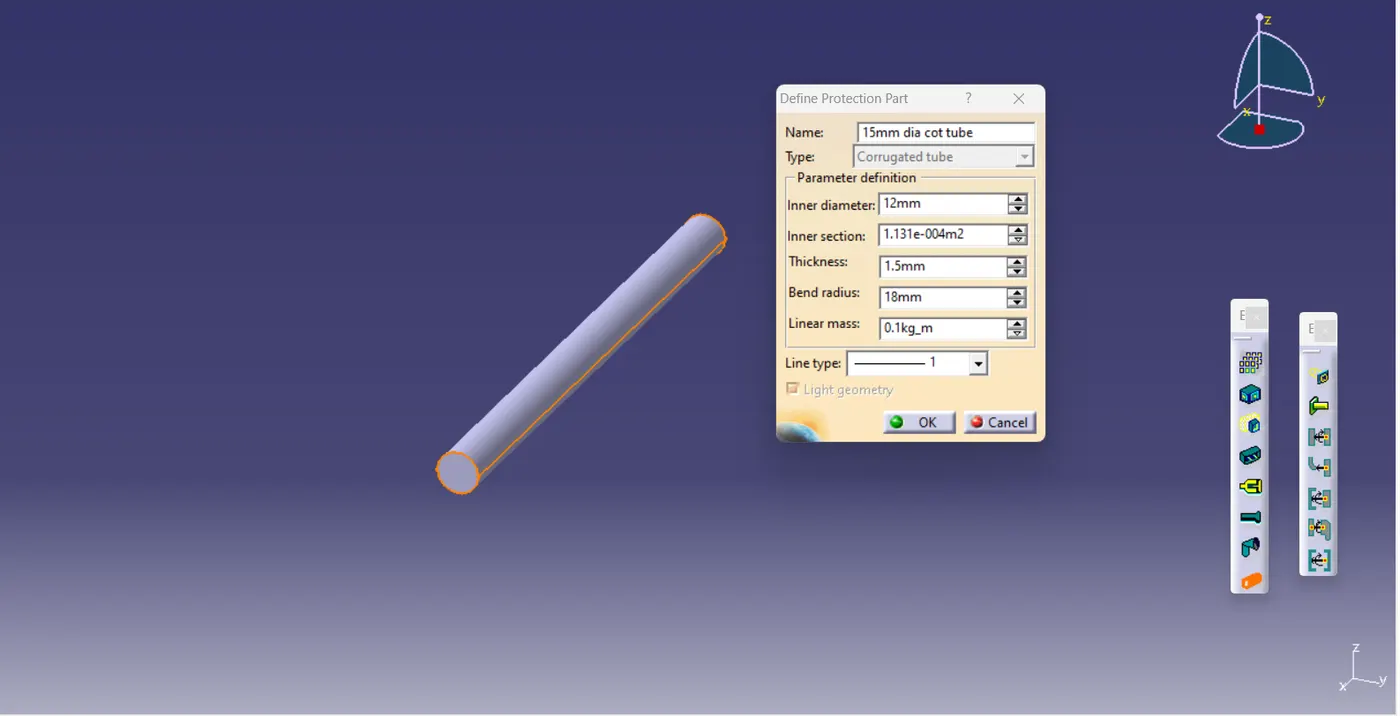
STEP INVOLVED
STEP 1: open electrical part design workbench
STEP 2: select define protection poit and define the it
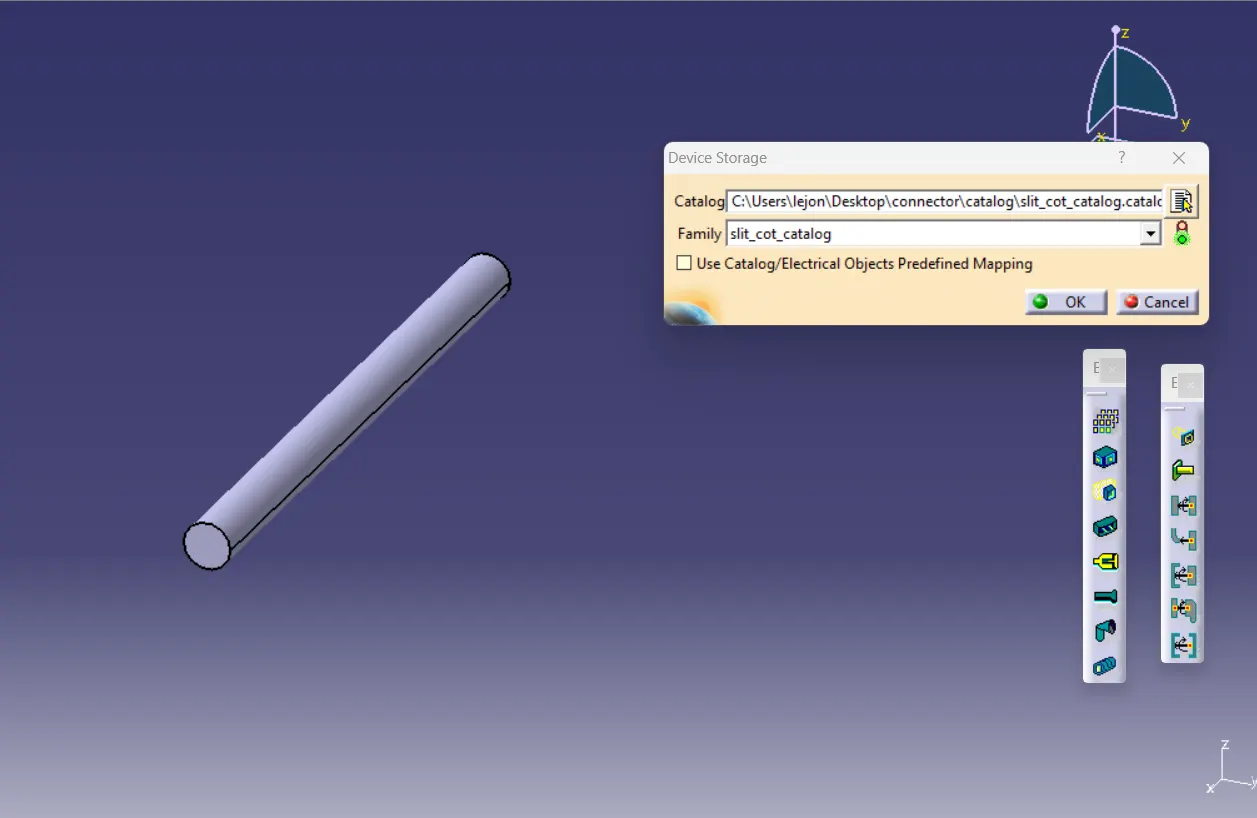
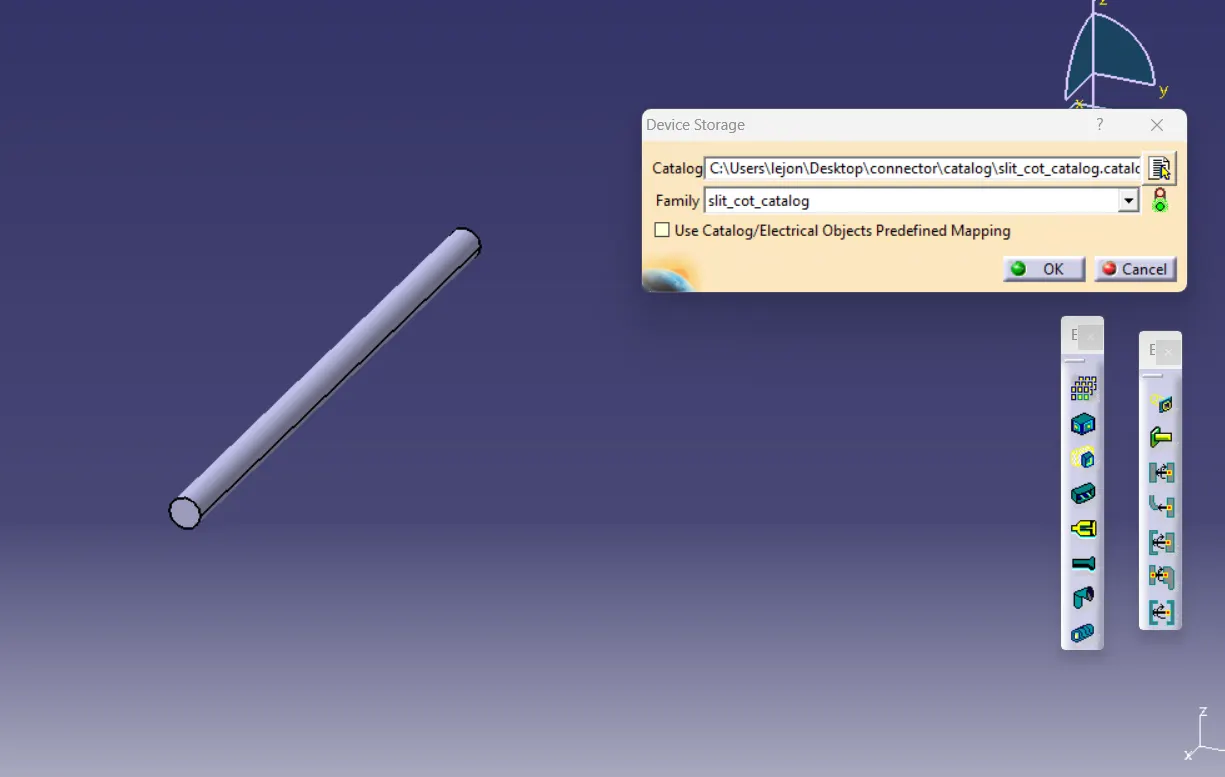
STEP 3: save the tube into the split cot catalog named catalog folder by using store device option
15mm cot
20mm cot
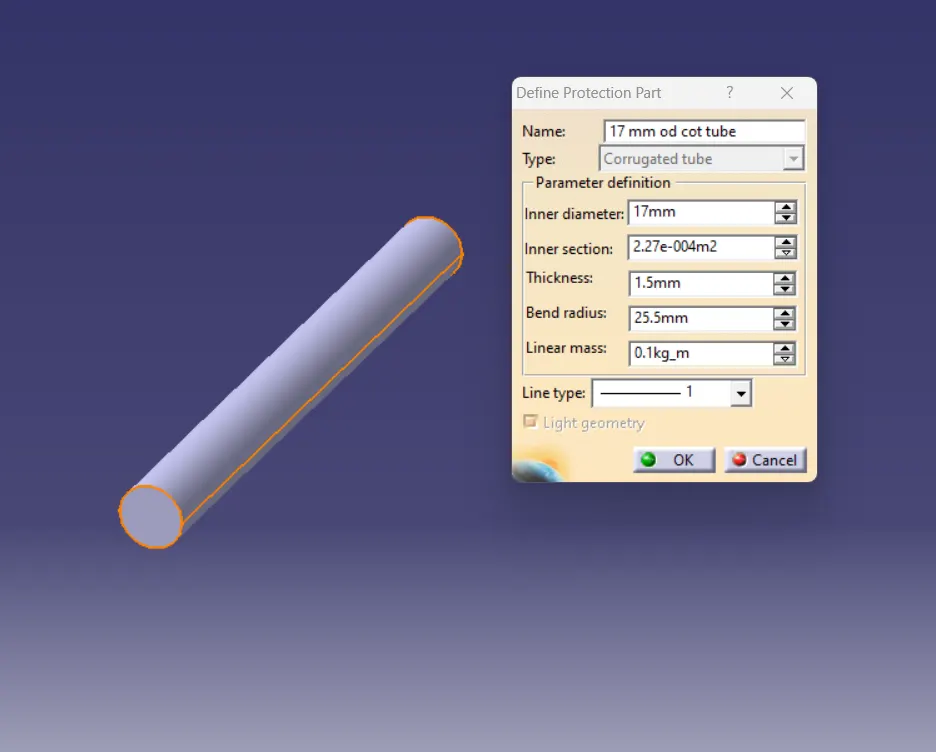
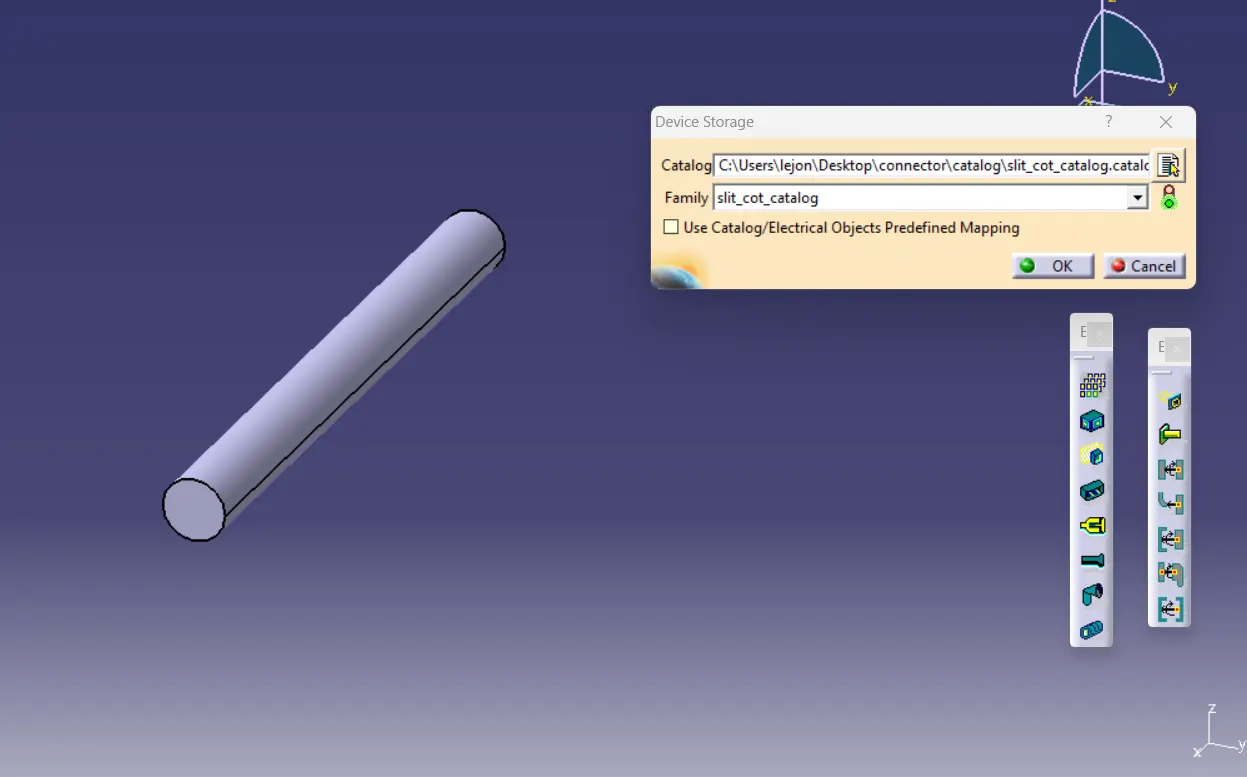
35mm cot
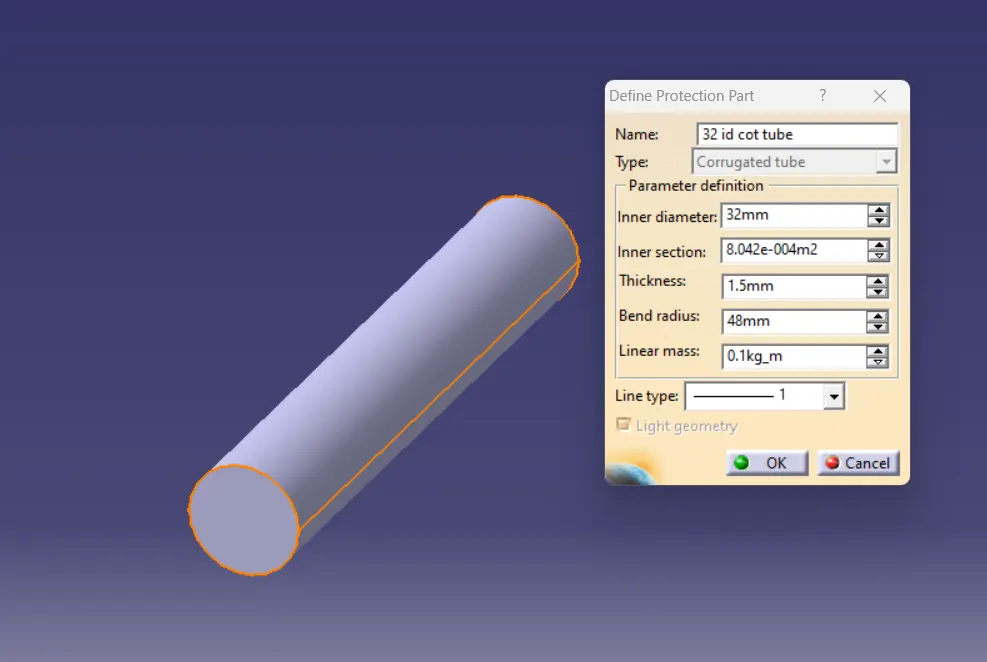
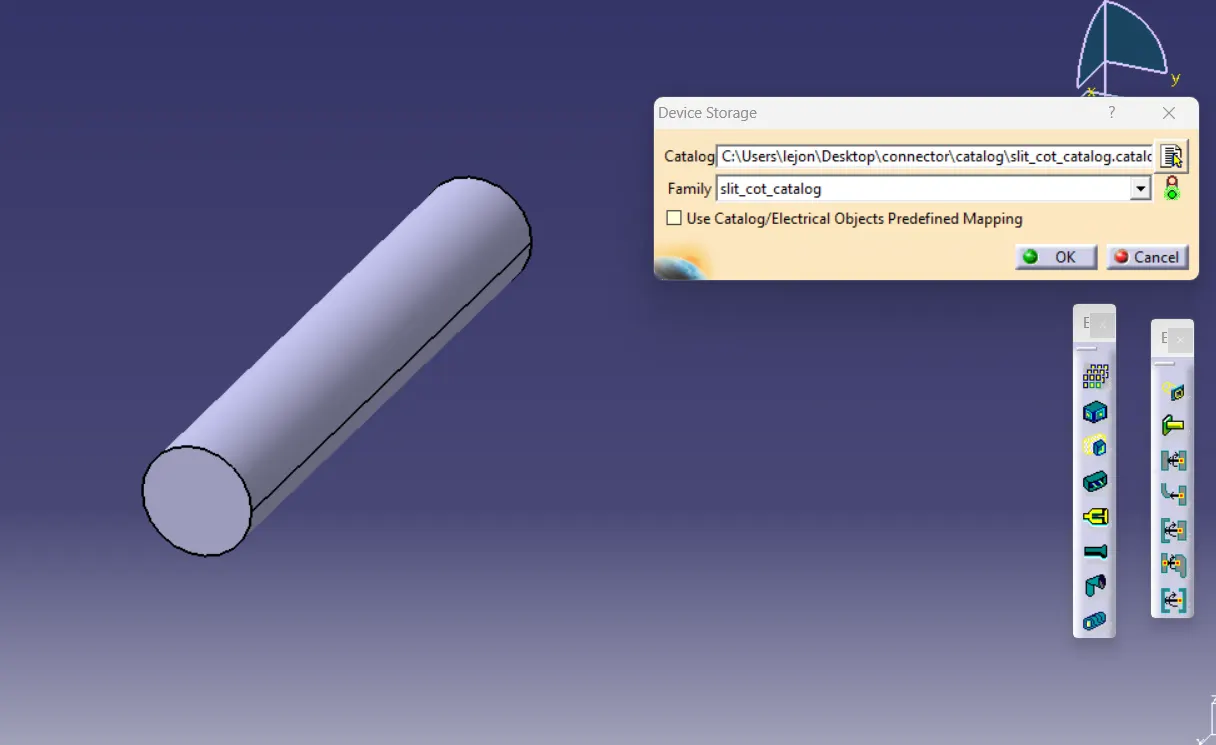
10mm cot
5mm cot