Wiring harness routing & packaging Rules Week 3 Challenge
Q1. Download following cad data & define it as Electrical support using Electrical Part design Workbench. Define all the necessary properties.
Q2. Download following Back shell cad data & define it as Electrical back shell using Electrical Part design Workbench. Define all the necessary properties.
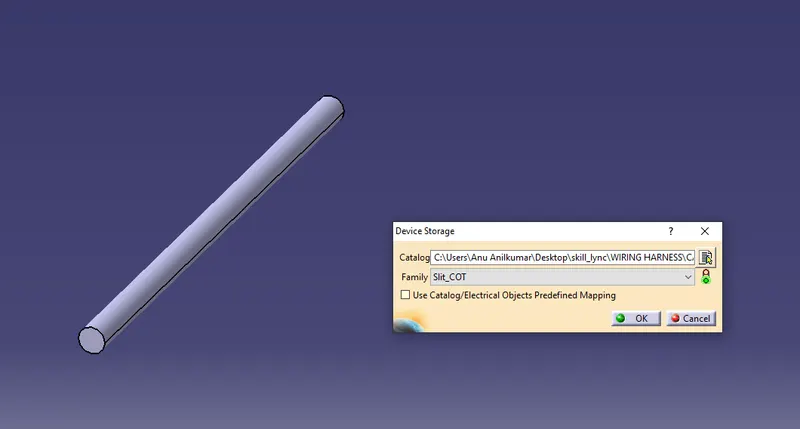
Q3. Create Following Corrugated tubes & Add them in Catalogue under “Slit COT” family.
Answers:
Q1.
1. Imported the file in part workbench and created entry point , entry plane ,exit point , exit plane and base plane .
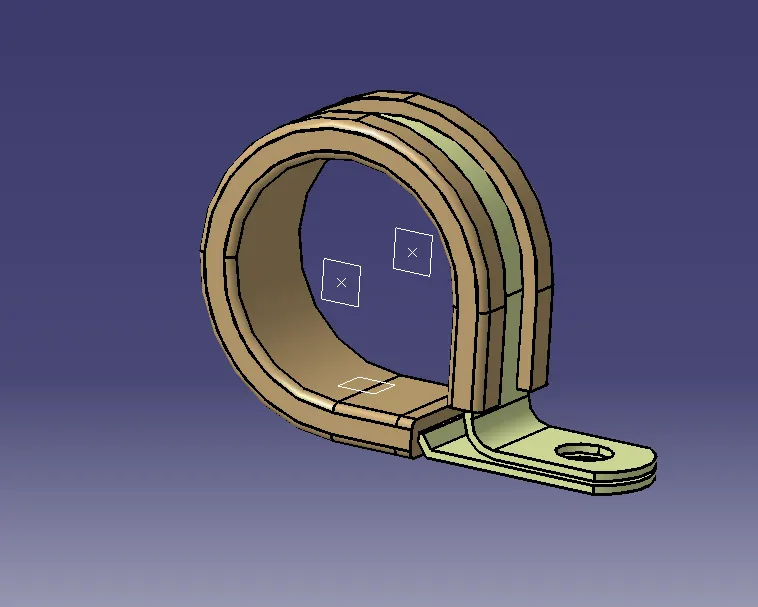
2. Switched to electrical part design workbech ,to define the clamp clicked on support part tool and highlighted the clamp .
Entered the following as inputs
Point : Entry point
Plane 1 : Entry plane
Plane 2 : Exit plane
Base plane : Base plane
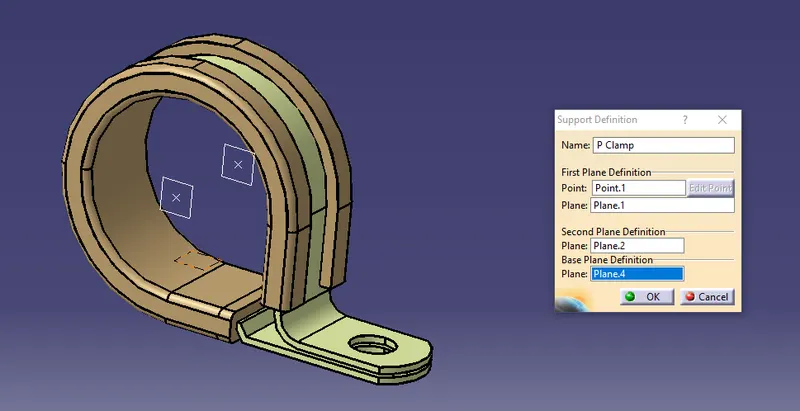
Now to define properties in opposite direction , again repeated step 2 with opposite inputs
Point : Exit point
plane 1 : Exit plane
plane 2 : entry plane
base plane : base plane
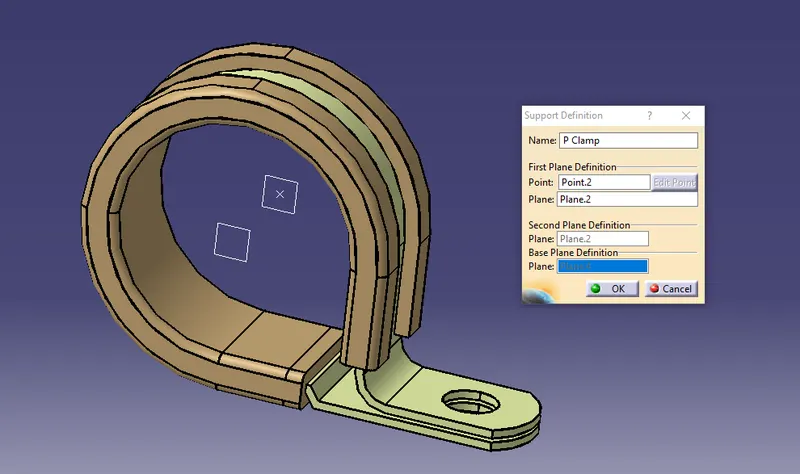
Now the P clamp has been defined with all necessary properties
Q2.
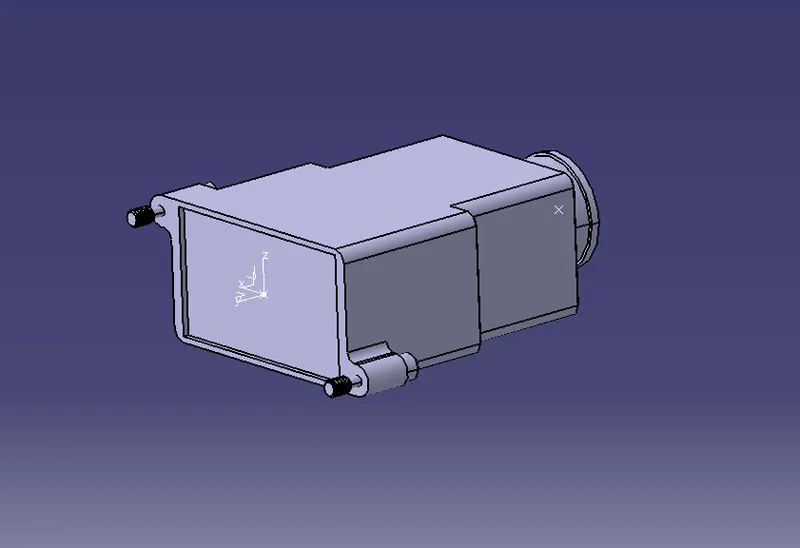
1. Opened the part in part workbench .
2. Created a point at the center of mating surface of backshell to connector end
3. Created an axis system at this point with Y axis : direction of mating with connector rear end X axis : towards left Z axis towards top
4. Created a bundle entry point at the center of surface of bundle entry side
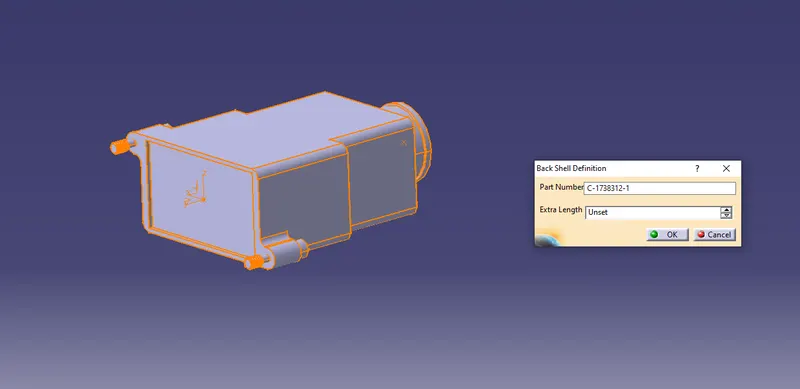
5. Switched to electrical design workbench and defined the part as a backshell
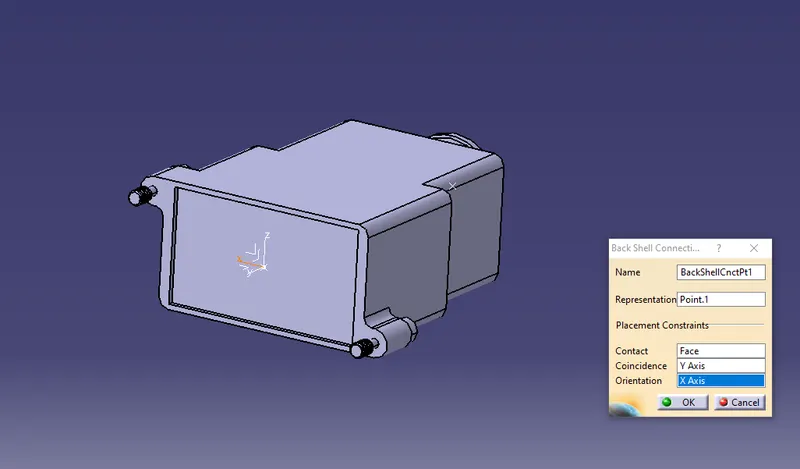
6. Defined the connection point for backshell definition
Representation : Point created in step 2
Contact : contact face
Coincidence : Y axis
Orientation : X axis
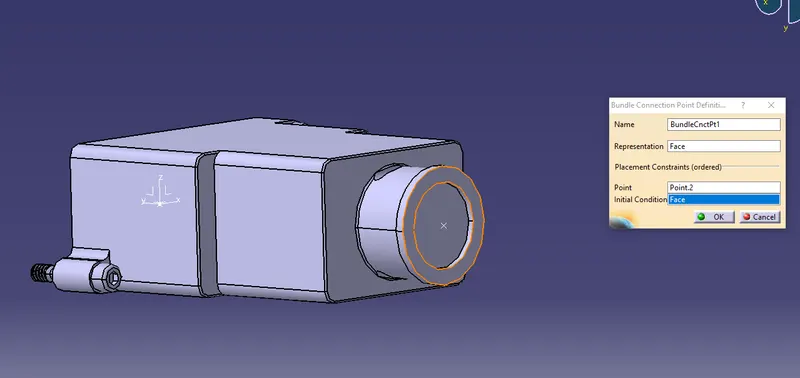
7. To define the bundle entry connection point , clicked on the define bundle entry connection point tool , clicked on the body
Representation : Connecting Face to bundle
Point : Bundle entry connection point
Initial condition : same face as above
Now we have defined all the necessary properties of backshell
Q3.
Created corrugated tubes by creating new part in electrical design workbench .
Then clicked on define protection part , applied properties and clicked ok .
Then added the parts to slit_COT named catalogue .
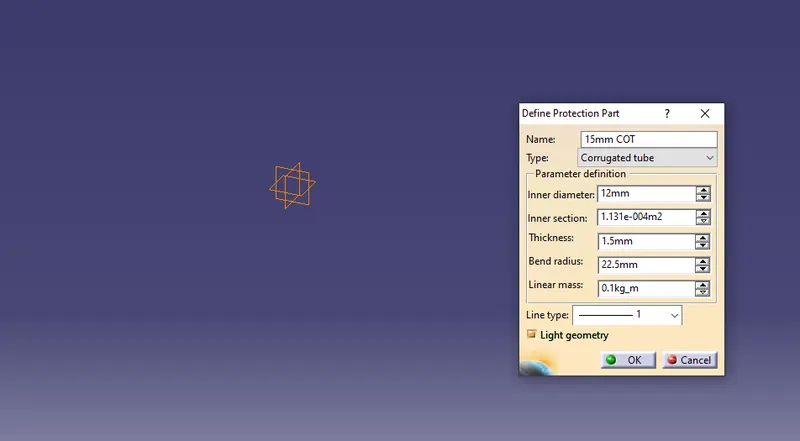
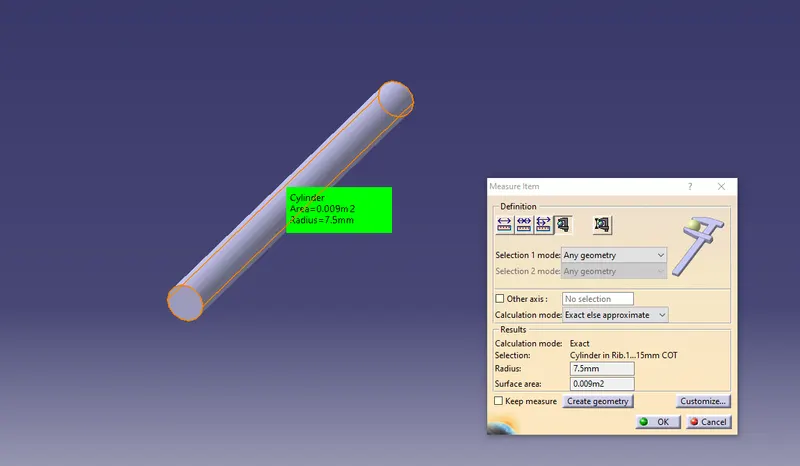
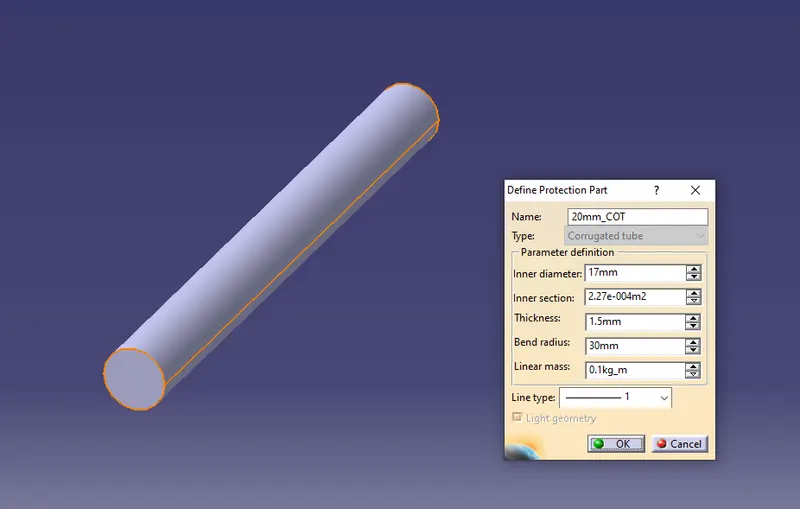
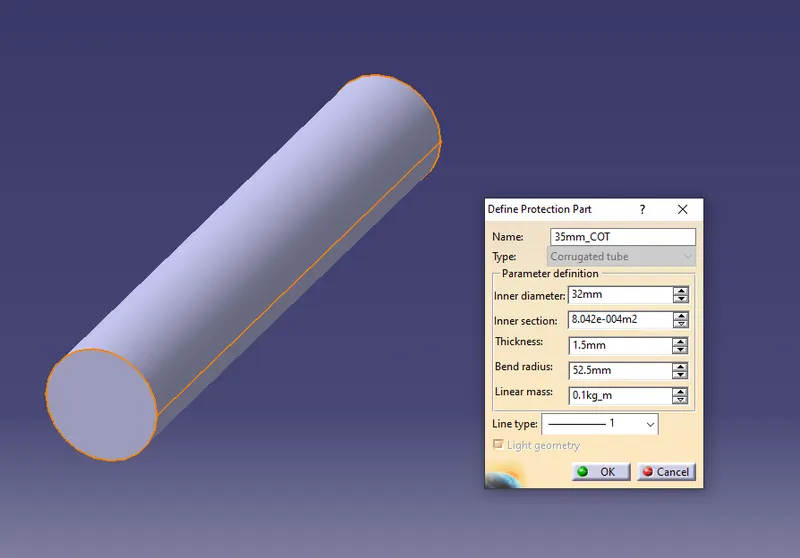
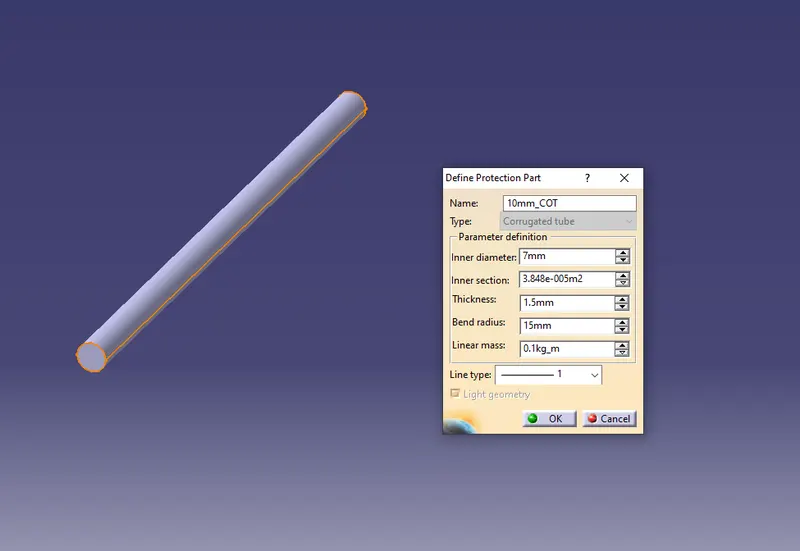
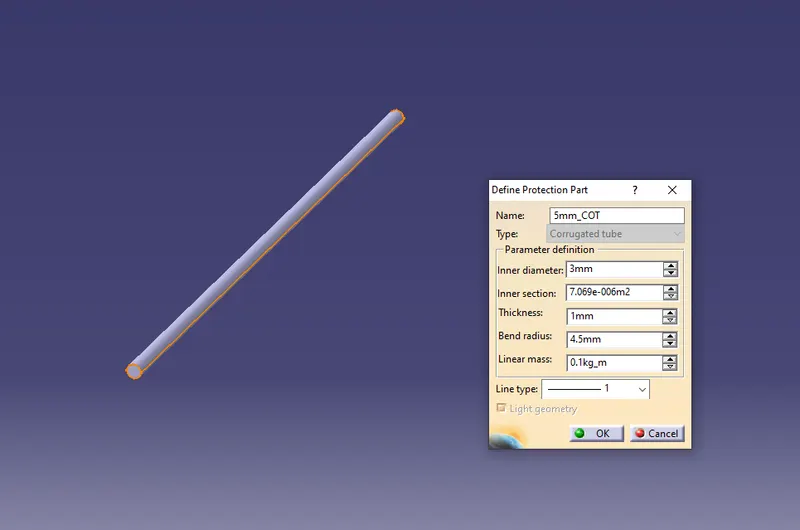
Added all the corrugated tubes to slit_COT catalogue after creation by clicking on store device and adding it to family slit_COT