Week 6- Challenge
Objective : To create midsurfaces and mesh the given components according to given specifications .
Procedure :
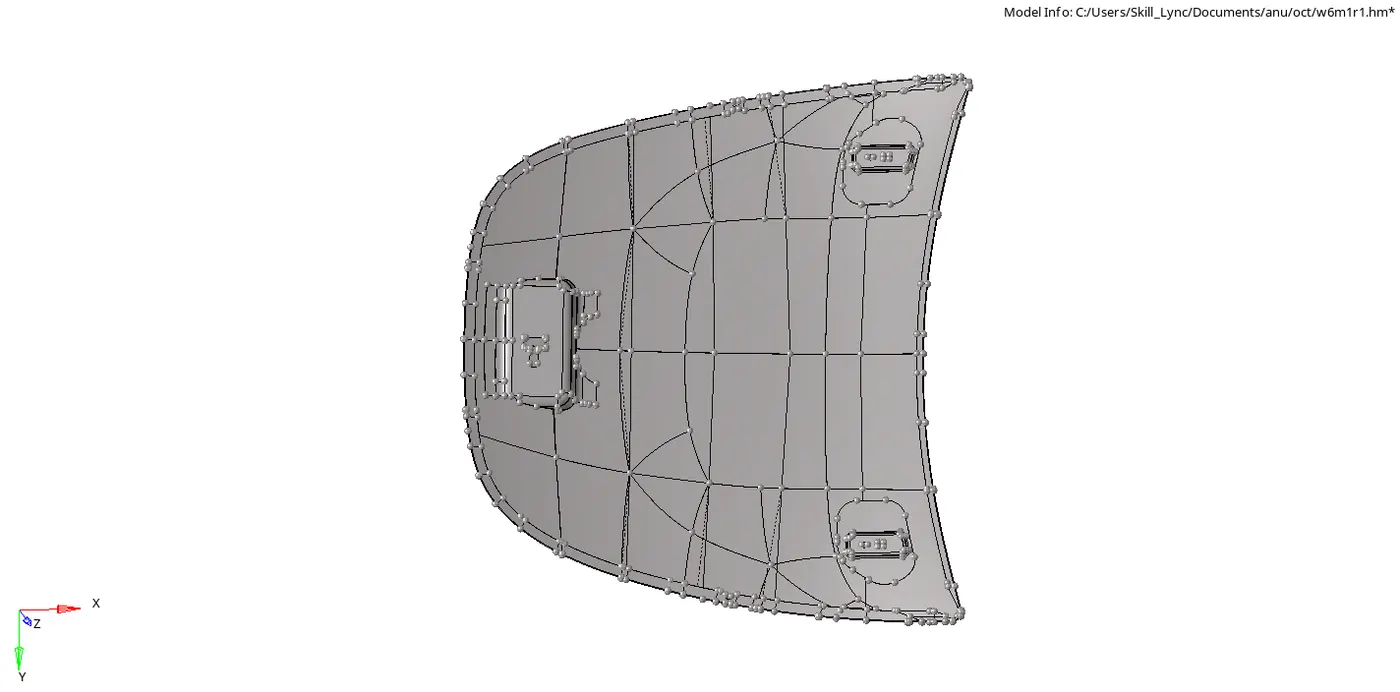
The given model was imported and visually inspected .
There are 4 parts , namely inner body ,outer body , a pair of hinges and a latch .
Midsurfaces were created using auto midsurface option from geometery module for each component seperately and were inspected for unwanted free edges or surface deformations .
All the given element criteria were entered using preferences option .
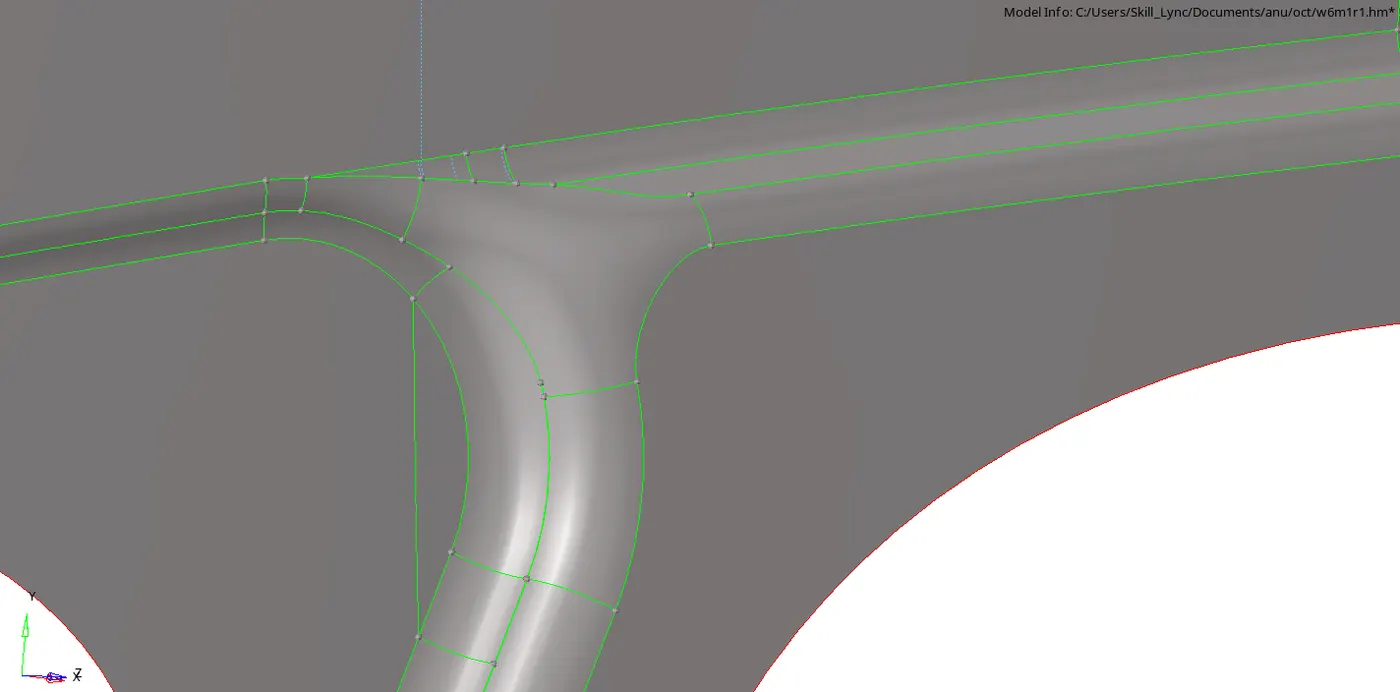
All the unwanted free edges were cleared using toggle line / replace point from quick edit of geometery module .
Edge fillets of defeature option from Geometery module was used to alter the edges fillets and create and create a good mesh for the latch part .
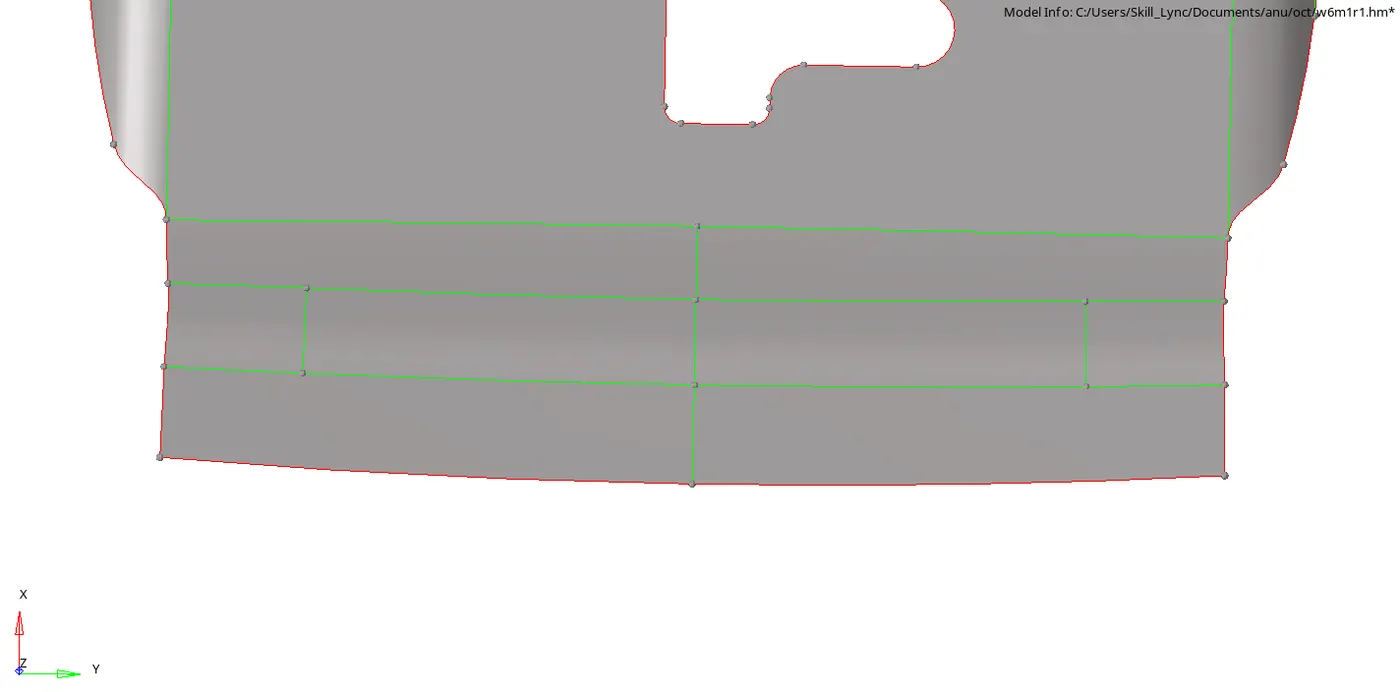
Split surface node-node option and toggle line option were used from quick edit of geometery were used to split complex surfaces into simpler surfaces .
Each component were meshed seperately surface by surface .
The trias were reduced and redistributed wherever possible using drag tria option of quality index . Opposite trias were connected and roational quads were eliminated using drag tria / re-mesh elements option . Warpages were cleared using
The elements were smoothened using smooth option from 2D module . Warpages were removed using translate option from tool module.
Once the meshing for each component were completed , they were checked for free edges using edges option from tool module . All the free edges were removed using 1 . Preview equivalence and equivalence option from edges of tool module 2. element edit option from 1D module 3. Replace node option from 1D module .
For the outer and inner body , due to symmetry , all the symmetric surfaces were divided into two , from a symmetrical axis and the other half were deleted . once the meshing was complted for one half , reflect option from tool module was used by selecting an axis of rotation and a base point . All the symmetric mesh and surfaces were duplicated and reflected to form the component . Toggle line option from quick edit was used to remove the free edge from central line .
Once the model was meshed , it was checked for failure of element criteria using quality index .
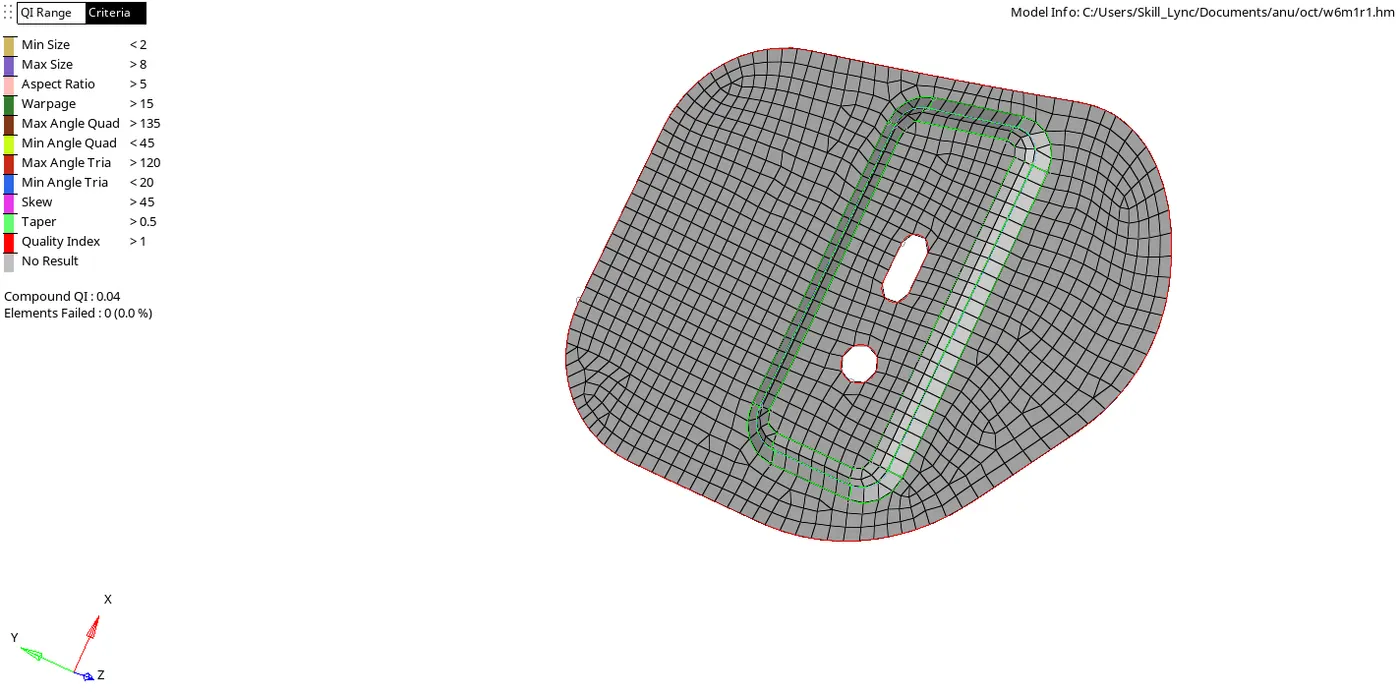
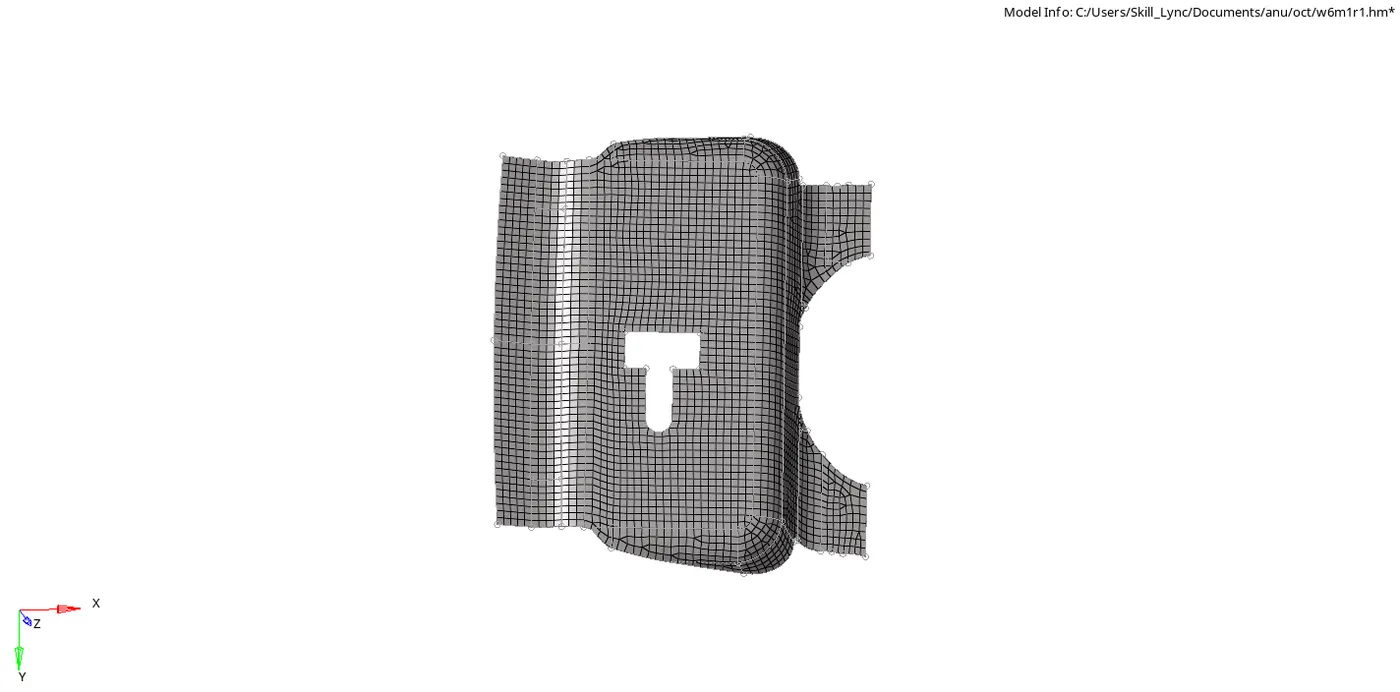


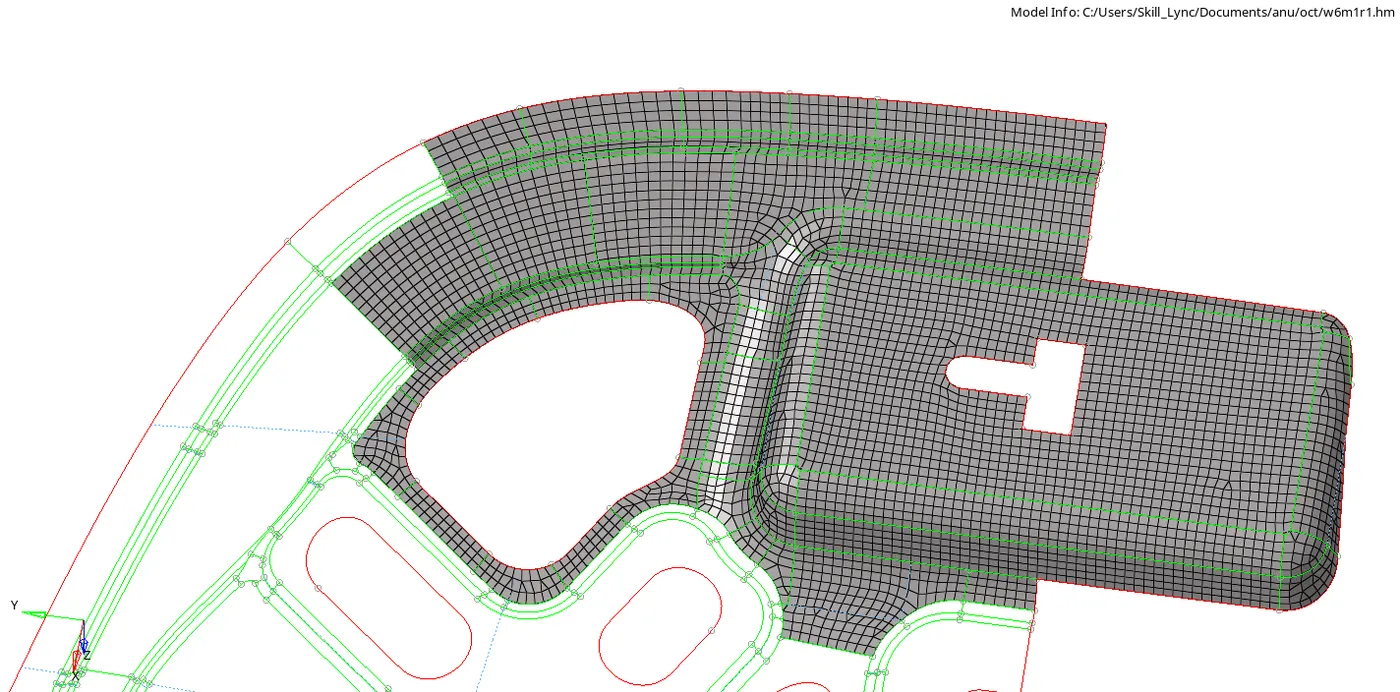
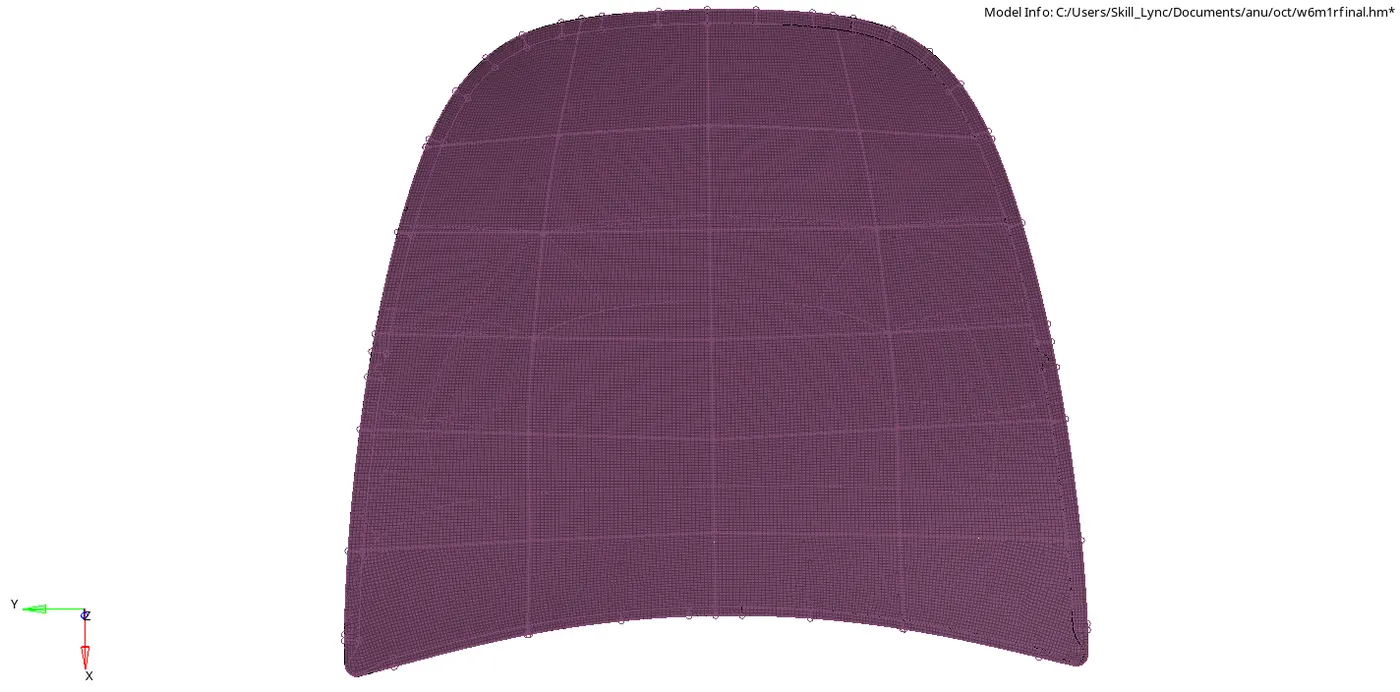
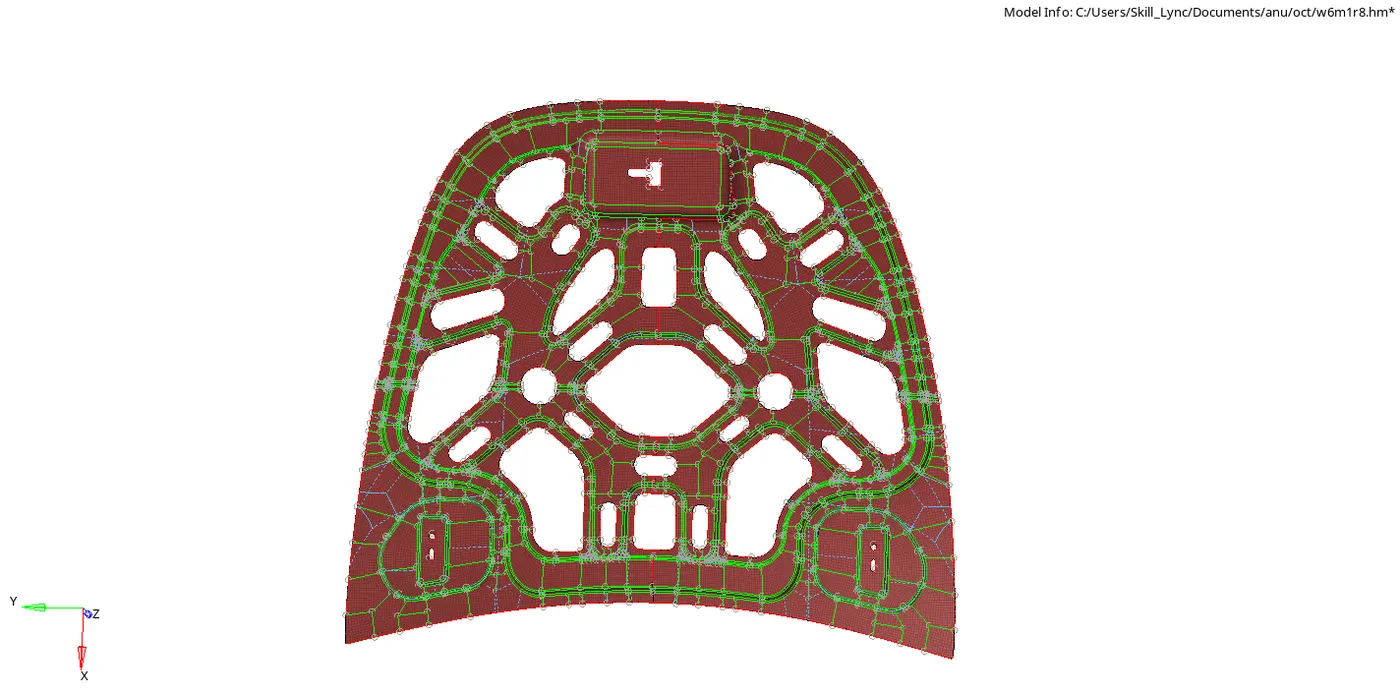
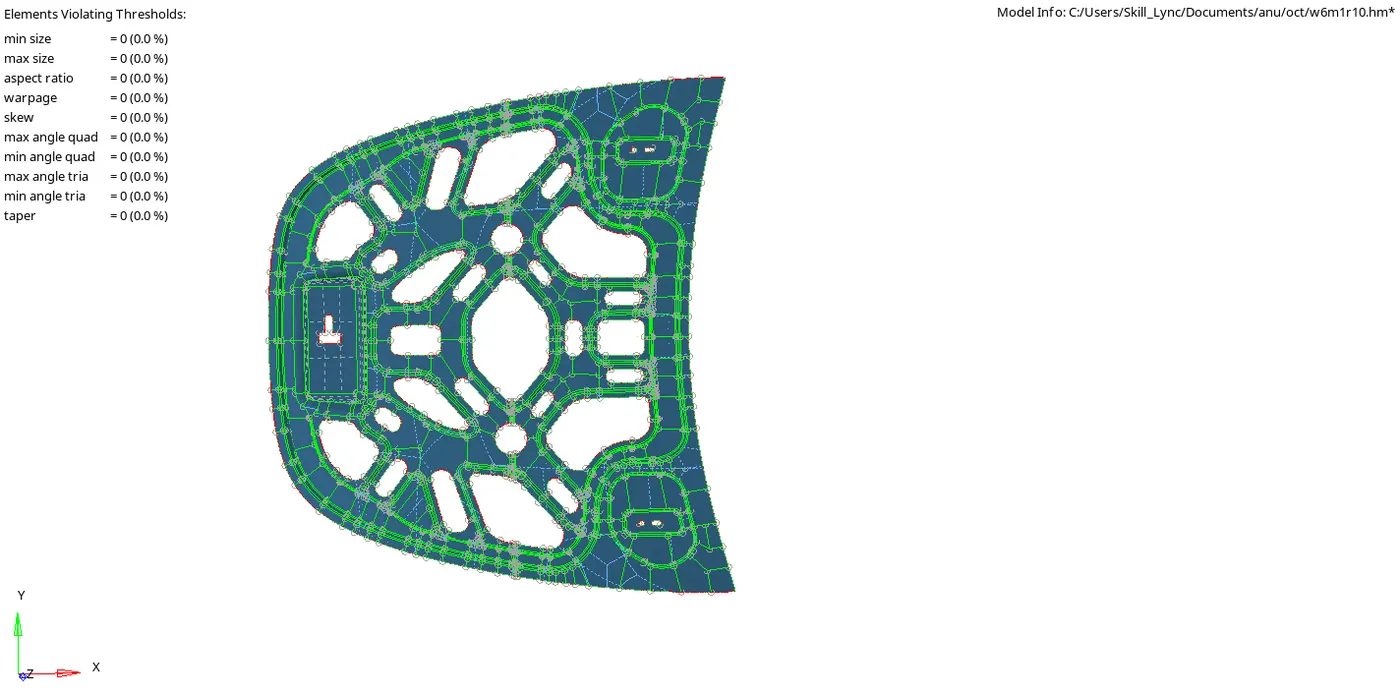
Result : The mid surfaces were created for the given components , meeting all element criteria without failure.