Week 8-Challenge
Objective : 1) To create tetra mesh for the given component with given element criteria .
2) To create a 3D mesh for the two given models with element size 6mm and 0 element failing for tet collapse .
Procedure :
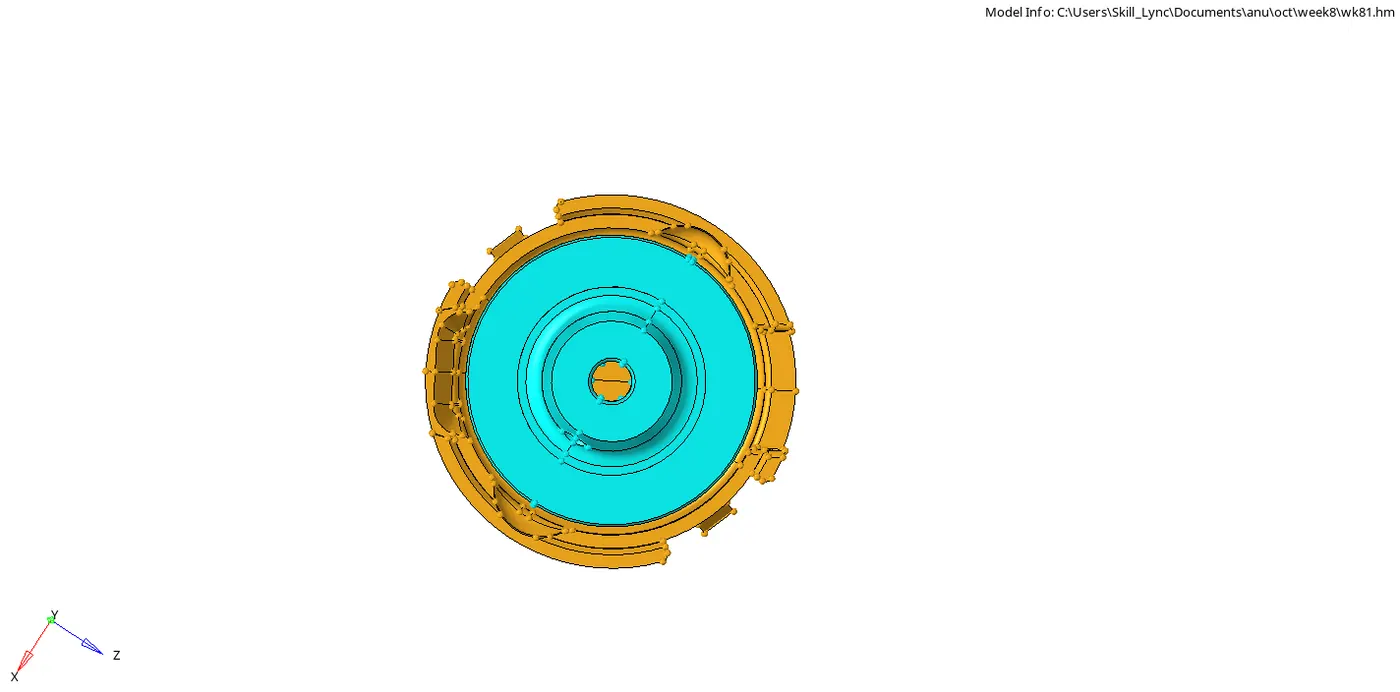
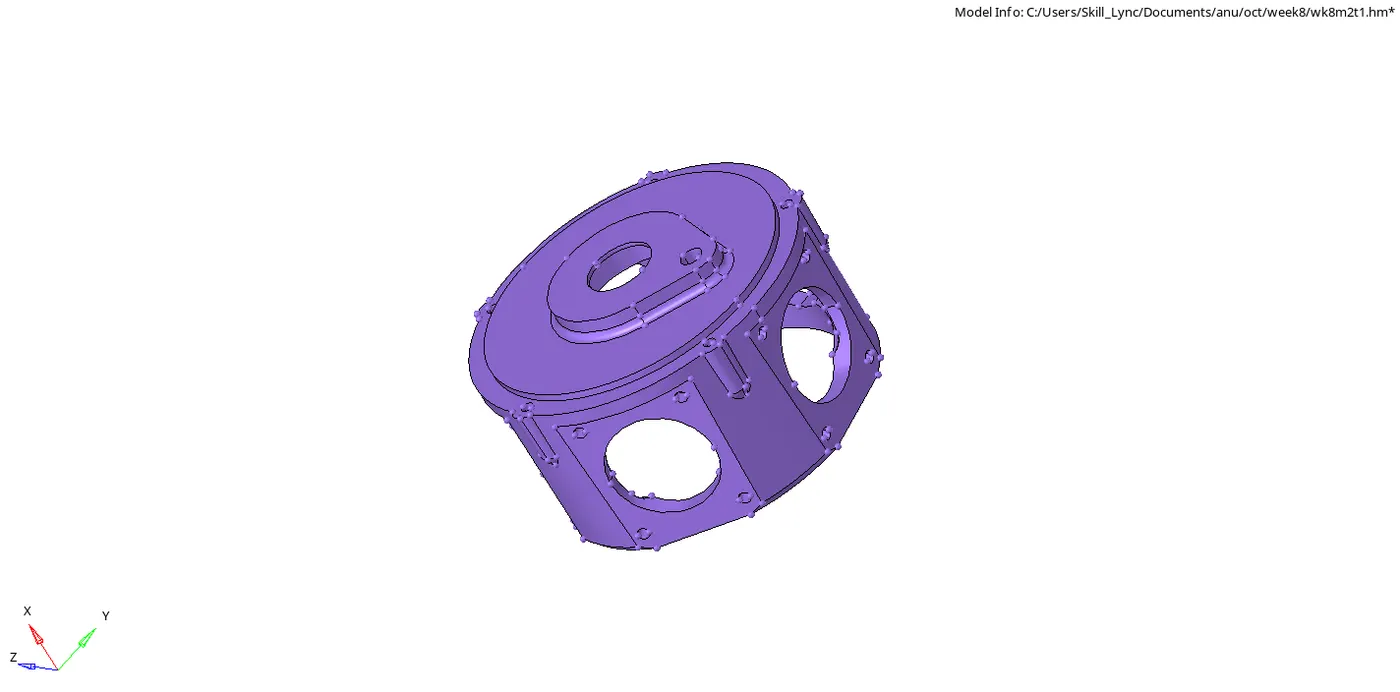
The given models were impoted and visually inspected . Geometery clean up was performed on the models using toggle edge , project point and replace point from quick edit of geometery module .
The element criteria were entered using criteria file settings from preference option .
1) For the housing model , the inner component was meshed using 2D automesh option . The target element size of 5mm was entered and element type was selected to trias only . The failing elements were rectified using smooth option from quality criteria , remesh elements option and distance option from geometery module . Once alll the failing elements were rectified , the 2D mesh was converted to 3D mesh using tetramesh option from 3D module .
The outer compenent was meshed using volume tetra mesh option from 3D module . The use proximity option and use curvature option were kept on and clean up elements were kept on . The min element size of 2mm and target element size of 5mm were entered . Element type was opted to trias only .
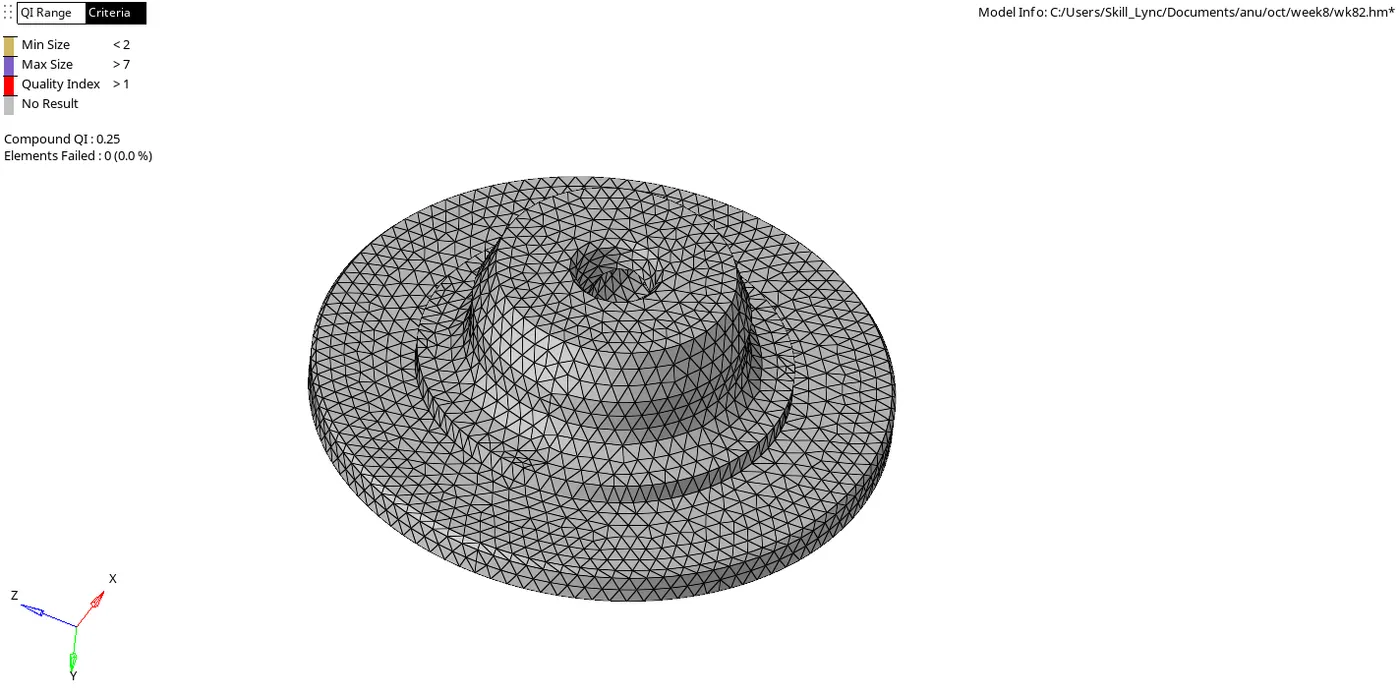
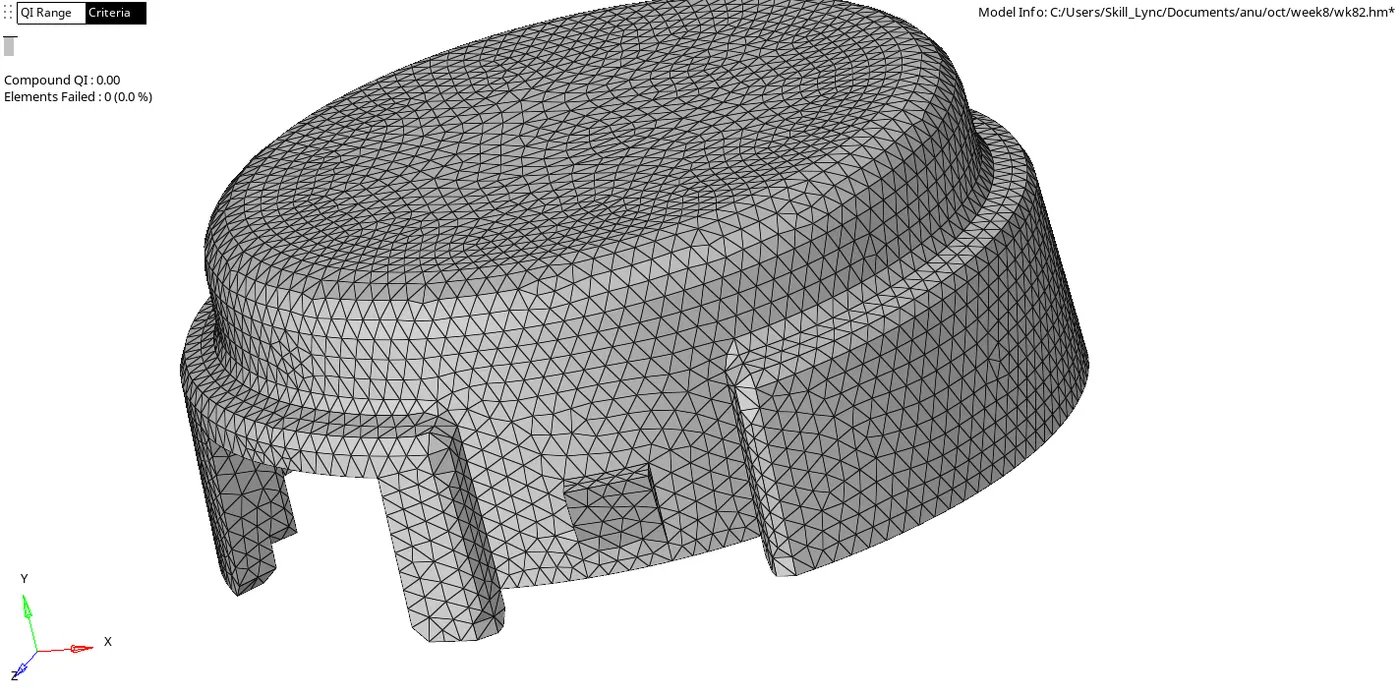




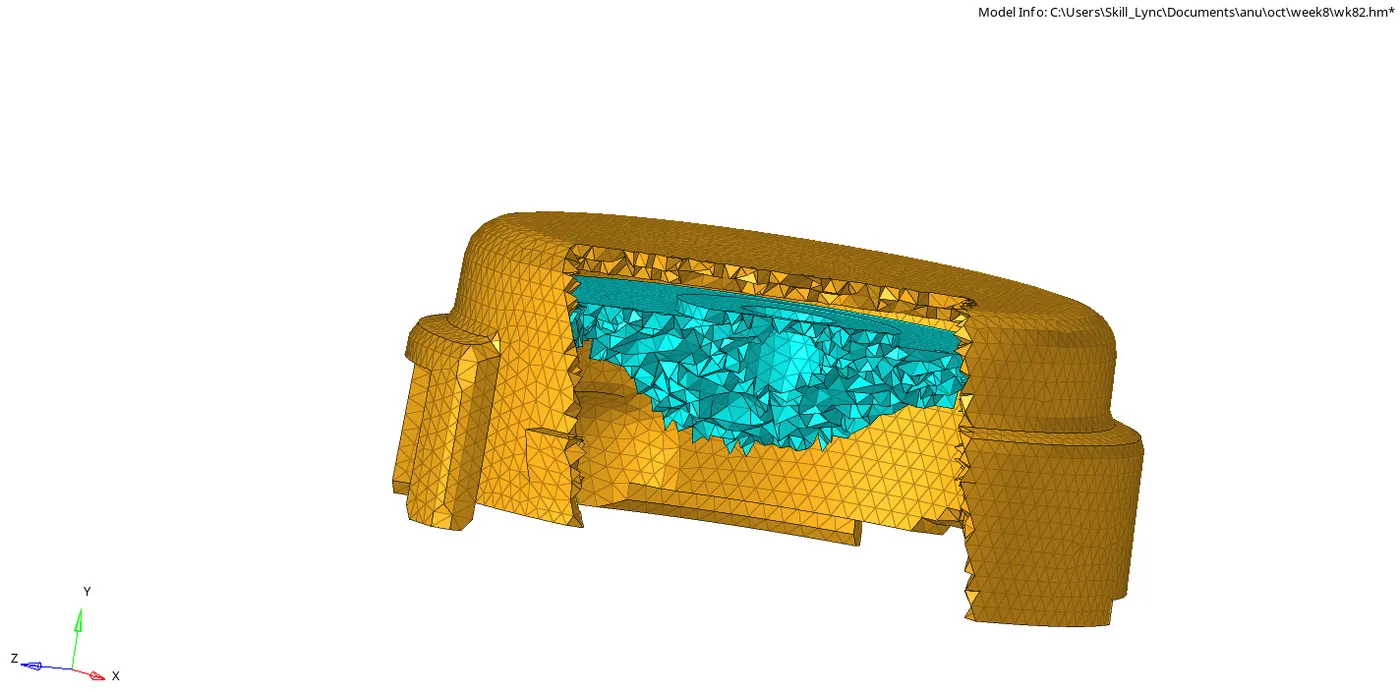
2) For the second model , the geometery clean up was performed and free edges were toggled . Volume terta mesh option from 3D module was used to mesh the component . The min element size of 2mm and target element size of 6mm were entered . Use proximity , use curvature and clean up elements option were ticked . Elements failing for tet collapse were rectified using tetra remesh option , before which tetra remesh parameters were entered .
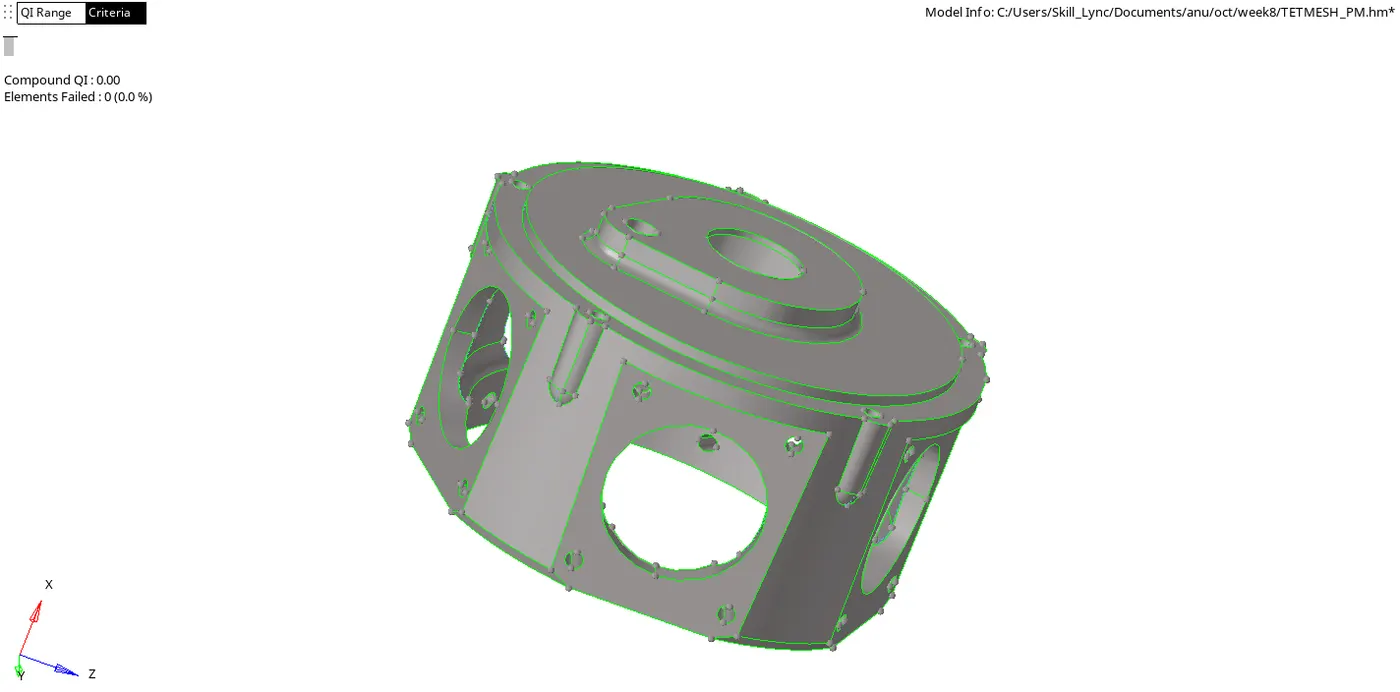
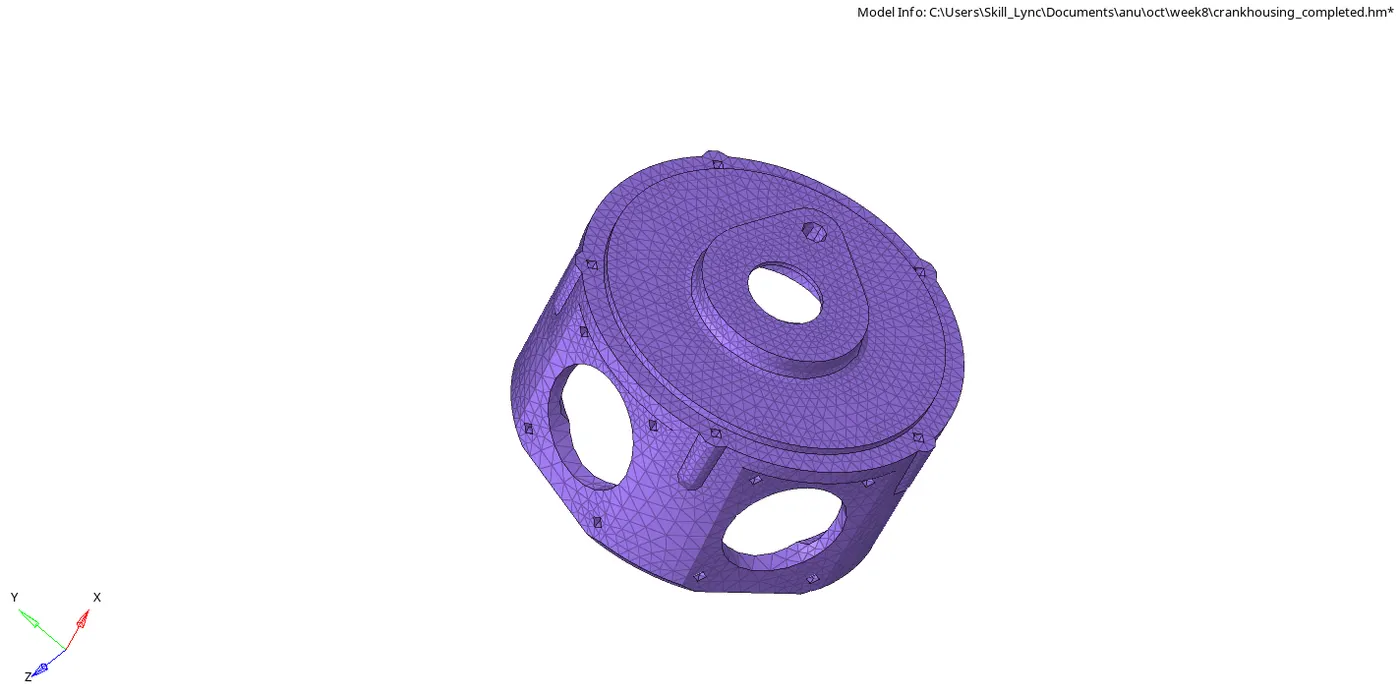
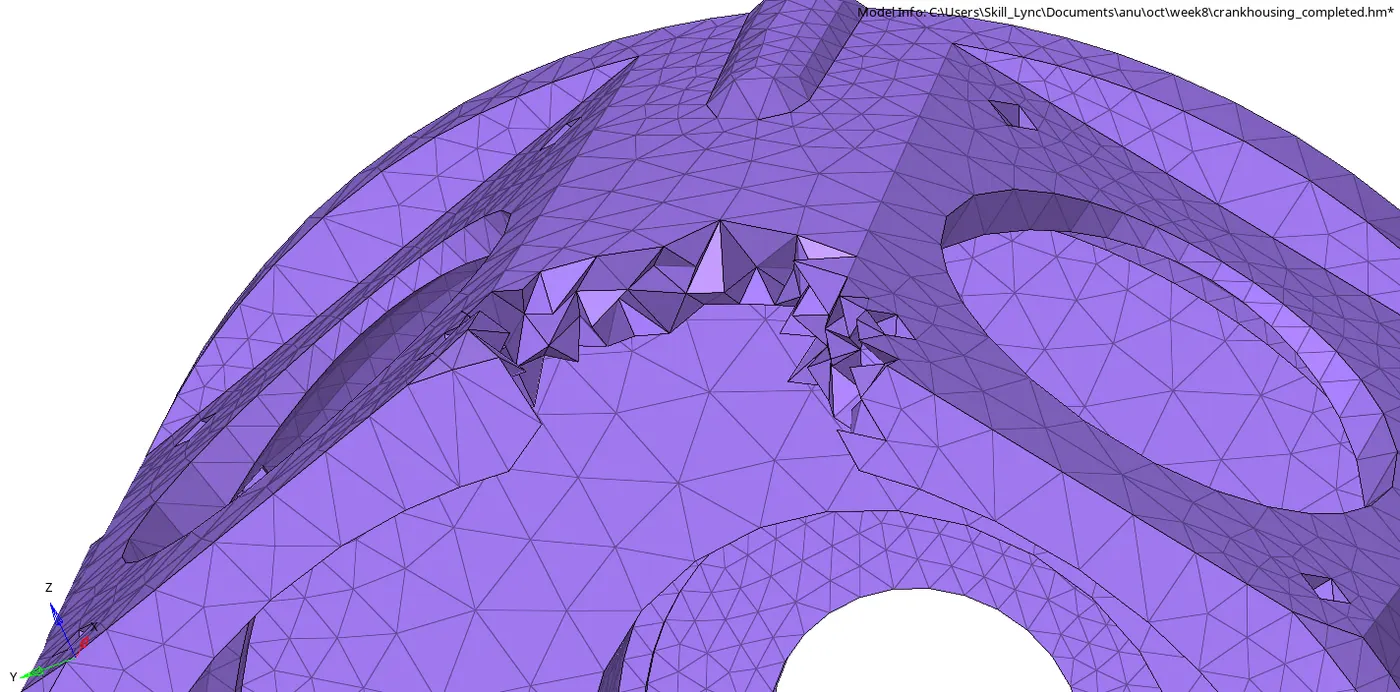
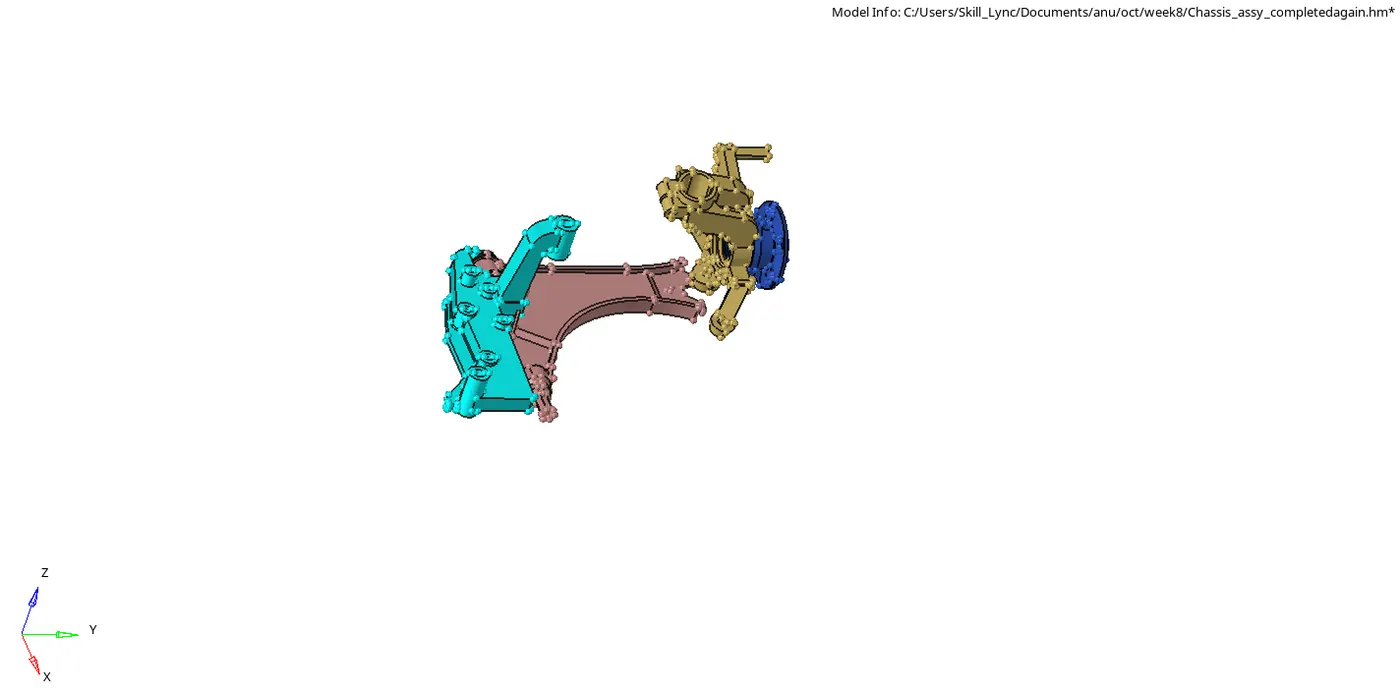
3) For the third model , all the symmetric components were deleted so as to make saving model possible . All the unused components were deleted using preview unused and delete entity option from delete option . The components were geomterically cleaned up and meshed seperately . The solids for hub component were deleted and fillets defeaturd using defeature option from geometery module . All inwaned lines were removed . Tetra mesh was performed using quick tetra option from utility option. The mesh type was changed to trias only . The element criteria were entered and mesh was generated .
All the other components were meshed using volume tera mesh after entering the target element size .

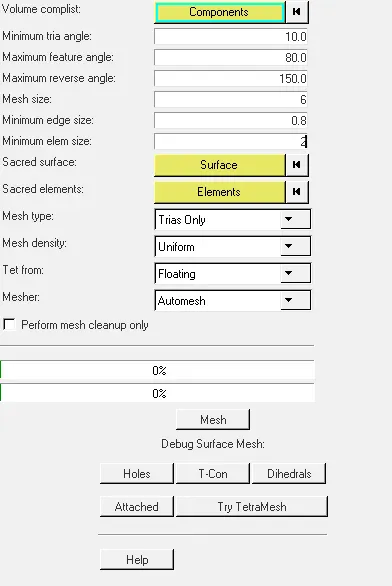
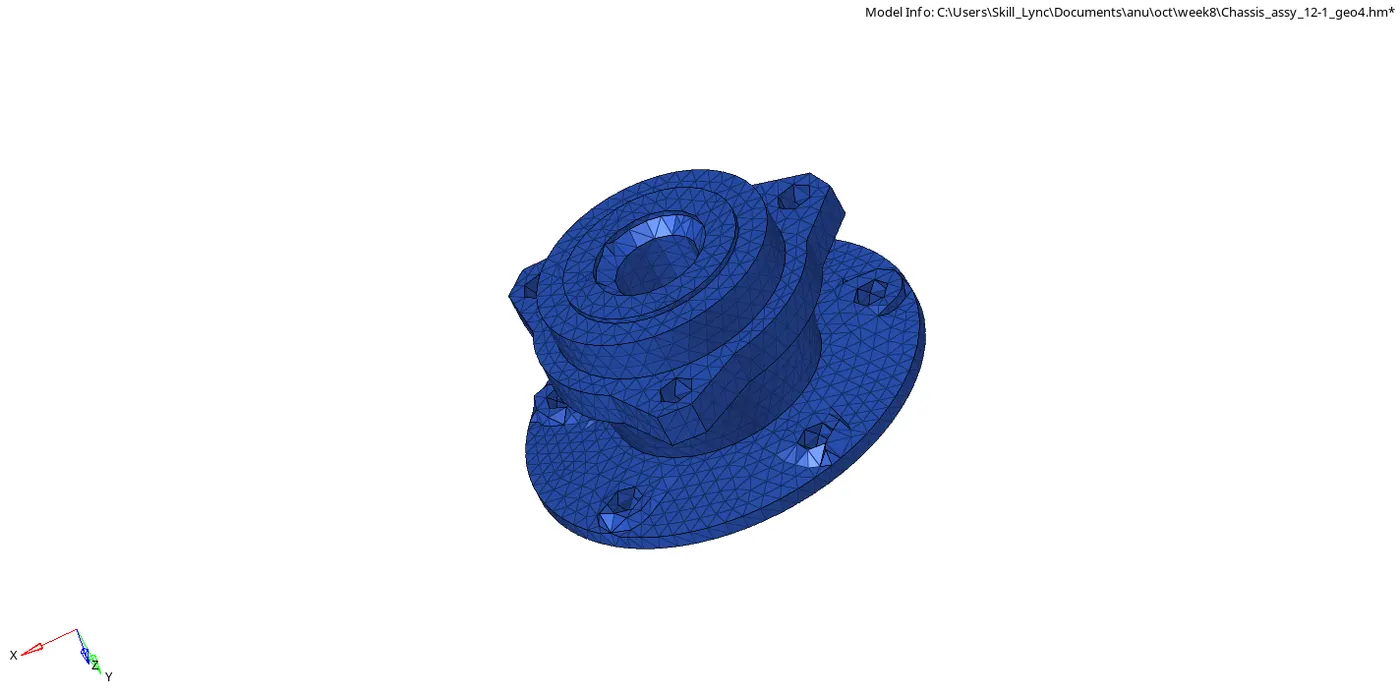
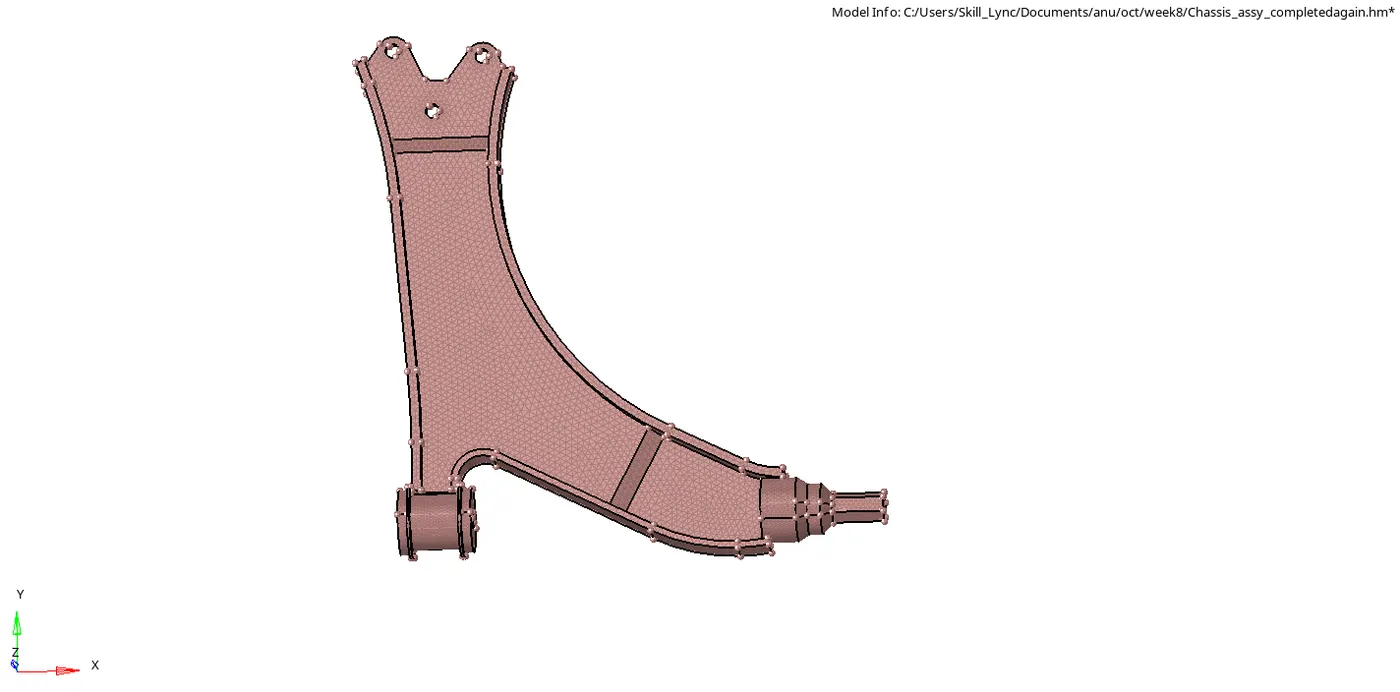
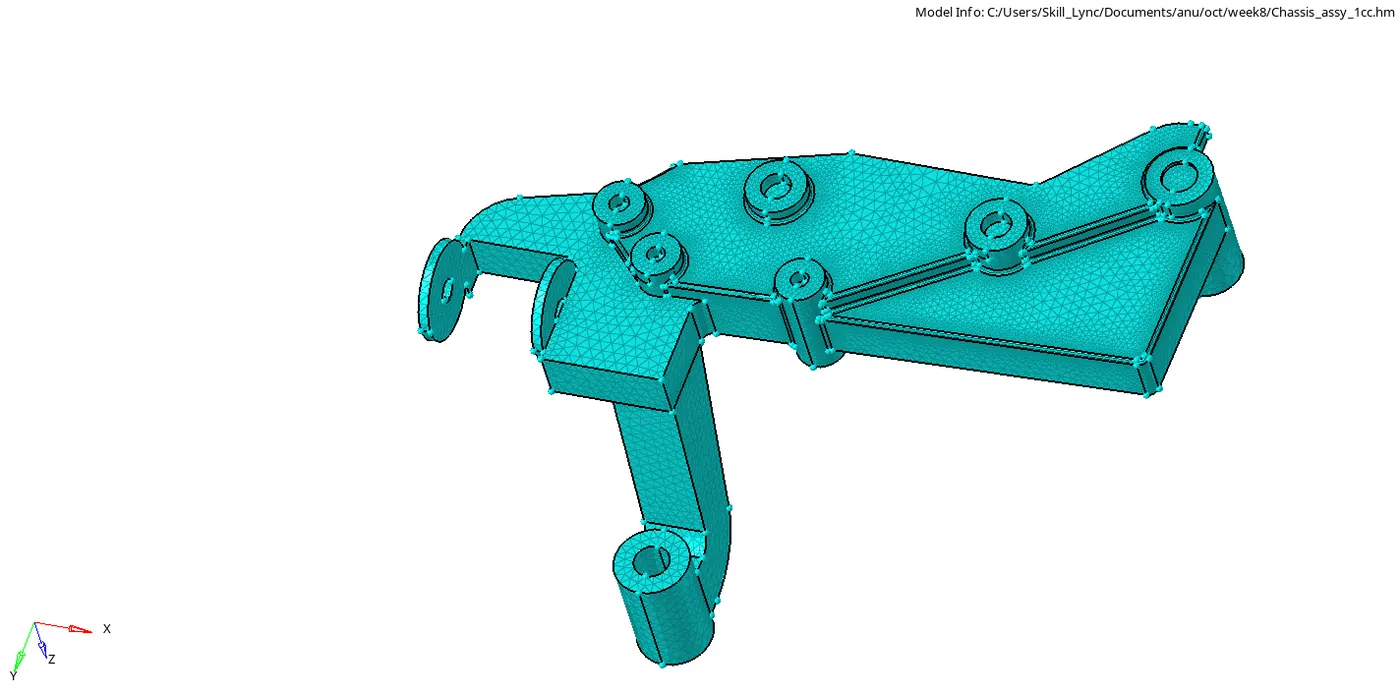
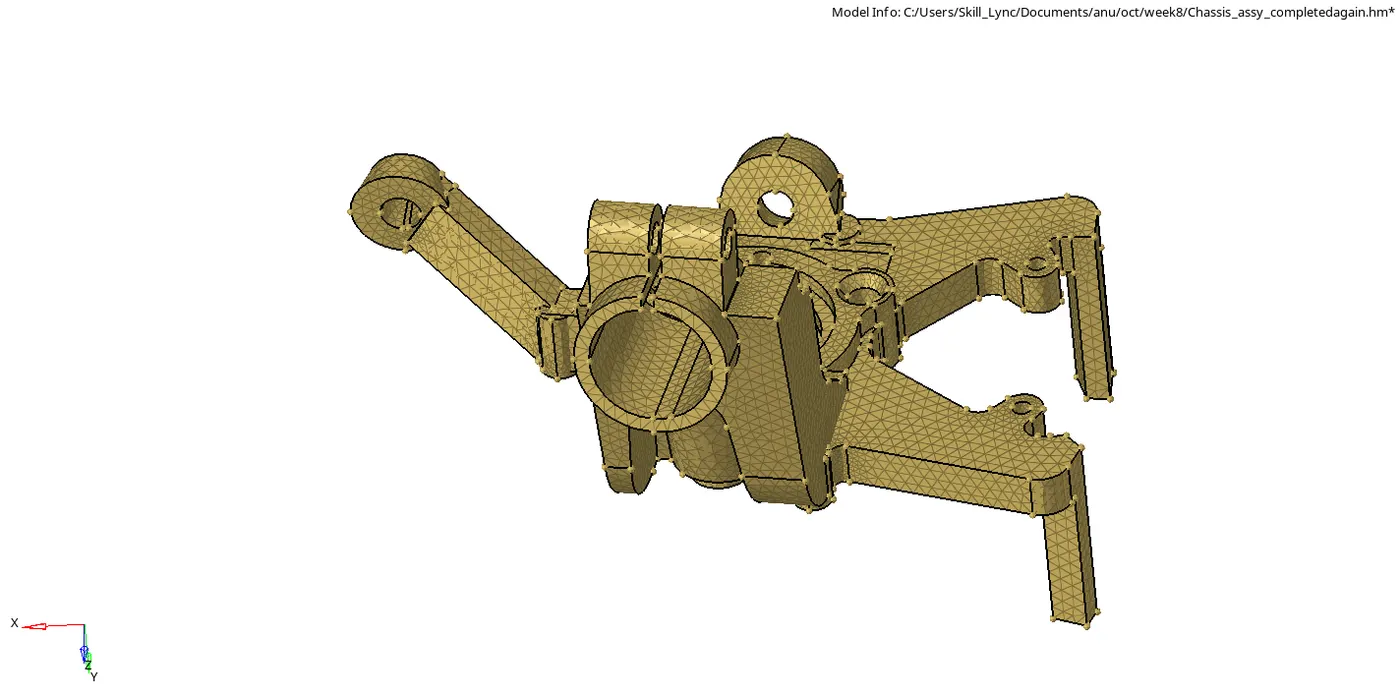
Any element failing for tet collapse was rectified using tetra remesh option from 3D module , distance option from Geometery module translate option from Tools module. Before performing tetra remesh , tetra remesh , the tertamesh parameters were entered .




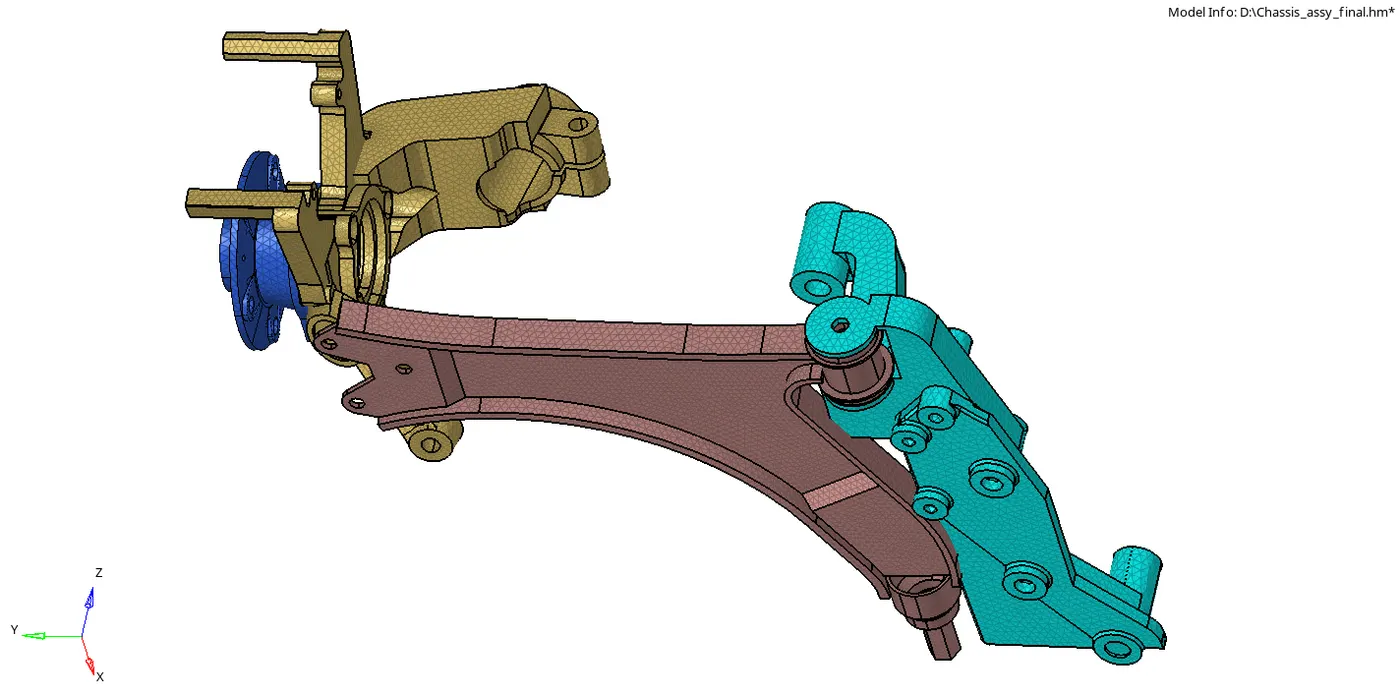
Result : 3D mesh for the given models were created according to required element criteria and zero failure for tet collapse .