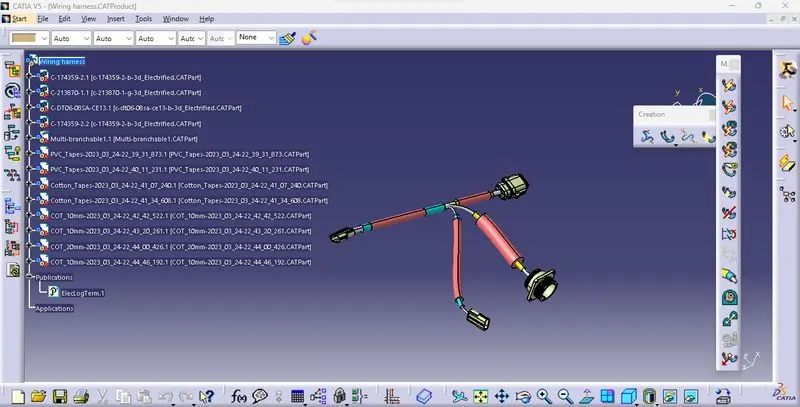
Wiring harness routing & packaging Rules Week 3 Challenge
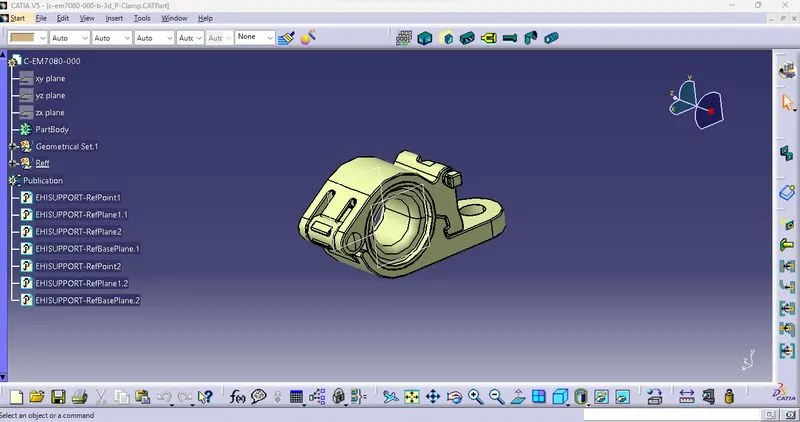
1.P-Clamp
|
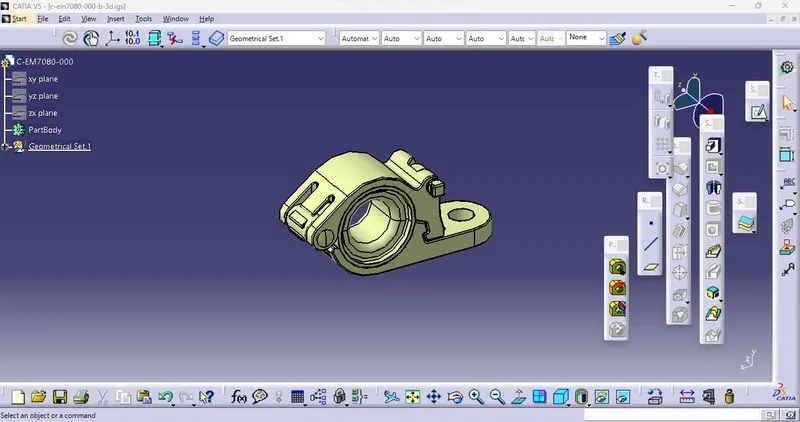
CAD Data - Download the P-clamp (igs/stp) file from TE.com & Load in Catia V5 in
|
|
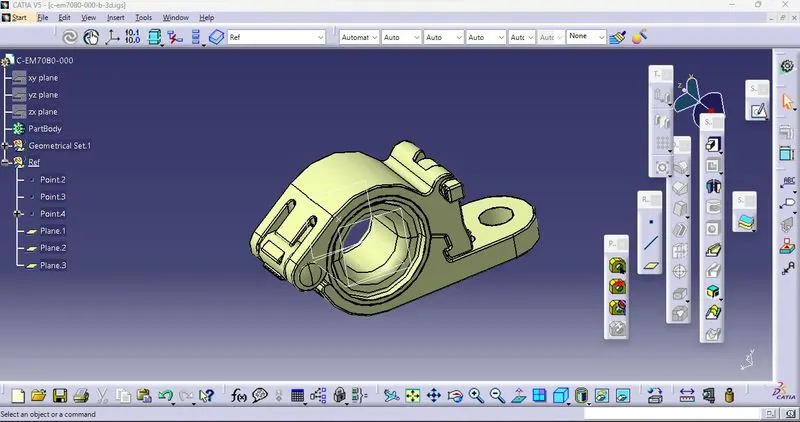
Creating Geometric feature to the P-Clamp loaded (E.g -Points and Planes with Entry,Exit and Base planes)
Entry side Exit side Base plane
|
|
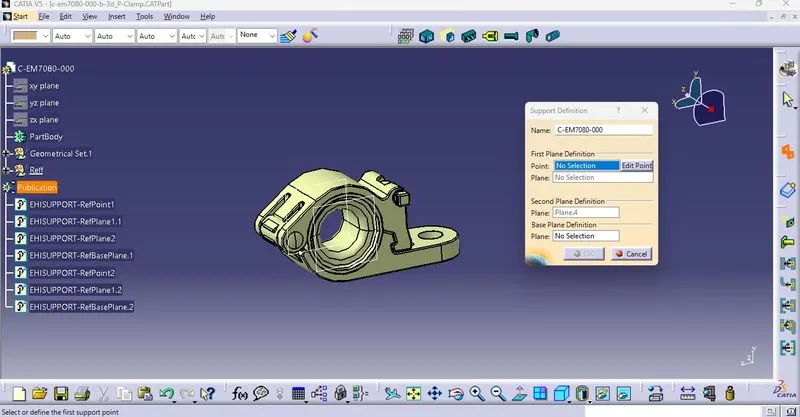
Define the Electrical Property to required to P- clamp (Deifine Support Part - Electrical Parts design) Select Entry,Exit & Base planes with points
|
2.Tyco 1738312-1-Backshell
|
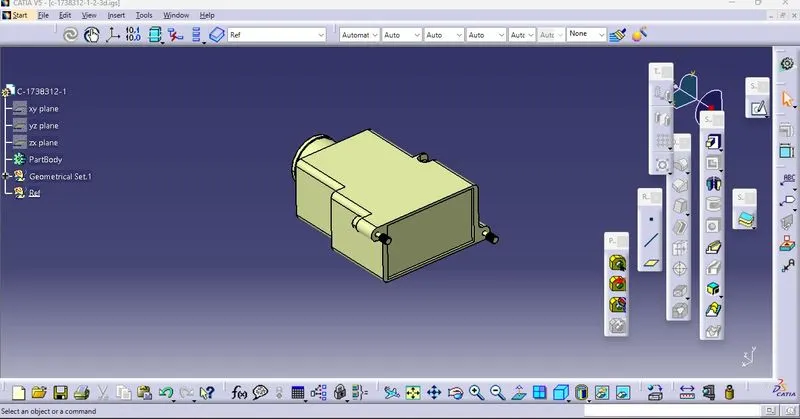
CAD Data - Download the Backshell (igs/stp) file from given link in TE.com TE.com & Load in Catia V5 in
|
|
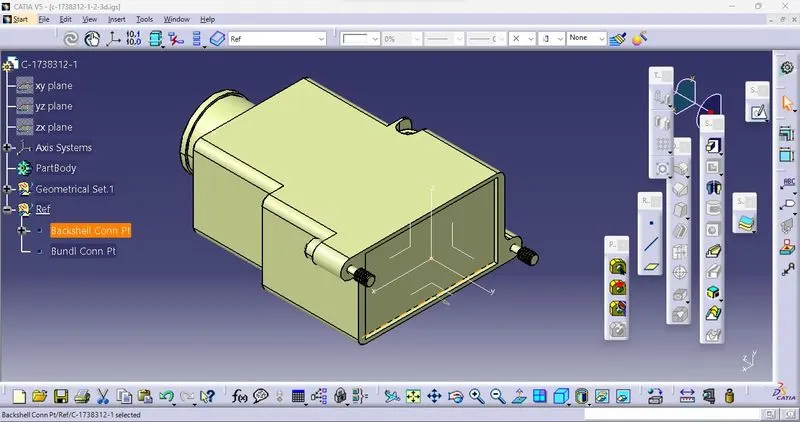
Creating Geometric feature to the Backshell loaded (E.g -Points and axis)
Cliping side - x axis
|
|
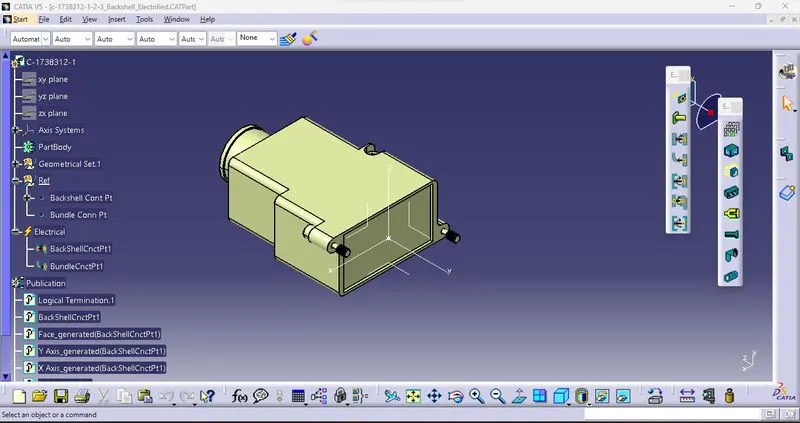
Define the Electrical Property to required to Backshell (Deifine Backshel,Define Backshell Connection Point,Define Bundle connection point in Electrical Parts design)
|
3.COT - Tubes
|
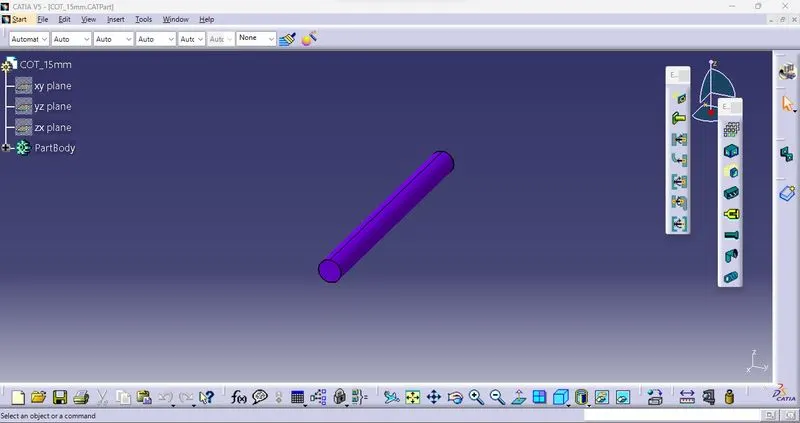
Creation of COT-tubes that Open New part window in CATIA V5. Switch to Electric Part Design - Define Protection parts - Select ID,Thickness,Bend radius
|
|
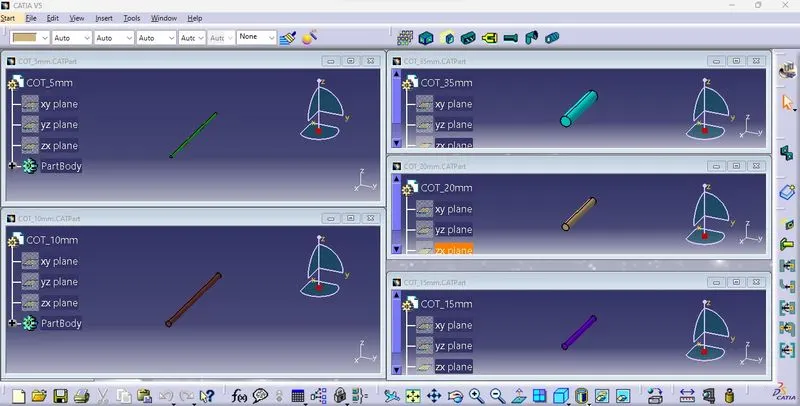
Similarly Create all give COT_Tubes
|
|
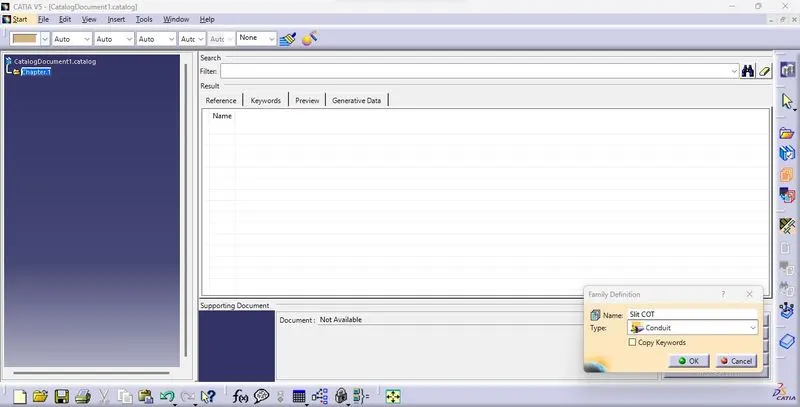
Create Catalogue Document as new window in CATIA V5,add family that Slit COT Save in local- Calalogue Doc
|
|
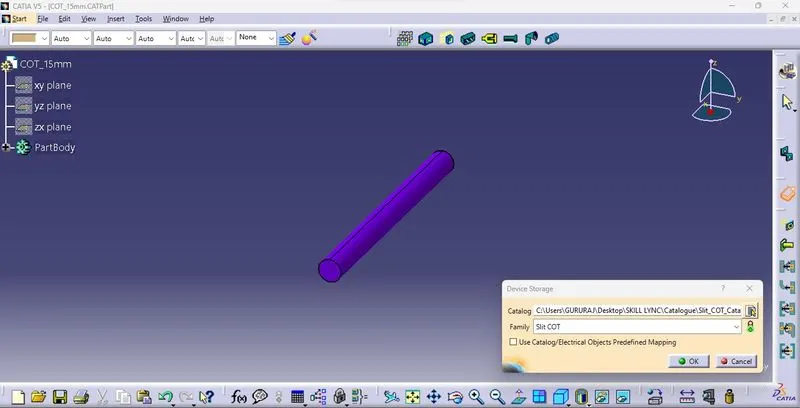
Store all created COT_Tubes in Catalogue from Electrical Part design - Store Device in Catalogue Document Same Process for all remaining COT_Tubes
|
|
Use the COT_Tubes for Protection from Electrical Harness Assembly design - Protctive covering with Start and End Extremities from use Catalogue document
|